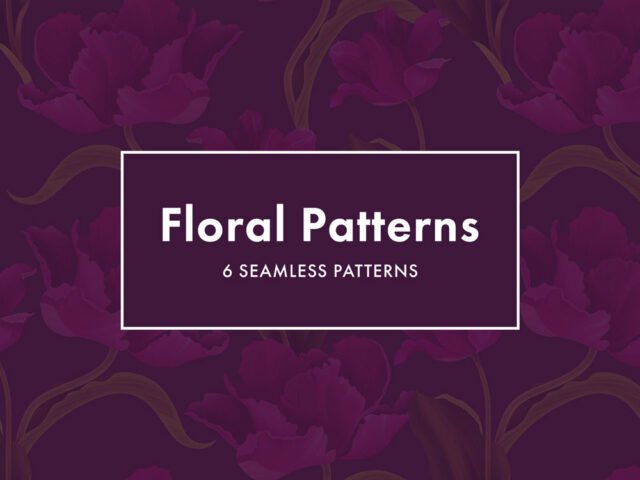
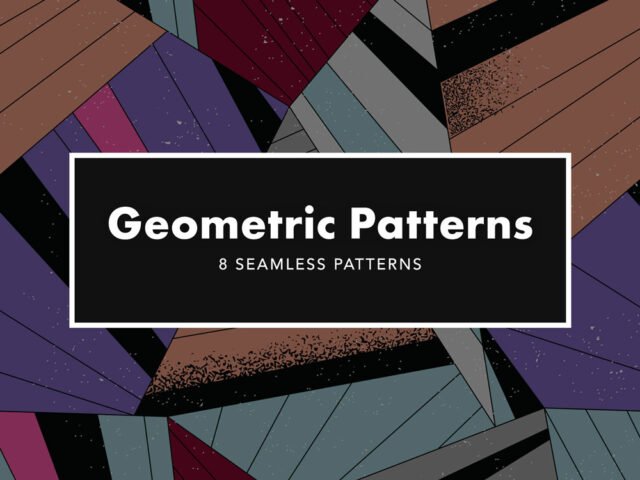
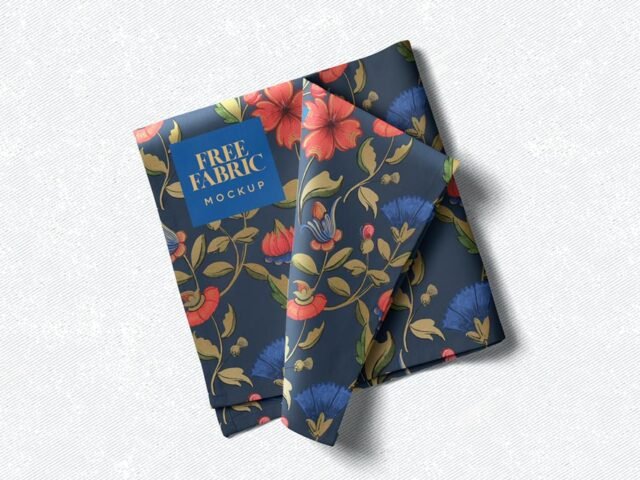
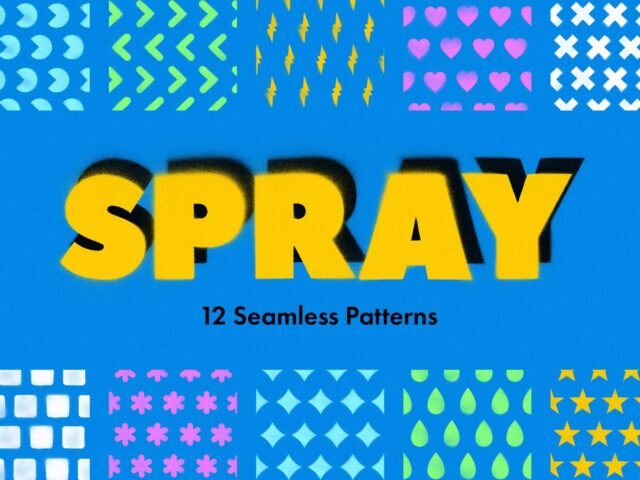
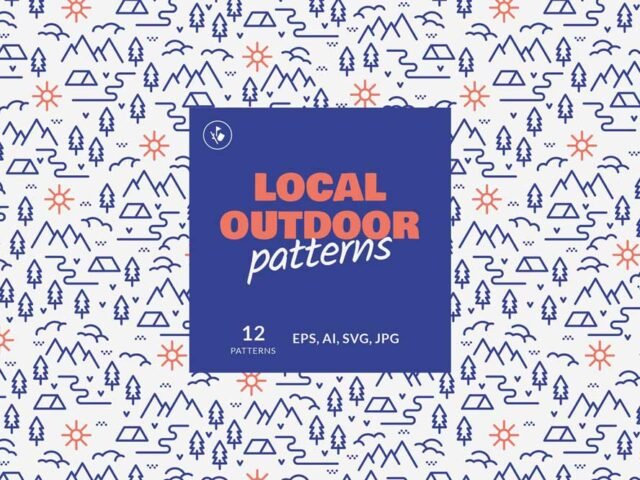
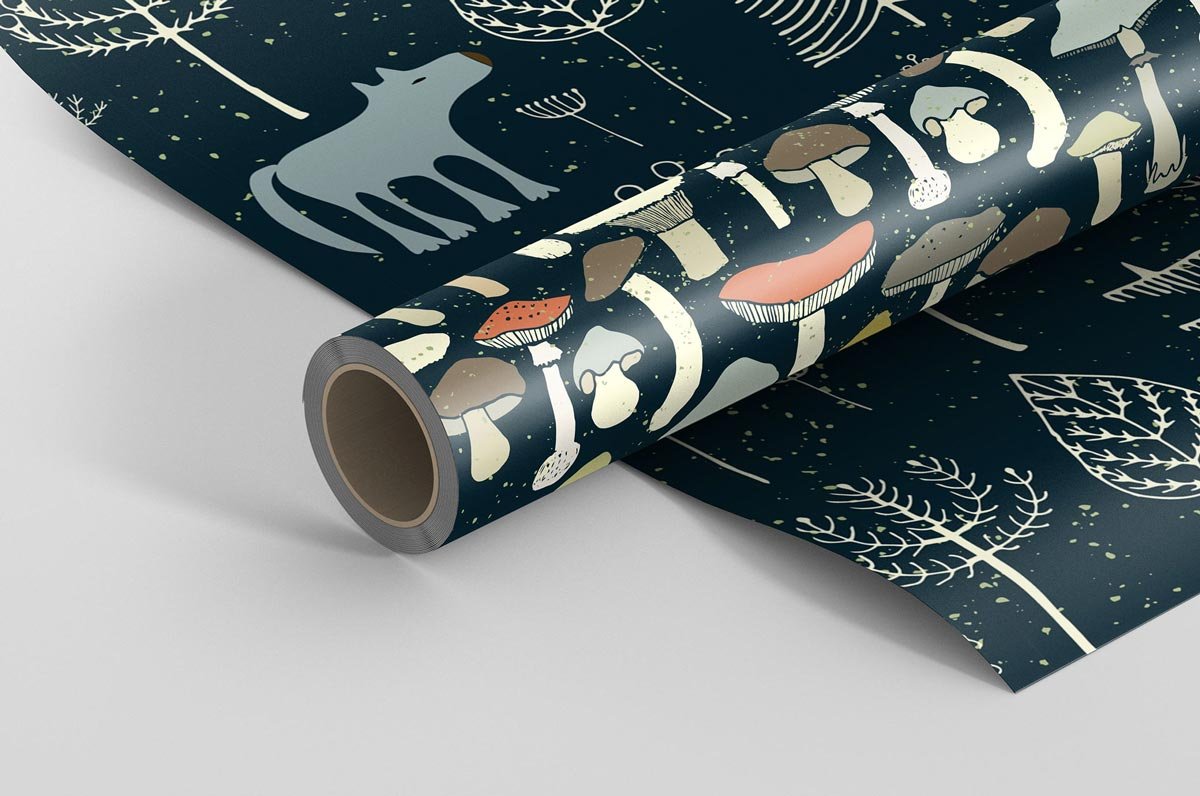
Magic Forest Patterns
What's inside
- Applications Photoshop
- File Types Pattern files
- License Free (see author's terms)
- Author Pixelbuddha
Add Magic Forest Patterns to your toolkit if you work on textile prints or wrapping paper a lot.
Surface designers and packaging designers tend to get the most out of files like this. Quick tip: read the author’s notes on the download page. Asset packs often include install steps or usage limits.
Free resources like this are a good way to try a style before committing to a paid pack.
Use it for
- Textile prints
- Wrapping paper
- Web backgrounds
The file is made by Pixelbuddha. The download button takes you to their page, where you get the original file and the licence details.
How to use the Magic Forest Patterns
- Unzip the files from the author’s page.
- Load the pattern in Photoshop (Edit › Define Pattern) or use the image files.
- Apply it with a Pattern Overlay or fill layer.
- Scale the pattern to suit your layout.
Another tip: try the pack on a real project before adding it to your library; it’s the quickest way to see if the style fits.
Good to know
- Made by Pixelbuddha. File size and format are listed on their page.
- Check the licence on the author’s page, especially for client work.
- Some free packs ask for credit when used publicly.
More free patterns are listed below, each linking to the original author.
Questions about this mockup
What licence does it come with?
Pixelbuddha sets the licence, and it can differ from file to file. Many free files allow personal and commercial use, but some are personal-only or ask for credit. Read the terms on the download page before a paid project.
Are these patterns seamless?
Most pattern packs are made to tile, but check the author's notes. Seamless patterns repeat without visible edges.