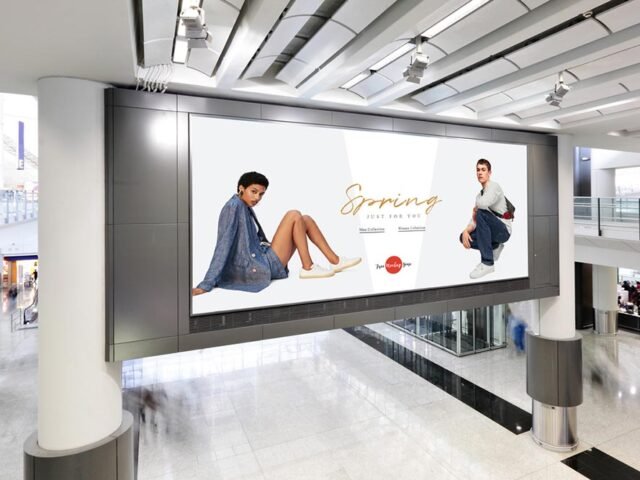
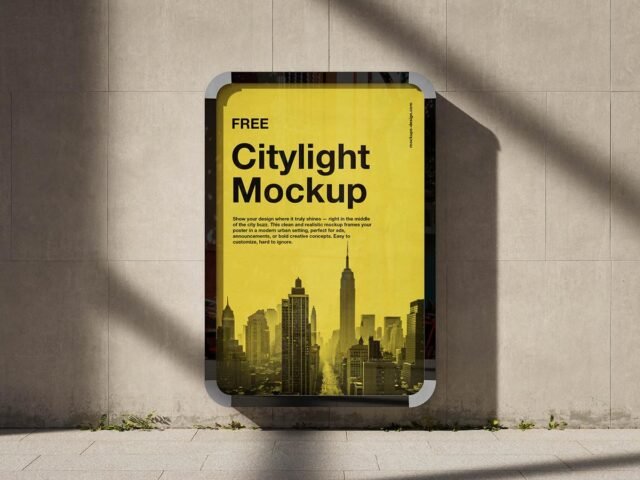
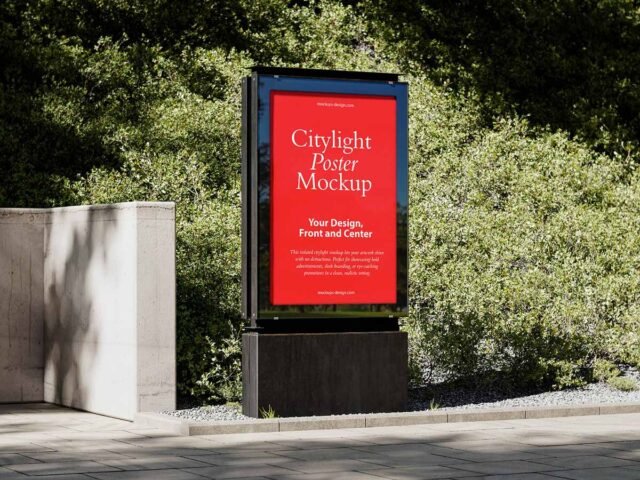
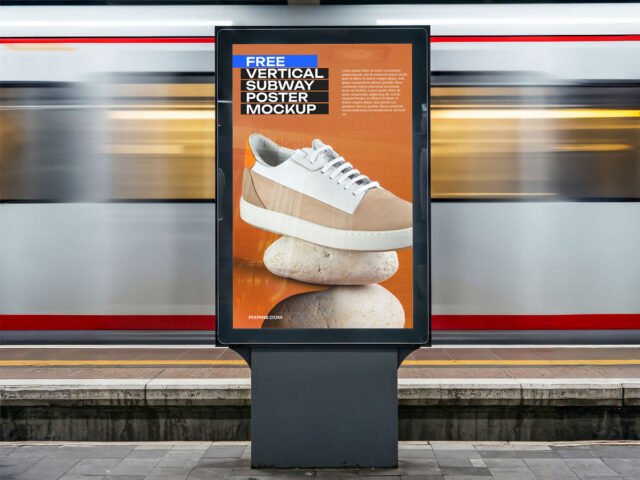
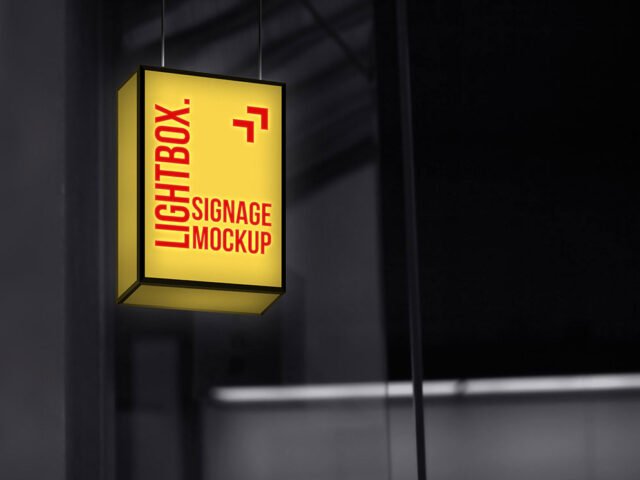
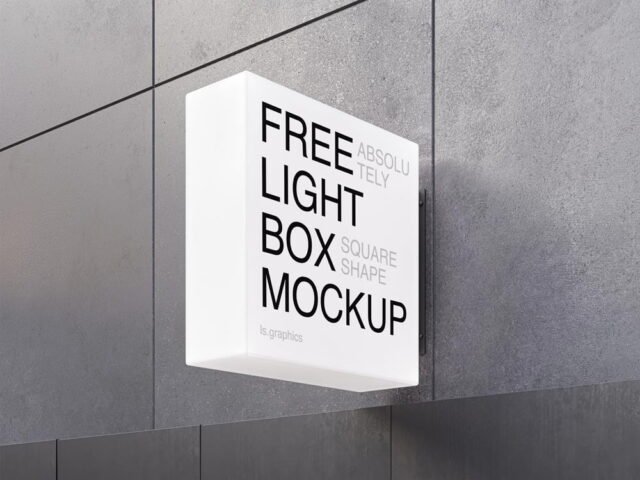
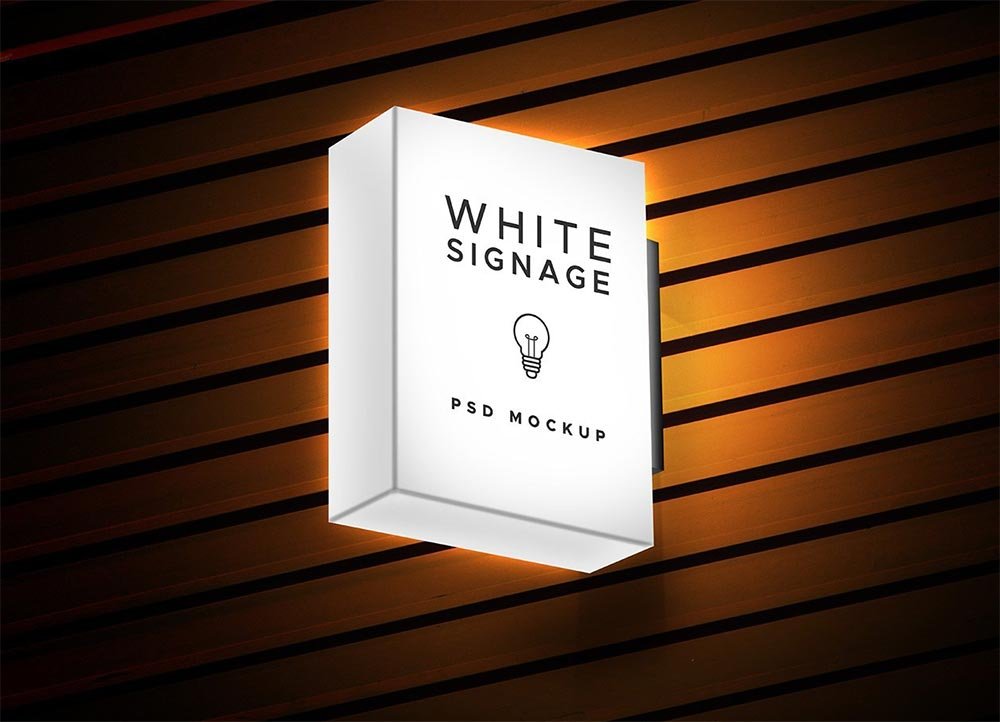
Light Box Signage Mockup
What's inside
- Applications Photoshop
- File Types PSD
- License Free (see author's terms)
- Author GraphicsFuel
This light box signage mockup is one of the simpler ways to present a city lightbox ad or a transit ad convincingly.
Campaign designers and city marketers tend to get the most out of files like this. One thing worth knowing: night or backlit scenes usually have a glow layer. Push it up for lightboxes, down for printed paper.
Agencies use scenes like this in pitch decks, where a realistic placement often sells the idea more than the artwork alone. Show the same visual on a billboard and a flyer to present a consistent campaign.
This is a free file from GraphicsFuel. When you click download you’ll land on their page to grab it.
Editable options in the Light Box Signage Mockup PSD
Everything below is on its own layer:
- Ad artwork, placed through the smart object
- Lighting and shadow layers
- Brightness to match the scene
How to edit this Light Box Signage Mockup in Photoshop
- Check the smart object’s ratio first, then build the ad to match it.
- Open the PSD in Photoshop and find the smart object layer, usually named “Your Design” or “Place Here”.
- Place your design, hide the sample artwork, save, and go back to the main file.
- Use the glow layer for night or backlit scenes.
- Save a JPG for clients and social media, and keep the PSD for later changes.
Worth remembering: check your artwork’s aspect ratio against the smart object before you start, or faces and logos get cropped.
Where the Light Box Signage Mockup works best
- Show a campaign poster on your online shop or product page.
- Share a transit ad on Instagram, Behance or Dribbble with a real-looking preview.
- Make two or three colour versions of a city lightbox ad and let the client pick.
Good to know
- Made by GraphicsFuel. The download size and format are listed on their page.
- The preview shows the angle, background and lighting you’ll get.
- Built for Adobe Photoshop. A recent CC version handles the smart objects best.
- Check the licence on the author’s page. Personal and commercial terms differ from file to file.
Scroll down for similar bus stop mockups from other designers.
Questions about this mockup
What licence does it come with?
It's free to download, but the licence belongs to GraphicsFuel. Check their page: it states whether commercial use is allowed and if attribution is needed.
How do I put my artwork on the bus stop ad?
Find the smart object layer (it has a small icon on its thumbnail), double-click it, place your design, then save and close that tab.
Do I need Photoshop?
Yes. This is a PSD mockup built with smart objects, so you edit it in Adobe Photoshop. Any recent CC version works.
Can I change the surroundings?
Usually only lighting and shadows are adjustable. The street, sky or building are part of the photo.
Why does the download open another website?
We list free files from designers around the web and link to the original page, so GraphicsFuel gets the visit and you get the file exactly as they published it.