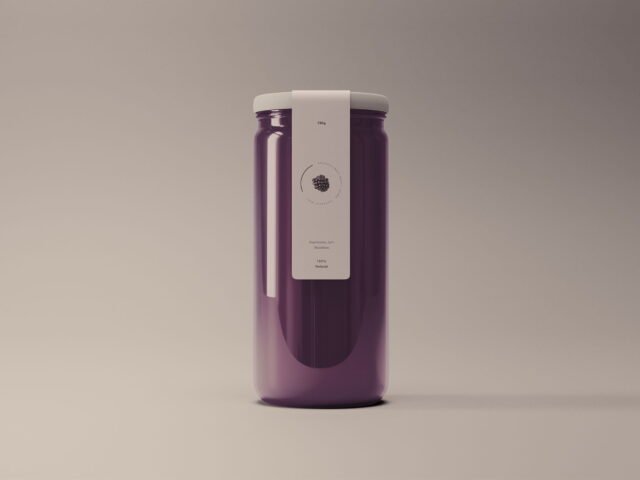
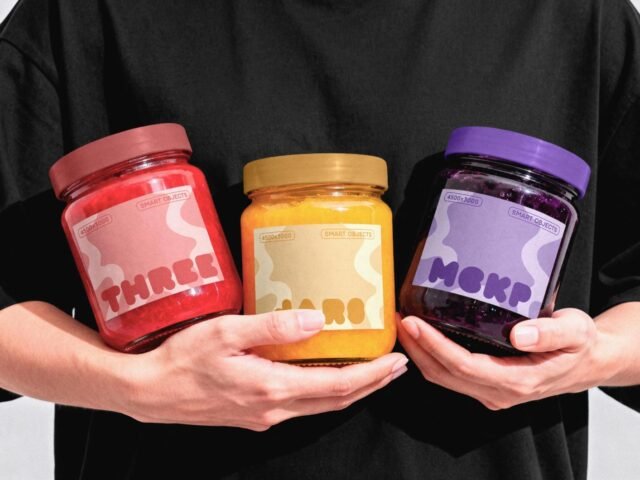
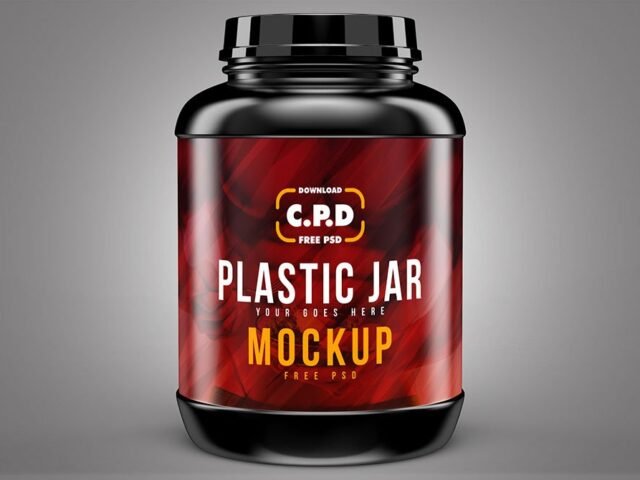
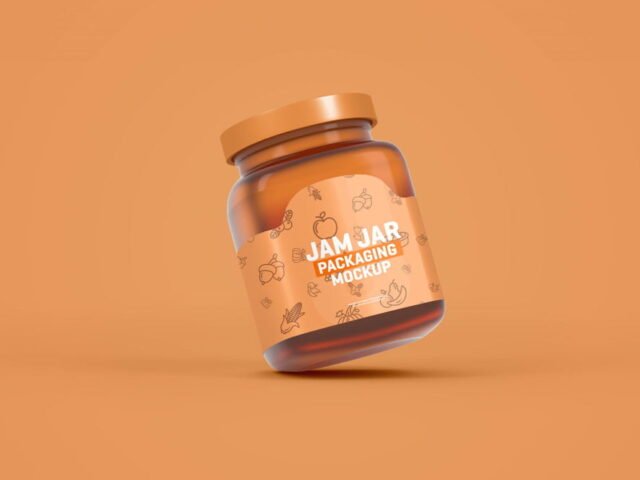
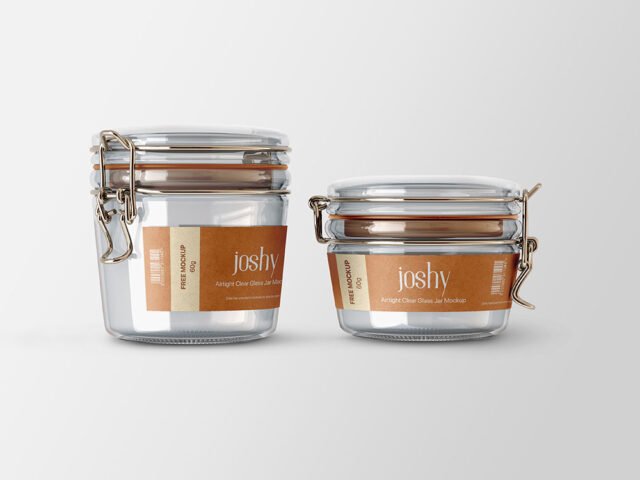
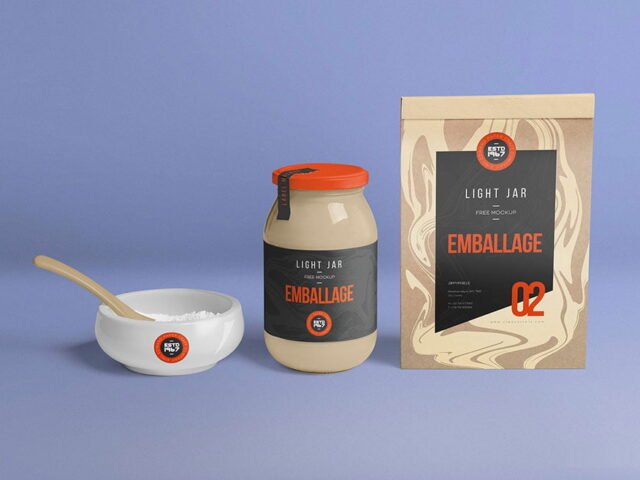
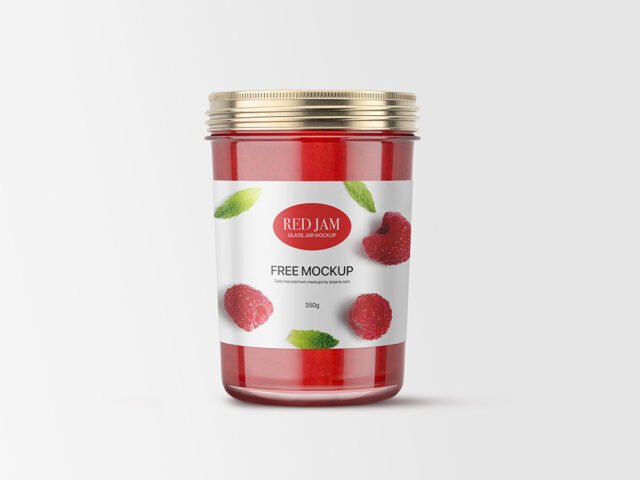
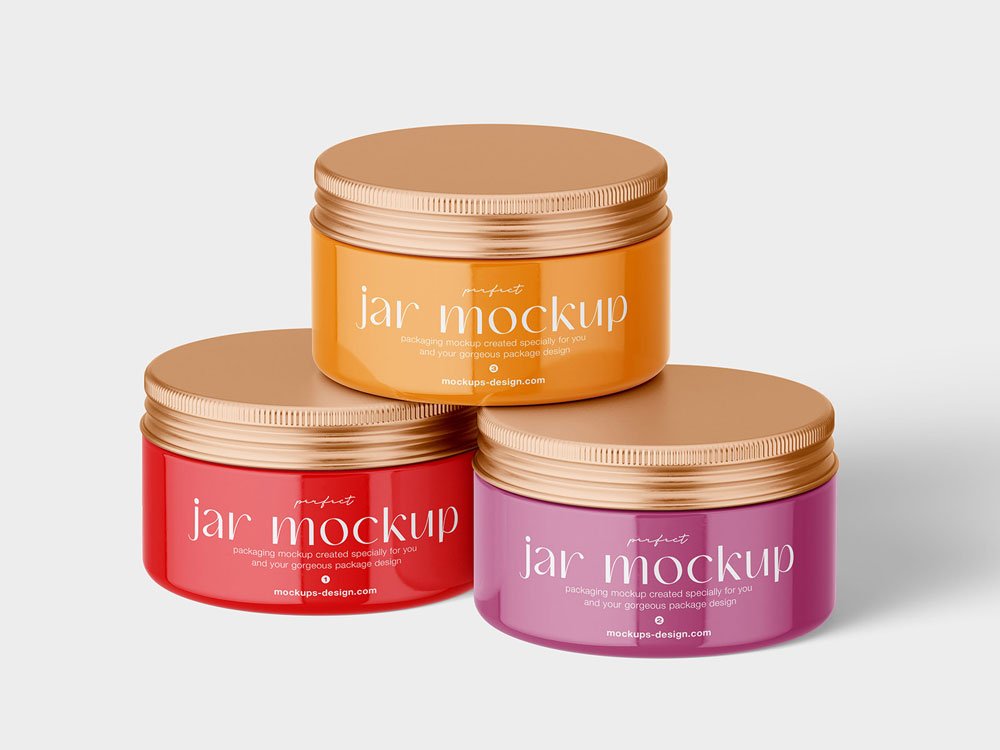
Metallic Lid Cosmetic Jar Mockup
What's inside
- Applications Photoshop
- File Types PSD
- License Free (see author's terms)
- Author Mockups Design
Presenting a candle jar label? Put it on this metallic lid cosmetic jar mockup and the client sees the real thing, not a flat file. Because it’s metallic, the material shows through a little, which keeps the result believable.
Etsy makers and cosmetic brands tend to get the most out of files like this. Metallic and glossy finishes look best with a little contrast in the label; very flat pastel labels can look printed on paper.
It’s also a good way to compare a few label directions side by side without printing anything.
Use it for
- A candle jar label
- A cosmetic jar lid
- A honey or jam label
Credit goes to Mockups Design. We link to their download page rather than re-uploading the file, so check their terms there before commercial use.
Editable options in the Metallic Lid Cosmetic Jar Mockup PSD
Everything below is on its own layer:
- Label artwork, placed through the smart object
- Background colour
- Container colour
How to use the Metallic Lid Cosmetic Jar Mockup
- Export the label at the size of the smart object.
- In the Layers panel, find the layer with the small smart object icon and double-click it.
- Drop your artwork in, fit it to the canvas, save and close. The mockup updates by itself.
- Change the background to your brand colour.
- Export with File › Export › Export As: JPG for sharing, PNG for the web.
Worth remembering: leave a little breathing room around the label edge so the highlight strip does not cut through your logo.
Where the Metallic Lid Cosmetic Jar Mockup works best
- Use it as the cover image for a cosmetic jar lid in your portfolio.
- Make two or three colour versions of a honey or jam label and let the client pick.
- Present a candle jar label in a client proposal or brand guide.
Before you download
- Made by Mockups Design. The download size and format are listed on their page.
- Check the smart object size before you design, so your artwork fits without stretching.
- Some free mockups ask for credit when you post them. A short line in your caption is enough.
Browse more free jar mockups on Artistic Orbit, with new files added every day.
Questions about this mockup
Can I use this jar mockup for client work?
Mockups Design sets the licence, and it can differ from file to file. Many free files allow personal and commercial use, but some are personal-only or ask for credit. Read the terms on the download page before a paid project.
How do I put my artwork on the jar?
Find the smart object layer (it has a small icon on its thumbnail), double-click it, place your design, then save and close that tab.
Do I need Photoshop?
Yes. This is a PSD mockup built with smart objects, so you edit it in Adobe Photoshop. Any recent CC version works.
Can I change the liquid or container colour?
Most bottle, can and cup mockups keep the container colour on its own layer. Liquid colour, where visible, is usually adjustable too.