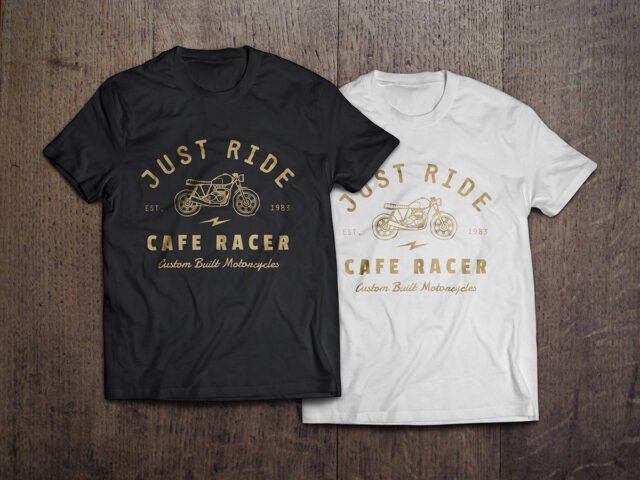
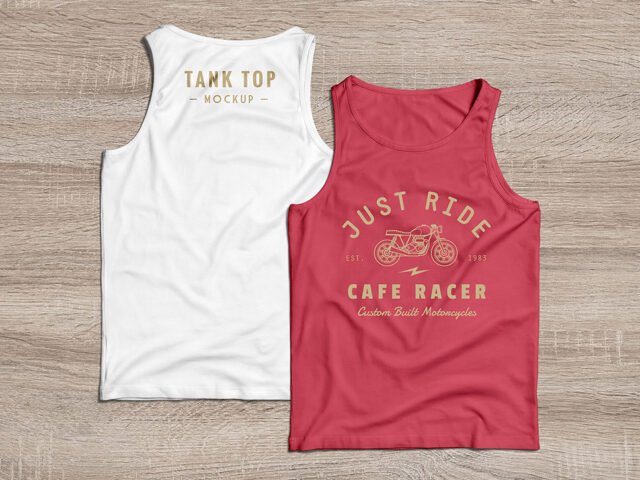
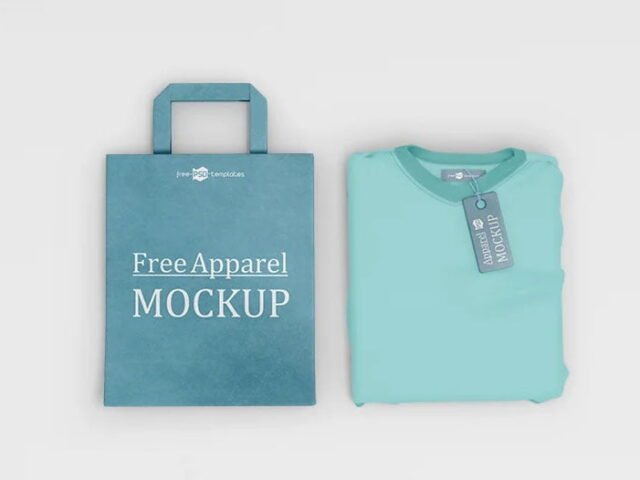
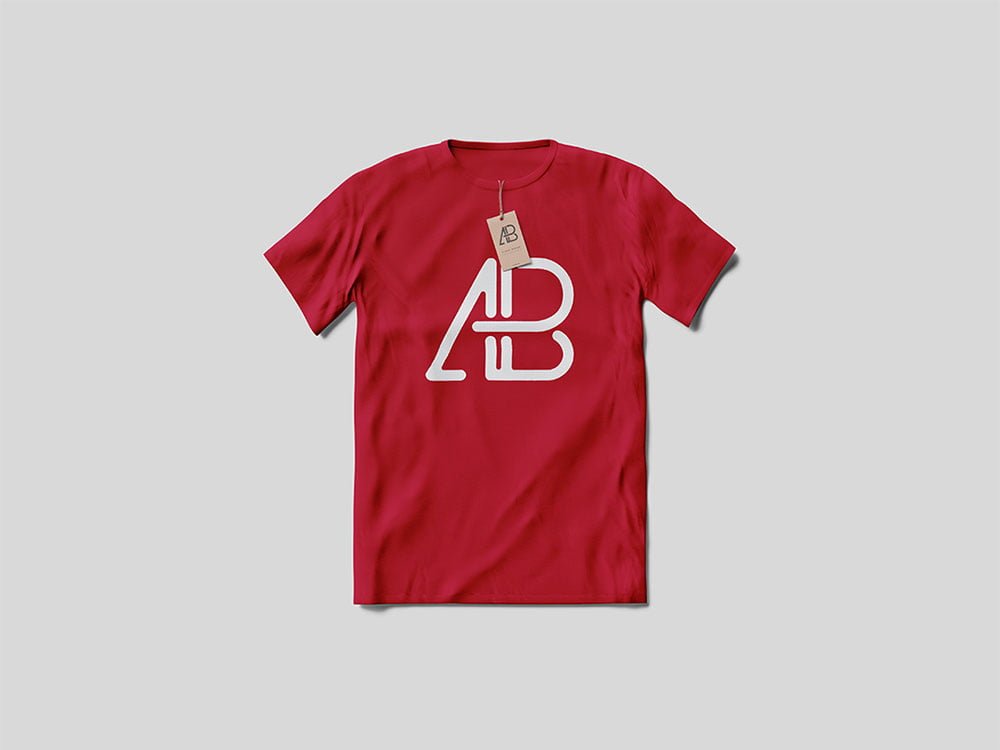
T-Shirt With Tag Mockup
What's inside
- Applications Photoshop
- File Types PSD
- License Free (see author's terms)
- Author Anthony Boyd Graphics
This t-shirt with tag mockup is a quick way to show a slogan without a photo shoot.
Merch sellers and print-on-demand shops tend to get the most out of files like this. Place the design as a flat PNG with a transparent background, then let the fabric displacement do the folds.
It’s also useful before a print run, to check how large the design should really be on the garment. Add a hoodie or sweatshirt shot next to it and you have a basic collection page.
Anthony Boyd Graphics created this one and hosts the download on their own site, so you always get the latest version straight from the source.
T-Shirt With Tag Mockup: editable parts
Open it in Photoshop and you can change:
- Print design, placed through the smart object
- Folds and wrinkles that wrap your print
- Fabric colour
- Background colour
Add your design to the T-Shirt With Tag Mockup
- Save your print as a PNG with a transparent background.
- Open the PSD in Photoshop and find the smart object layer, usually named “Your Design” or “Place Here”.
- Drop your artwork in, fit it to the canvas, save and close. The mockup updates by itself.
- Lower the print opacity a touch if it looks too sharp on the folds.
- Export a full-size image for your portfolio and a smaller one for social media.
Worth remembering: light prints on light fabric vanish; try the garment colour layer first before you change your artwork.
Ways to use this T-Shirt With Tag Mockup
- Use it as the cover image for a back print in your portfolio.
- Show a slogan on your online shop or product page.
- Show a small chest logo to a client before it goes to print or production.
Good to know
- Made by Anthony Boyd Graphics. The download size and format are listed on their page.
- Some free mockups ask for credit when you post them. A short line in your caption is enough.
- Check the licence on the author’s page. Personal and commercial terms differ from file to file.
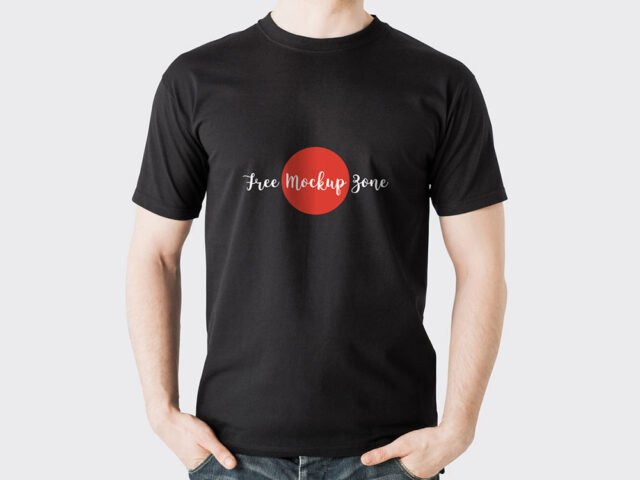
- The preview shows the angle, background and lighting you’ll get.
More free t shirt mockups are listed below, each linking to the original author.
Questions about this mockup
Can I use this T-shirt mockup for client work?
Anthony Boyd Graphics sets the licence, and it can differ from file to file. Many free files allow personal and commercial use, but some are personal-only or ask for credit. Read the terms on the download page before a paid project.
How do I add my design?
Open the file in Photoshop, double-click the smart object thumbnail, paste or place your artwork in the new tab, save it (Ctrl/Cmd + S) and close. The main file updates on its own.
Do I need Photoshop?
Yes. This is a PSD mockup built with smart objects, so you edit it in Adobe Photoshop. Any recent CC version works.
Does the print follow the fabric folds?
Better apparel mockups use a displacement map or warp so the print follows the wrinkles. Check the preview: if the folds show through the logo, it does.
Why does the download open another website?
We list free files from designers around the web and link to the original page, so Anthony Boyd Graphics gets the visit and you get the file exactly as they published it.