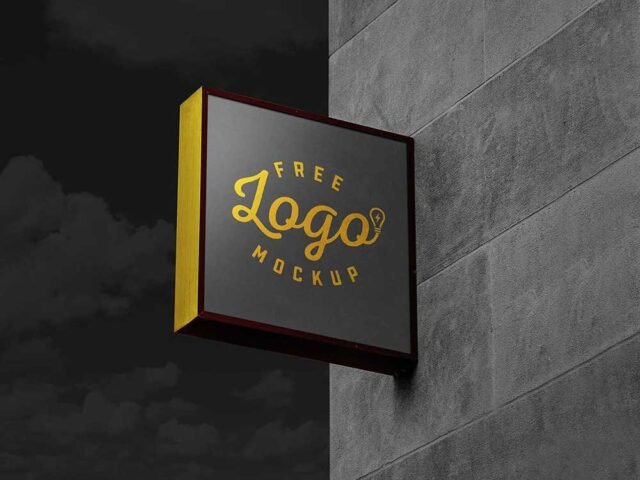
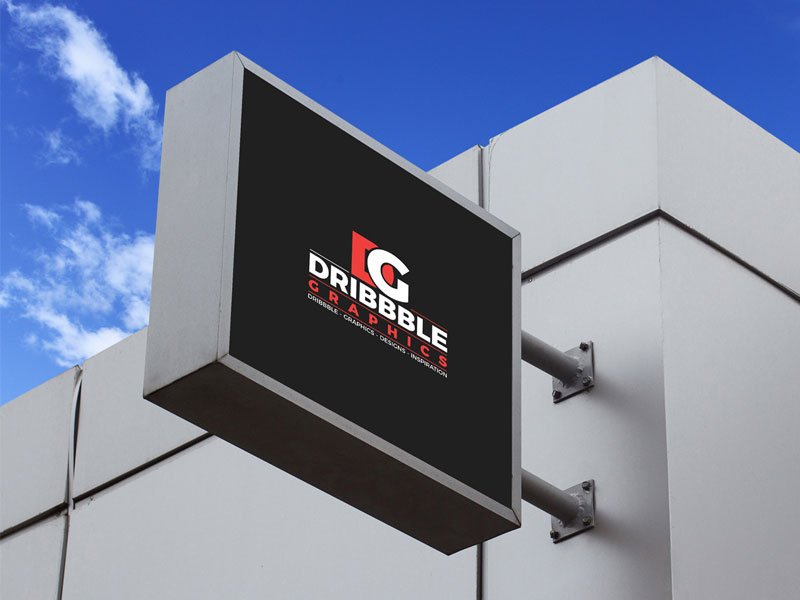
Modern Square Signboard Mockup
What's inside
- Applications Photoshop
- File Types PSD
- License Free (see author's terms)
- Author Dribbble Graphics
This modern square signboard mockup is one of the simpler ways to present wayfinding signs or a neon logo convincingly.
It’s a handy file for architects and shop owners. A small tip: match the brightness of your design to the scene; a very bright graphic in a shaded spot looks pasted in.
Showing a campaign in context helps clients see the scale; a design that feels loud on a laptop can look quiet on the street.
Credit goes to Dribbble Graphics. We link to their download page rather than re-uploading the file, so check their terms there before commercial use.
Editable options in the Modern Square Signboard Mockup PSD
Open it in Photoshop and you can change:
- Ad artwork, placed through the smart object
- Lighting and shadow layers
- Brightness to match the scene
- Glow layer for backlit scenes, where included
How to use the Modern Square Signboard Mockup
- Check the smart object’s ratio first, then build the ad to match it.
- In the Layers panel, find the layer with the small smart object icon and double-click it.
- Drop your artwork in, fit it to the canvas, save and close. The mockup updates by itself.
- Match the ad’s brightness to the scene with the lighting layers.
- Save a JPG for clients and social media, and keep the PSD for later changes.
Outdoor ads are read in a second or two. Big type and one image will look far better in this scene than a busy layout.
Best uses for this Modern Square Signboard Mockup
- Present a shop sign in a client proposal or brand guide.
- Make two or three colour versions of wayfinding signs and let the client pick.
- Show a neon logo to a client before it goes to print or production.
Quick notes on this mockup
- Made by Dribbble Graphics. The download size and format are listed on their page.
- Check the licence on the author’s page. Personal and commercial terms differ from file to file.
- Check the smart object size before you design, so your artwork fits without stretching.
- Built for Adobe Photoshop. A recent CC version handles the smart objects best.
Scroll down for similar signage mockups from other designers.
Questions about this mockup
Can I use this sign mockup for client work?
That depends on the author's terms. The download page lists what is allowed; when in doubt, ask the author directly.
How do I add my design?
Open the file in Photoshop, double-click the smart object thumbnail, paste or place your artwork in the new tab, save it (Ctrl/Cmd + S) and close. The main file updates on its own.
Which Photoshop version do I need?
A recent Photoshop CC version is best. Older versions can open the file but sometimes have trouble with smart objects and effects.
Can I change the surroundings?
Usually only lighting and shadows are adjustable. The street, sky or building are part of the photo.
Why does the download open another website?
We list free files from designers around the web and link to the original page, so Dribbble Graphics gets the visit and you get the file exactly as they published it.