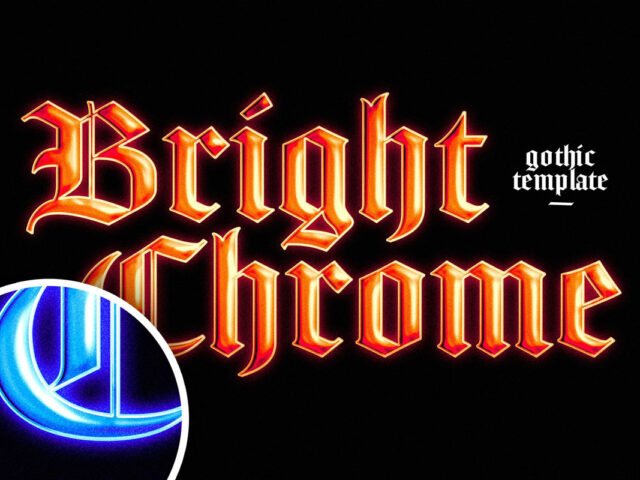
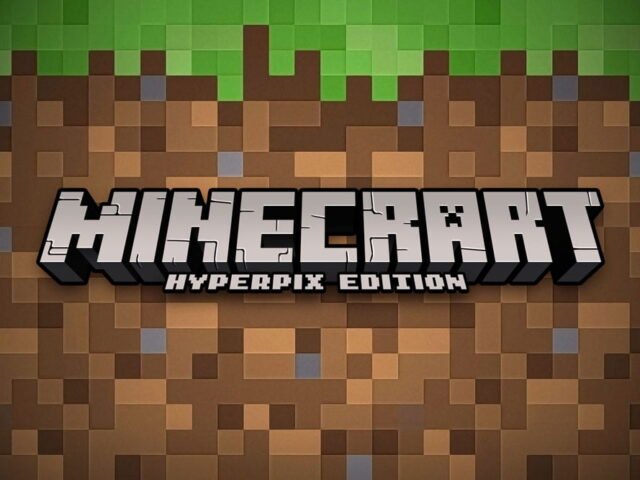
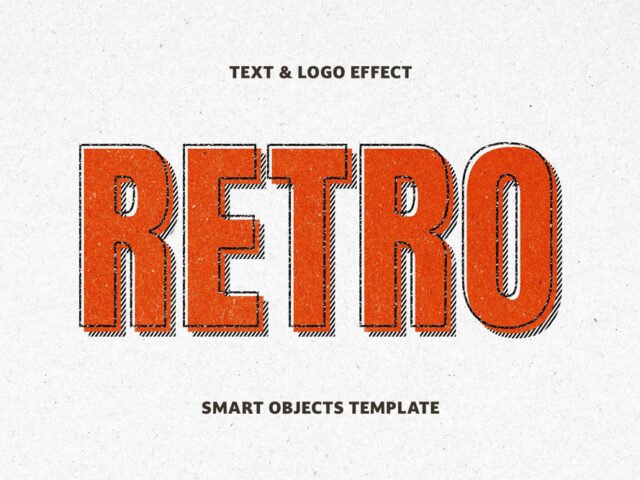
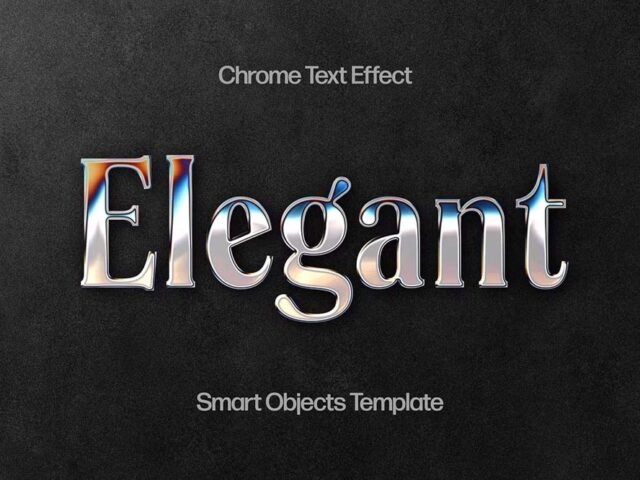
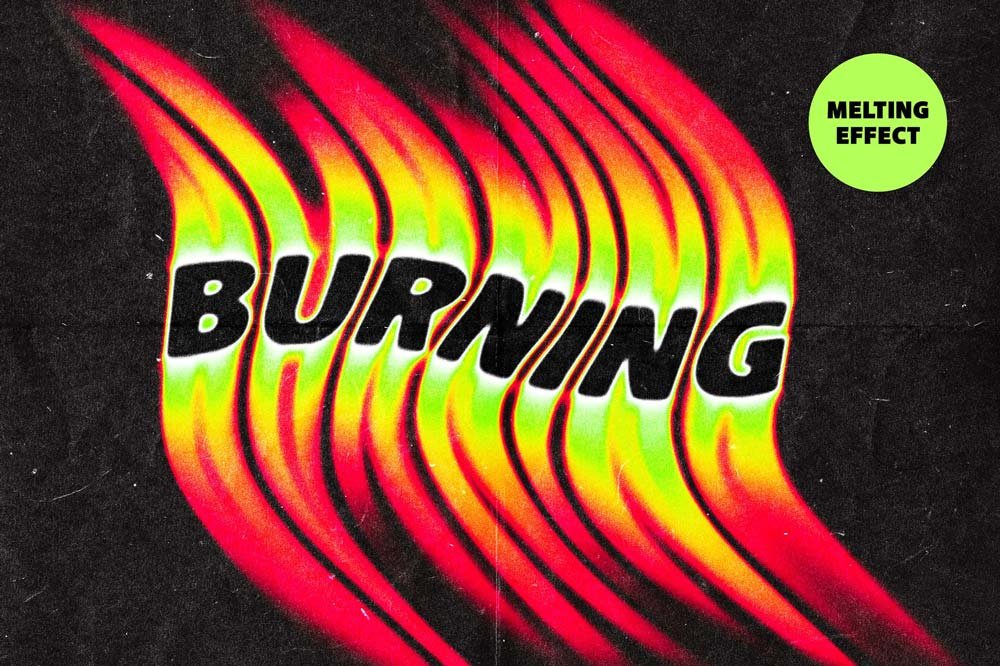
Fiery Melting Text Effect
What's inside
- Applications Photoshop
- File Types PSD
- License Free (see author's terms)
- Author Pixelbuddha
Fiery Melting Text Effect is a text effect that suits a thumbnail title, a logo and a headline.
Useful for YouTubers as much as for game designers. Short words with bold letterforms carry text effects best. Long sentences lose the effect.
It’s worth keeping a few good text effects in your library for quick jobs where you don’t have time to make one from scratch.
Use it for
- A thumbnail title
- A logo
- A headline
The file is made by Pixelbuddha. The download button takes you to their page, where you get the original file and the licence details.
Getting started with the Fiery Melting Text Effect
- Open the PSD in Photoshop.
- Double-click the smart object with the sample text.
- Type your text or paste your logo, then save and close.
- The effect updates on the main canvas; export as PNG or JPG.
Another tip: read the author’s notes on the download page. Asset packs often include install steps or usage limits.
Before you download
- Made by Pixelbuddha. File size and format are listed on their page.
- The preview shows exactly what’s included.
- Some free packs ask for credit when used publicly.
- Check the licence on the author’s page, especially for client work.
More free text effect are listed below, each linking to the original author.
Questions about this mockup
Can I use this text effect for client work?
Pixelbuddha sets the licence, and it can differ from file to file. Many free files allow personal and commercial use, but some are personal-only or ask for credit. Read the terms on the download page before a paid project.
How do I change the text?
Text effects usually sit in a smart object. Double-click it, type your word, save, and the effect updates in the main file.
Do I need the same font?
The effect works with any font, but the look in the preview depends on the font the author used. If it's missing, Photoshop will ask you to replace it.
Why does the download open another website?
We list free files from designers around the web and link to the original page, so Pixelbuddha gets the visit and you get the file exactly as they published it.