Grain Procreate Brushes
What's inside
- Applications Procreate
- File Types Procreate brushes
- License Free (see author's terms)
- Author Pixelbuddha
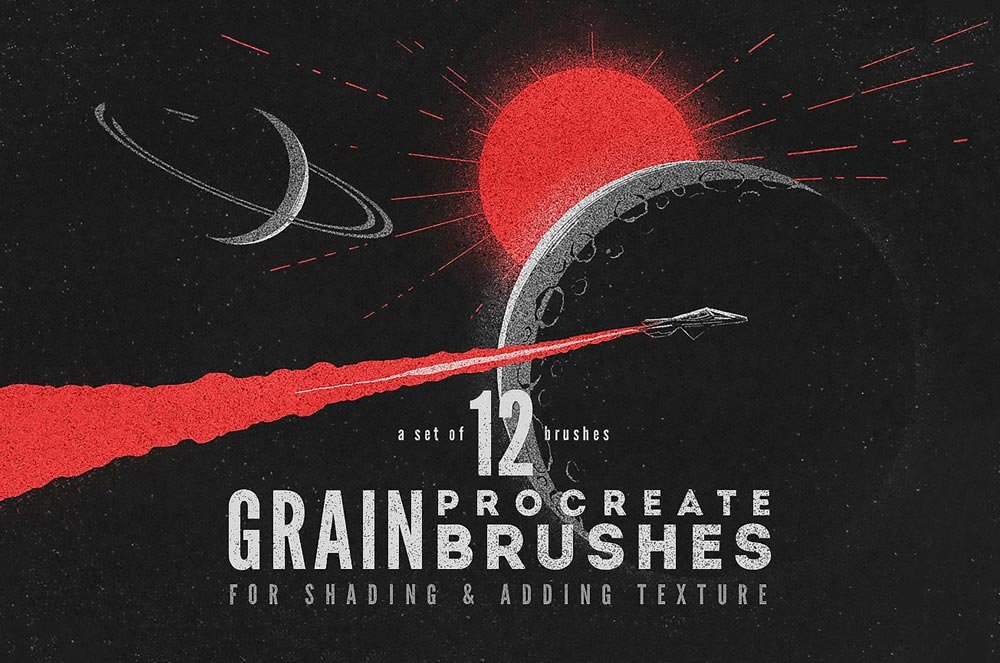
Grain Procreate Brushes is a brush set that suits lettering, illustrations and textures on the iPad.
It’s a handy file for iPad painters and lettering artists. One thing worth knowing: read the author’s notes on the download page. Asset packs often include install steps or usage limits.
Free resources like this are a good way to try a style before committing to a paid pack.
This is a free file from Pixelbuddha. When you click download you’ll land on their page to grab it.
Getting started with the Grain Procreate Brushes
- Download the .brushset or .brush file on your iPad.
- Tap it and choose Open in Procreate.
- Test the brushes on a blank canvas at different sizes.
- Adjust the brush settings for a softer or harder stroke.
Another tip: try the pack on a real project before adding it to your library; it’s the quickest way to see if the style fits.
Quick notes on this mockup
- Made by Pixelbuddha. File size and format are listed on their page.
- The preview shows exactly what’s included.
- Check the licence on the author’s page, especially for client work.
- Some free packs ask for credit when used publicly.
Need a different angle? The procreate brushes category has plenty more free PSD files.
Questions about this mockup
Is it free for commercial use?
It's free to download, but the licence belongs to Pixelbuddha. Check their page: it states whether commercial use is allowed and if attribution is needed.
How do I import brushes into Procreate?
Download the .brushset file on your iPad, tap it in the Files app, and Procreate adds the set to your library automatically.