iPad Pro Mockup Scene
What's inside
- Applications Photoshop
- File Types PSD
- License Free (see author's terms)
- Author Pixeden
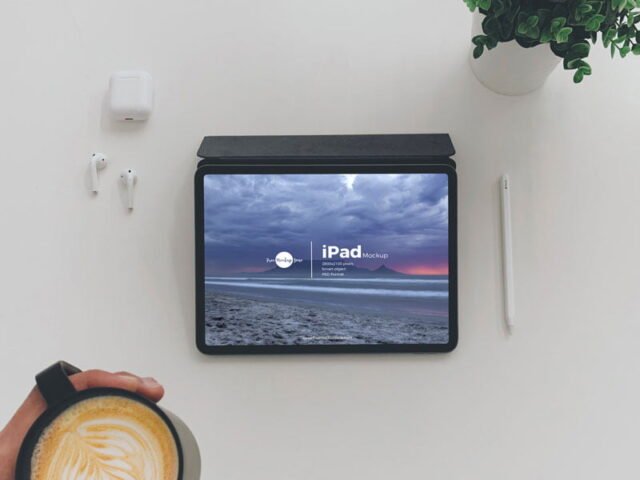
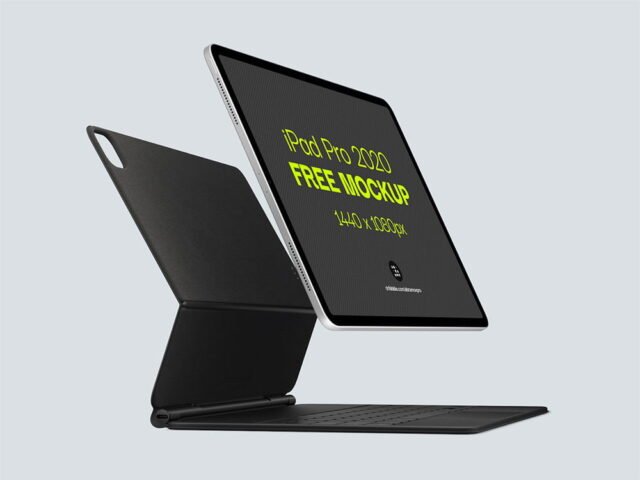
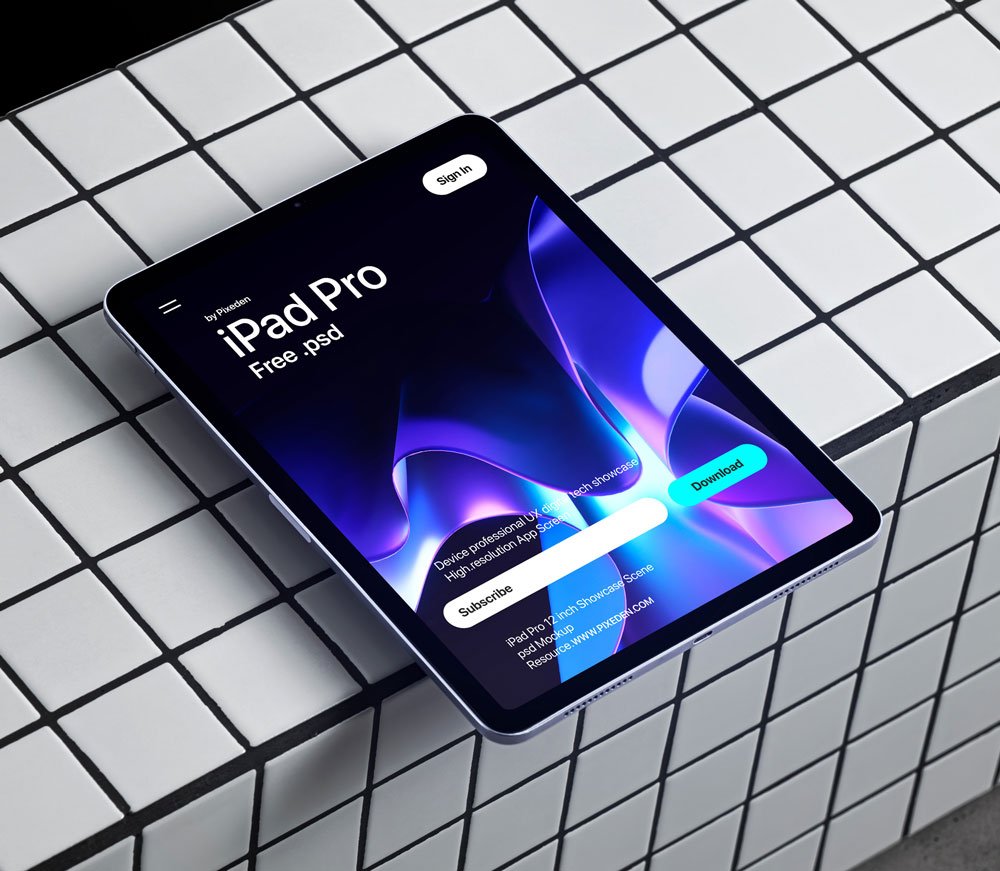
This iPad Pro mockup is one of the simpler ways to present a tablet app or an e-learning screen convincingly.
Useful for publishers as much as for product teams. Tip: turn the screen glare layer down if your UI has small type. Glare looks nice but hides detail.
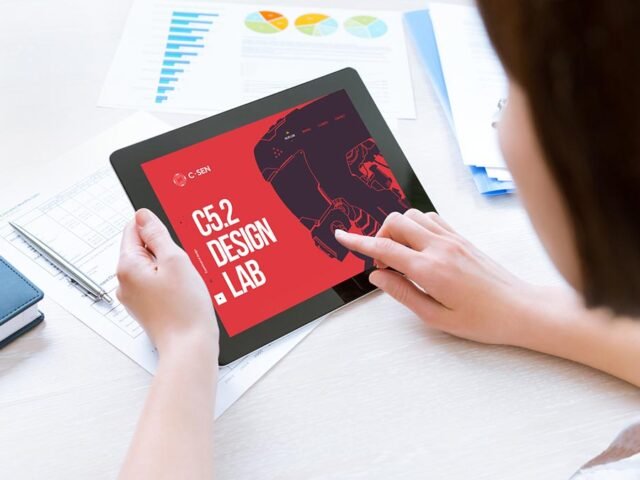
A screen inside a real device frame explains a product faster than a raw screenshot, which is why it shows up on so many landing pages and app store listings.
Works well for
- A tablet app
- An e-learning screen
- A digital magazine page
The file is made by Pixeden. The download button takes you to their page, where you get the original file and the licence details.
What’s inside the iPad Pro Mockup Scene PSD
Open it in Photoshop and you can change:
- Screen design, placed through the smart object
- Screen glare and reflection layers
- Background colour
Editing the iPad Pro Mockup Scene, step by step
- Export your screen design as a PNG at the exact size of the screen smart object.
- In the Layers panel, find the layer with the small smart object icon and double-click it.
- Place your design, hide the sample artwork, save, and go back to the main file.
- Hide the reflection layer for a flatter look.
- Export a full-size image for your portfolio and a smaller one for social media.
One more thing: for app store or portfolio images, crop tight around the device so the screen fills most of the frame.
Ways to use this iPad Pro Mockup Scene
- Share an e-learning screen on Instagram, Behance or Dribbble with a real-looking preview.
- Make two or three colour versions of a digital magazine page and let the client pick.
- Use it as the cover image for a tablet app in your portfolio.
Before you download
- Made by Pixeden. The download size and format are listed on their page.
- Built for Adobe Photoshop. A recent CC version handles the smart objects best.
- Check the smart object size before you design, so your artwork fits without stretching.
More free ipad mockups are listed below, each linking to the original author.
Questions about this mockup
What licence does it come with?
That depends on the author's terms. The download page lists what is allowed; when in doubt, ask the author directly.
How do I put my artwork on the iPad?
Find the smart object layer (it has a small icon on its thumbnail), double-click it, place your design, then save and close that tab.
Do I need Photoshop?
Yes. This is a PSD mockup built with smart objects, so you edit it in Adobe Photoshop. Any recent CC version works.
Can I remove the screen reflection?
Usually yes. Reflections and glare are normally a separate layer that you can hide or lower in opacity.
Why does the download open another website?
We list free files from designers around the web and link to the original page, so Pixeden gets the visit and you get the file exactly as they published it.