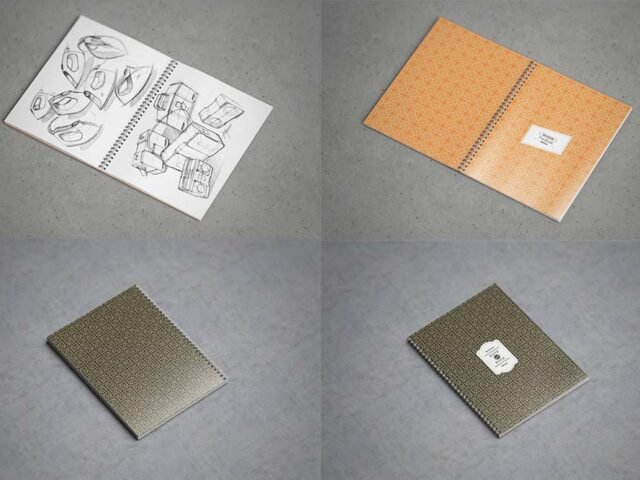
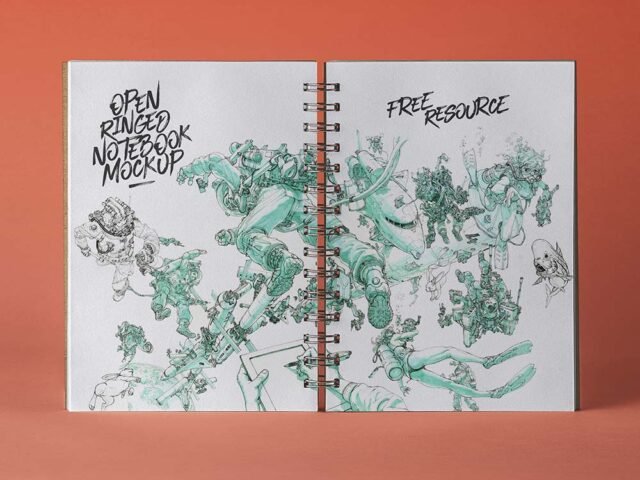
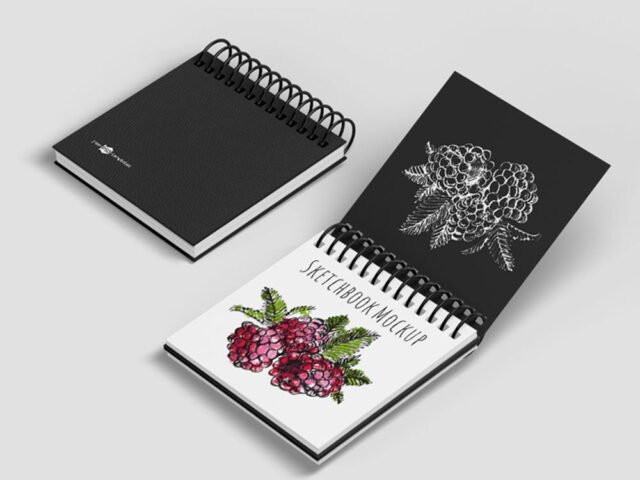
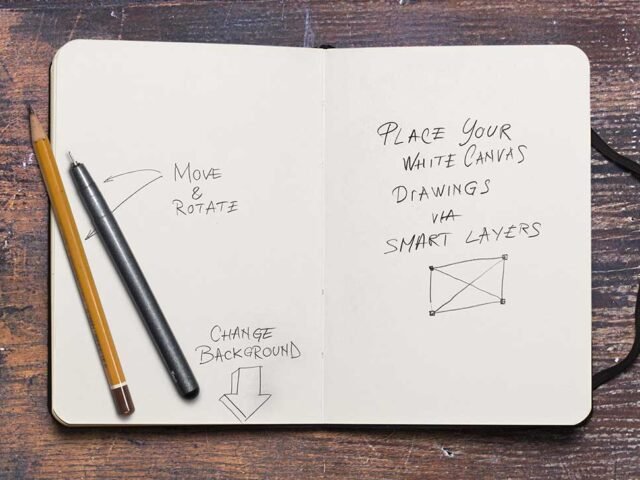
Artist Sketchbook Mockup
What's inside
- Applications Photoshop
- File Types PSD
- License Free (see author's terms)
- Author Free Mockup Zone
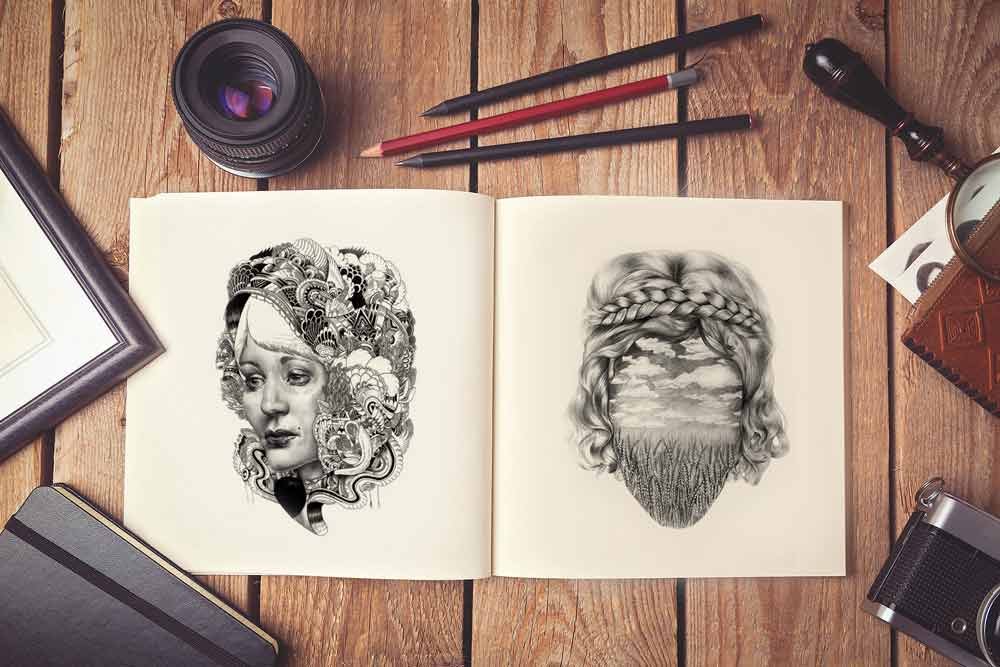
If you’re presenting sketch pages, this artist sketchbook mockup makes the idea feel real before anything is produced.
Useful for illustrators as much as for art students. A small tip: keep text at least a few millimetres from the edge. The mockup shows the trim, and cramped margins read as a mistake.
Clients sign off faster when they can picture the finished piece, and a flat PDF rarely does that as well as a photo of the sketchbook. For a complete brand board, show it next to a business card and a notebook.
Use it for
- Sketch pages
- Illustrations
- Lettering
Free Mockup Zone created this one and hosts the download on their own site, so you always get the latest version straight from the source.
Editable options in the Artist Sketchbook Mockup PSD
The PSD is layered, so you can change:
- Your design, placed through the smart object
- Paper texture you can turn up or down
- Paper or background colour
- Shadows and highlights on their own layers
How to edit this Artist Sketchbook Mockup in Photoshop
- Set up the design flat at the real print size and keep text inside a safe margin.
- Open the PSD in Photoshop and find the smart object layer, usually named “Your Design” or “Place Here”.
- Paste your design, resize it to fill the area, then save (Ctrl/Cmd + S) and close that tab.
- Turn the texture layer up or down to match the paper you’ll print on.
- Export a full-size image for your portfolio and a smaller one for social media.
Use CMYK-friendly colours in the artwork itself, even though the mockup is RGB, so what the client sees is close to print.
Where the Artist Sketchbook Mockup works best
- Share illustrations on Instagram, Behance or Dribbble with a real-looking preview.
- Present lettering in a client proposal or brand guide.
- Show sketch pages on your online shop or product page.
Before you download
- Made by Free Mockup Zone. The download size and format are listed on their page.
- Check the licence on the author’s page. Personal and commercial terms differ from file to file.
- Check the smart object size before you design, so your artwork fits without stretching.
- The preview shows the angle, background and lighting you’ll get.
Scroll down for similar sketchbook mockups from other designers.
Questions about this mockup
Can I use this sketchbook mockup for client work?
That depends on the author's terms. The download page lists what is allowed; when in doubt, ask the author directly.
How do I put my artwork on the sketchbook?
Find the smart object layer (it has a small icon on its thumbnail), double-click it, place your design, then save and close that tab.
Which Photoshop version do I need?
A recent Photoshop CC version is best. Older versions can open the file but sometimes have trouble with smart objects and effects.
Can I show both sides?
It depends on the file. Many print mockups include a front and a back smart object; the preview usually shows whether both sides are visible.