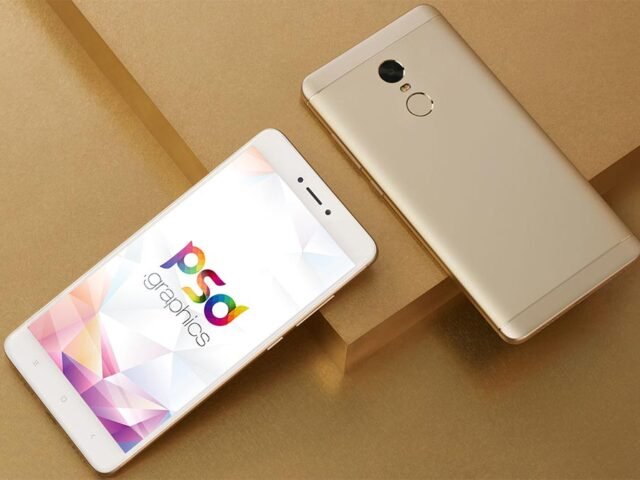
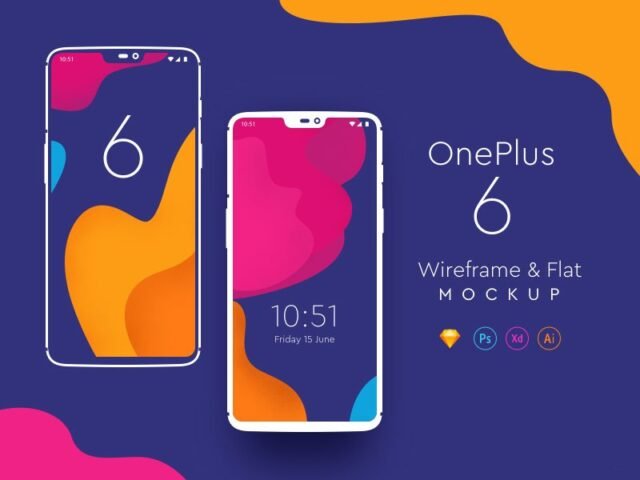
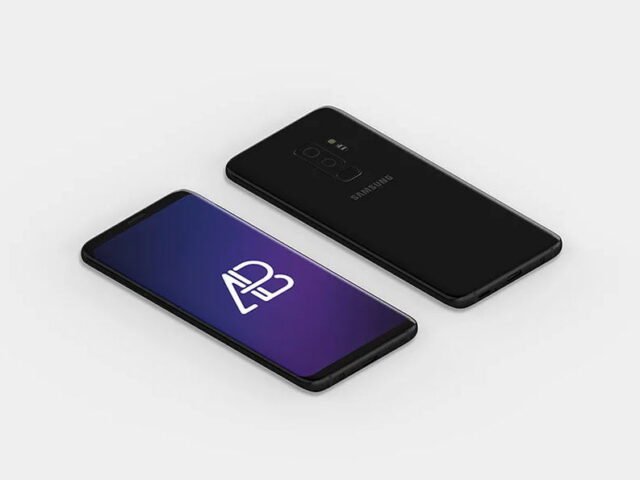
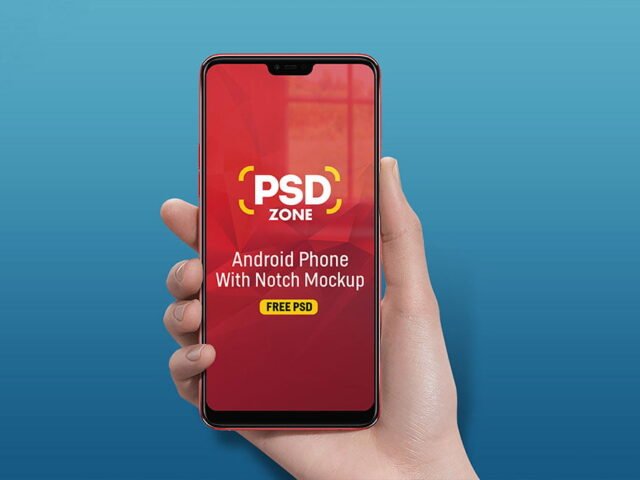
Samsung Galaxy S10 Mockups
What's inside
- Applications Photoshop
- File Types PSD
- License Free (see author's terms)
- Author Mockups Design
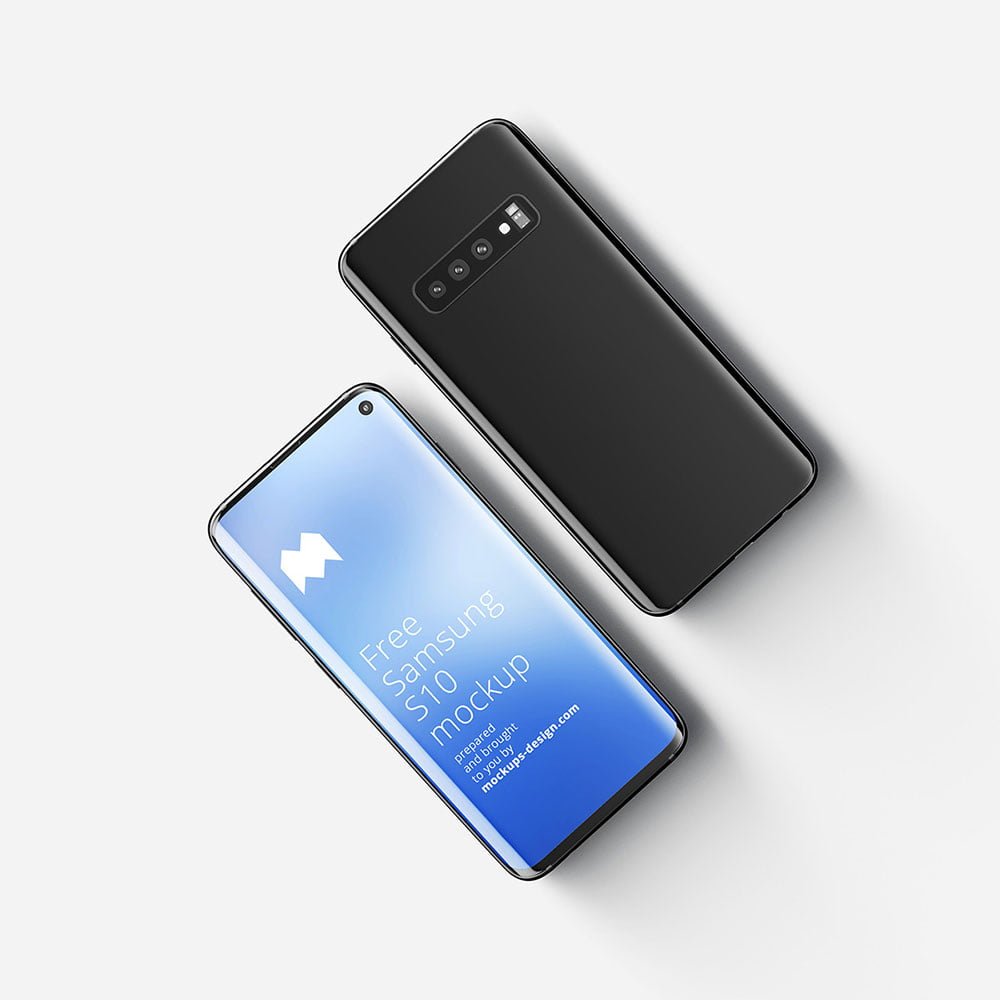
Presenting a mobile website? Put it on this samsung galaxy S10 mockup and the client sees the real thing, not a flat file.
Good pick for UI designers, app developers or anyone putting together a portfolio. One thing worth knowing: make your screen design at the exact pixel size of the smart object, otherwise text on the screen turns blurry.
It’s also a quick way to make case study images look consistent: same device, same angle, different screens. For a fuller case study, combine it with a laptop or tablet mockup showing the desktop version.
This is a free file from Mockups Design. When you click download you’ll land on their page to grab it.
What you can edit in this Samsung Galaxy S10 Mockups
Open it in Photoshop and you can change:
- Screen design, placed through the smart object
- Device colour, where the file includes it
- Screen glare and reflection layers
- Shadow under the device
How to use the Samsung Galaxy S10 Mockups
- Take a clean screenshot of the app or website you want to show.
- Open the PSD in Photoshop and find the smart object layer, usually named “Your Design” or “Place Here”.
- Place your design, hide the sample artwork, save, and go back to the main file.
- Change the background colour to fit your brand.
- Save a JPG for clients and social media, and keep the PSD for later changes.
Another tip: turn the screen glare layer down if your UI has small type. Glare looks nice but hides detail.
Best uses for this Samsung Galaxy S10 Mockups
- Show a social post on your online shop or product page.
- Use it as the cover image for an Android app in your portfolio.
- Present an onboarding flow in a client proposal or brand guide.
Before you download
- Made by Mockups Design. The download size and format are listed on their page.
- Some free mockups ask for credit when you post them. A short line in your caption is enough.
- Built for Adobe Photoshop. A recent CC version handles the smart objects best.
Browse more free phone mockups on Artistic Orbit, with new files added every day.
Questions about this mockup
Can I use this smartphone mockup for client work?
That depends on the author's terms. The download page lists what is allowed; when in doubt, ask the author directly.
How do I add my design?
Open the file in Photoshop, double-click the smart object thumbnail, paste or place your artwork in the new tab, save it (Ctrl/Cmd + S) and close. The main file updates on its own.
Do I need Photoshop?
Yes. This is a PSD mockup built with smart objects, so you edit it in Adobe Photoshop. Any recent CC version works.
Can I remove the screen reflection?
Usually yes. Reflections and glare are normally a separate layer that you can hide or lower in opacity.
Why does the download open another website?
We list free files from designers around the web and link to the original page, so Mockups Design gets the visit and you get the file exactly as they published it.