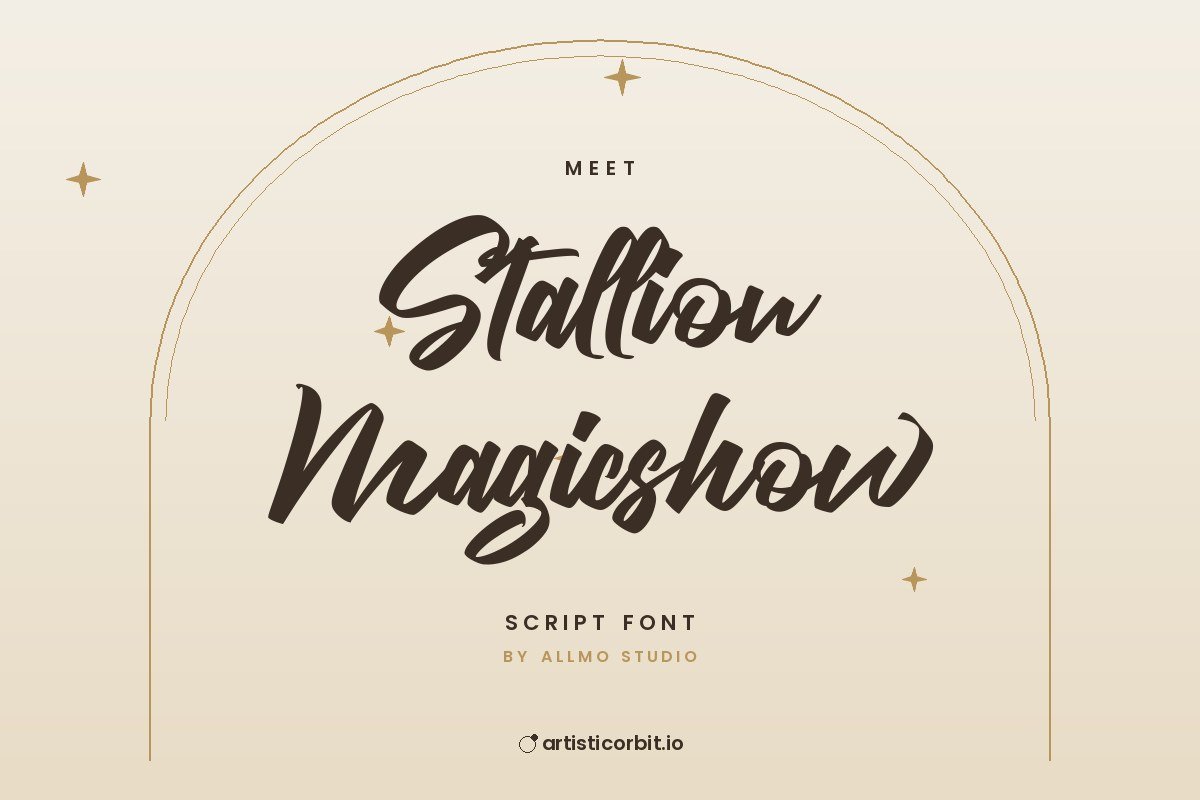
Stallion Magicshow Font
Characters
About Stallion Magicshow
Stallion Magicshow is a free script font by Allmo Studio.
Good places to use it: video titles, social media posts or posters and flyers. Keep it for headlines and short phrases, and use a simpler font for long text. Avoid setting script fonts in all caps. Capitals rarely connect and the word gets hard to read.
You get 2 font files in the download (Stallion-Magicshow.otf, Stallion-Magicshow.ttf), covering uppercase, lowercase and numbers.
Stallion Magicshow is free for personal use only. Commercial use needs a paid licence from Allmo Studio.
Installing the font
- Unzip the downloaded file.
- On Windows, double-click the font file and press Install.
- Mac: double-click the file and click Install Font in Font Book.
- Restart Photoshop, Illustrator or Canva desktop so the font shows up.
Questions about this font
Can I use Stallion Magicshow for commercial projects?
Not with the free download. It's personal use only; for anything that earns money, buy a commercial licence from Allmo Studio.
Who designed Stallion Magicshow?
Stallion Magicshow was made by Allmo Studio.
How do I install Stallion Magicshow?
Unzip the file. On Windows right-click the .otf or .ttf file and choose Install; on a Mac double-click it and click Install Font.
Does it have alternate letters or swashes?
Many script fonts keep alternates in the Glyphs panel (Photoshop and Illustrator: Window › Glyphs). Free and demo versions may include fewer than the full font.
What counts as personal use?
Projects you don't earn money from: school work, your own invitations, practice designs or a personal social post.