Milky Shake Font
Characters
About Milky Shake
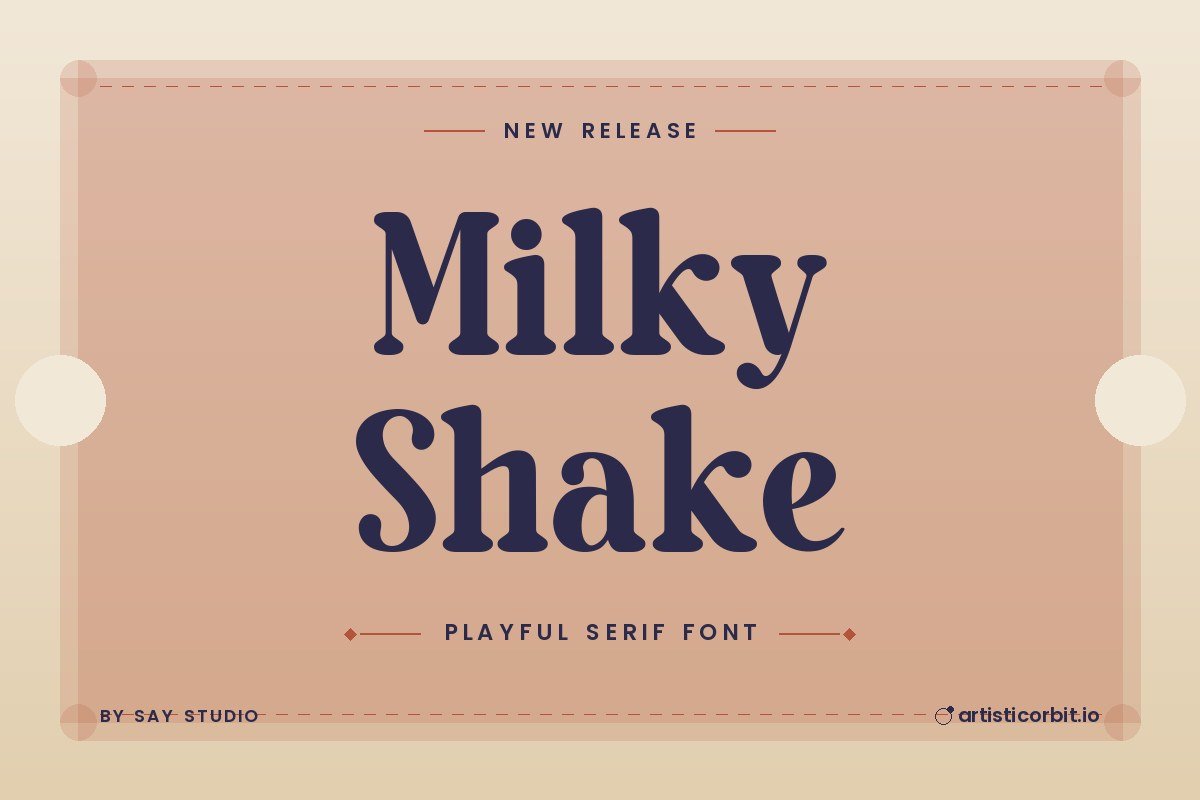
Milky Shake is a free serif font by Say Studio with a retro mood.
Designers usually pick fonts like this for Cricut and vinyl projects and T-shirt prints. For body text next to it, a quiet font such as Inter keeps the layout easy to read. Serif fonts add a classic, trustworthy feel and work well for editorial and luxury projects.
You get one font file in the download (Milky-Shake.ttf), covering uppercase. It’s a demo, which usually means a limited character set; the full version has everything. It’s an all-caps design, so lowercase keys type capitals too.
Licence: Demo / Trial. The free download is for personal projects only. For logos, client work, products or ads, buy a commercial licence from Say Studio. The Buy licence button below takes you to it.
Using Milky Shake on your computer
- Download the zip and unzip it.
- Windows: right-click the .otf or .ttf file and choose Install (or Install for all users).
- On a Mac, open the file and press Install Font.
- Restart Photoshop, Illustrator or Canva desktop so the font shows up.
Questions about this font
Can I use Milky Shake for commercial projects?
Not with the free download. It's demo / trial; for anything that earns money, buy a commercial licence from Say Studio.
Who designed Milky Shake?
Milky Shake was made by Say Studio.
How do I install Milky Shake?
Unzip the file. On Windows right-click the .otf or .ttf file and choose Install; on a Mac double-click it and click Install Font.
What font goes well with Milky Shake?
Try Inter for body text. A calm partner lets Milky Shake do the talking in headlines.
What counts as personal use?
Projects you don't earn money from: school work, your own invitations, practice designs or a personal social post.