Vertical Subway Poster Mockup
What's inside
- Applications Photoshop
- File Types PSD
- License Free (see author's terms)
- Author Pixpine
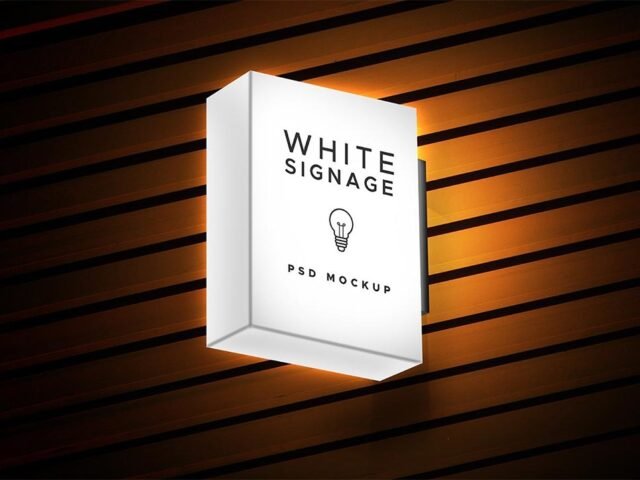
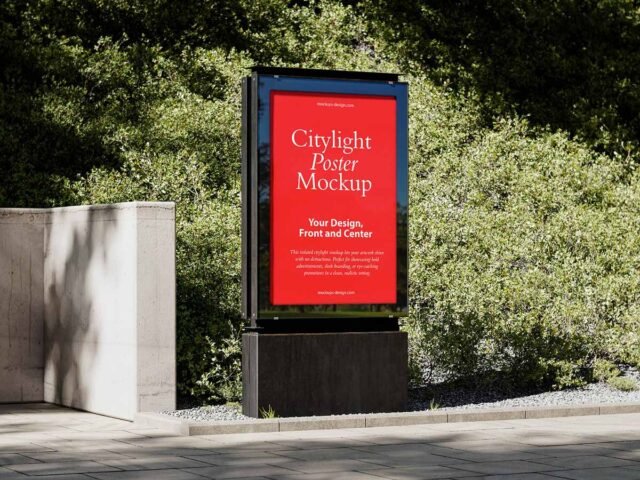
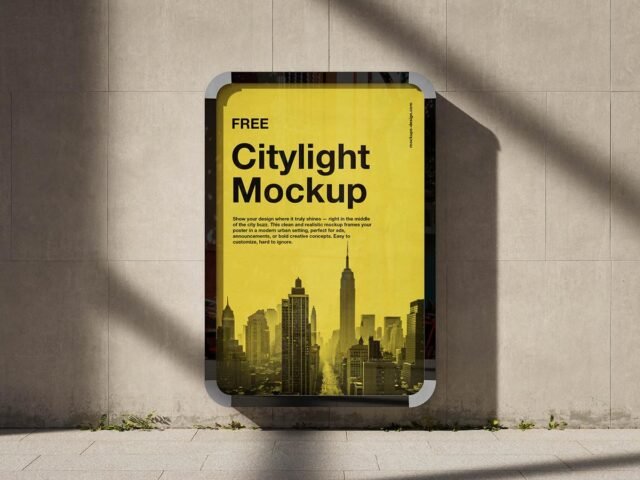
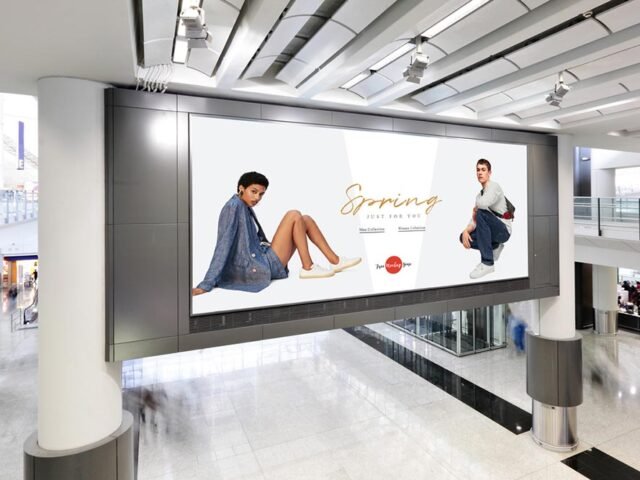
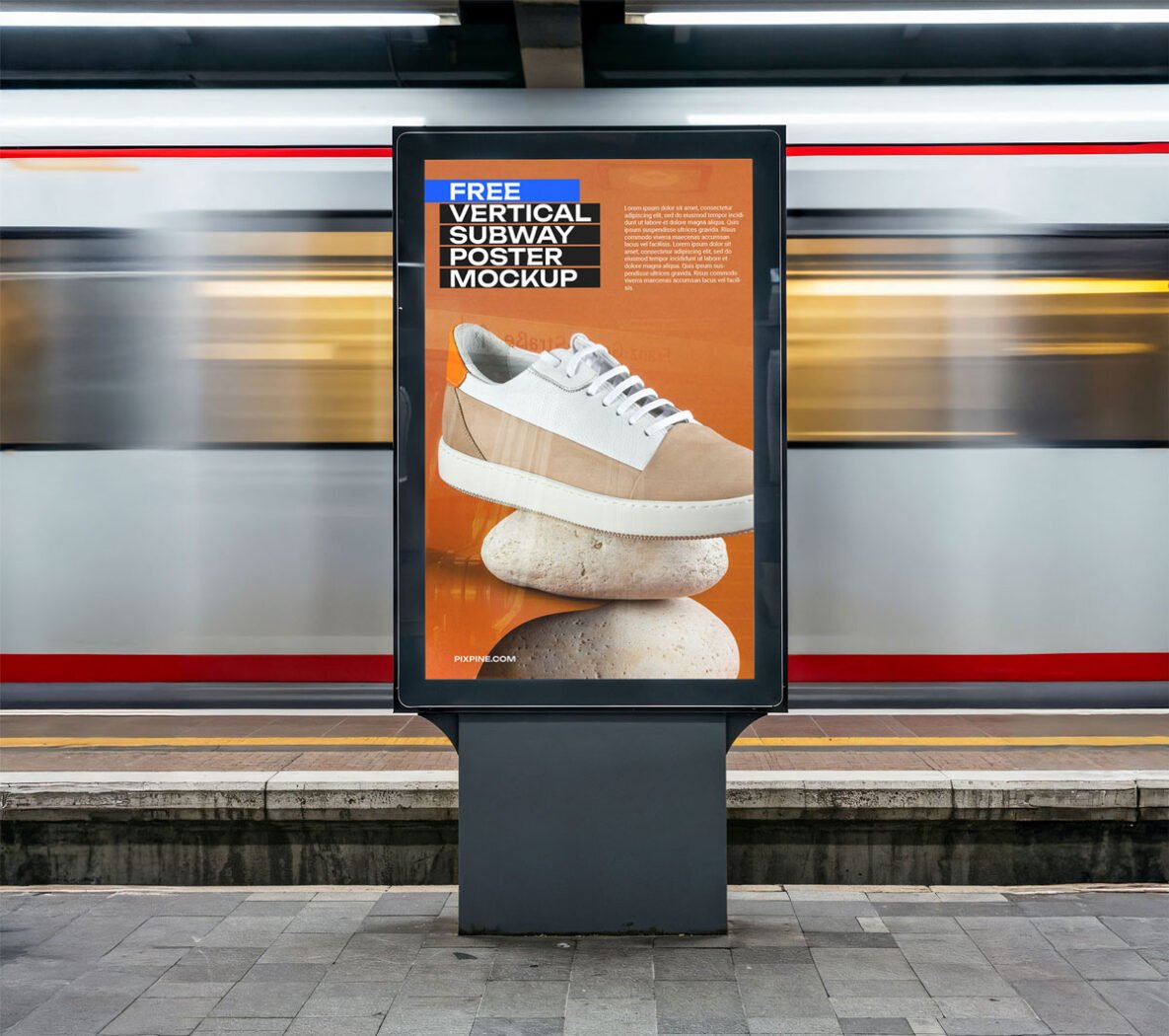
Show a city lightbox ad the way it will actually look: on a vertical subway poster mockup.
Useful for city marketers as much as for campaign designers. Quick tip: outdoor ads are read in a second or two. Big type and one image will look far better in this scene than a busy layout.
Agencies use scenes like this in pitch decks, where a realistic placement often sells the idea more than the artwork alone.
Credit goes to Pixpine. We link to their download page rather than re-uploading the file, so check their terms there before commercial use.
What you can edit in this Vertical Subway Poster Mockup
The PSD is layered, so you can change:
- Ad artwork, placed through the smart object
- Glow layer for backlit scenes, where included
- Lighting and shadow layers
- Brightness to match the scene
How to use the Vertical Subway Poster Mockup
- Keep the ad simple: one image, a short headline and the logo.
- In the Layers panel, find the layer with the small smart object icon and double-click it.
- Paste your design, resize it to fill the area, then save (Ctrl/Cmd + S) and close that tab.
- Export a full-size image for your portfolio and a smaller one for social media.
Another tip: check your artwork’s aspect ratio against the smart object before you start, or faces and logos get cropped.
Best uses for this Vertical Subway Poster Mockup
- Share a transit ad on Instagram, Behance or Dribbble with a real-looking preview.
- Show a city lightbox ad on your online shop or product page.
- Present a campaign poster in a client proposal or brand guide.
Good to know
- Made by Pixpine. The download size and format are listed on their page.
- Some free mockups ask for credit when you post them. A short line in your caption is enough.
- Check the smart object size before you design, so your artwork fits without stretching.
- Check the licence on the author’s page. Personal and commercial terms differ from file to file.
Scroll down for similar bus stop mockups from other designers.
Questions about this mockup
Can I use this bus stop ad mockup for client work?
Pixpine sets the licence, and it can differ from file to file. Many free files allow personal and commercial use, but some are personal-only or ask for credit. Read the terms on the download page before a paid project.
How do I put my artwork on the bus stop ad?
Find the smart object layer (it has a small icon on its thumbnail), double-click it, place your design, then save and close that tab.
Do I need Photoshop?
Yes. This is a PSD mockup built with smart objects, so you edit it in Adobe Photoshop. Any recent CC version works.
What ratio should my artwork be?
Open the smart object and check its canvas; design to that ratio. Most outdoor mockups use common print ratios, but it varies from file to file.
Why does the download open another website?
We list free files from designers around the web and link to the original page, so Pixpine gets the visit and you get the file exactly as they published it.