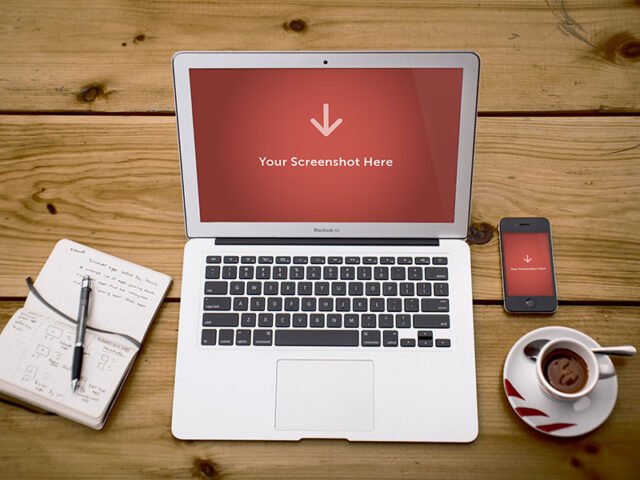
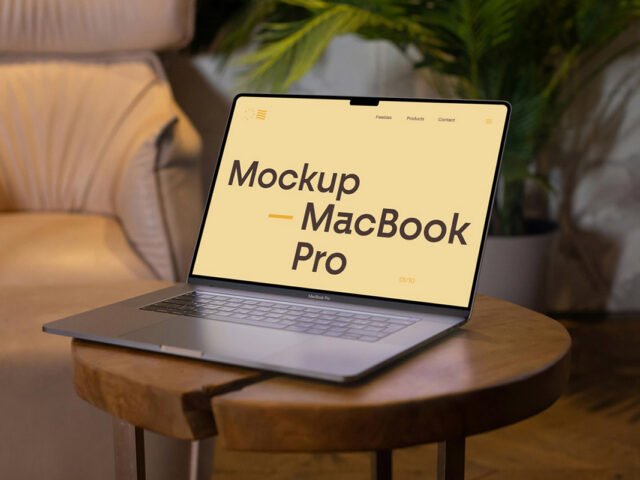
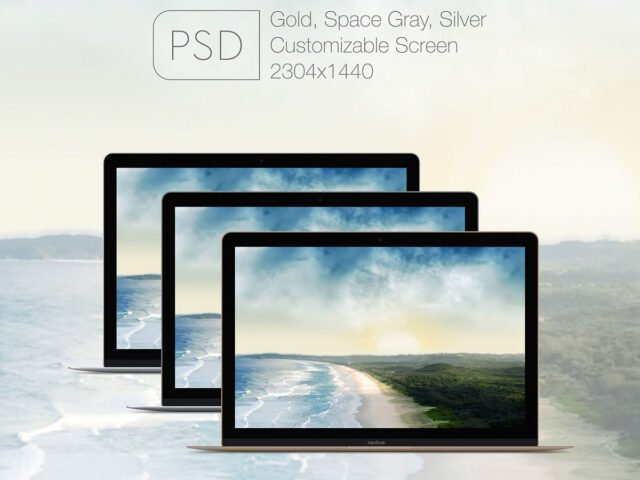
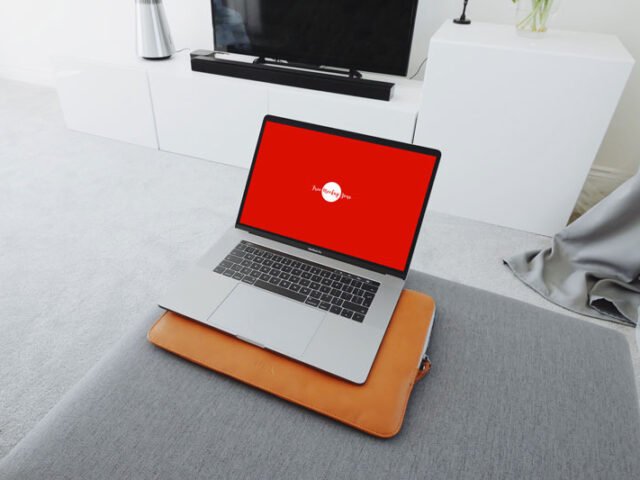
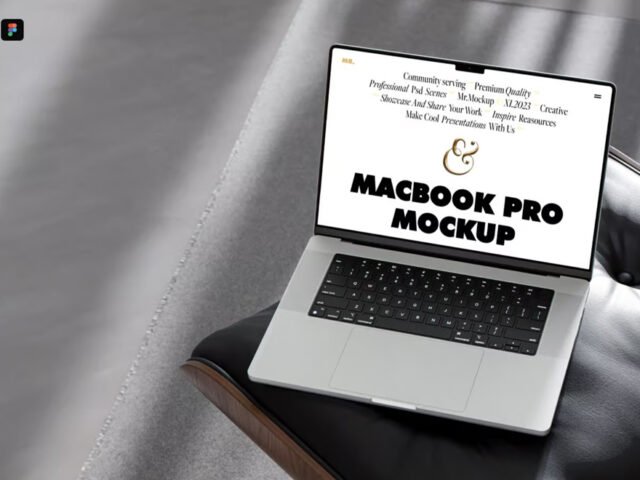
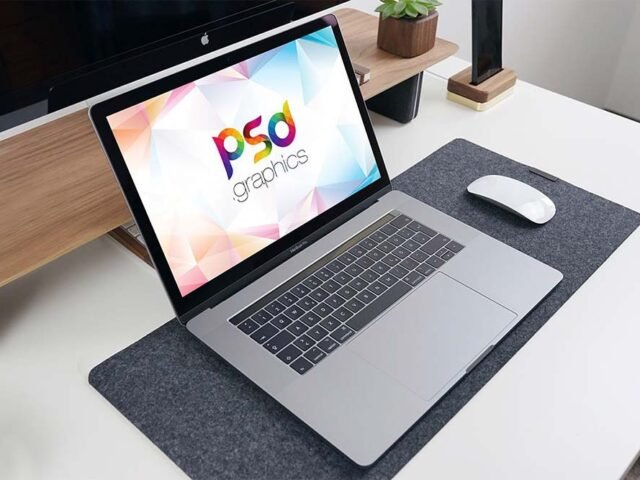
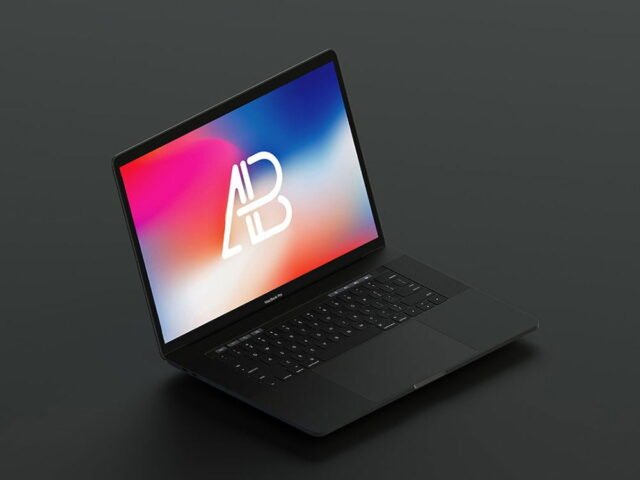
Apple MacBook Pro PSD Mockup

What's inside
- Applications Photoshop
- File Types PSD
- License Free (see author's terms)
- Author Behance
An apple MacBook Pro mockup, made for presenting a SaaS dashboard. Drop in your artwork and the lighting and shadows stay as they are.
Good pick for agencies, web designers or anyone putting together a portfolio. A small tip: make your screen design at the exact pixel size of the smart object, otherwise text on the screen turns blurry.
Stakeholders who don’t read wireframes still understand a screen on a device straight away. Pair it with a second device from the same angle to show a responsive layout.
This is a free file from a designer on Behance. When you click download you’ll land on their page to grab it.
What’s inside the Apple MacBook Pro Mockup PSD
Main things you can change in Photoshop:
- Screen design, placed through the smart object
- Screen glare and reflection layers
- Device colour, where the file includes it
Add your design to the Apple MacBook Pro Mockup
- Take a clean screenshot of the app or website you want to show.
- In the Layers panel, find the layer with the small smart object icon and double-click it.
- Drop your artwork in, fit it to the canvas, save and close. The mockup updates by itself.
- Export with File › Export › Export As: JPG for sharing, PNG for the web.
Worth remembering: for app store or portfolio images, crop tight around the device so the screen fills most of the frame.
Best uses for this Apple MacBook Pro Mockup
- Use it as the cover image for a website homepage in your portfolio.
- Share a web app on Instagram, Behance or Dribbble with a real-looking preview.
- Show a portfolio case study to a client before it goes to print or production.
Good to know
- Made by a designer on Behance. The download size and format are listed on their page.
- Check the smart object size before you design, so your artwork fits without stretching.
- The preview shows the angle, background and lighting you’ll get.
Need a different angle? The macbook mockups category has plenty more free PSD files.
Questions about this mockup
What licence does it come with?
A designer on Behance sets the licence, and it can differ from file to file. Many free files allow personal and commercial use, but some are personal-only or ask for credit. Read the terms on the download page before a paid project.
How do I add my design?
Open the file in Photoshop, double-click the smart object thumbnail, paste or place your artwork in the new tab, save it (Ctrl/Cmd + S) and close. The main file updates on its own.
Which Photoshop version do I need?
A recent Photoshop CC version is best. Older versions can open the file but sometimes have trouble with smart objects and effects.
Can I remove the screen reflection?
Usually yes. Reflections and glare are normally a separate layer that you can hide or lower in opacity.