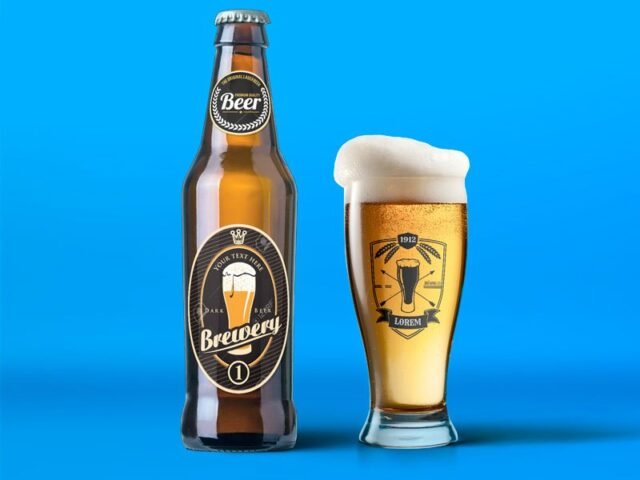
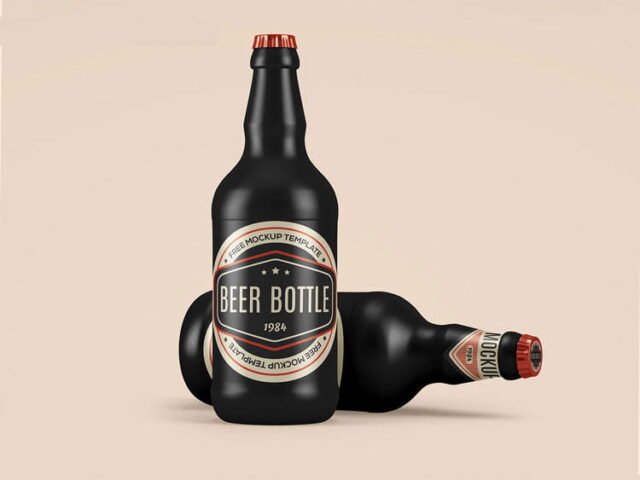
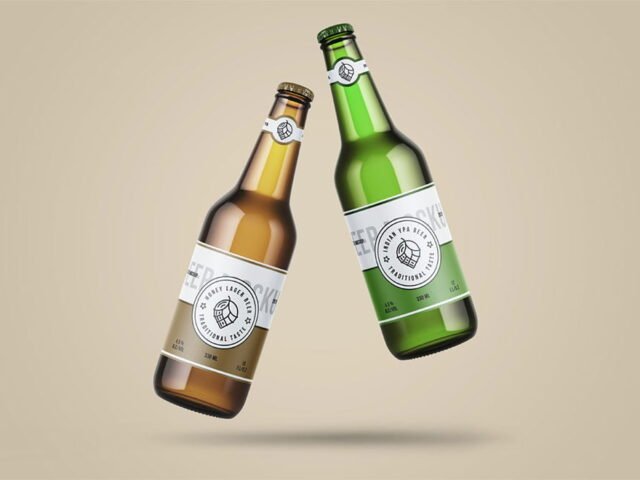
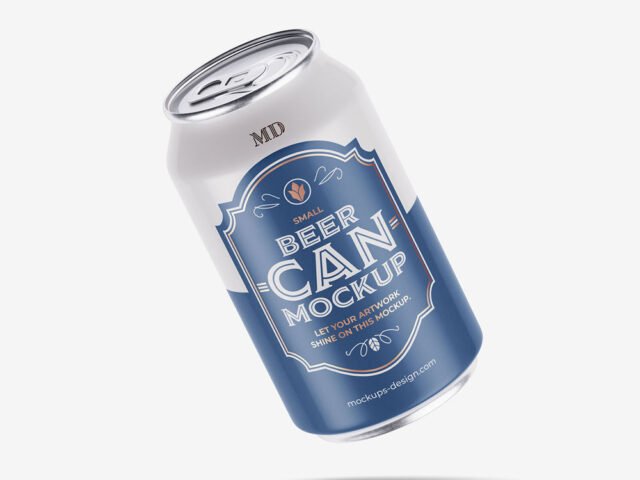
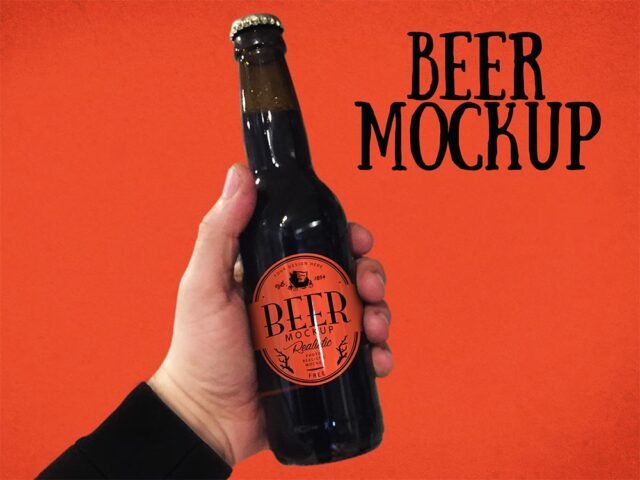
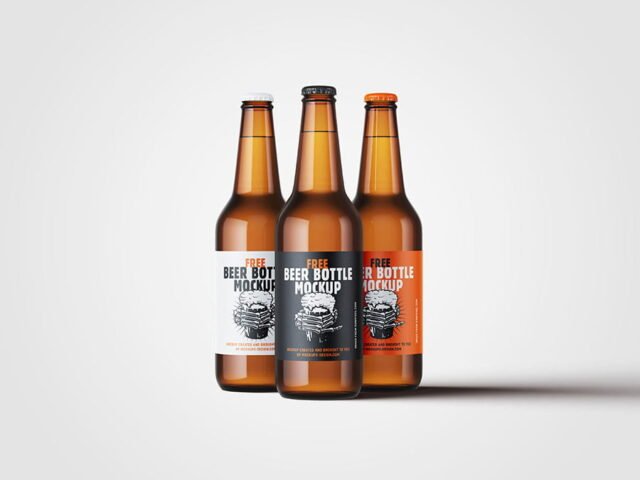
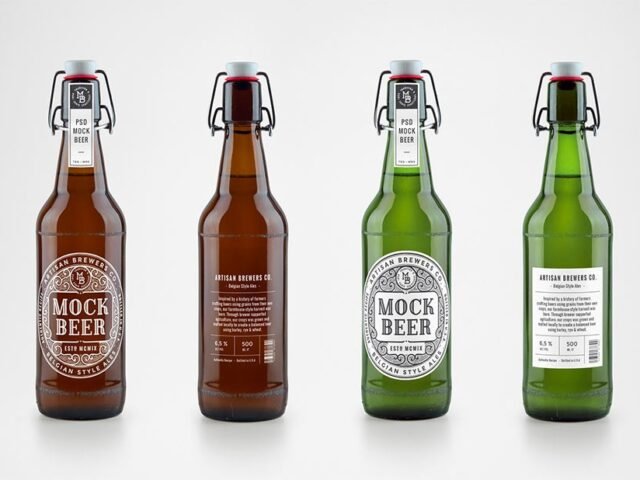
Brown Beer Bottle Mockup
What's inside
- Applications Photoshop
- File Types PSD
- License Free (see author's terms)
- Author Free PSD Templates
Show a craft beer can the way it will actually look: on a brown beer bottle mockup.
Good pick for label designers, breweries or anyone putting together a portfolio. Quick tip: labels on curved surfaces compress at the sides, so keep key text in the middle third.
Beverage and beauty brands use renders like this on their shop pages long before the first production batch. A shelf of two or three variants in different colours makes a strong hero image.
Good for
- A craft beer can
- A beer label
- A six-pack carrier
This is a free file from Free PSD Templates. When you click download you’ll land on their page to grab it.
Brown Beer Bottle Mockup: editable parts
Open it in Photoshop and you can change:
- Label artwork, placed through the smart object
- Highlights and reflections
- Background colour
How to edit this Brown Beer Bottle Mockup in Photoshop
- Prepare the label with a little space around the edges for the highlights.
- Open the PSD in Photoshop and find the smart object layer, usually named “Your Design” or “Place Here”.
- Place your design, hide the sample artwork, save, and go back to the main file.
- Turn the highlight layer down if it cuts across the logo.
- Export with File › Export › Export As: JPG for sharing, PNG for the web.
Another tip: metallic and glossy finishes look best with a little contrast in the label; very flat pastel labels can look printed on paper.
Where the Brown Beer Bottle Mockup works best
- Make two or three colour versions of a craft beer can and let the client pick.
- Use it as the cover image for a six-pack carrier in your portfolio.
- Show a beer label to a client before it goes to print or production.
Before you download
- Made by Free PSD Templates. The download size and format are listed on their page.
- Check the smart object size before you design, so your artwork fits without stretching.
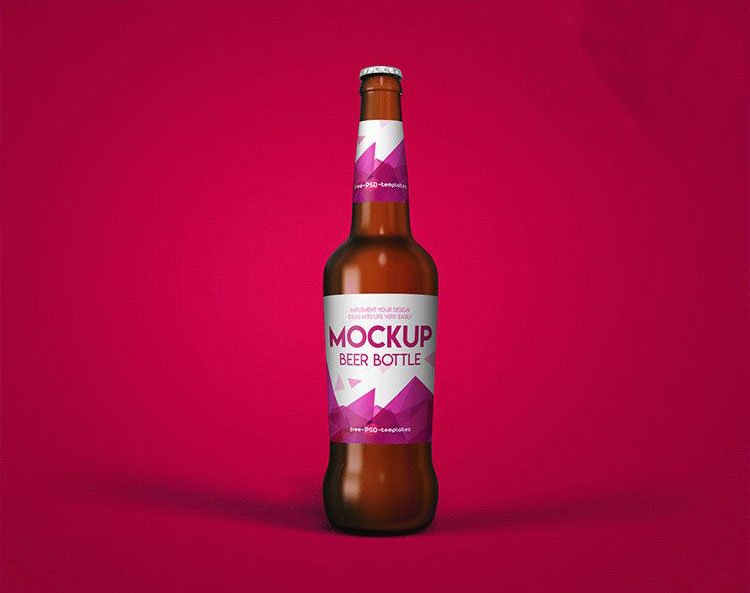
- The preview shows the angle, background and lighting you’ll get.
- Check the licence on the author’s page. Personal and commercial terms differ from file to file.
More free beer mockups are listed below, each linking to the original author.
Questions about this mockup
What licence does it come with?
It's free to download, but the licence belongs to Free PSD Templates. Check their page: it states whether commercial use is allowed and if attribution is needed.
How do I put my artwork on the beer packaging?
Find the smart object layer (it has a small icon on its thumbnail), double-click it, place your design, then save and close that tab.
Do I need Photoshop?
Yes. This is a PSD mockup built with smart objects, so you edit it in Adobe Photoshop. Any recent CC version works.
Can I change the liquid or container colour?
Most bottle, can and cup mockups keep the container colour on its own layer. Liquid colour, where visible, is usually adjustable too.
Why does the download open another website?
We list free files from designers around the web and link to the original page, so Free PSD Templates gets the visit and you get the file exactly as they published it.