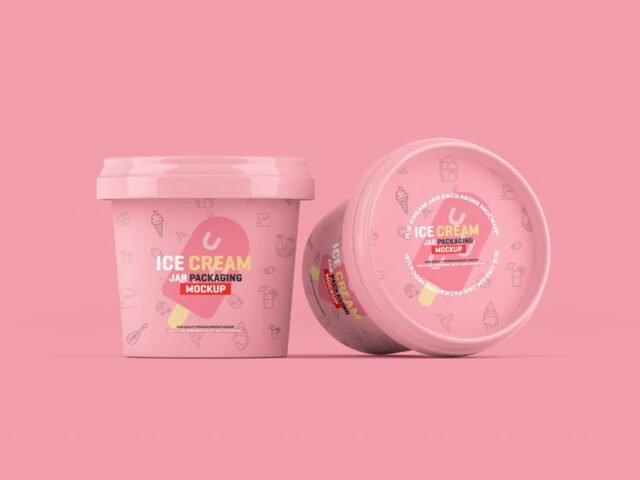
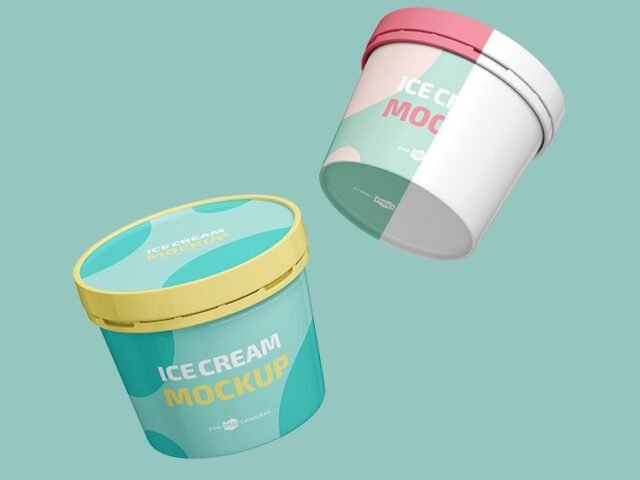
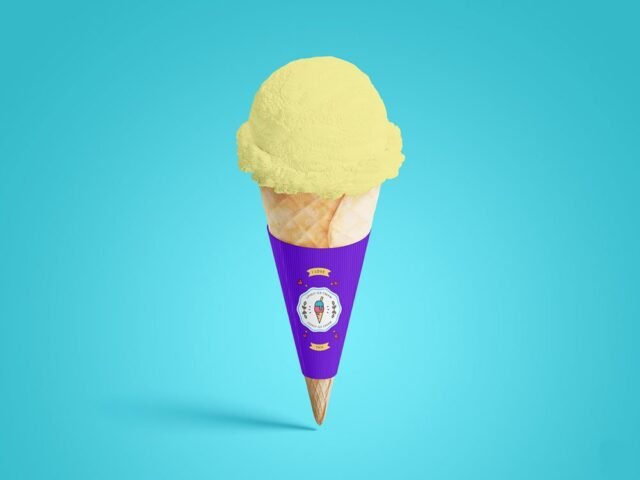
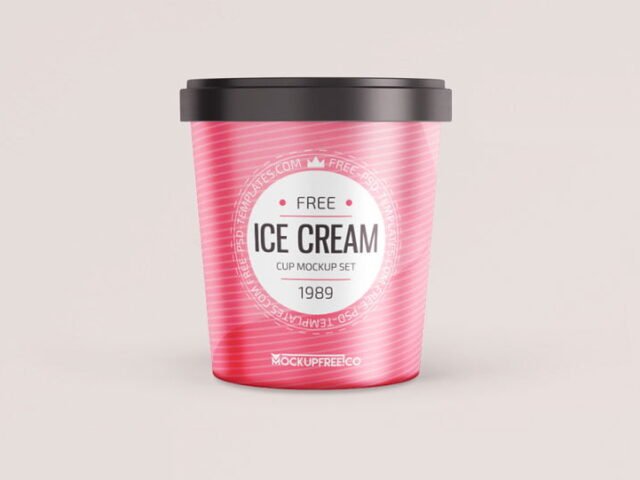
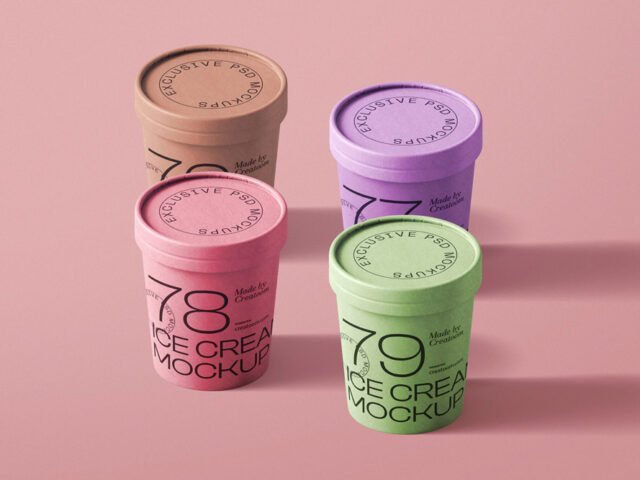
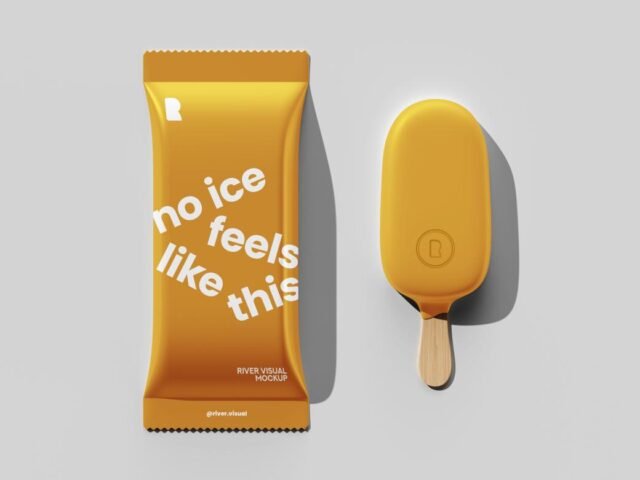
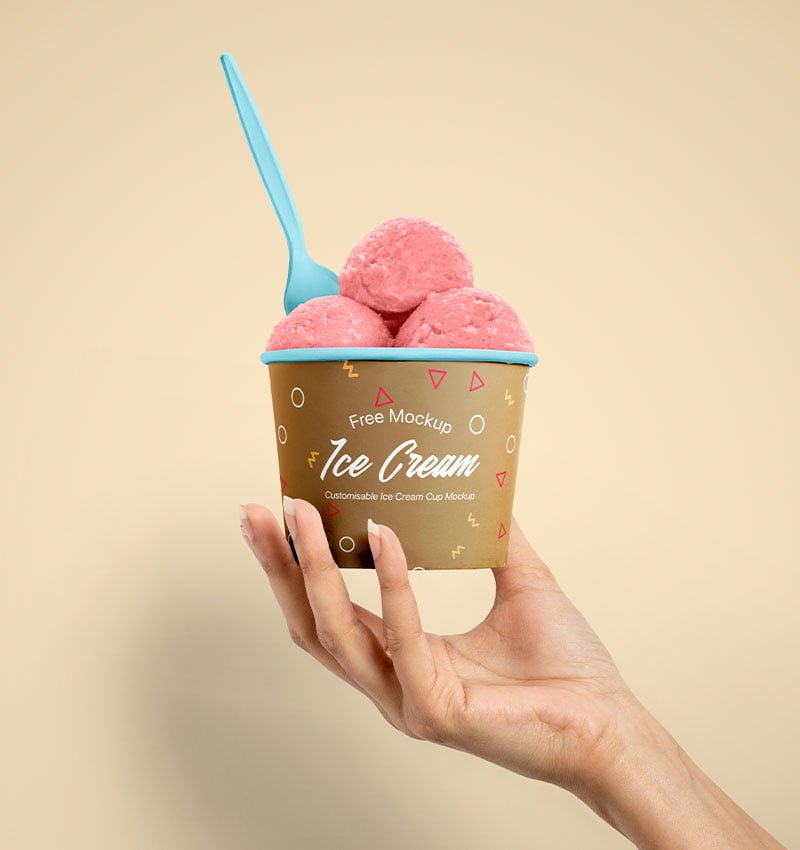
Cup Ice Cream Mockup
What's inside
- Applications Photoshop
- File Types PSD
- License Free (see author's terms)
- Author Pixpine
Need to show an ice cream cup design to a client? This cup ice cream mockup does the job in a few minutes.
Dessert brands and cafés tend to get the most out of files like this. A small tip: check barcodes, weights and small legal text at 100% zoom. Packaging clients always look for those.
It’s also handy for crowdfunding pages and pitch decks, when the product exists but the packaging hasn’t been printed yet.
The file is made by Pixpine. The download button takes you to their page, where you get the original file and the licence details.
Cup Ice Cream Mockup: editable parts
Open it in Photoshop and you can change:
- Label or box artwork, placed through the smart object
- Base colour of the pack
- Shadows
How to edit this Cup Ice Cream Mockup in Photoshop
- Finish the label first, with barcode and small print in place.
- Open the file in Photoshop and double-click the smart object thumbnail in the Layers panel.
- Place your design, hide the sample artwork, save, and go back to the main file.
- Check each visible side so the panels line up.
- Export a full-size image for your portfolio and a smaller one for social media.
Worth remembering: glossy packaging picks up highlights over your art; reduce the highlight layer if your logo gets washed out.
Where the Cup Ice Cream Mockup works best
- Present a popsicle wrapper in a client proposal or brand guide.
- Use it as the cover image for an ice cream cup design in your portfolio.
- Show a tub label to a client before it goes to print or production.
Good to know
- Made by Pixpine. The download size and format are listed on their page.
- Check the licence on the author’s page. Personal and commercial terms differ from file to file.
- The preview shows the angle, background and lighting you’ll get.
Need a different angle? The ice cream mockups category has plenty more free PSD files.
Questions about this mockup
What licence does it come with?
It's free to download, but the licence belongs to Pixpine. Check their page: it states whether commercial use is allowed and if attribution is needed.
How do I put my artwork on the ice cream packaging?
Find the smart object layer (it has a small icon on its thumbnail), double-click it, place your design, then save and close that tab.
Do I need Photoshop?
Yes. This is a PSD mockup built with smart objects, so you edit it in Adobe Photoshop. Any recent CC version works.
Can I change the packaging colour?
Usually yes. There is normally a colour layer under the design smart object, so you can change the base colour without touching your artwork.
Why does the download open another website?
We list free files from designers around the web and link to the original page, so Pixpine gets the visit and you get the file exactly as they published it.