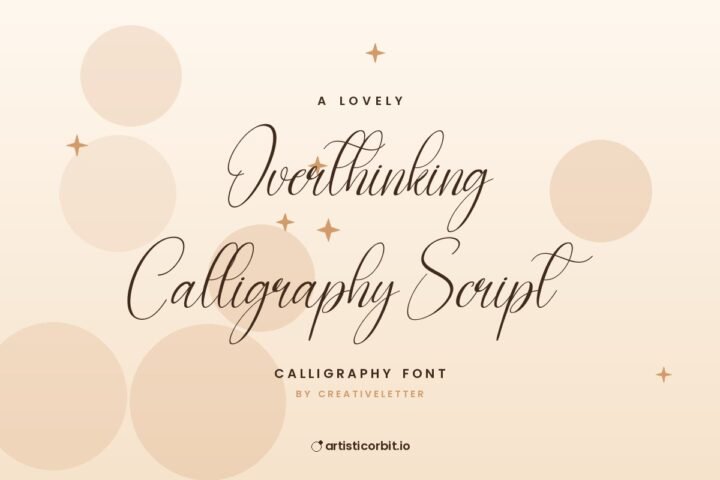
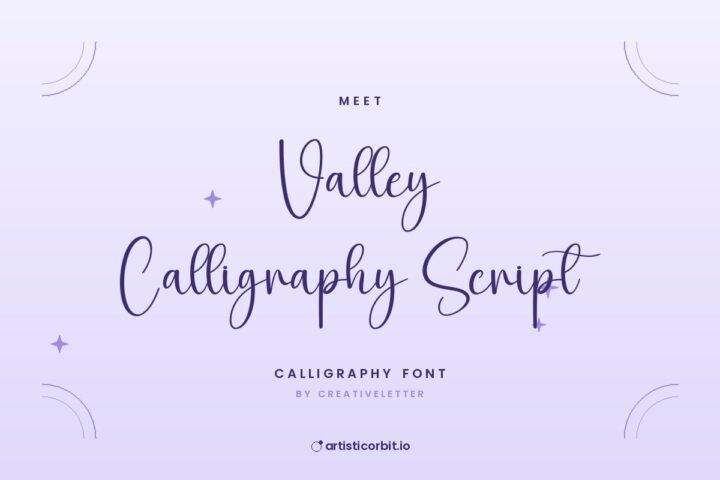
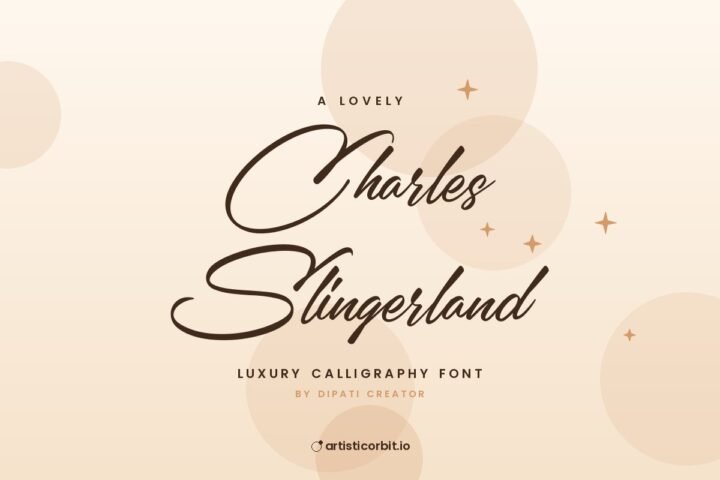
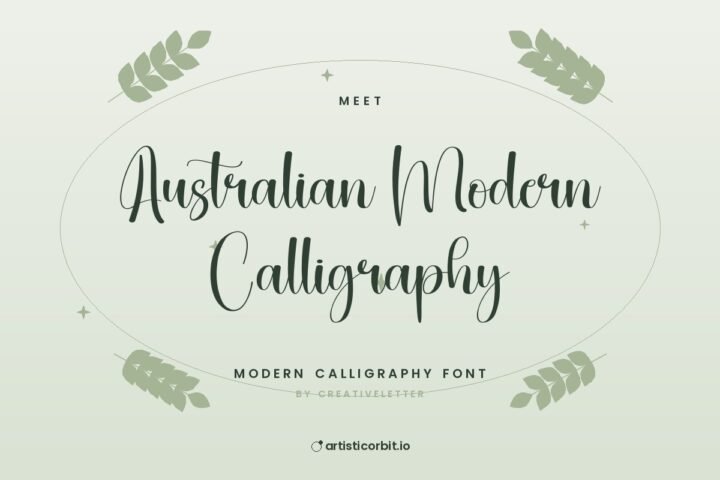
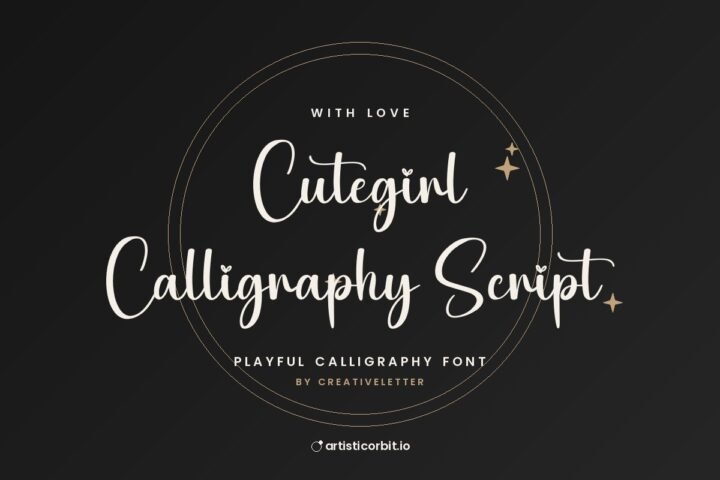
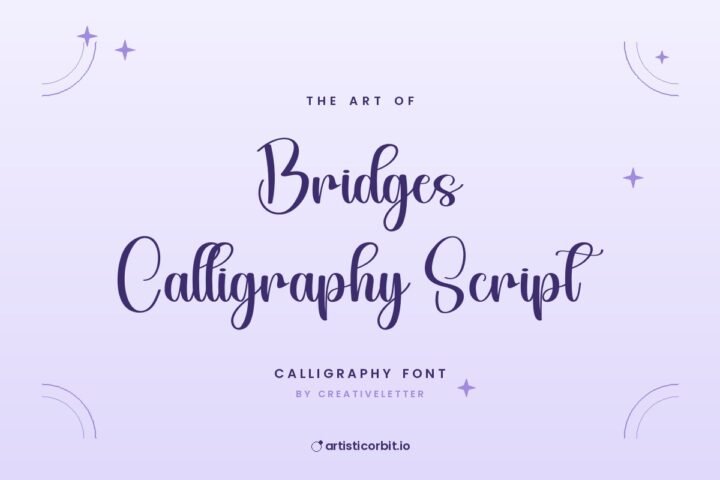
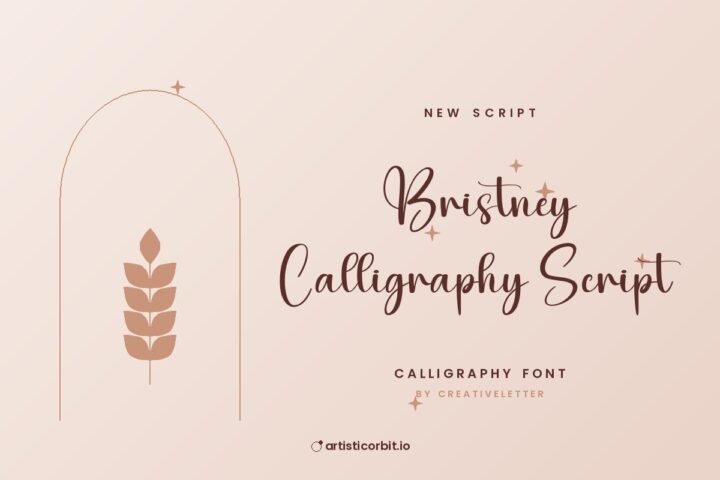
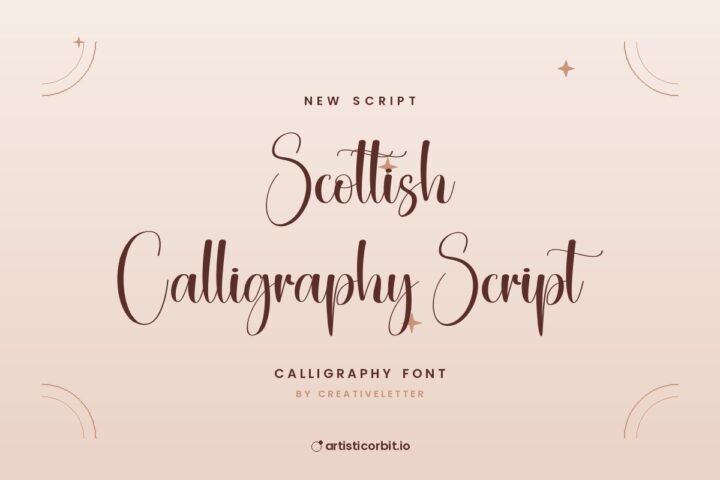
Beautiful Calligraphy Script Font
Characters
About Beautiful Calligraphy Script
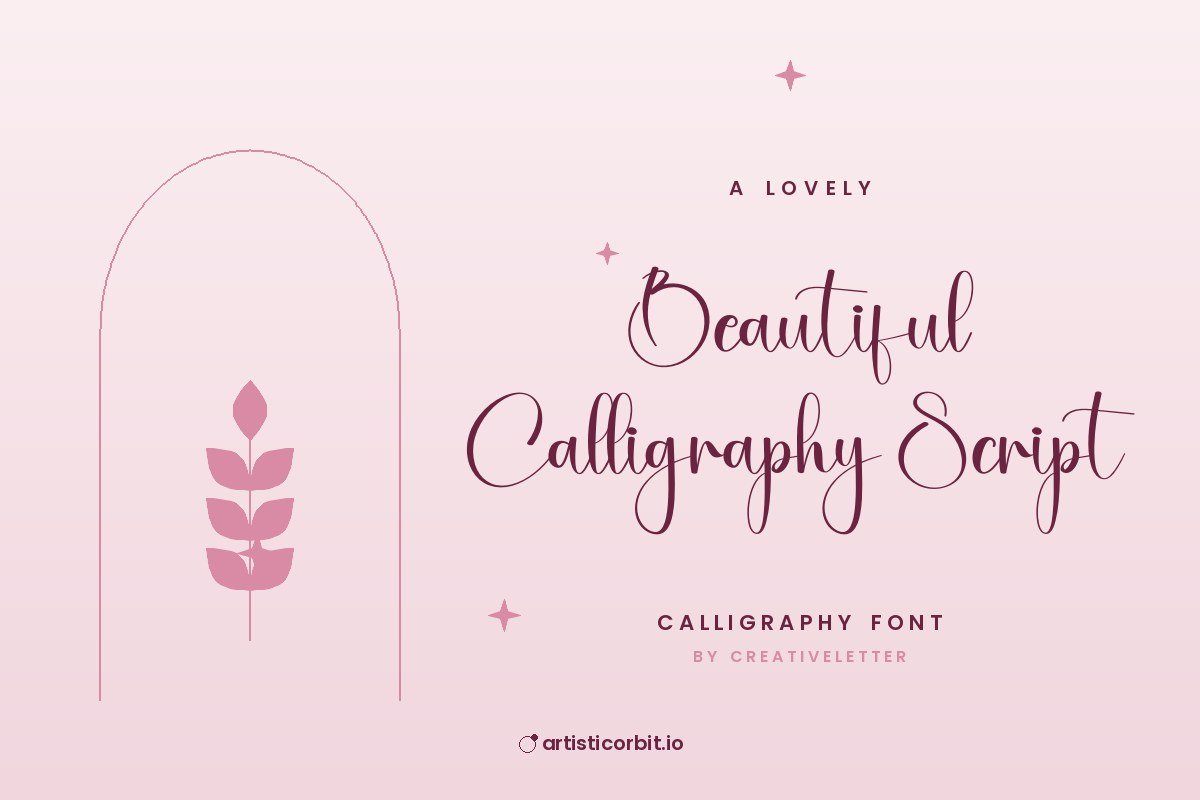
Meet Beautiful Calligraphy Script, a calligraphy typeface by creativeletter.
It works well for social media posts, party invitations and business cards. Lora makes a safe partner for paragraphs and captions. Calligraphy fonts look most natural at larger sizes, where the thick and thin strokes can show.
You get one font file in the download (Beautiful.otf), covering uppercase, lowercase and numbers.
This free version is for personal use. If you plan to earn money with it (client work, merch, packaging), get the commercial licence from creativeletter.
How to install Beautiful Calligraphy Script
- Download the zip and unzip it.
- Windows: right-click the .otf or .ttf file and choose Install (or Install for all users).
- Mac: double-click the file and click Install Font in Font Book.
- Restart Photoshop, Illustrator or Canva desktop so the font shows up.
Questions about this font
Can I use Beautiful Calligraphy Script for commercial projects?
Not with the free download. It's personal use only; for anything that earns money, buy a commercial licence from creativeletter.
Who designed Beautiful Calligraphy Script?
Beautiful Calligraphy Script was made by creativeletter.
How do I install Beautiful Calligraphy Script?
Unzip the file. On Windows right-click the .otf or .ttf file and choose Install; on a Mac double-click it and click Install Font.
Does it have alternate letters or swashes?
Many script fonts keep alternates in the Glyphs panel (Photoshop and Illustrator: Window › Glyphs). Free and demo versions may include fewer than the full font.
What counts as personal use?
Projects you don't earn money from: school work, your own invitations, practice designs or a personal social post.