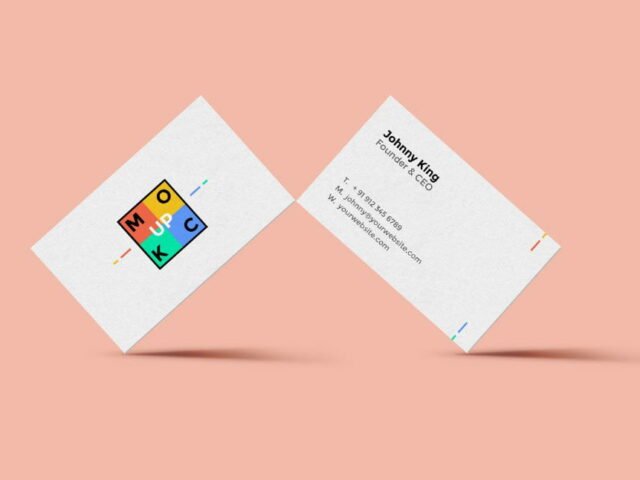
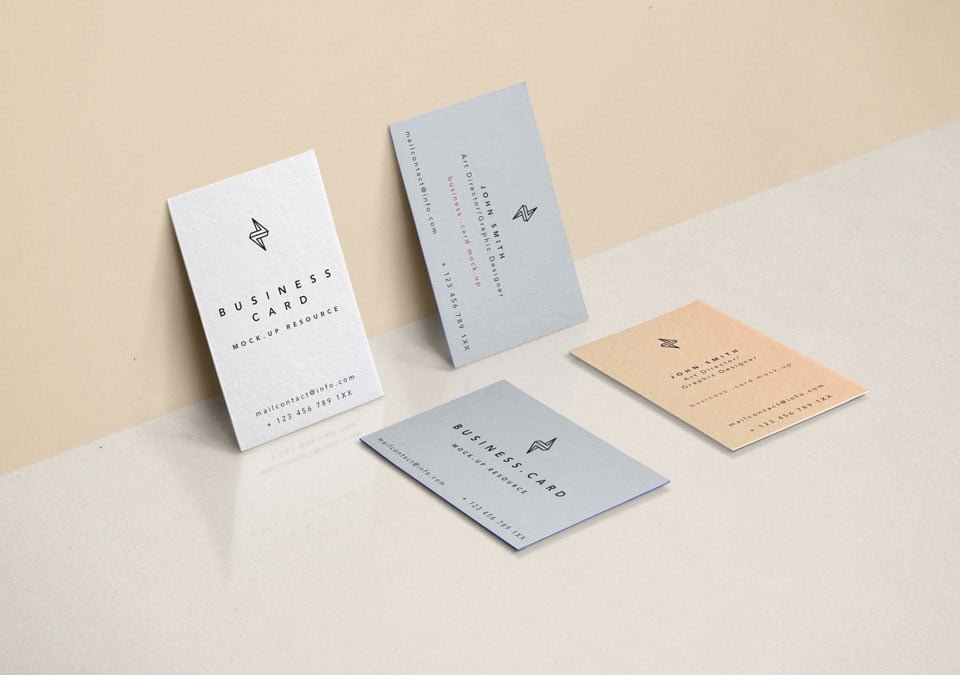
Front & Back Business Card Mockup
What's inside
- Applications Photoshop
- File Types PSD
- License Free (see author's terms)
- Author Pixeden
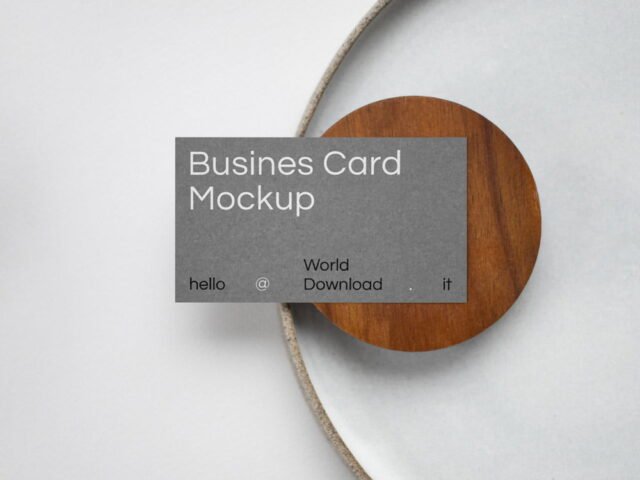
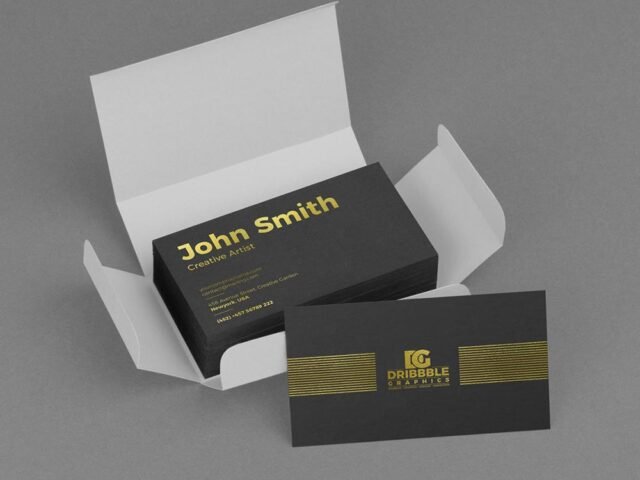
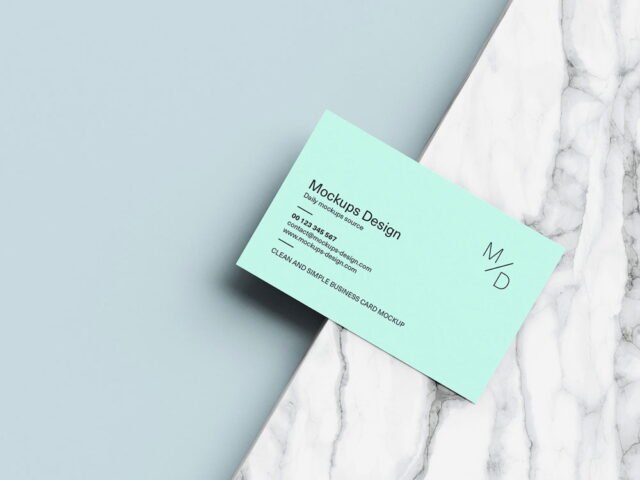
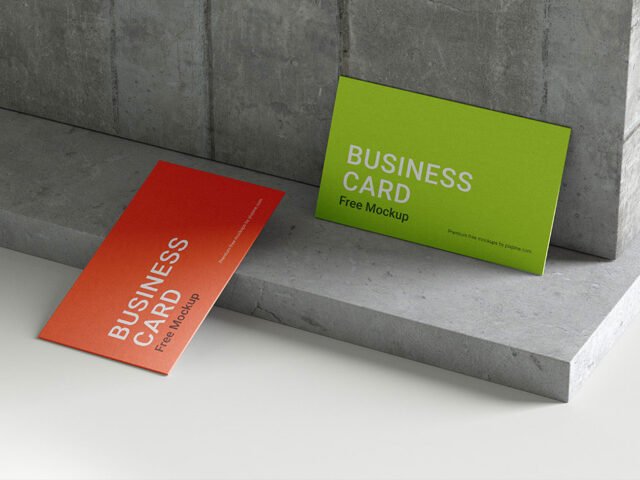
A front back business card mockup, made for presenting a minimal logo card. Drop in your artwork and the lighting and shadows stay as they are.
Branding studios and freelance designers tend to get the most out of files like this. Tip: keep text at least a few millimetres from the edge. The mockup shows the trim, and cramped margins read as a mistake.
Print jobs are expensive to redo, so a realistic preview before the order goes out is cheap insurance. If you’re building a full identity, pair it with an envelope or letterhead mockup for a matching set.
Pixeden created this one and hosts the download on their own site, so you always get the latest version straight from the source.
What’s inside the Front & Back Business Card Mockup PSD
Open it in Photoshop and you can change:
- Your design, placed through the smart object
- Front and back artwork, where both sides are shown
- Paper or background colour
Editing the Front & Back Business Card Mockup, step by step
- Set up the design flat at the real print size and keep text inside a safe margin.
- Open the PSD in Photoshop and find the smart object layer, usually named “Your Design” or “Place Here”.
- Drop your artwork in, fit it to the canvas, save and close. The mockup updates by itself.
- Save a JPG for clients and social media, and keep the PSD for later changes.
One more thing: dark designs often look flat on paper mockups. Turning the highlight layer up slightly brings back the sheen.
Ways to use this Front & Back Business Card Mockup
- Show a front and back card design on your online shop or product page.
- Show a minimal logo card to a client before it goes to print or production.
- Present a QR code card in a client proposal or brand guide.
Quick notes on this mockup
- Made by Pixeden. The download size and format are listed on their page.
- Check the smart object size before you design, so your artwork fits without stretching.
- Some free mockups ask for credit when you post them. A short line in your caption is enough.
Scroll down for similar business card mockups from other designers.
Questions about this mockup
What licence does it come with?
That depends on the author's terms. The download page lists what is allowed; when in doubt, ask the author directly.
How do I add my design?
Open the file in Photoshop, double-click the smart object thumbnail, paste or place your artwork in the new tab, save it (Ctrl/Cmd + S) and close. The main file updates on its own.
Which Photoshop version do I need?
A recent Photoshop CC version is best. Older versions can open the file but sometimes have trouble with smart objects and effects.
Can I show both sides?
It depends on the file. Many print mockups include a front and a back smart object; the preview usually shows whether both sides are visible.
Why does the download open another website?
We list free files from designers around the web and link to the original page, so Pixeden gets the visit and you get the file exactly as they published it.