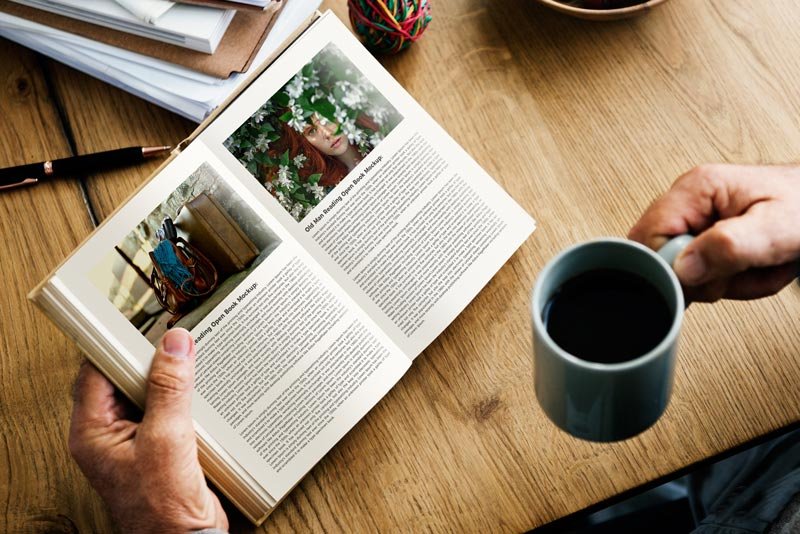
Man Reading Open Book Mockup
What's inside
- Applications Photoshop
- File Types PSD
- License Free (see author's terms)
- Author 50graphics
This man reading open book mockup is a quick way to show a cookbook without a photo shoot.
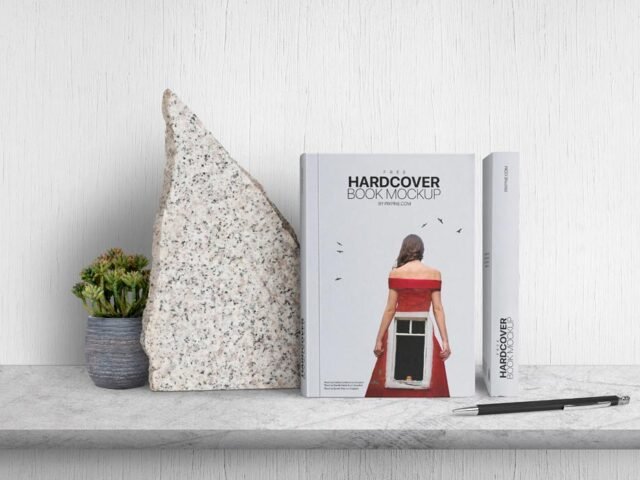
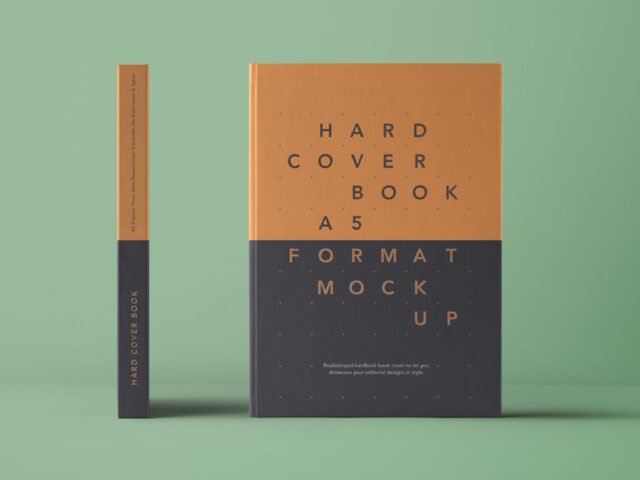
Authors and publishers tend to get the most out of files like this. A small tip: design the spine too, even if it’s narrow. Book mockups showing the side look unfinished with a blank spine.
Seeing a layout on a real book is also the easiest way to catch problems early. A phone number that looked fine on screen can turn out too small once it sits on paper. If you’re building a full identity, pair it with an envelope or letterhead mockup for a matching set.
Good for
- A cookbook
- A book cover
- A novel jacket
50graphics created this one and hosts the download on their own site, so you always get the latest version straight from the source.
What you can edit in this Man Reading Open Book Mockup
The PSD is layered, so you can change:
- Your design, placed through the smart object
- Paper or background colour
- Shadows and highlights on their own layers
How to use the Man Reading Open Book Mockup
- Get your artwork ready at print size, with 3 mm of bleed if it runs to the edge.
- Open the PSD in Photoshop and find the smart object layer, usually named “Your Design” or “Place Here”.
- Paste your design, resize it to fill the area, then save (Ctrl/Cmd + S) and close that tab.
- Change the background or paper colour with the colour layer.
- Export a full-size image for your portfolio and a smaller one for social media.
Another tip: use CMYK-friendly colours in the artwork itself, even though the mockup is RGB, so what the client sees is close to print.
Where the Man Reading Open Book Mockup works best
- Make two or three colour versions of a cookbook and let the client pick.
- Use it as the cover image for an annual report cover in your portfolio.
- Show a novel jacket on your online shop or product page.
Good to know
- Made by 50graphics. The download size and format are listed on their page.
- The preview shows the angle, background and lighting you’ll get.
- Built for Adobe Photoshop. A recent CC version handles the smart objects best.
More free book mockups are listed below, each linking to the original author.
Questions about this mockup
Can I use this book mockup for client work?
That depends on the author's terms. The download page lists what is allowed; when in doubt, ask the author directly.
How do I add my design?
Open the file in Photoshop, double-click the smart object thumbnail, paste or place your artwork in the new tab, save it (Ctrl/Cmd + S) and close. The main file updates on its own.
Which Photoshop version do I need?
A recent Photoshop CC version is best. Older versions can open the file but sometimes have trouble with smart objects and effects.
Will my artwork look printed or pasted on?
Most print mockups keep the paper texture and lighting on separate layers above your design, so it takes on the grain and shadows. If it still looks too clean, lower the opacity of your artwork a little.