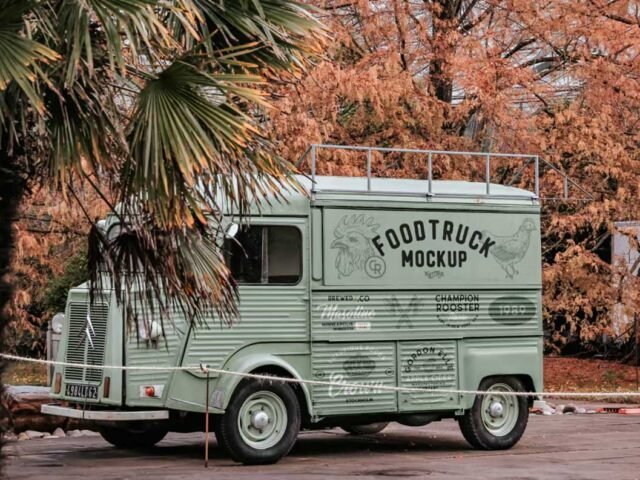
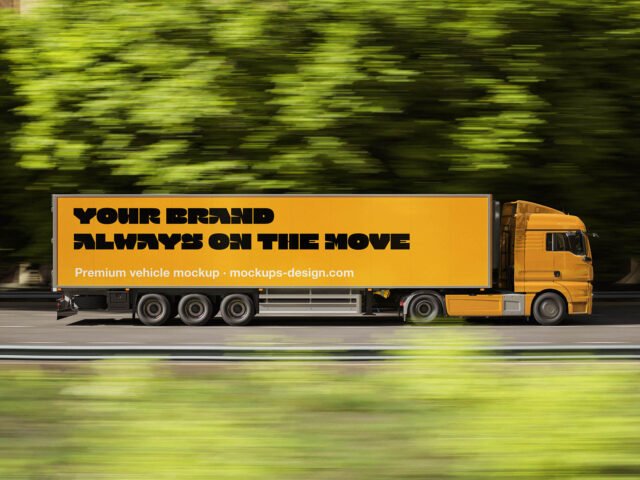
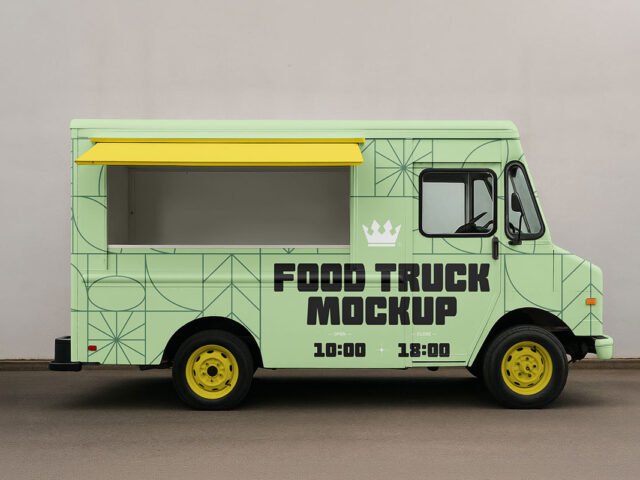
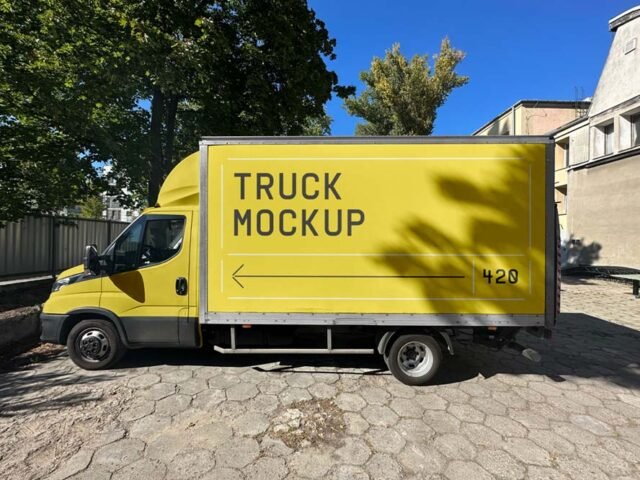
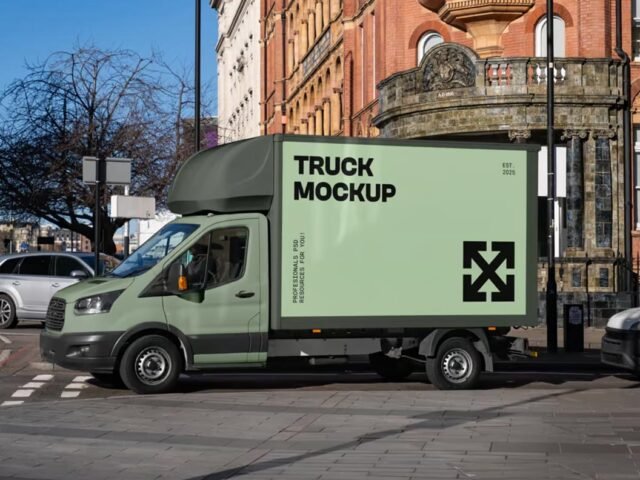
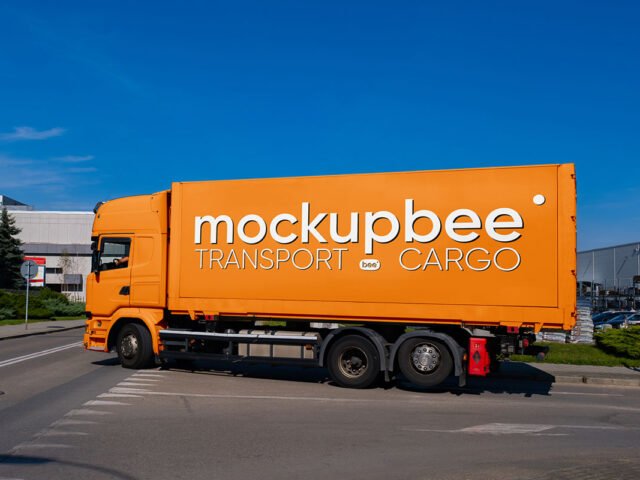
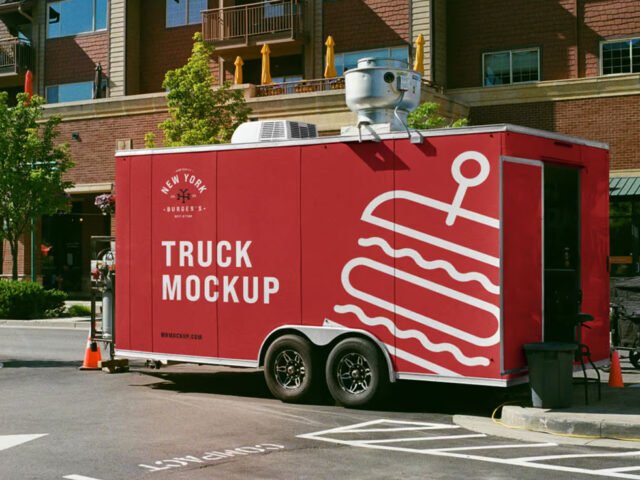
Modern Building Truck Mockup
What's inside
- Applications Photoshop
- File Types PSD
- License Free (see author's terms)
- Author Mr.Mockup
Show a trailer ad the way it will actually look: on a modern building truck mockup.
Good pick for wrap designers, food truck owners or anyone putting together a portfolio. Check your artwork’s aspect ratio against the smart object before you start, or faces and logos get cropped.
It’s also handy for student and portfolio work, when you want to show a campaign that never went live. Combine it with a poster or bus stop ad to show the campaign across several placements.
The file is made by Mr.Mockup. The download button takes you to their page, where you get the original file and the licence details.
Modern Building Truck Mockup: editable parts
The PSD is layered, so you can change:
- Ad artwork, placed through the smart object
- Lighting and shadow layers
- Glow layer for backlit scenes, where included
- Brightness to match the scene
How to use the Modern Building Truck Mockup
- Export the ad artwork large so it stays sharp in the scene.
- Open the PSD in Photoshop and find the smart object layer, usually named “Your Design” or “Place Here”.
- Paste your design, resize it to fill the area, then save (Ctrl/Cmd + S) and close that tab.
- Use the glow layer for night or backlit scenes.
- Export with File › Export › Export As: JPG for sharing, PNG for the web.
Worth remembering: night or backlit scenes usually have a glow layer. Push it up for lightboxes, down for printed paper.
Ways to use this Modern Building Truck Mockup
- Show a food truck wrap on your online shop or product page.
- Present a trailer ad in a client proposal or brand guide.
- Show a fleet livery to a client before it goes to print or production.
Quick notes on this mockup
- Made by Mr.Mockup. The download size and format are listed on their page.
- Check the licence on the author’s page. Personal and commercial terms differ from file to file.
- Some free mockups ask for credit when you post them. A short line in your caption is enough.
- Built for Adobe Photoshop. A recent CC version handles the smart objects best.
Scroll down for similar truck mockups from other designers.
Questions about this mockup
Can I use this truck mockup for client work?
Mr.Mockup sets the licence, and it can differ from file to file. Many free files allow personal and commercial use, but some are personal-only or ask for credit. Read the terms on the download page before a paid project.
How do I add my design?
Open the file in Photoshop, double-click the smart object thumbnail, paste or place your artwork in the new tab, save it (Ctrl/Cmd + S) and close. The main file updates on its own.
Do I need Photoshop?
Yes. This is a PSD mockup built with smart objects, so you edit it in Adobe Photoshop. Any recent CC version works.
Can I change the surroundings?
Usually only lighting and shadows are adjustable. The street, sky or building are part of the photo.