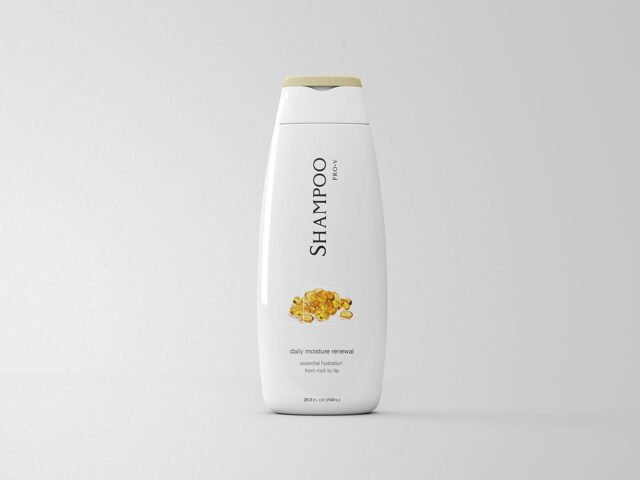
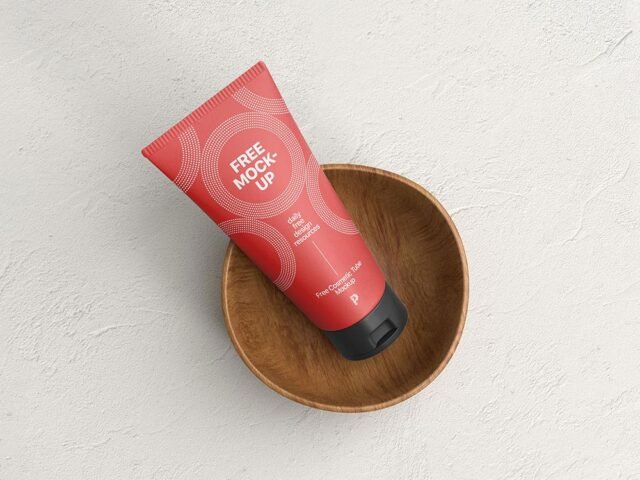
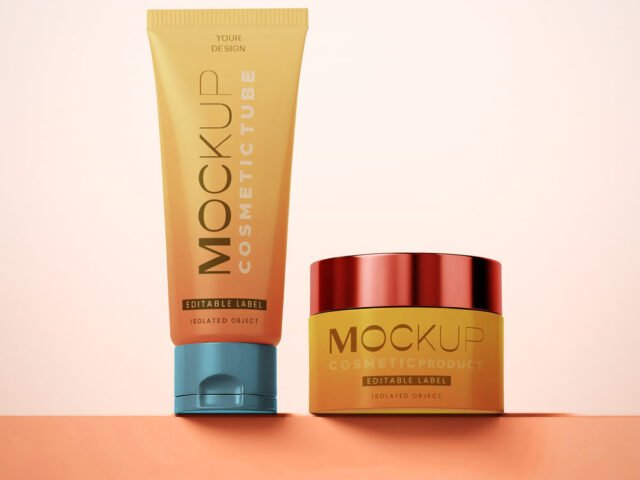
Package Cosmetic Tube Mockup
What's inside
- Applications Photoshop
- File Types PSD
- License Free (see author's terms)
- Author Mockupful
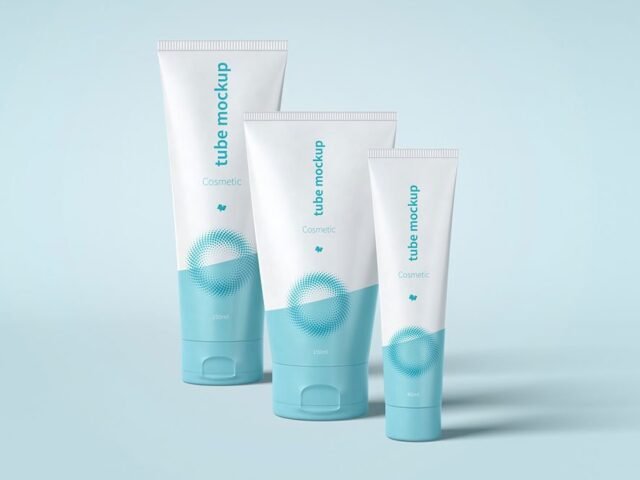
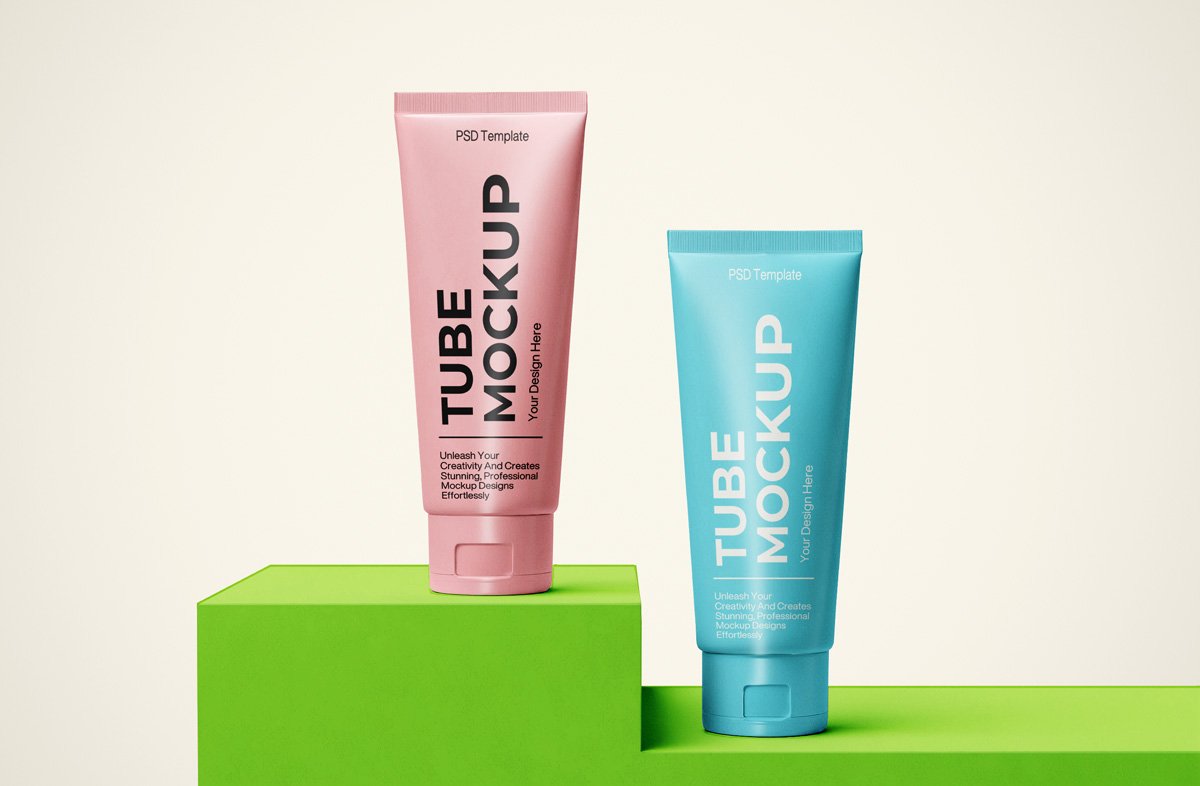
Here’s a package cosmetic tube mockup that works well for a tube design, a skincare label and similar projects.
Good pick for cosmetic startups, packaging designers or anyone putting together a portfolio. A small tip: beauty packaging relies on small type and lots of white space. Resist filling the label.
It’s also a good way to compare a few label directions side by side without printing anything. A shelf of two or three variants in different colours makes a strong hero image.
Mockupful created this one and hosts the download on their own site, so you always get the latest version straight from the source.
Editable options in the Package Cosmetic Tube Mockup PSD
Open it in Photoshop and you can change:
- Label artwork, placed through the smart object
- Container colour
- Highlights and reflections
How to use the Package Cosmetic Tube Mockup
- Export the label at the size of the smart object.
- Open the file in Photoshop and double-click the smart object thumbnail in the Layers panel.
- Drop your artwork in, fit it to the canvas, save and close. The mockup updates by itself.
- Change the background to your brand colour.
- Export with File › Export › Export As: JPG for sharing, PNG for the web.
Worth remembering: metallic and glossy finishes look best with a little contrast in the label; very flat pastel labels can look printed on paper.
Ways to use this Package Cosmetic Tube Mockup
- Share a tube design on Instagram, Behance or Dribbble with a real-looking preview.
- Use it as the cover image for a skincare label in your portfolio.
- Show a dropper bottle label to a client before it goes to print or production.
Before you download
- Made by Mockupful. The download size and format are listed on their page.
- Check the smart object size before you design, so your artwork fits without stretching.
- Check the licence on the author’s page. Personal and commercial terms differ from file to file.
- Some free mockups ask for credit when you post them. A short line in your caption is enough.
Scroll down for similar cosmetic mockups from other designers.
Questions about this mockup
What licence does it come with?
It's free to download, but the licence belongs to Mockupful. Check their page: it states whether commercial use is allowed and if attribution is needed.
How do I add my design?
Open the file in Photoshop, double-click the smart object thumbnail, paste or place your artwork in the new tab, save it (Ctrl/Cmd + S) and close. The main file updates on its own.
Do I need Photoshop?
Yes. This is a PSD mockup built with smart objects, so you edit it in Adobe Photoshop. Any recent CC version works.
Will the label bend with the shape?
Good curved-product mockups use a warp so the label wraps around. The preview shows it: if the edges of the label curve away, it does.