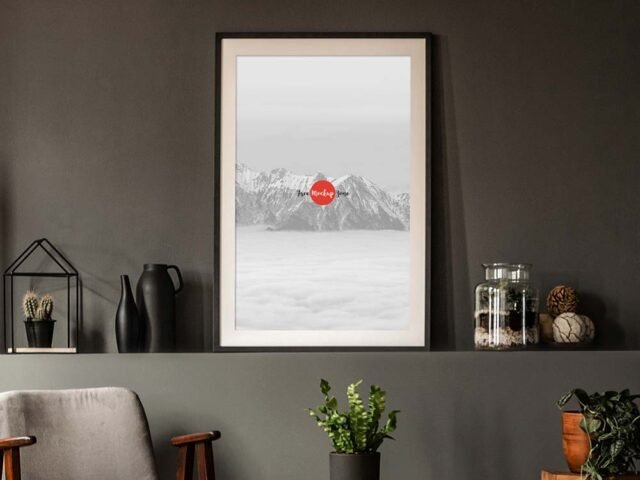
Restaurant Interior Frame Mockup
What's inside
- Applications Photoshop
- File Types PSD
- License Free (see author's terms)
- Author Free Mockup Zone
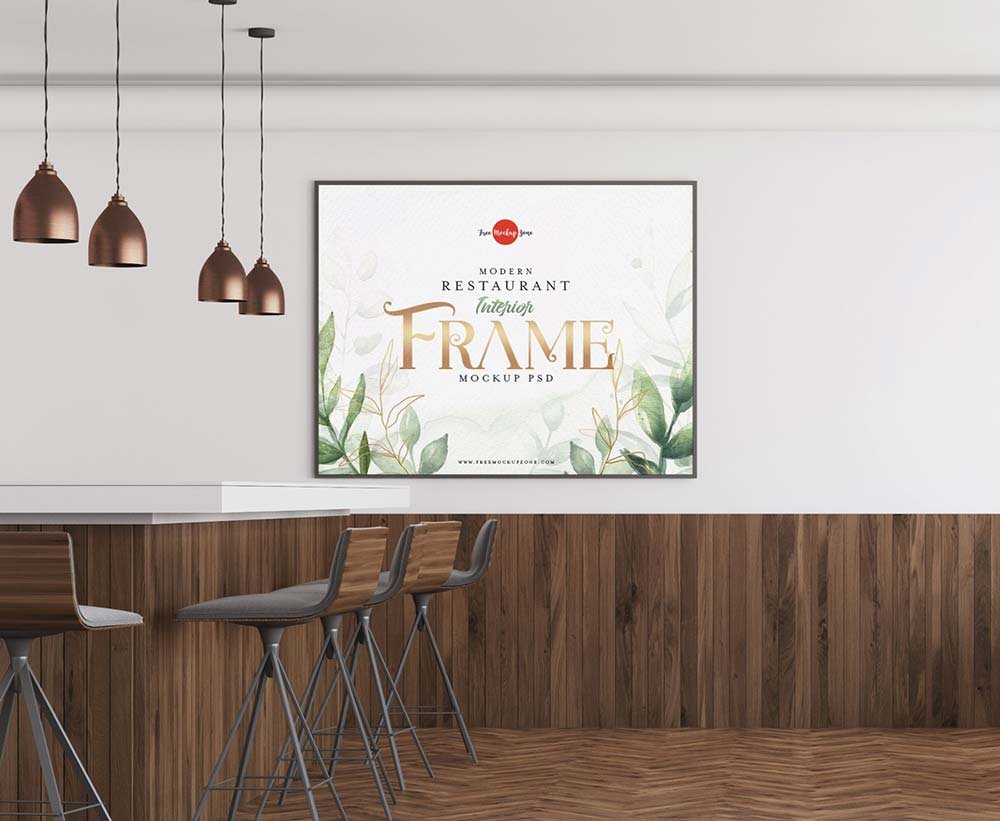
If you’re presenting a certificate, this restaurant interior frame mockup makes the idea feel real before anything is produced.
Good pick for Etsy print sellers, artists or anyone putting together a portfolio. A small tip: pick a print size that matches the frame’s ratio; stretched or cropped art gives the game away.
It helps you judge scale too: artwork that looks right on screen can feel tiny once it’s framed in a room.
Good for
- A certificate
- A photo
- A quote print
Credit goes to Free Mockup Zone. We link to their download page rather than re-uploading the file, so check their terms there before commercial use.
What you can edit in this Restaurant Interior Frame Mockup
The PSD is layered, so you can change:
- Artwork, placed through the smart object
- Frame colour, where the file offers options
- Glass reflection layer
How to use the Restaurant Interior Frame Mockup
- Export the artwork at 3000 px or more on the long side.
- In the Layers panel, find the layer with the small smart object icon and double-click it.
- Drop your artwork in, fit it to the canvas, save and close. The mockup updates by itself.
- Try other artwork in the same room scene.
- Export a full-size image for your portfolio and a smaller one for social media.
Worth remembering: keep the glass reflection layer on. It is small, but it’s what makes the frame look real.
Where the Restaurant Interior Frame Mockup works best
- Use it as the cover image for an art print in your portfolio.
- Share a quote print on Instagram, Behance or Dribbble with a real-looking preview.
- Show a certificate on your online shop or product page.
Good to know
- Made by Free Mockup Zone. The download size and format are listed on their page.
- Some free mockups ask for credit when you post them. A short line in your caption is enough.
- Check the smart object size before you design, so your artwork fits without stretching.
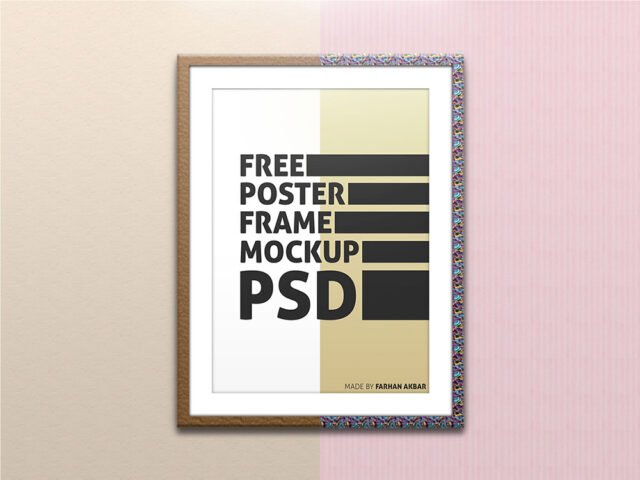
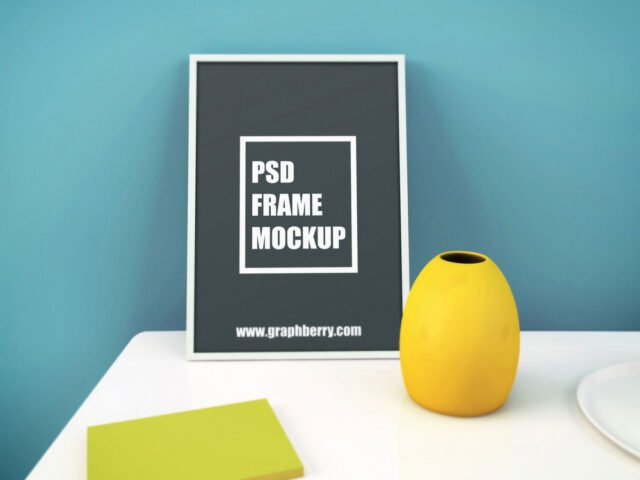
- The preview shows the angle, background and lighting you’ll get.
Browse more free frame mockups on Artistic Orbit, with new files added every day.
Questions about this mockup
Is it free for commercial use?
Free Mockup Zone sets the licence, and it can differ from file to file. Many free files allow personal and commercial use, but some are personal-only or ask for credit. Read the terms on the download page before a paid project.
How do I add my design?
Open the file in Photoshop, double-click the smart object thumbnail, paste or place your artwork in the new tab, save it (Ctrl/Cmd + S) and close. The main file updates on its own.
Which Photoshop version do I need?
A recent Photoshop CC version is best. Older versions can open the file but sometimes have trouble with smart objects and effects.
Can I change the frame colour?
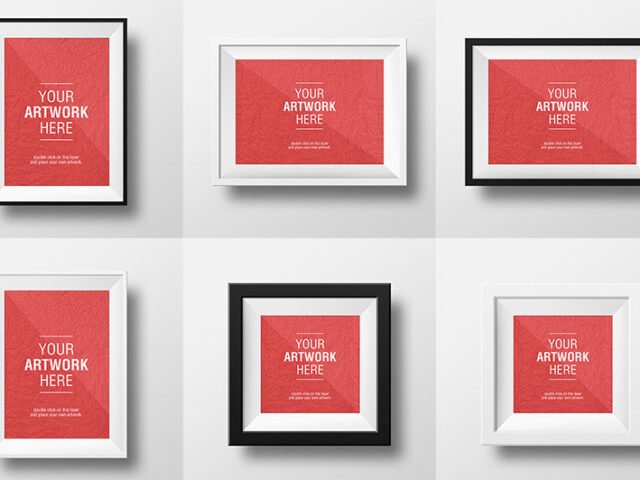
Many frame mockups include black, white and wood options or a colour layer for the frame itself. The preview usually shows the options.