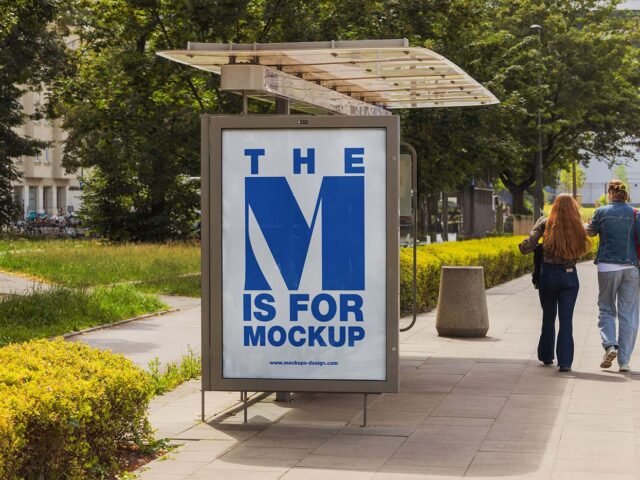
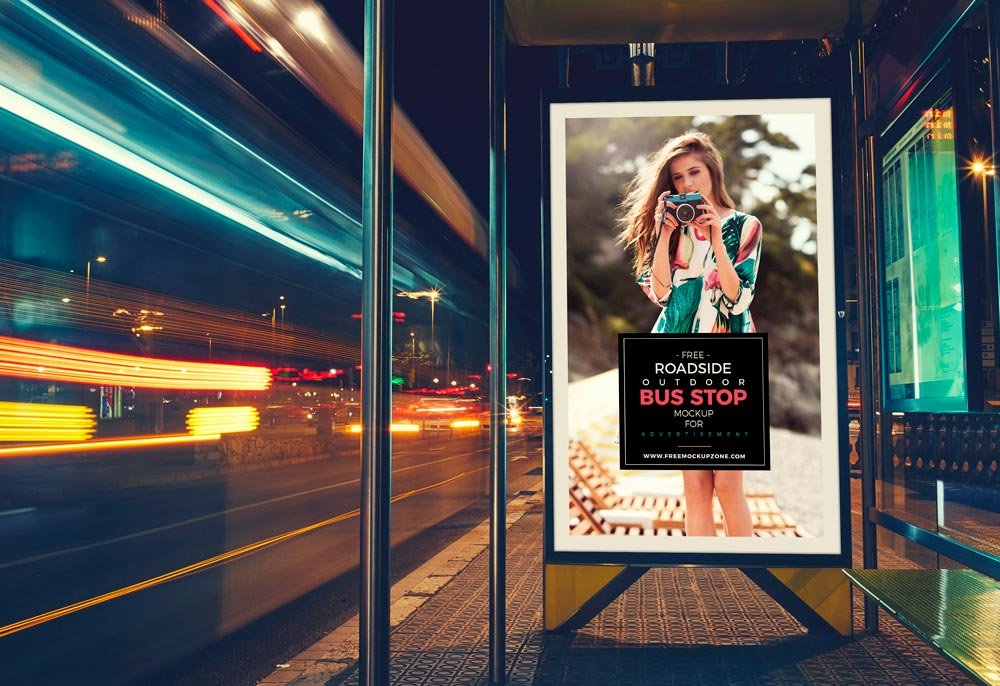
Roadside Bus Stop Billboard Mockup
What's inside
- Applications Photoshop
- File Types PSD
- License Free (see author's terms)
- Author Free Mockup Zone
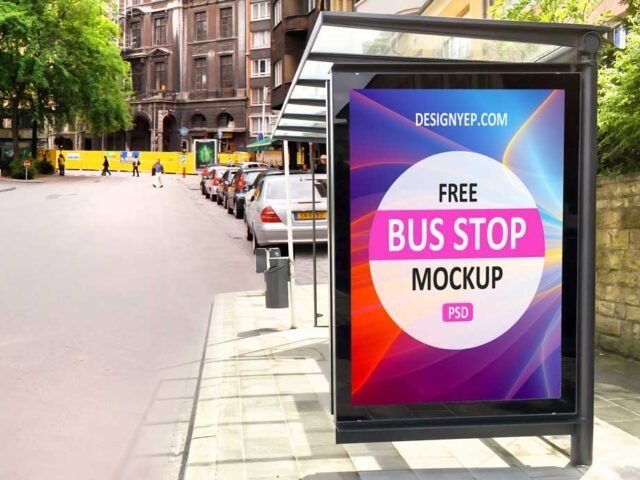
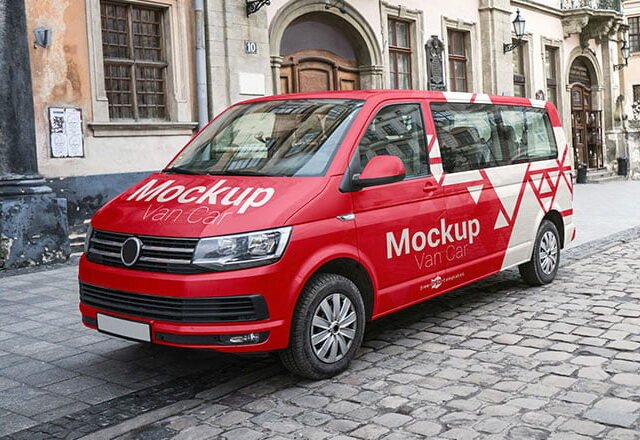
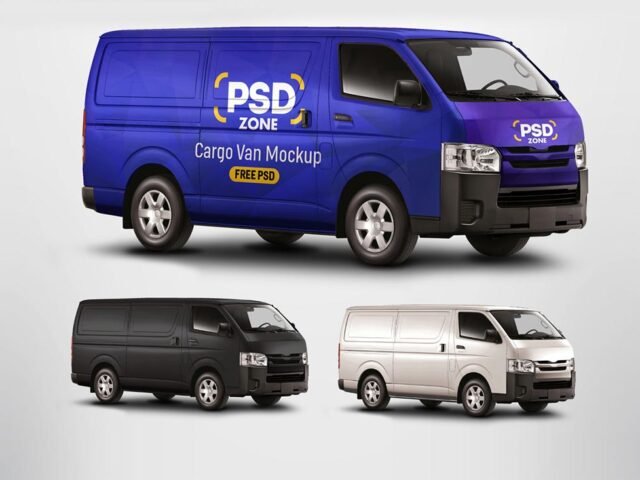
Here’s a roadside bus stop billboard mockup that works well for a food business wrap, a company livery and similar projects.
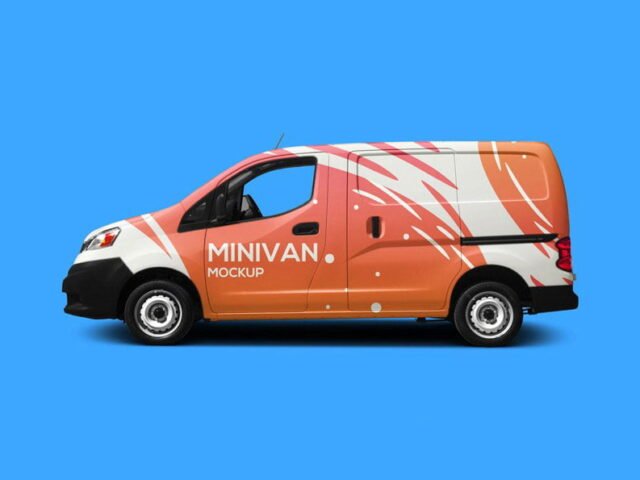
Wrap designers and trades businesses tend to get the most out of files like this. A small tip: van sides have doors, handles and panel lines; keep phone numbers and logos away from them.
Agencies use scenes like this in pitch decks, where a realistic placement often sells the idea more than the artwork alone.
Good for
- A food business wrap
- A company livery
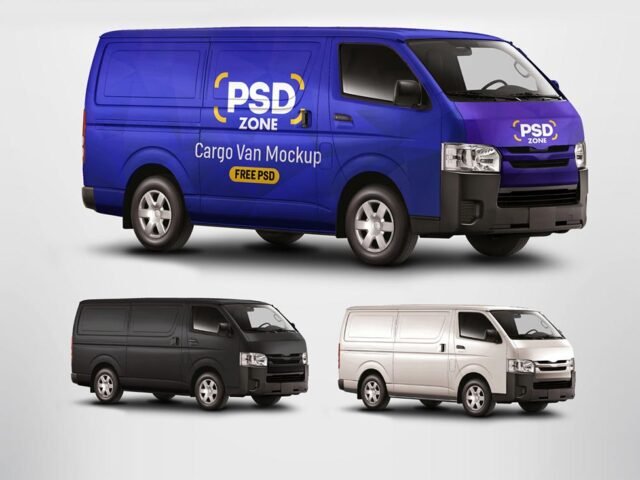
- A delivery van wrap
Credit goes to Free Mockup Zone. We link to their download page rather than re-uploading the file, so check their terms there before commercial use.
What you can edit in this Roadside Bus Stop Billboard Mockup
Main things you can change in Photoshop:
- Ad artwork, placed through the smart object
- Lighting and shadow layers
- Brightness to match the scene
How to use the Roadside Bus Stop Billboard Mockup
- Keep the ad simple: one image, a short headline and the logo.
- In the Layers panel, find the layer with the small smart object icon and double-click it.
- Paste your design, resize it to fill the area, then save (Ctrl/Cmd + S) and close that tab.
- Check the crop so faces and logos stay inside the frame.
- Export a full-size image for your portfolio and a smaller one for social media.
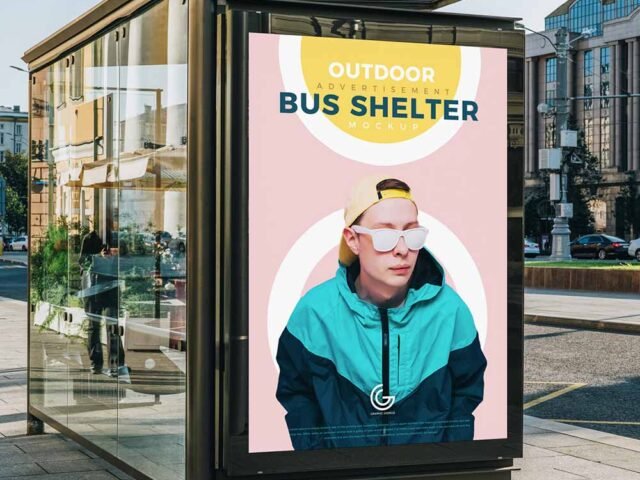
Another tip: night or backlit scenes usually have a glow layer. Push it up for lightboxes, down for printed paper.
Best uses for this Roadside Bus Stop Billboard Mockup
- Use it as the cover image for a company livery in your portfolio.
- Make two or three colour versions of a delivery van wrap and let the client pick.
- Show a food business wrap to a client before it goes to print or production.
Quick notes on this mockup
- Made by Free Mockup Zone. The download size and format are listed on their page.
- The preview shows the angle, background and lighting you’ll get.
- Some free mockups ask for credit when you post them. A short line in your caption is enough.
- Check the smart object size before you design, so your artwork fits without stretching.
Scroll down for similar van car mockups from other designers.
Questions about this mockup
Can I use this van mockup for client work?
It's free to download, but the licence belongs to Free Mockup Zone. Check their page: it states whether commercial use is allowed and if attribution is needed.
How do I add my design?
Open the file in Photoshop, double-click the smart object thumbnail, paste or place your artwork in the new tab, save it (Ctrl/Cmd + S) and close. The main file updates on its own.
Which Photoshop version do I need?
A recent Photoshop CC version is best. Older versions can open the file but sometimes have trouble with smart objects and effects.
Can I change the surroundings?
Usually only lighting and shadows are adjustable. The street, sky or building are part of the photo.