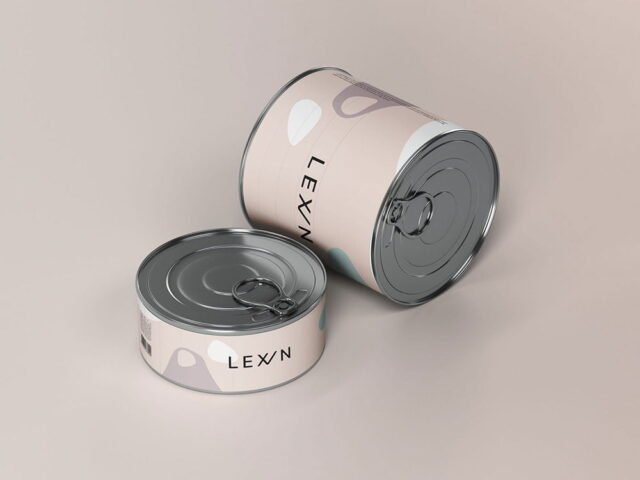
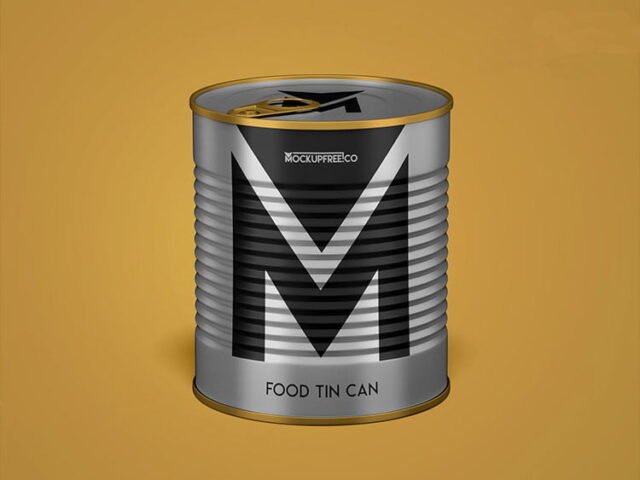
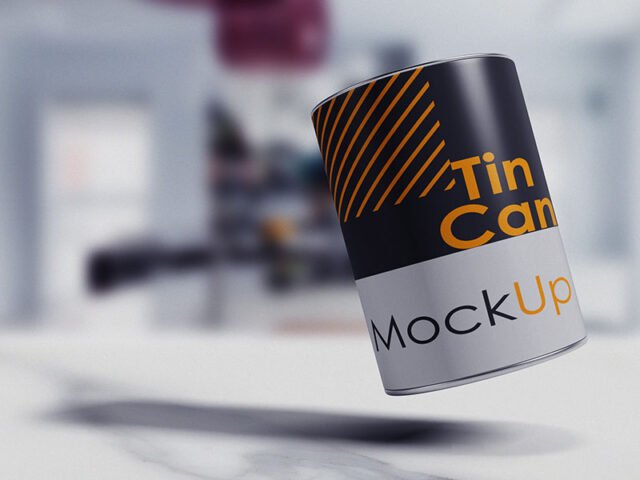
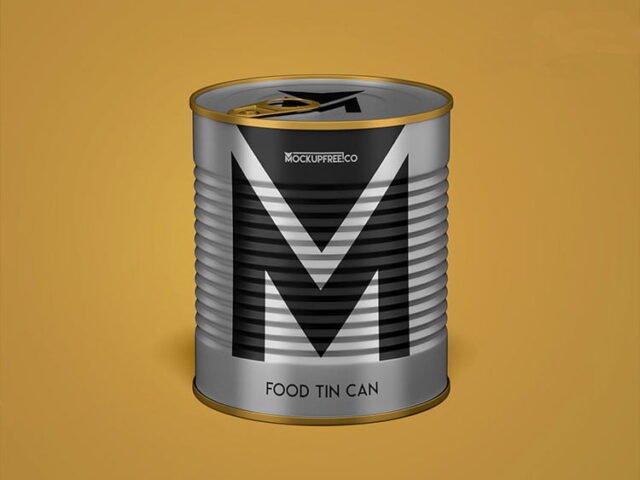
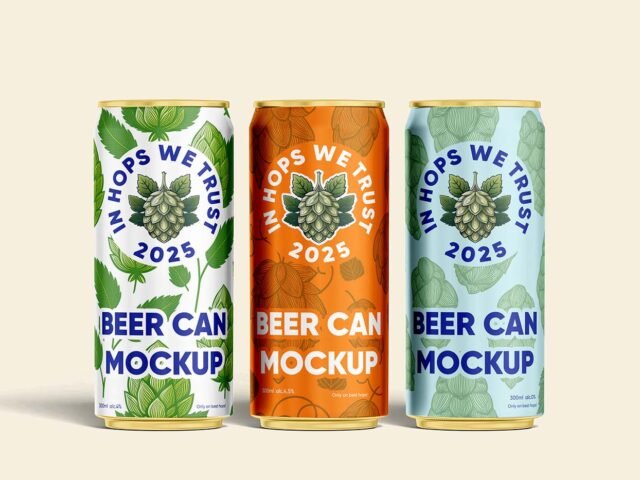
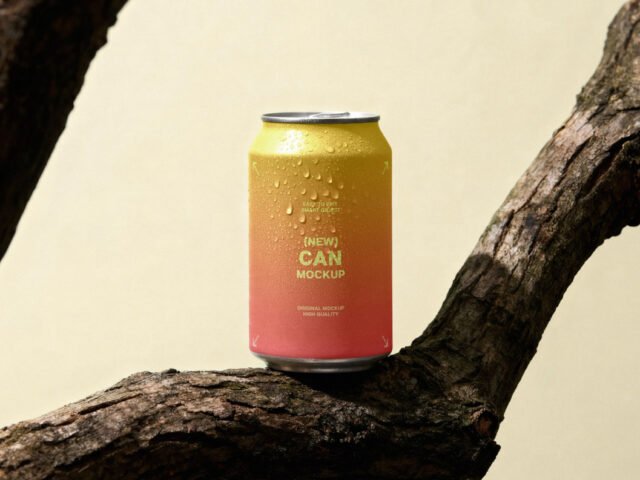
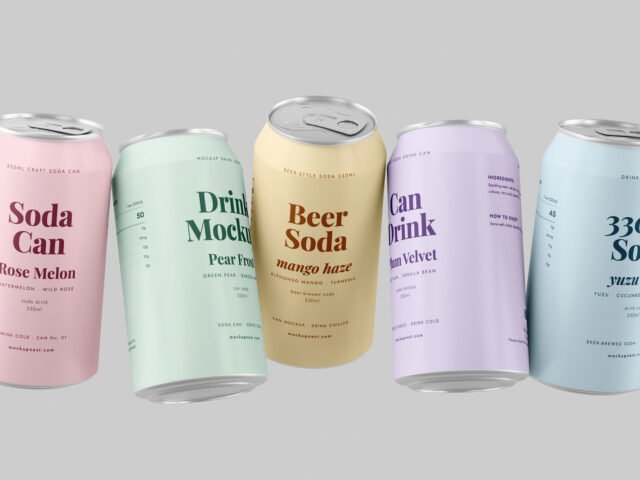
Tin Soda Can Mockup
What's inside
- Applications Photoshop
- File Types PSD
- License Free (see author's terms)
- Author Zippypixels
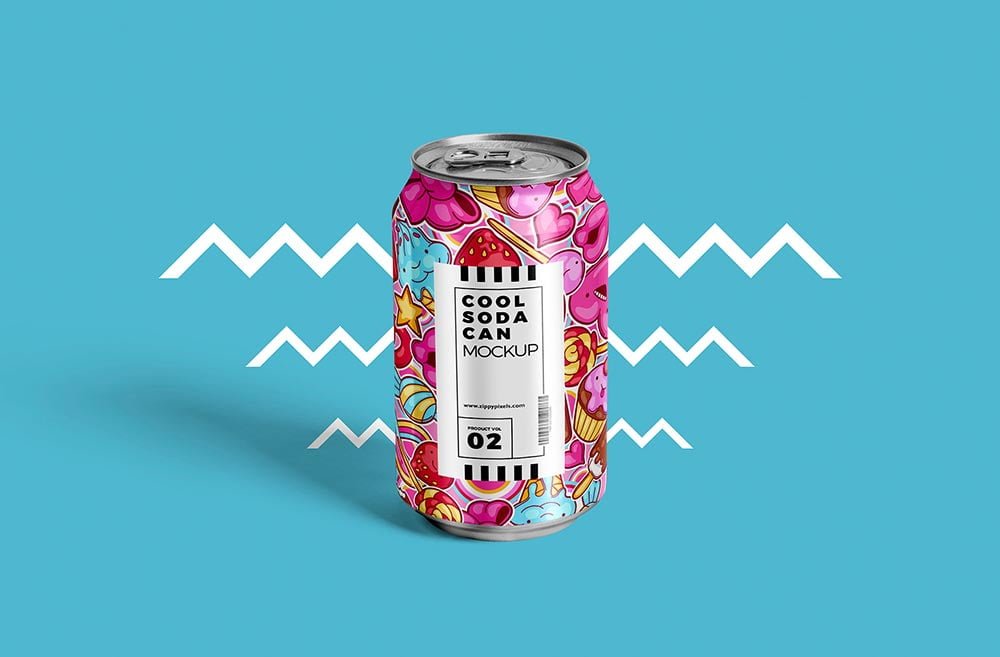
If you’re presenting a craft beer label, this tin soda can mockup makes the idea feel real before anything is produced. Because it’s tin, the material shows through a little, which keeps the result believable.
Good pick for breweries, packaging designers or anyone putting together a portfolio. Metallic and glossy finishes look best with a little contrast in the label; very flat pastel labels can look printed on paper.
Labels behave differently once they wrap around a shape, and this is where you find out if yours still reads. A shelf of two or three variants in different colours makes a strong hero image.
Credit goes to Zippypixels. We link to their download page rather than re-uploading the file, so check their terms there before commercial use.
Tin Soda Can Mockup: editable parts
The PSD is layered, so you can change:
- Label artwork, placed through the smart object
- Shadows
- Container colour
How to use the Tin Soda Can Mockup
- Design the label flat and keep the logo in the middle third, where the curve bends it least.
- Open the file in Photoshop and double-click the smart object thumbnail in the Layers panel.
- Drop your artwork in, fit it to the canvas, save and close. The mockup updates by itself.
- Save a JPG for clients and social media, and keep the PSD for later changes.
Another tip: transparent or glass items show the background through. Test your label on the actual background colour you’ll use.
Ways to use this Tin Soda Can Mockup
- Present an energy drink wrap in a client proposal or brand guide.
- Share a craft beer label on Instagram, Behance or Dribbble with a real-looking preview.
- Use it as the cover image for a soda design in your portfolio.
Good to know
- Made by Zippypixels. The download size and format are listed on their page.
- Check the licence on the author’s page. Personal and commercial terms differ from file to file.
- Built for Adobe Photoshop. A recent CC version handles the smart objects best.
Browse more free can mockups on Artistic Orbit, with new files added every day.
Questions about this mockup
Can I use this can mockup for client work?
It's free to download, but the licence belongs to Zippypixels. Check their page: it states whether commercial use is allowed and if attribution is needed.
How do I add my design?
Open the file in Photoshop, double-click the smart object thumbnail, paste or place your artwork in the new tab, save it (Ctrl/Cmd + S) and close. The main file updates on its own.
Which Photoshop version do I need?
A recent Photoshop CC version is best. Older versions can open the file but sometimes have trouble with smart objects and effects.
Can I change the liquid or container colour?
Most bottle, can and cup mockups keep the container colour on its own layer. Liquid colour, where visible, is usually adjustable too.