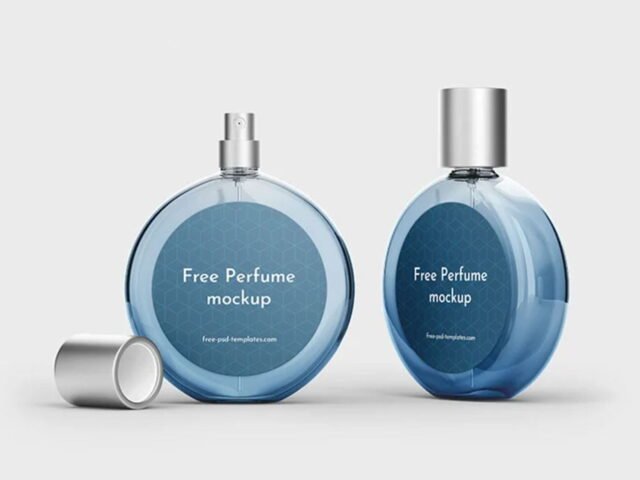
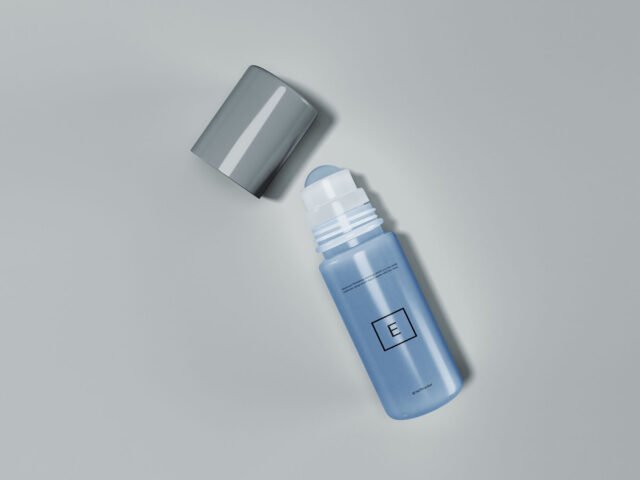
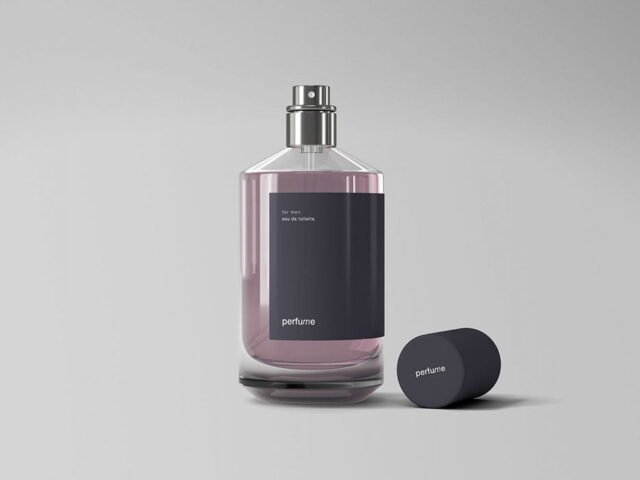
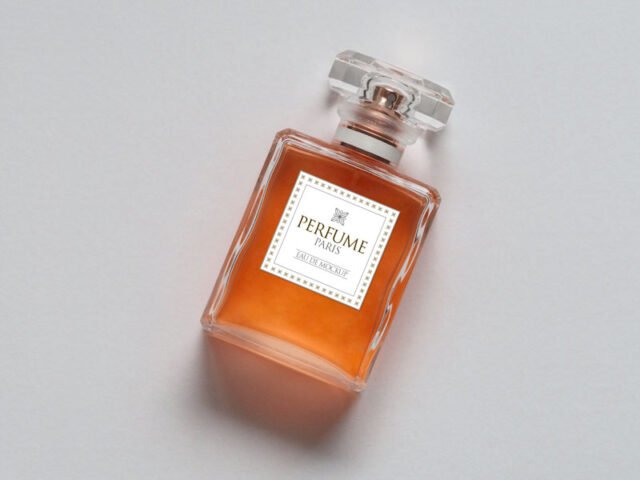
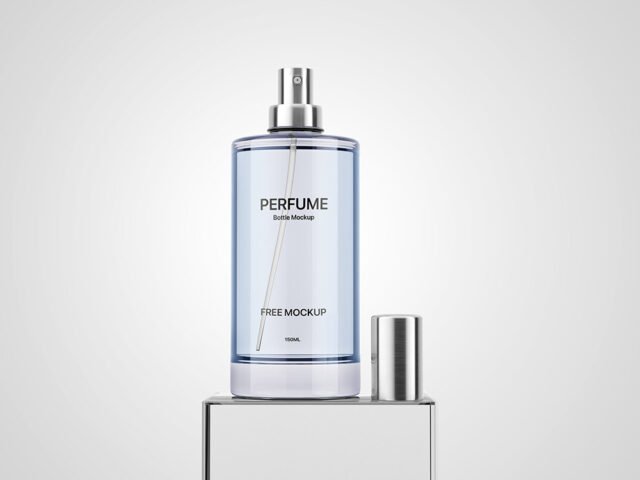
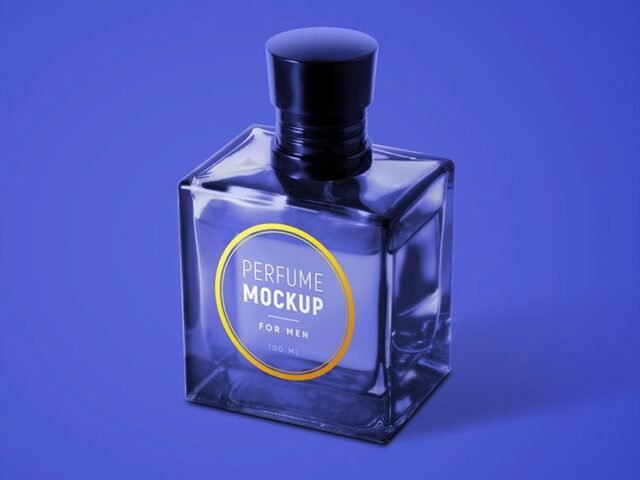
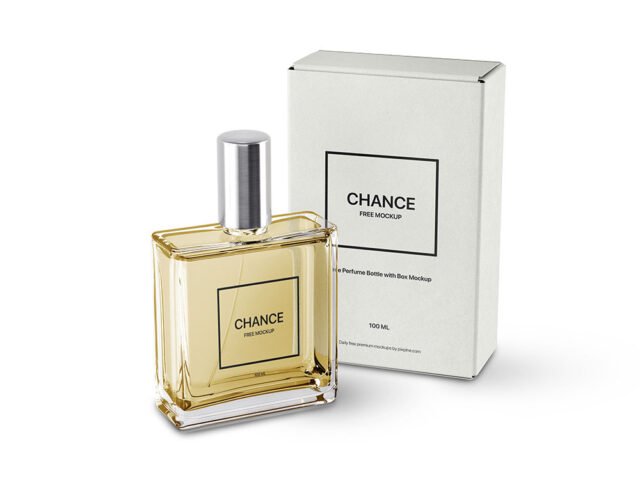
Transparent Perfume Mockup
What's inside
- Applications Photoshop
- File Types PSD
- License Free (see author's terms)
- Author Mr.Mockup
This transparent perfume mockup is a quick way to show a luxury box and bottle without a photo shoot.
Fragrance brands and luxury packaging designers tend to get the most out of files like this. Tip: transparent or glass items show the background through. Test your label on the actual background colour you’ll use.
It’s also a good way to compare a few label directions side by side without printing anything.
Use it for
- A luxury box and bottle
- An engraved logo
- A fragrance label
Mr.Mockup created this one and hosts the download on their own site, so you always get the latest version straight from the source.
Transparent Perfume Mockup: editable parts
Everything below is on its own layer:
- Label artwork, placed through the smart object
- Highlights and reflections
- Background colour
Add your design to the Transparent Perfume Mockup
- Design the label flat and keep the logo in the middle third, where the curve bends it least.
- Open the file in Photoshop and double-click the smart object thumbnail in the Layers panel.
- Paste your design, resize it to fill the area, then save (Ctrl/Cmd + S) and close that tab.
- Change the container colour.
- Export with File › Export › Export As: JPG for sharing, PNG for the web.
Worth remembering: labels on curved surfaces compress at the sides, so keep key text in the middle third.
Ways to use this Transparent Perfume Mockup
- Show an engraved logo to a client before it goes to print or production.
- Make two or three colour versions of a luxury box and bottle and let the client pick.
- Share a fragrance label on Instagram, Behance or Dribbble with a real-looking preview.
Good to know
- Made by Mr.Mockup. The download size and format are listed on their page.
- Some free mockups ask for credit when you post them. A short line in your caption is enough.
- Built for Adobe Photoshop. A recent CC version handles the smart objects best.
- Check the licence on the author’s page. Personal and commercial terms differ from file to file.
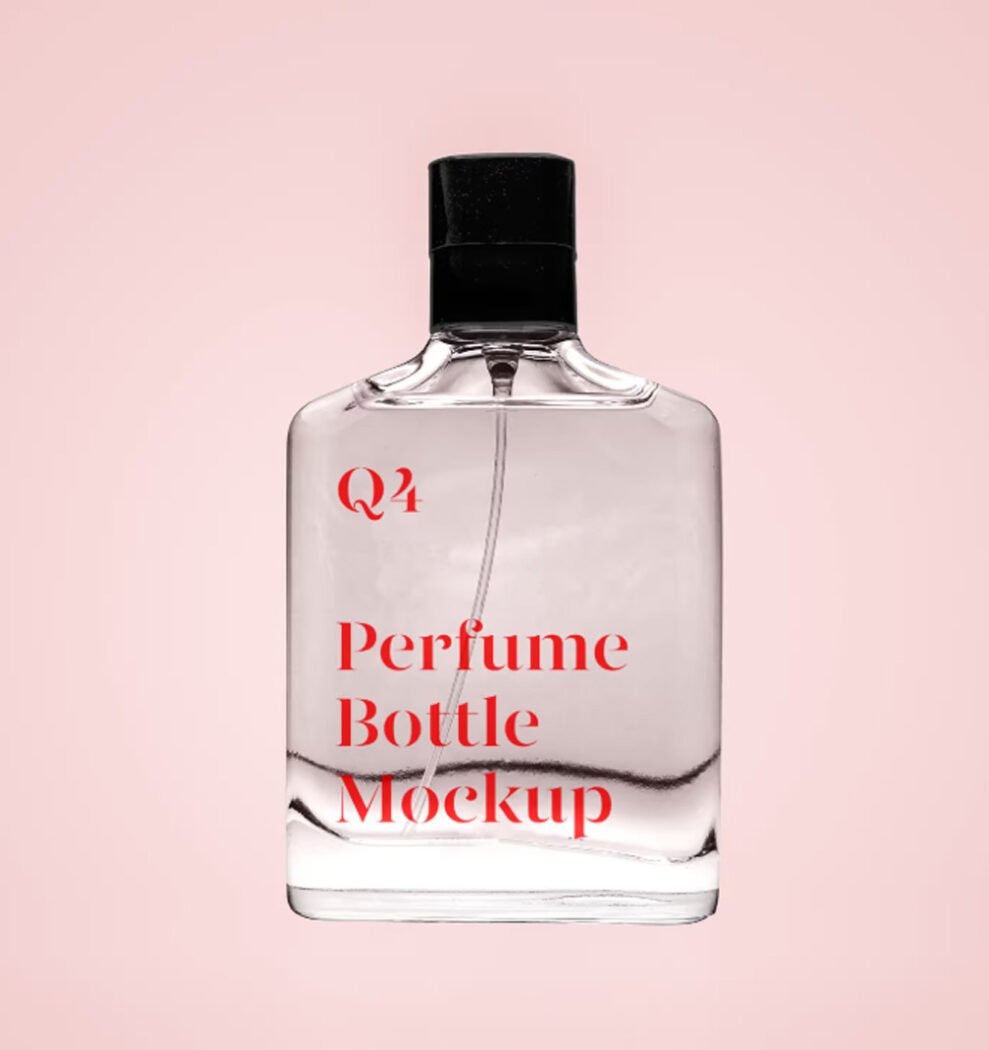
Scroll down for similar perfume mockups from other designers.
Questions about this mockup
What licence does it come with?
That depends on the author's terms. The download page lists what is allowed; when in doubt, ask the author directly.
How do I put my artwork on the perfume bottle?
Find the smart object layer (it has a small icon on its thumbnail), double-click it, place your design, then save and close that tab.
Which Photoshop version do I need?
A recent Photoshop CC version is best. Older versions can open the file but sometimes have trouble with smart objects and effects.
Can I change the liquid or container colour?
Most bottle, can and cup mockups keep the container colour on its own layer. Liquid colour, where visible, is usually adjustable too.
Why does the download open another website?
We list free files from designers around the web and link to the original page, so Mr.Mockup gets the visit and you get the file exactly as they published it.