Mannequin Hoodie Mockups

What's inside
- Applications Photoshop
- File Types PSD
- License Free (see author's terms)
- Author Mockupful
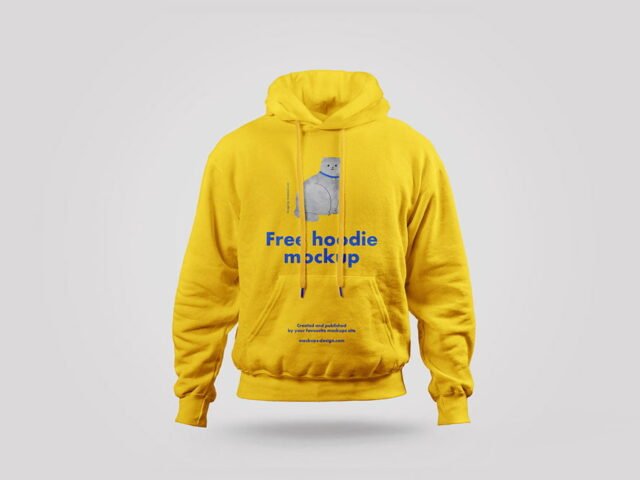
This mannequin hoodie mockup is a quick way to show team merch without a photo shoot.
Streetwear brands and merch sellers tend to get the most out of files like this. Tip: if the print looks too sharp, a very slight blur (0.3 px) makes it sit into the fabric.
Selling merch online without photos of every colour is hard; a good apparel mockup fills that gap until the samples arrive. Shops often pair it with a cap or tote bag mockup to show a small merch collection.
Works well for
- Team merch
- A chest logo
- A large back print
Mockupful created this one and hosts the download on their own site, so you always get the latest version straight from the source.
Mannequin Hoodie Mockups: editable parts
Everything below is on its own layer:
- Print design, placed through the smart object
- Shadows and highlights
- Background colour
- Folds and wrinkles that wrap your print
Add your design to the Mannequin Hoodie Mockups
- Save your print as a PNG with a transparent background.
- Open the file in Photoshop and double-click the smart object thumbnail in the Layers panel.
- Place your design, hide the sample artwork, save, and go back to the main file.
- Change the fabric colour with the colour fill layer.
- Export a full-size image for your portfolio and a smaller one for social media.
One more thing: place the design as a flat PNG with a transparent background, then let the fabric displacement do the folds.
Ways to use this Mannequin Hoodie Mockups
- Show a chest logo on your online shop or product page.
- Present team merch in a client proposal or brand guide.
- Make two or three colour versions of a sleeve detail and let the client pick.
Good to know
- Made by Mockupful. The download size and format are listed on their page.
- Check the smart object size before you design, so your artwork fits without stretching.
- Built for Adobe Photoshop. A recent CC version handles the smart objects best.
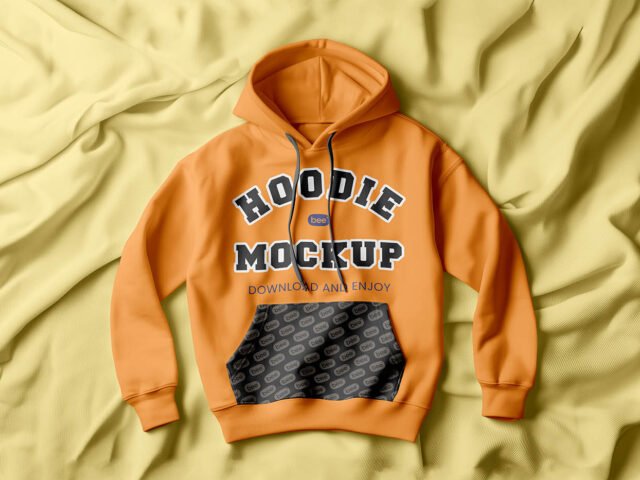
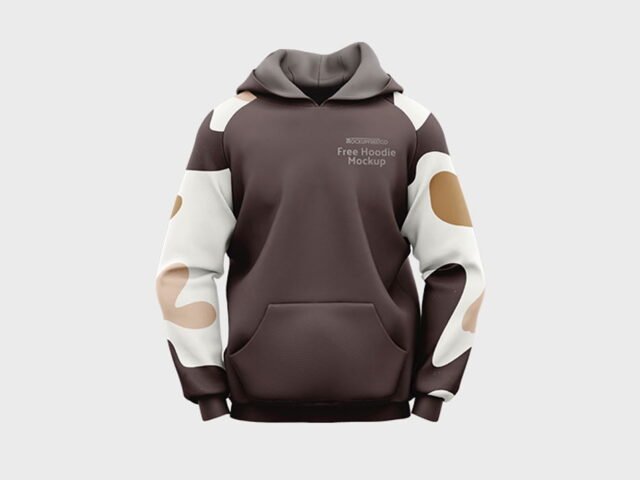
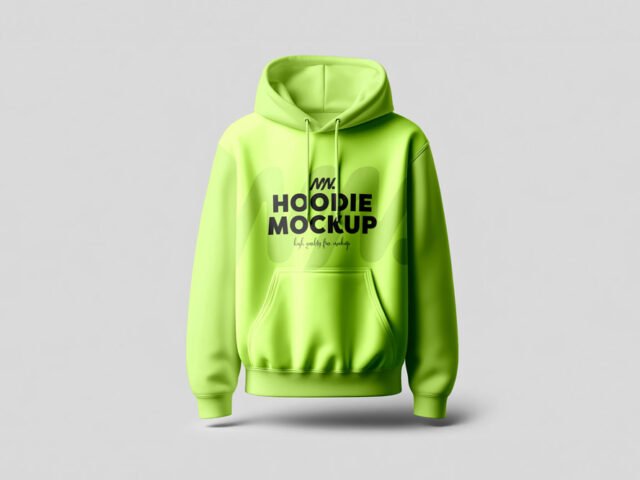
- The preview shows the angle, background and lighting you’ll get.
Scroll down for similar hoodie mockups from other designers.
Questions about this mockup
What licence does it come with?
Mockupful sets the licence, and it can differ from file to file. Many free files allow personal and commercial use, but some are personal-only or ask for credit. Read the terms on the download page before a paid project.
How do I put my artwork on the hoodie?
Find the smart object layer (it has a small icon on its thumbnail), double-click it, place your design, then save and close that tab.
Which Photoshop version do I need?
A recent Photoshop CC version is best. Older versions can open the file but sometimes have trouble with smart objects and effects.
Can I change the fabric colour?
Almost every apparel mockup has a colour fill or adjustment layer for the garment. Double-click its thumbnail and pick your colour.