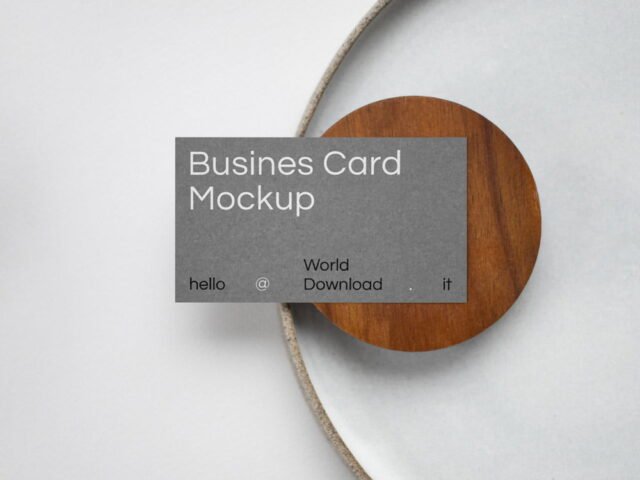
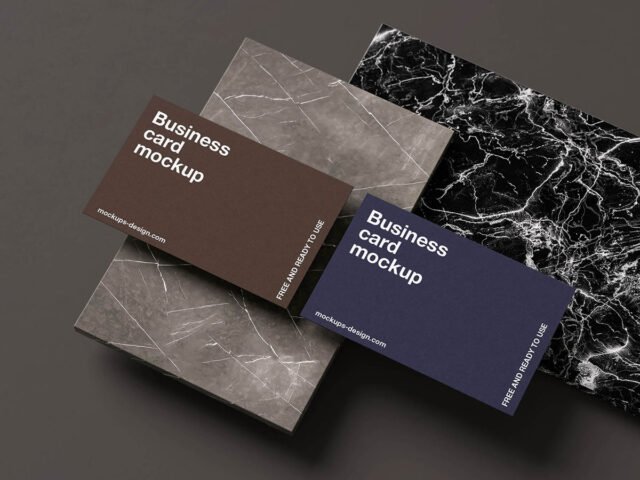
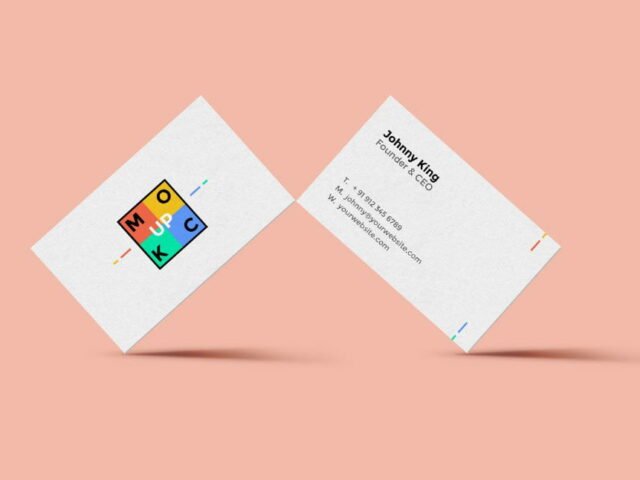
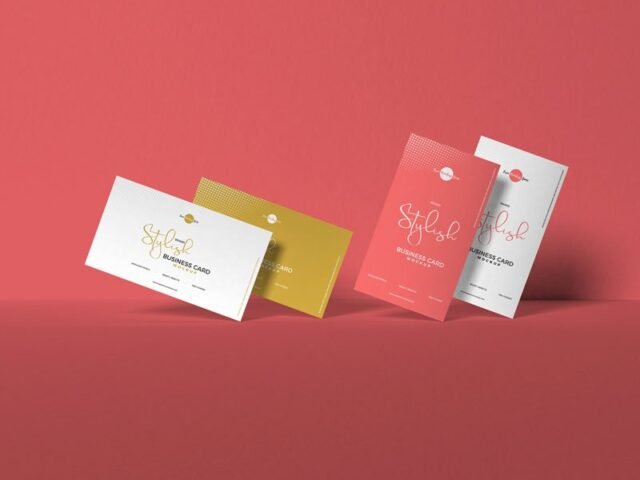
Textured Wall Business Card Mockup
What's inside
- Applications Photoshop
- File Types PSD
- License Free (see author's terms)
- Author Pixpine
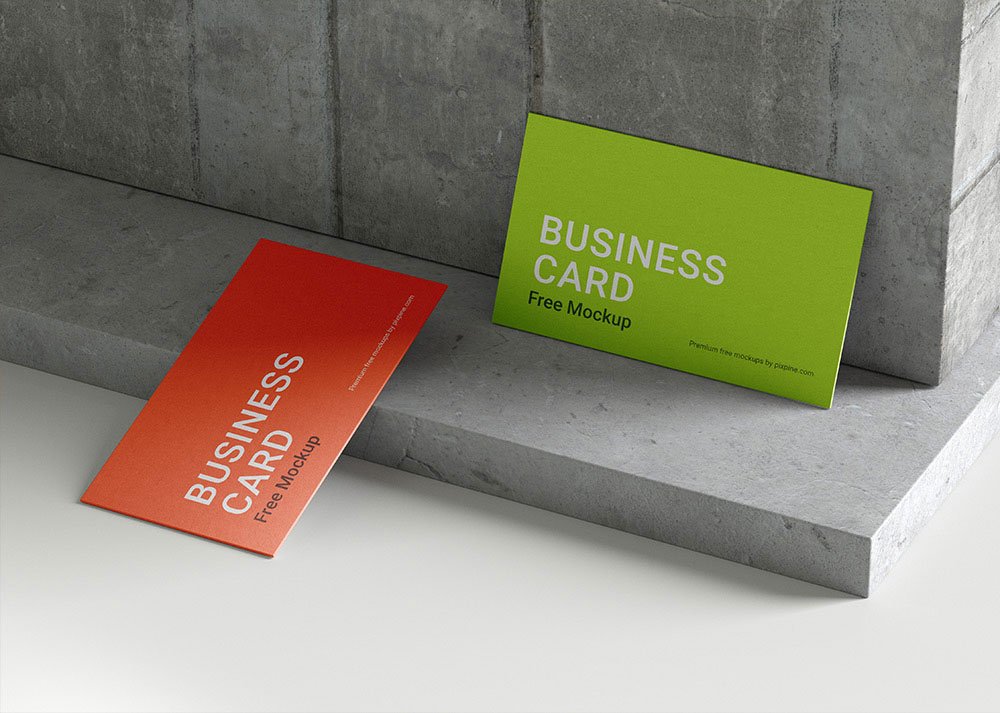
A QR code card looks better on a textured wall business card mockup than on a white artboard, and this mockup is set up for exactly that.
Good pick for branding studios, small businesses or anyone putting together a portfolio. Quick tip: use CMYK-friendly colours in the artwork itself, even though the mockup is RGB, so what the client sees is close to print.
Print jobs are expensive to redo, so a realistic preview before the order goes out is cheap insurance. If you’re building a full identity, pair it with an envelope or letterhead mockup for a matching set.
Credit goes to Pixpine. We link to their download page rather than re-uploading the file, so check their terms there before commercial use.
What’s inside the Textured Wall Business Card Mockup PSD
Everything below is on its own layer:
- Your design, placed through the smart object
- Paper or background colour
- Paper texture you can turn up or down
- Shadows and highlights on their own layers
Add your design to the Textured Wall Business Card Mockup
- Export your artwork as a high-resolution PNG or JPG, around 300 ppi at print size.
- Open the PSD in Photoshop and find the smart object layer, usually named “Your Design” or “Place Here”.
- Paste your design, resize it to fill the area, then save (Ctrl/Cmd + S) and close that tab.
- Change the background or paper colour with the colour layer.
- Export with File › Export › Export As: JPG for sharing, PNG for the web.
Worth remembering: if the paper has texture, drop the opacity of your art by a few percent so the grain shows through.
Ways to use this Textured Wall Business Card Mockup
- Present a QR code card in a client proposal or brand guide.
- Share a minimal logo card on Instagram, Behance or Dribbble with a real-looking preview.
- Make two or three colour versions of a front and back card design and let the client pick.
Before you download
- Made by Pixpine. The download size and format are listed on their page.
- The preview shows the angle, background and lighting you’ll get.
- Some free mockups ask for credit when you post them. A short line in your caption is enough.
Scroll down for similar business card mockups from other designers.
Questions about this mockup
Can I use this business card mockup for client work?
It's free to download, but the licence belongs to Pixpine. Check their page: it states whether commercial use is allowed and if attribution is needed.
How do I put my artwork on the business card?
Find the smart object layer (it has a small icon on its thumbnail), double-click it, place your design, then save and close that tab.
Do I need Photoshop?
Yes. This is a PSD mockup built with smart objects, so you edit it in Adobe Photoshop. Any recent CC version works.
Can I show both sides?
It depends on the file. Many print mockups include a front and a back smart object; the preview usually shows whether both sides are visible.