Bouldy Font
Characters
About Bouldy
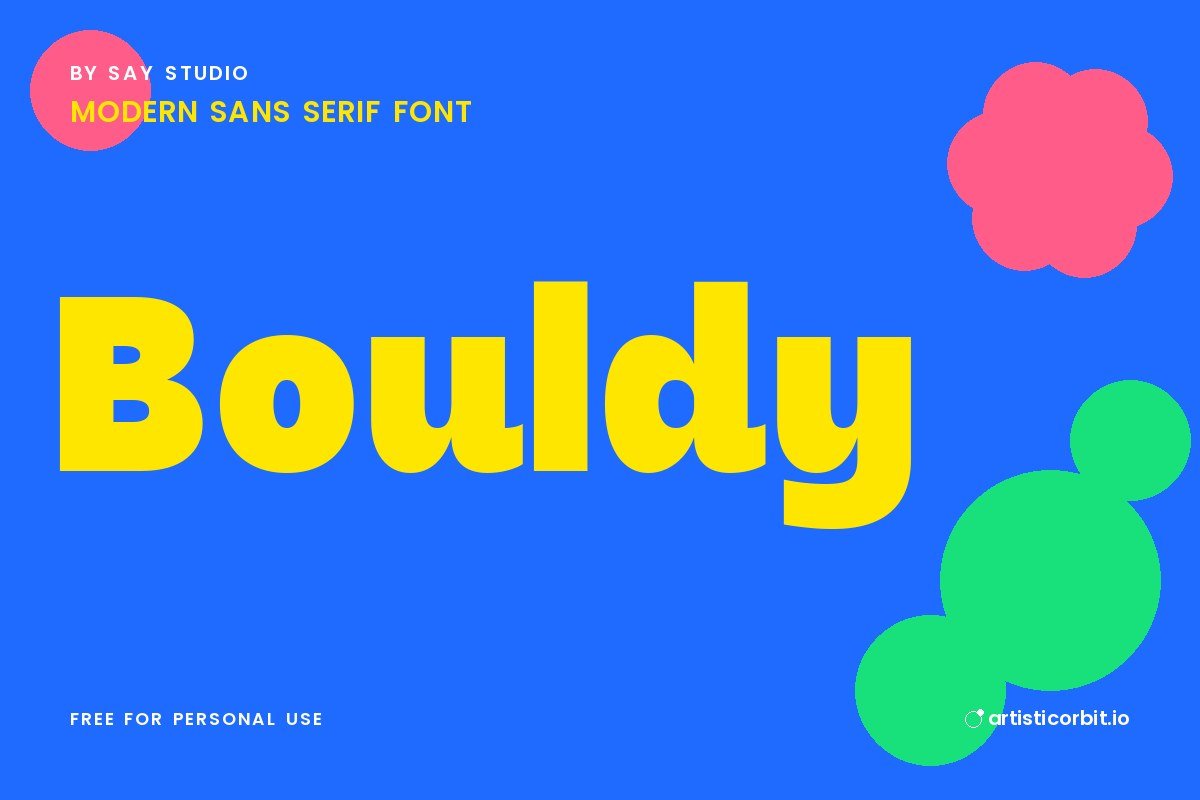
Bouldy is a sans serif font by Say Studio, released in 2026. It has a modern look.
Try it on social media posts and posters and flyers; it also holds up on business cards. Keep it for headlines and short phrases, and use a simpler font for long text. Try a heavier weight for headings and a lighter one for text to build a clear hierarchy.
You get one font file in the download (BouldyDEMO-Regular.ttf), covering uppercase and lowercase.
Licence: Personal Use Only. The free download is for personal projects only. For logos, client work, products or ads, buy a commercial licence from Say Studio.
Using Bouldy on your computer
- Unzip the downloaded file.
- On Windows, double-click the font file and press Install.
- On a Mac, open the file and press Install Font.
- Close and reopen your design app, then look for the font in the list.
Questions about this font
Can I use Bouldy for commercial projects?
Not with the free download. It's personal use only; for anything that earns money, buy a commercial licence from Say Studio.
Who designed Bouldy?
Bouldy was made by Say Studio.
How do I install Bouldy?
Unzip the file. On Windows right-click the .otf or .ttf file and choose Install; on a Mac double-click it and click Install Font.
What font goes well with Bouldy?
Try Playfair Display for body text. A calm partner lets Bouldy do the talking in headlines.
What counts as personal use?
Projects you don't earn money from: school work, your own invitations, practice designs or a personal social post.