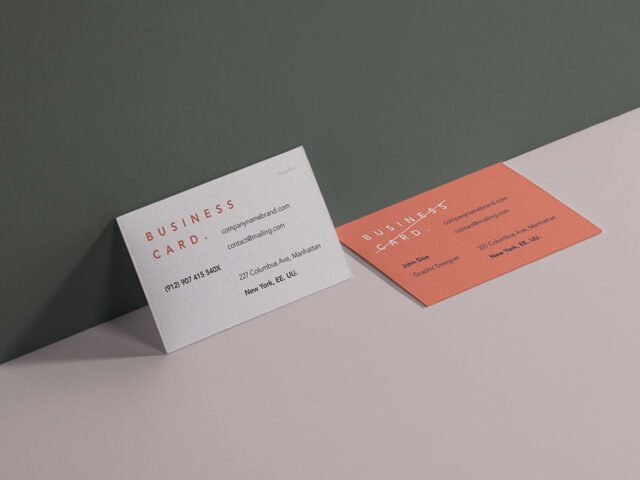
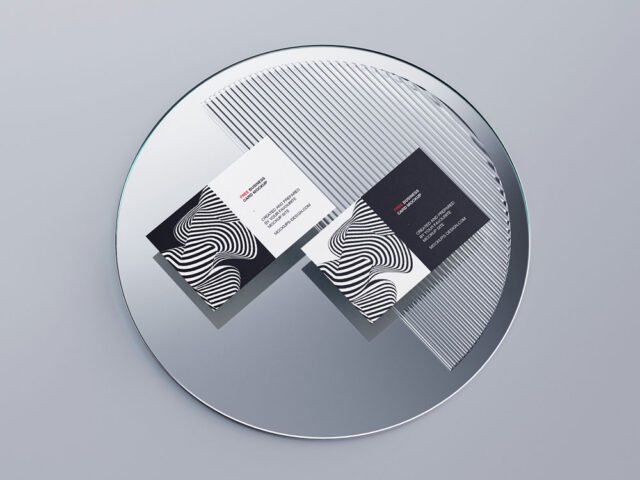
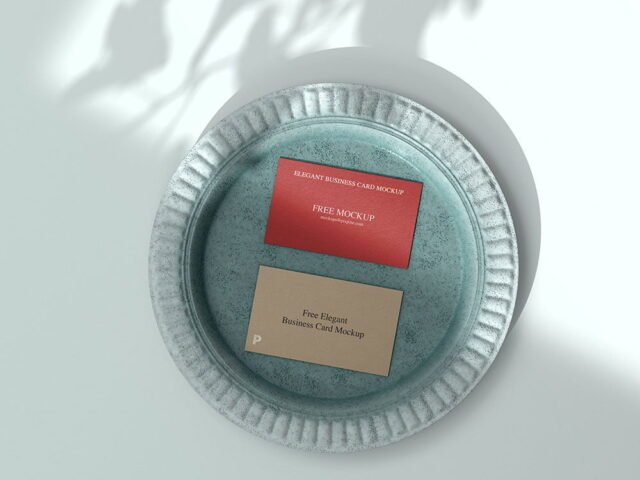
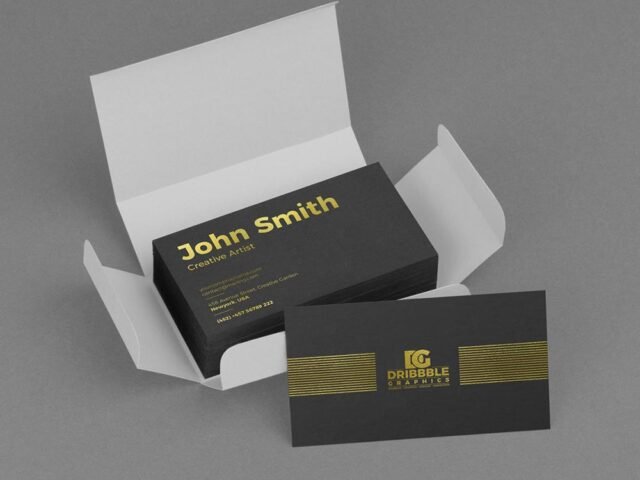
Single Rounded Business Card Mockup

What's inside
- Applications Photoshop
- File Types PSD
- License Free (see author's terms)
- Author Mockups Design
This single rounded business card mockup is a quick way to show a QR code card without a photo shoot.
Good pick for small businesses, branding studios or anyone putting together a portfolio. Tip: standard cards are small; keep body text at 7–8 pt or larger so it stays readable in the preview.
Print jobs are expensive to redo, so a realistic preview before the order goes out is cheap insurance.
Use it for
- A QR code card
- A minimal logo card
- A front and back card design
The file is made by Mockups Design. The download button takes you to their page, where you get the original file and the licence details.
Single Rounded Business Card Mockup: editable parts
Open it in Photoshop and you can change:
- Your design, placed through the smart object
- Front and back artwork, where both sides are shown
- Shadows and highlights on their own layers
How to edit this Single Rounded Business Card Mockup in Photoshop
- Export your artwork as a high-resolution PNG or JPG, around 300 ppi at print size.
- Open the file in Photoshop and double-click the smart object thumbnail in the Layers panel.
- Place your design, hide the sample artwork, save, and go back to the main file.
- Tweak the shadow and highlight layers to suit your colours.
- Export a full-size image for your portfolio and a smaller one for social media.
Worth remembering: keep text at least a few millimetres from the edge. The mockup shows the trim, and cramped margins read as a mistake.
Where the Single Rounded Business Card Mockup works best
- Show a minimal logo card to a client before it goes to print or production.
- Present a QR code card in a client proposal or brand guide.
- Show a front and back card design on your online shop or product page.
Before you download
- Made by Mockups Design. The download size and format are listed on their page.
- The preview shows the angle, background and lighting you’ll get.
- Built for Adobe Photoshop. A recent CC version handles the smart objects best.
- Check the licence on the author’s page. Personal and commercial terms differ from file to file.
Browse more free business card mockups on Artistic Orbit, with new files added every day.
Questions about this mockup
What licence does it come with?
It's free to download, but the licence belongs to Mockups Design. Check their page: it states whether commercial use is allowed and if attribution is needed.
How do I add my design?
Open the file in Photoshop, double-click the smart object thumbnail, paste or place your artwork in the new tab, save it (Ctrl/Cmd + S) and close. The main file updates on its own.
Do I need Photoshop?
Yes. This is a PSD mockup built with smart objects, so you edit it in Adobe Photoshop. Any recent CC version works.
Can I show both sides?
It depends on the file. Many print mockups include a front and a back smart object; the preview usually shows whether both sides are visible.