Title Magazine Mockup
What's inside
- Applications Photoshop
- File Types PSD
- License Free (see author's terms)
- Author Free PSD Templates
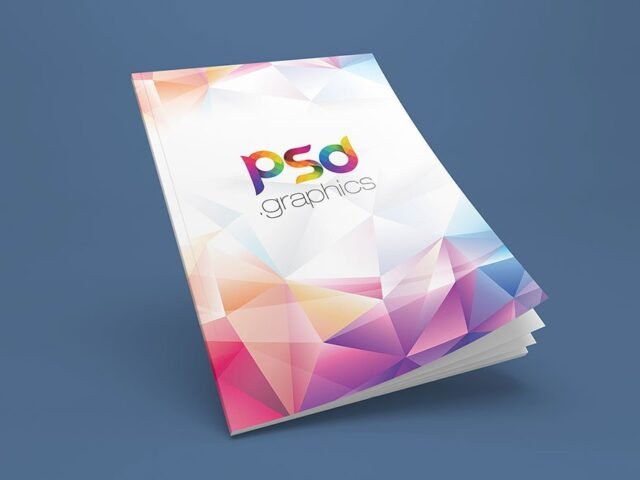
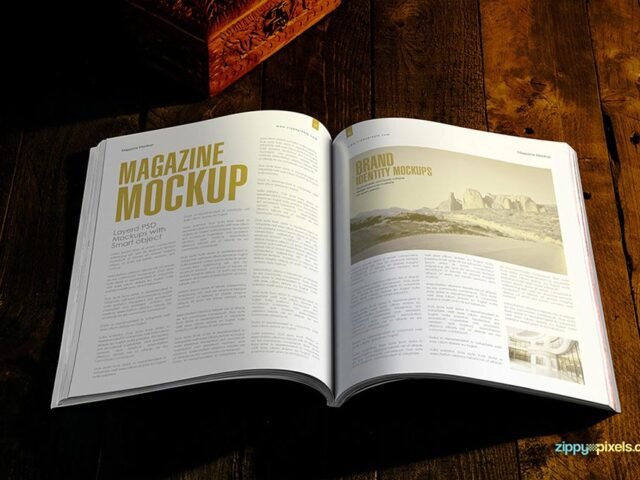
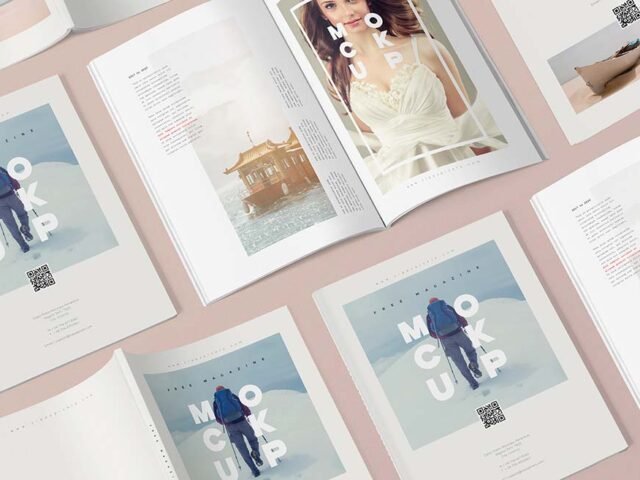
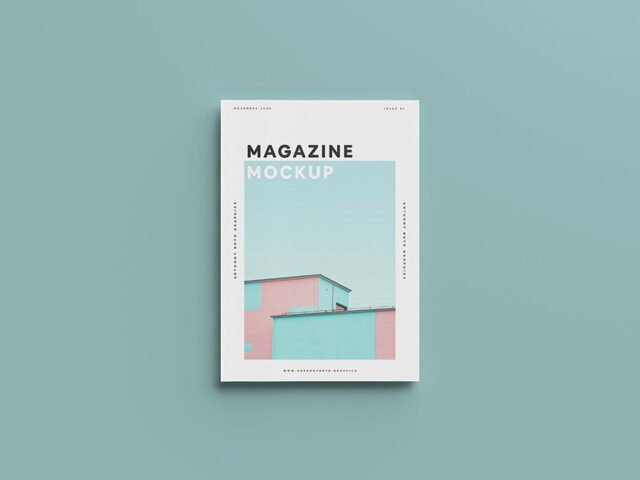
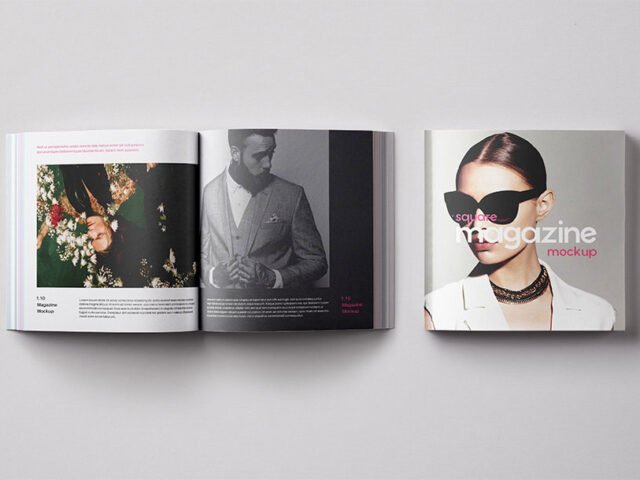
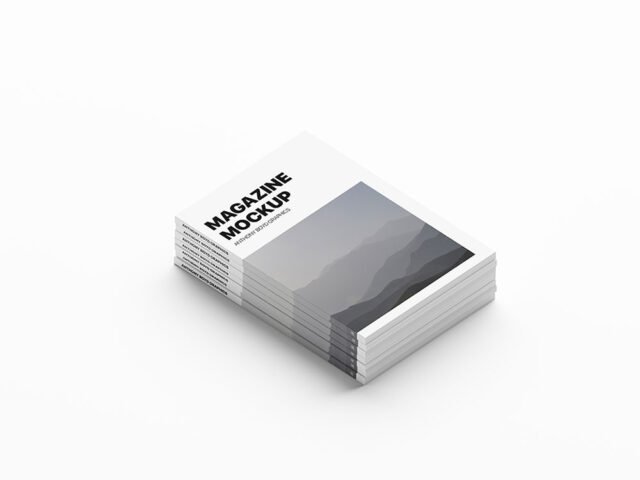
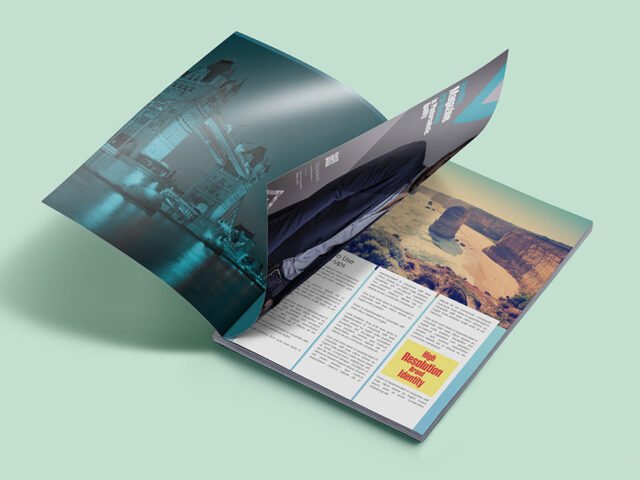
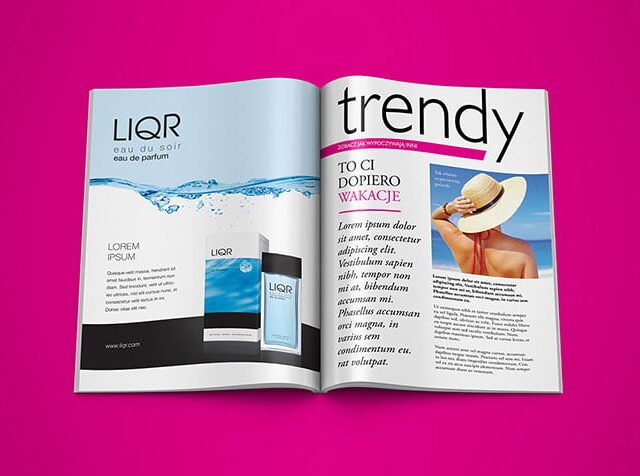
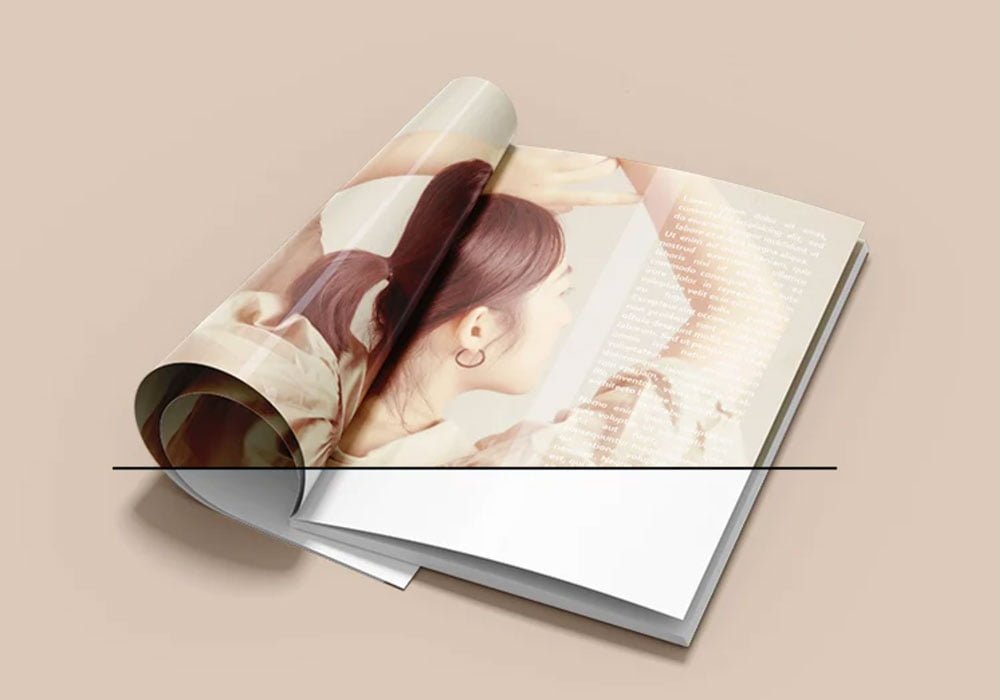
An editorial spread looks better on a title magazine mockup than on a white artboard, and this mockup is set up for exactly that.
Good pick for editorial designers, design students or anyone putting together a portfolio. Tip: keep text at least a few millimetres from the edge. The mockup shows the trim, and cramped margins read as a mistake.
Seeing a layout on a real magazine is also the easiest way to catch problems early. A phone number that looked fine on screen can turn out too small once it sits on paper. If you’re building a full identity, pair it with an envelope or letterhead mockup for a matching set.
Use it for
- An editorial spread
- A magazine cover
- A company newsletter
This is a free file from Free PSD Templates. When you click download you’ll land on their page to grab it.
Editable options in the Title Magazine Mockup PSD
The PSD is layered, so you can change:
- Your design, placed through the smart object
- Shadows and highlights on their own layers
- Paper texture you can turn up or down
- Front and back artwork, where both sides are shown
Editing the Title Magazine Mockup, step by step
- Get your artwork ready at print size, with 1/8 inch of bleed if it runs to the edge.
- Open the file in Photoshop and double-click the smart object thumbnail in the Layers panel.
- Drop your artwork in, fit it to the canvas, save and close. The mockup updates by itself.
- Export a full-size image for your portfolio and a smaller one for social media.
Worth remembering: use CMYK-friendly colours in the artwork itself, even though the mockup is RGB, so what the client sees is close to print.
Ways to use this Title Magazine Mockup
- Show a magazine cover to a client before it goes to print or production.
- Present a company newsletter in a client proposal or brand guide.
- Use it as the cover image for an editorial spread in your portfolio.
Before you download
- Made by Free PSD Templates. The download size and format are listed on their page.
- The preview shows the angle, background and lighting you’ll get.
- Some free mockups ask for credit when you post them. A short line in your caption is enough.
Browse more free magazine mockups on Artistic Orbit, with new files added every day.
Questions about this mockup
What licence does it come with?
That depends on the author's terms. The download page lists what is allowed; when in doubt, ask the author directly.
How do I add my design?
Open the file in Photoshop, double-click the smart object thumbnail, paste or place your artwork in the new tab, save it (Ctrl/Cmd + S) and close. The main file updates on its own.
Which Photoshop version do I need?
A recent Photoshop CC version is best. Older versions can open the file but sometimes have trouble with smart objects and effects.
Can I show both sides?
It depends on the file. Many print mockups include a front and a back smart object; the preview usually shows whether both sides are visible.
Why does the download open another website?
We list free files from designers around the web and link to the original page, so Free PSD Templates gets the visit and you get the file exactly as they published it.