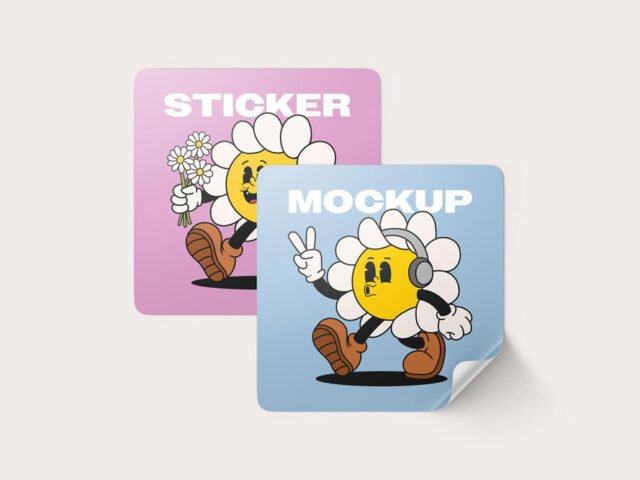
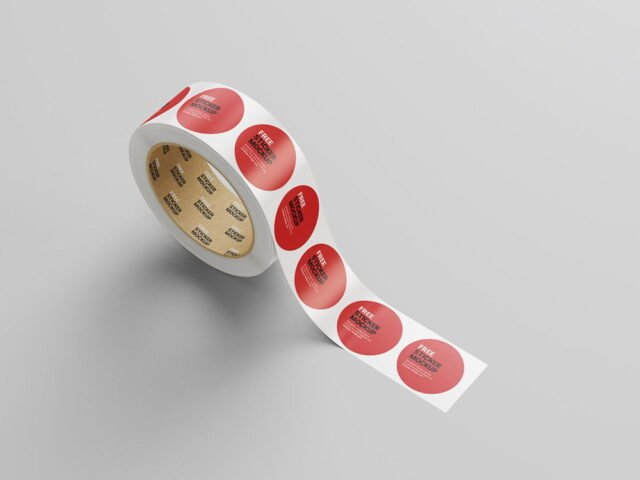
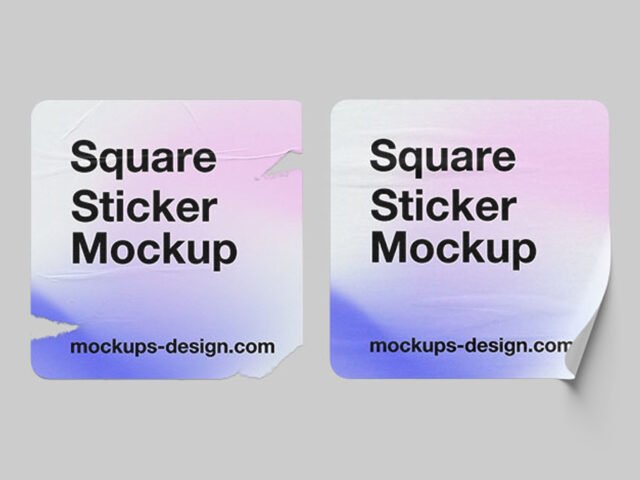
Street Sticker Mockup
What's inside
- Applications Photoshop
- File Types PSD
- License Free (see author's terms)
- Author Mockups Design
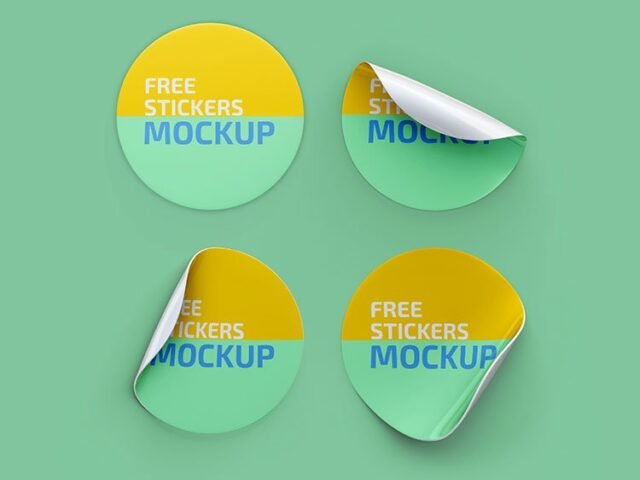
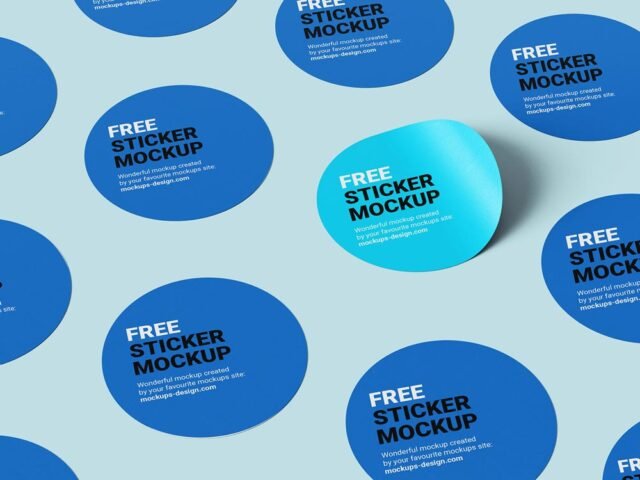
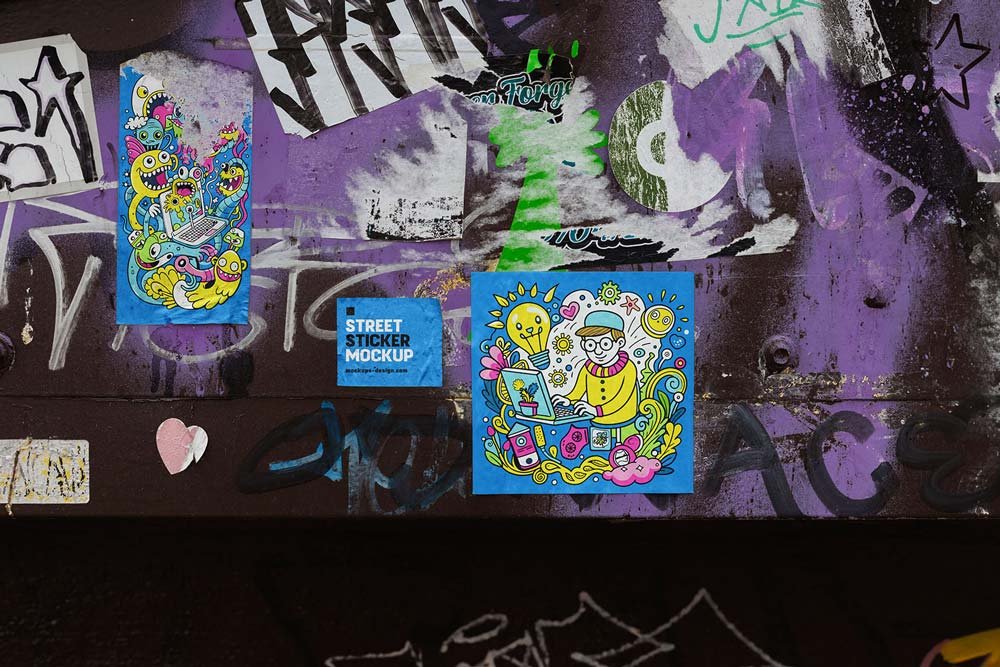
Presenting a laptop sticker? Put it on this street sticker mockup and the client sees the real thing, not a flat file.
Useful for illustrators as much as for sticker shops. Tip: use CMYK-friendly colours in the artwork itself, even though the mockup is RGB, so what the client sees is close to print.
Seeing a layout on a real sticker is also the easiest way to catch problems early. A phone number that looked fine on screen can turn out too small once it sits on paper. For a complete brand board, show it next to a business card and a notebook.
Good for
- A laptop sticker
- An illustration
- A die-cut logo
The file is made by Mockups Design. The download button takes you to their page, where you get the original file and the licence details.
What’s inside the Street Sticker Mockup PSD
Main things you can change in Photoshop:
- Your design, placed through the smart object
- Paper or background colour
- Paper texture you can turn up or down
- Front and back artwork, where both sides are shown
How to edit this Street Sticker Mockup in Photoshop
- Get your artwork ready at print size, with 3 mm of bleed if it runs to the edge.
- Open the file in Photoshop and double-click the smart object thumbnail in the Layers panel.
- Paste your design, resize it to fill the area, then save (Ctrl/Cmd + S) and close that tab.
- Export with File › Export › Export As: JPG for sharing, PNG for the web.
Another tip: export your artwork at the size the smart object asks for; scaling a small file up is the usual reason print mockups look soft.
Ways to use this Street Sticker Mockup
- Use it as the cover image for an illustration in your portfolio.
- Show a die-cut logo to a client before it goes to print or production.
- Make two or three colour versions of a laptop sticker and let the client pick.
Good to know
- Made by Mockups Design. The download size and format are listed on their page.
- Built for Adobe Photoshop. A recent CC version handles the smart objects best.
- Check the smart object size before you design, so your artwork fits without stretching.
Need a different angle? The sticker mockups category has plenty more free PSD files.
Questions about this mockup
Can I use this sticker mockup for client work?
Mockups Design sets the licence, and it can differ from file to file. Many free files allow personal and commercial use, but some are personal-only or ask for credit. Read the terms on the download page before a paid project.
How do I add my design?
Open the file in Photoshop, double-click the smart object thumbnail, paste or place your artwork in the new tab, save it (Ctrl/Cmd + S) and close. The main file updates on its own.
Do I need Photoshop?
Yes. This is a PSD mockup built with smart objects, so you edit it in Adobe Photoshop. Any recent CC version works.
Can I show both sides?
It depends on the file. Many print mockups include a front and a back smart object; the preview usually shows whether both sides are visible.