Beautiful Mug Mockup
What's inside
- Applications Photoshop
- File Types PSD
- License Free (see author's terms)
- Author Free PSD Templates
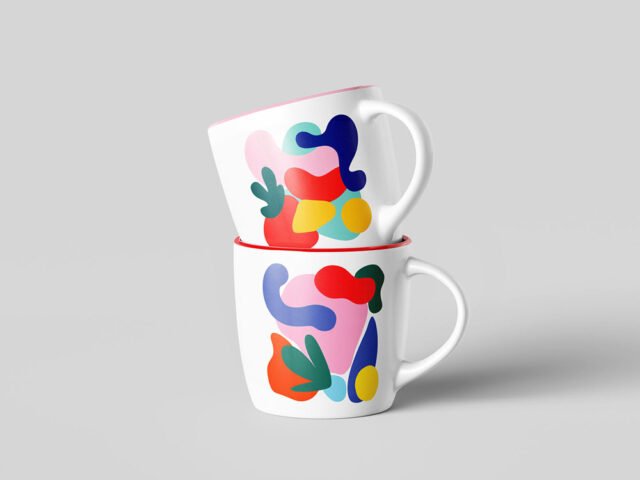
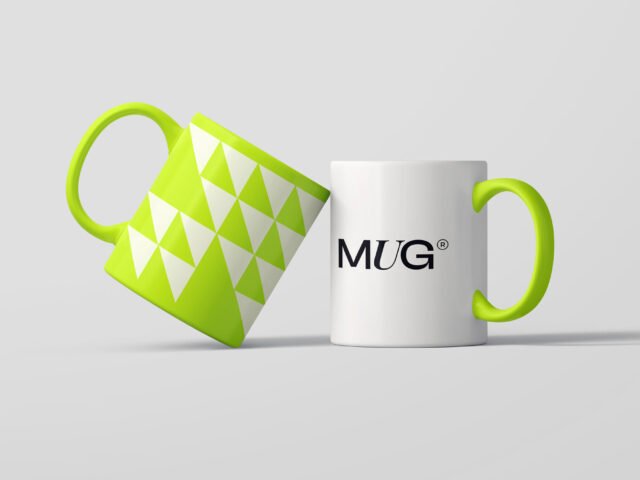
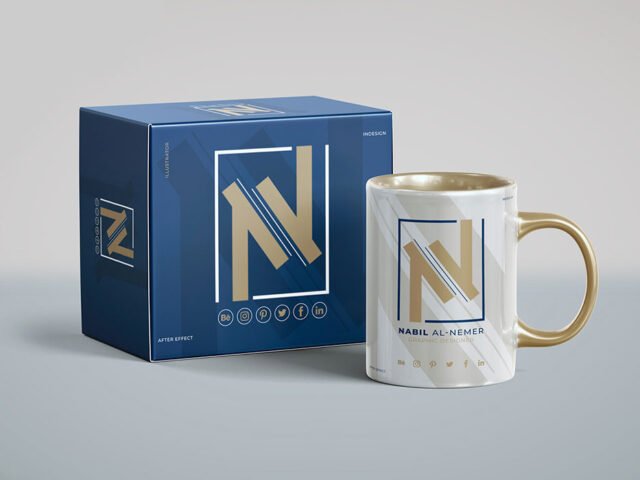
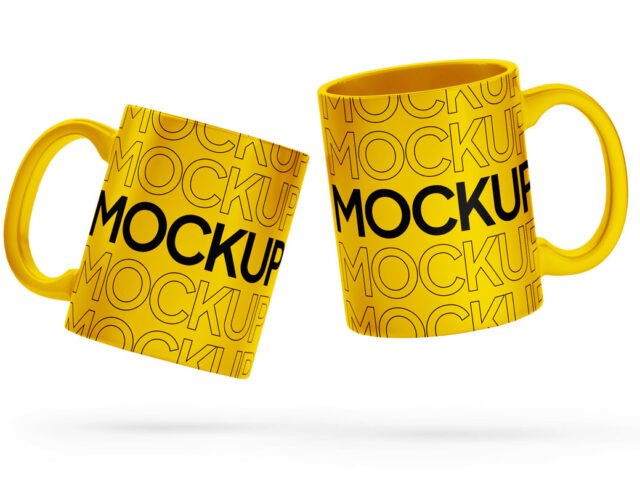
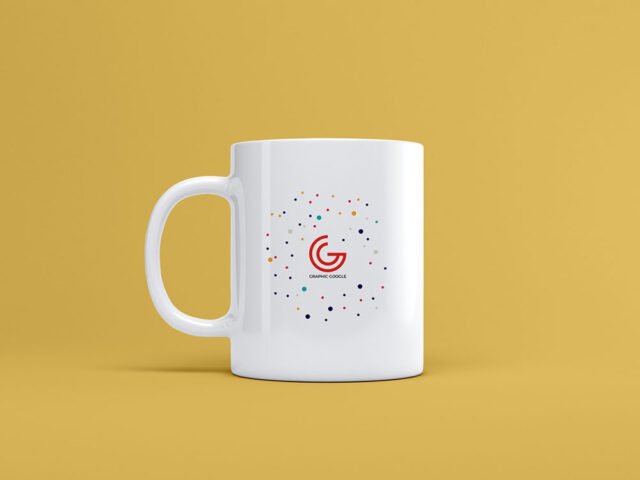
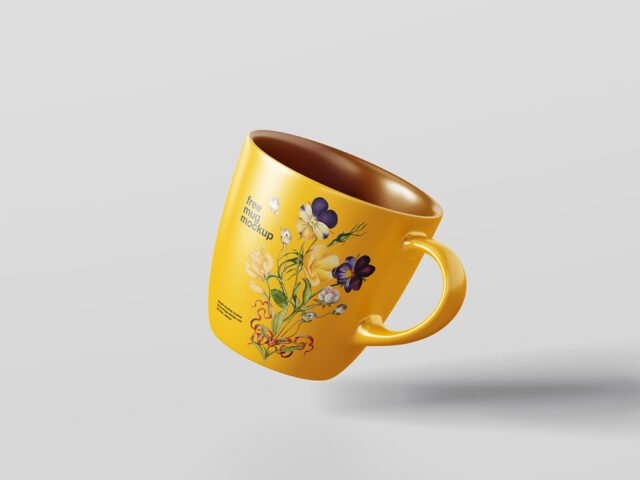
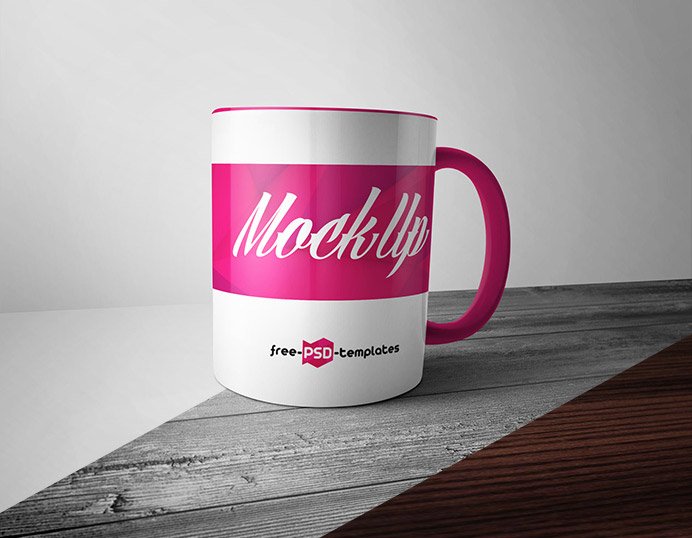
A beautiful mug mockup, made for presenting a company logo. Drop in your artwork and the lighting and shadows stay as they are.
Good pick for gift shops, print-on-demand sellers or anyone putting together a portfolio. One thing worth knowing: mug prints wrap around; if the preview shows one side, keep the design centred on that side.
It’s the quickest way to check whether a logo still works when it’s small and curved.
Credit goes to Free PSD Templates. We link to their download page rather than re-uploading the file, so check their terms there before commercial use.
Beautiful Mug Mockup: editable parts
Open it in Photoshop and you can change:
- Logo or pattern, placed through the smart object
- Highlights on the curve
- Background colour
- Cup, lid or sleeve colour
How to edit this Beautiful Mug Mockup in Photoshop
- Centre your design on the side that faces the viewer.
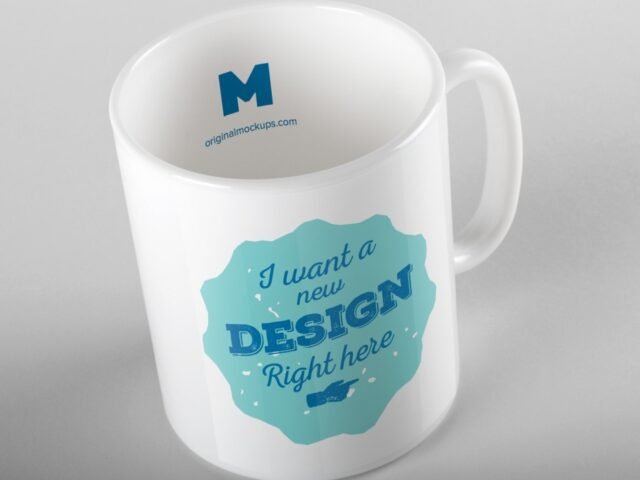
- Open the file in Photoshop and double-click the smart object thumbnail in the Layers panel.
- Paste your design, resize it to fill the area, then save (Ctrl/Cmd + S) and close that tab.
- Export with File › Export › Export As: JPG for sharing, PNG for the web.
Another tip: a logo that works on a business card usually works on a cup. Long slogans rarely do.
Where the Beautiful Mug Mockup works best
- Present a company logo in a client proposal or brand guide.
- Show an illustration to a client before it goes to print or production.
- Share a quote print on Instagram, Behance or Dribbble with a real-looking preview.
Good to know
- Made by Free PSD Templates. The download size and format are listed on their page.
- Check the licence on the author’s page. Personal and commercial terms differ from file to file.
- Built for Adobe Photoshop. A recent CC version handles the smart objects best.
- Check the smart object size before you design, so your artwork fits without stretching.
More free mug mockups are listed below, each linking to the original author.
Questions about this mockup
What licence does it come with?
It's free to download, but the licence belongs to Free PSD Templates. Check their page: it states whether commercial use is allowed and if attribution is needed.
How do I put my artwork on the mug?
Find the smart object layer (it has a small icon on its thumbnail), double-click it, place your design, then save and close that tab.
Which Photoshop version do I need?
A recent Photoshop CC version is best. Older versions can open the file but sometimes have trouble with smart objects and effects.
Can I change the cup colour?
Most cup and mug mockups keep the body colour on its own layer, so you can change it without touching your design.