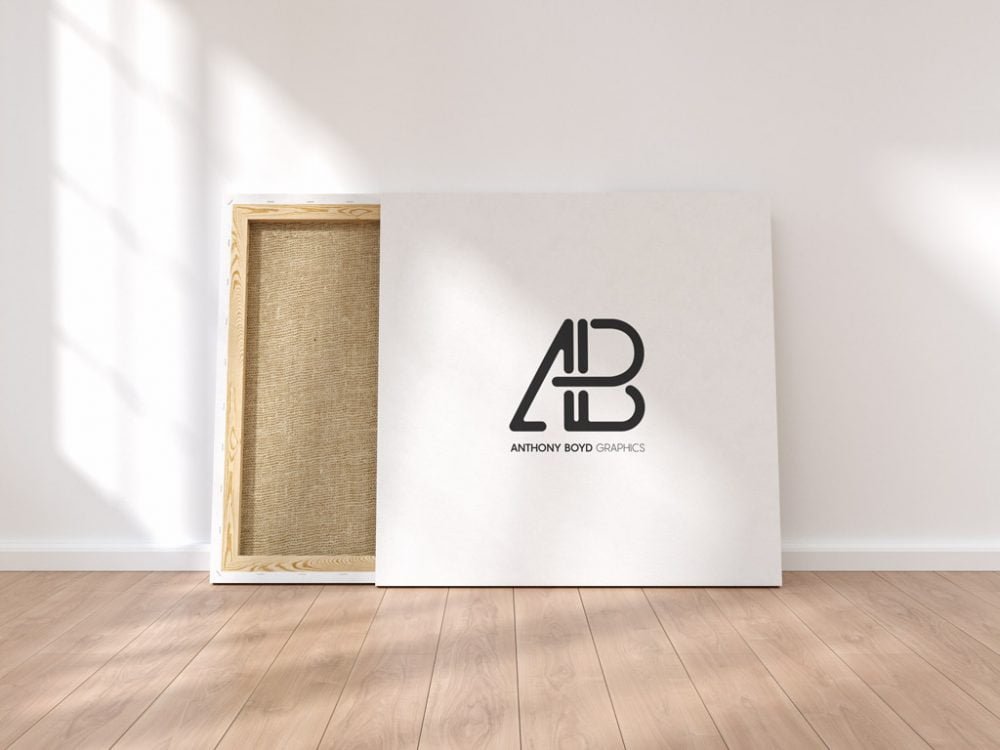
Square Canvas Mockup
What's inside
- Applications Photoshop
- File Types PSD
- License Free (see author's terms)
- Author Anthony Boyd Graphics
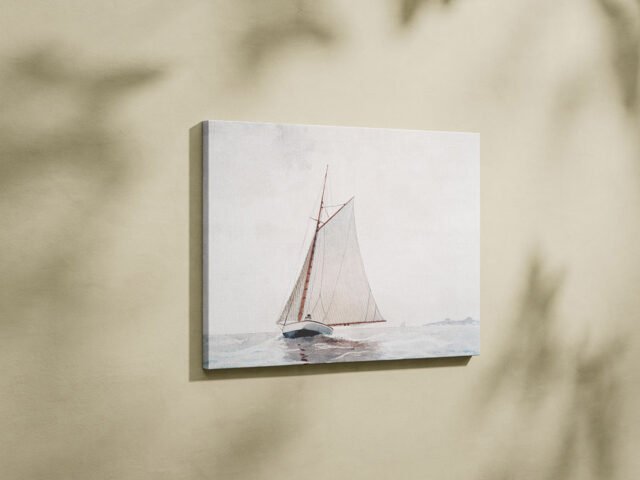
Presenting a photo print? Put it on this square canvas mockup and the client sees the real thing, not a flat file.
Useful for photographers as much as for artists. One thing worth knowing: if you sell prints, show the same artwork in two or three frames so buyers can picture it at home.
It helps you judge scale too: artwork that looks right on screen can feel tiny once it’s framed in a room. Show two or three prints from the same series in matching frames for a gallery-wall look.
Good for
- A photo print
- Digital art
- A painting
The file is made by Anthony Boyd Graphics. The download button takes you to their page, where you get the original file and the licence details.
Square Canvas Mockup: editable parts
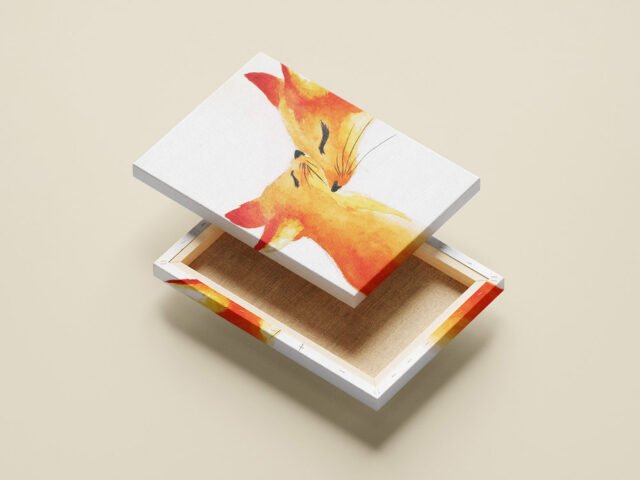
The PSD is layered, so you can change:
- Artwork, placed through the smart object
- Frame colour, where the file offers options
- Shadows on the wall
Add your design to the Square Canvas Mockup
- Choose artwork with the same ratio as the frame (often 2:3, 3:4, 4:5 or an A-size).
- Open the PSD in Photoshop and find the smart object layer, usually named “Your Design” or “Place Here”.
- Paste your design, resize it to fill the area, then save (Ctrl/Cmd + S) and close that tab.
- Switch the frame colour if the file has options.
- Export with File › Export › Export As: JPG for sharing, PNG for the web.
Another tip: pick a print size that matches the frame’s ratio; stretched or cropped art gives the game away.
Best uses for this Square Canvas Mockup
- Show digital art to a client before it goes to print or production.
- Make two or three colour versions of a painting and let the client pick.
- Present a photo print in a client proposal or brand guide.
Before you download
- Made by Anthony Boyd Graphics. The download size and format are listed on their page.
- Built for Adobe Photoshop. A recent CC version handles the smart objects best.
- Some free mockups ask for credit when you post them. A short line in your caption is enough.
Need a different angle? The canvas mockups category has plenty more free PSD files.
Questions about this mockup
What licence does it come with?
That depends on the author's terms. The download page lists what is allowed; when in doubt, ask the author directly.
How do I add my design?
Open the file in Photoshop, double-click the smart object thumbnail, paste or place your artwork in the new tab, save it (Ctrl/Cmd + S) and close. The main file updates on its own.
Do I need Photoshop?
Yes. This is a PSD mockup built with smart objects, so you edit it in Adobe Photoshop. Any recent CC version works.
What print ratio does the frame take?
Open the smart object and check its canvas size. Frames are usually made for standard ratios like A-series, 4:5 or 2:3.
Why does the download open another website?
We list free files from designers around the web and link to the original page, so Anthony Boyd Graphics gets the visit and you get the file exactly as they published it.