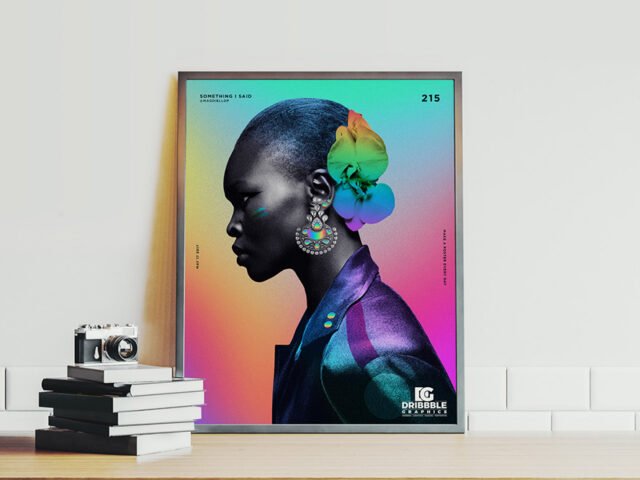
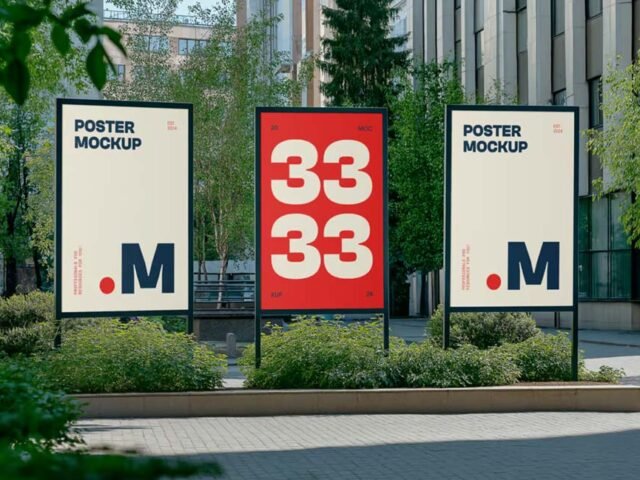
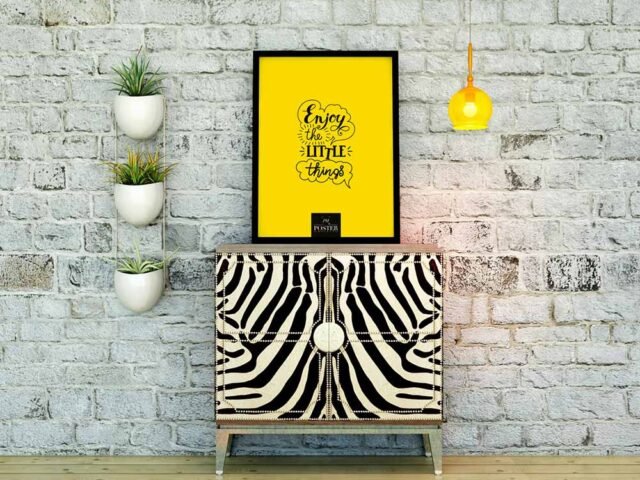
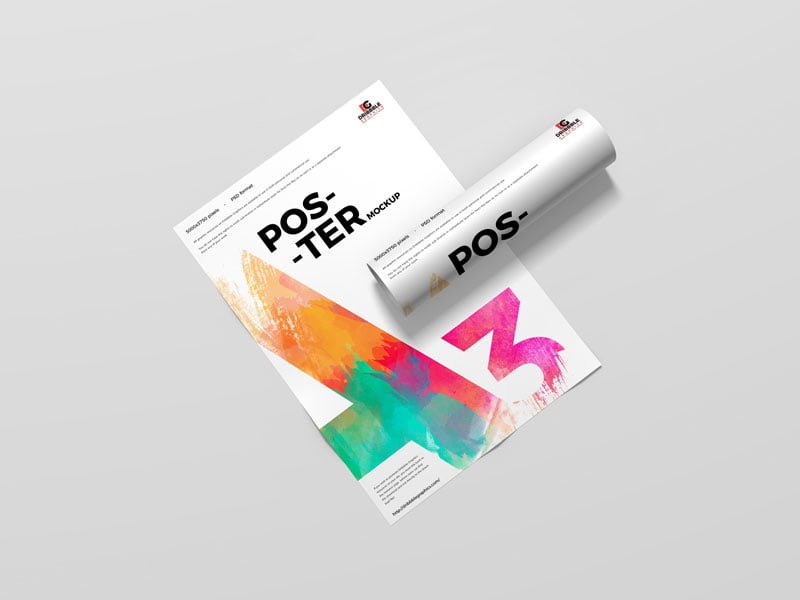
A3 Poster Mockup
What's inside
- Applications Photoshop
- File Types PSD
- License Free (see author's terms)
- Author Dribbble Graphics
Need to show a gig poster to a client? This A3 poster mockup does the job in a few minutes.
Useful for graphic designers as much as for illustrators. A small tip: match the brightness of your design to the scene; a very bright graphic in a shaded spot looks pasted in.
It’s also handy for student and portfolio work, when you want to show a campaign that never went live. Show the same visual on a billboard and a flyer to present a consistent campaign.
Works well for
- A gig poster
- A campaign visual
- An art print
Credit goes to Dribbble Graphics. We link to their download page rather than re-uploading the file, so check their terms there before commercial use.
A3 Poster Mockup: editable parts
Everything below is on its own layer:
- Ad artwork, placed through the smart object
- Brightness to match the scene
- Lighting and shadow layers
Editing the A3 Poster Mockup, step by step
- Check the smart object’s ratio first, then build the ad to match it.
- In the Layers panel, find the layer with the small smart object icon and double-click it.
- Drop your artwork in, fit it to the canvas, save and close. The mockup updates by itself.
- Check the crop so faces and logos stay inside the frame.
- Save a JPG for clients and social media, and keep the PSD for later changes.
Worth remembering: night or backlit scenes usually have a glow layer. Push it up for lightboxes, down for printed paper.
Best uses for this A3 Poster Mockup
- Use it as the cover image for a gig poster in your portfolio.
- Share an art print on Instagram, Behance or Dribbble with a real-looking preview.
- Present a movie poster in a client proposal or brand guide.
Before you download
- Made by Dribbble Graphics. The download size and format are listed on their page.
- Some free mockups ask for credit when you post them. A short line in your caption is enough.
- Check the licence on the author’s page. Personal and commercial terms differ from file to file.
Scroll down for similar poster mockups from other designers.
Questions about this mockup
What licence does it come with?
It's free to download, but the licence belongs to Dribbble Graphics. Check their page: it states whether commercial use is allowed and if attribution is needed.
How do I put my artwork on the poster?
Find the smart object layer (it has a small icon on its thumbnail), double-click it, place your design, then save and close that tab.
Which Photoshop version do I need?
A recent Photoshop CC version is best. Older versions can open the file but sometimes have trouble with smart objects and effects.
What ratio should my artwork be?
Open the smart object and check its canvas; design to that ratio. Most outdoor mockups use common print ratios, but it varies from file to file.
Why does the download open another website?
We list free files from designers around the web and link to the original page, so Dribbble Graphics gets the visit and you get the file exactly as they published it.