Small Canvas Bag Mockup
What's inside
- Applications Photoshop
- File Types PSD
- License Free (see author's terms)
- Author Mockups Design
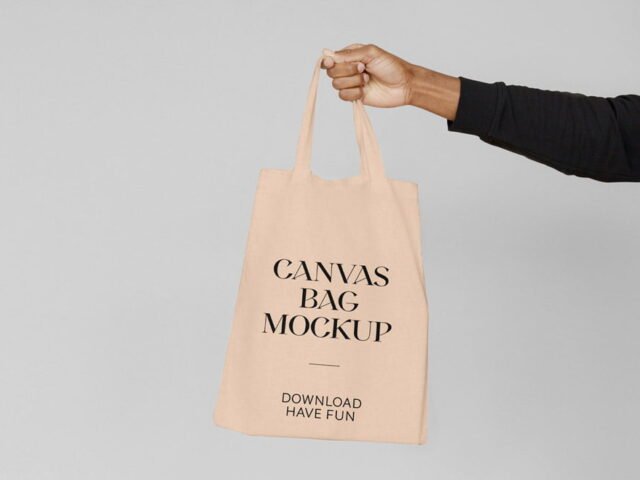
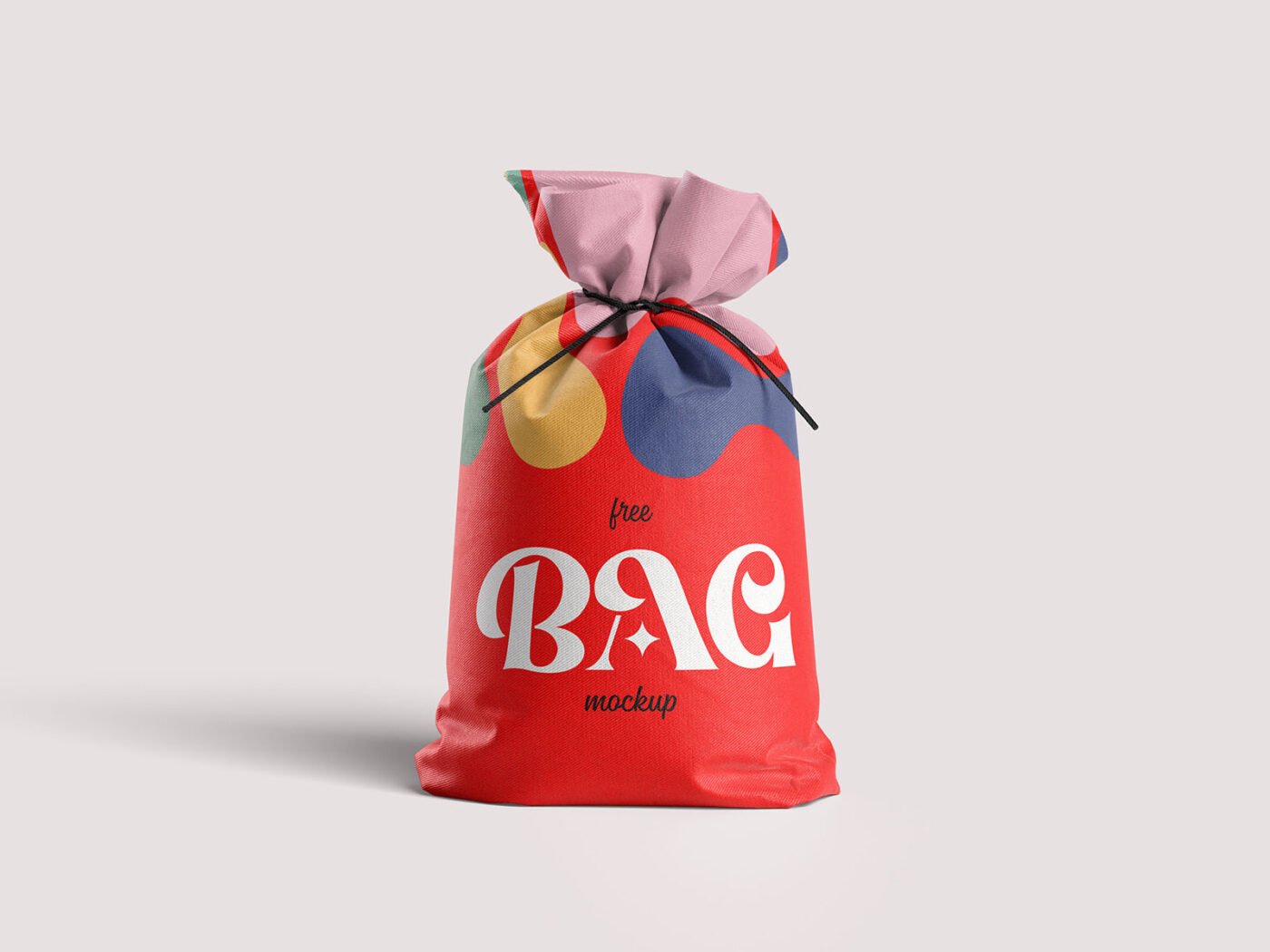
If you’re presenting a shopping bag design, this small canvas bag mockup makes the idea feel real before anything is produced. The canvas surface is the main character here, so designs with some contrast stand out best.
It’s a handy file for retail brands and merch sellers. One thing worth knowing: check barcodes, weights and small legal text at 100% zoom. Packaging clients always look for those.
It’s also handy for crowdfunding pages and pitch decks, when the product exists but the packaging hasn’t been printed yet.
Use it for
- A shopping bag design
- A paper bag logo
- A tote bag print
Mockups Design created this one and hosts the download on their own site, so you always get the latest version straight from the source.
What you can edit in this Small Canvas Bag Mockup
Main things you can change in Photoshop:
- Label or box artwork, placed through the smart object
- Background colour
- Shadows
Editing the Small Canvas Bag Mockup, step by step
- Finish the label first, with barcode and small print in place.
- Open the file in Photoshop and double-click the smart object thumbnail in the Layers panel.
- Paste your design, resize it to fill the area, then save (Ctrl/Cmd + S) and close that tab.
- Turn the highlight layer down if it washes out your logo.
- Export with File › Export › Export As: JPG for sharing, PNG for the web.
Worth remembering: build the label or dieline flat first, then place it; bending text inside the mockup is harder to fix later.
Ways to use this Small Canvas Bag Mockup
- Use it as the cover image for a paper bag logo in your portfolio.
- Show a shopping bag design on your online shop or product page.
- Make two or three colour versions of a tote bag print and let the client pick.
Good to know
- Made by Mockups Design. The download size and format are listed on their page.
- Check the licence on the author’s page. Personal and commercial terms differ from file to file.
- The preview shows the angle, background and lighting you’ll get.
- Check the smart object size before you design, so your artwork fits without stretching.
Need a different angle? The bag mockups category has plenty more free PSD files.
Questions about this mockup
Can I use this bag mockup for client work?
It's free to download, but the licence belongs to Mockups Design. Check their page: it states whether commercial use is allowed and if attribution is needed.
How do I add my design?
Open the file in Photoshop, double-click the smart object thumbnail, paste or place your artwork in the new tab, save it (Ctrl/Cmd + S) and close. The main file updates on its own.
Which Photoshop version do I need?
A recent Photoshop CC version is best. Older versions can open the file but sometimes have trouble with smart objects and effects.
Is the design wrapped around the shape?
Round packs usually use warp or displacement so the label bends with the shape. Flat boxes use separate smart objects for each visible side.