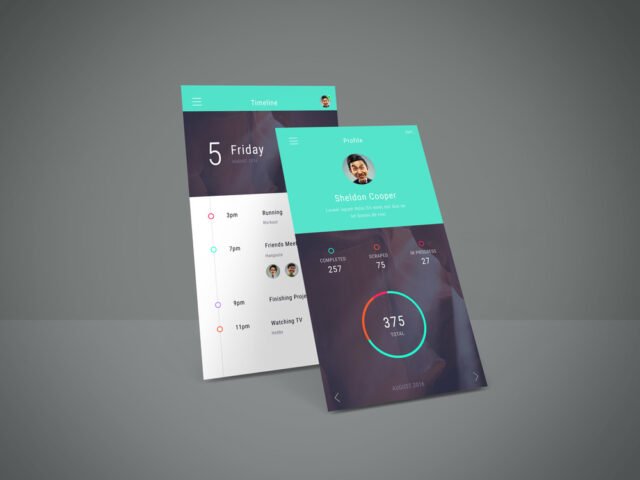
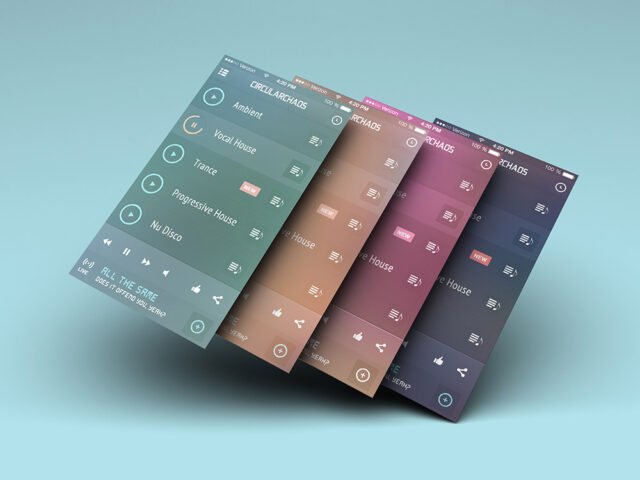
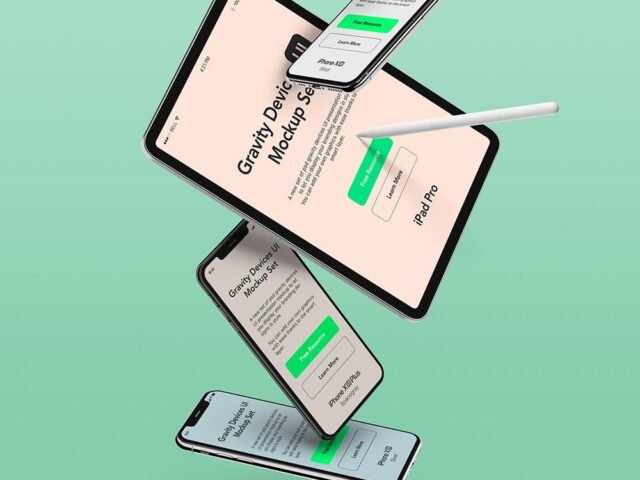
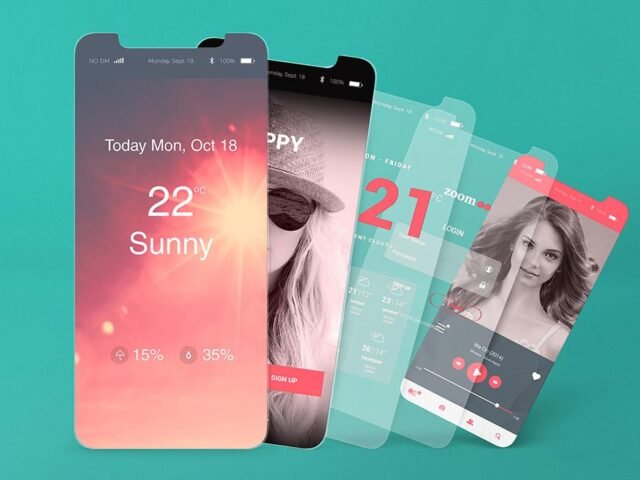
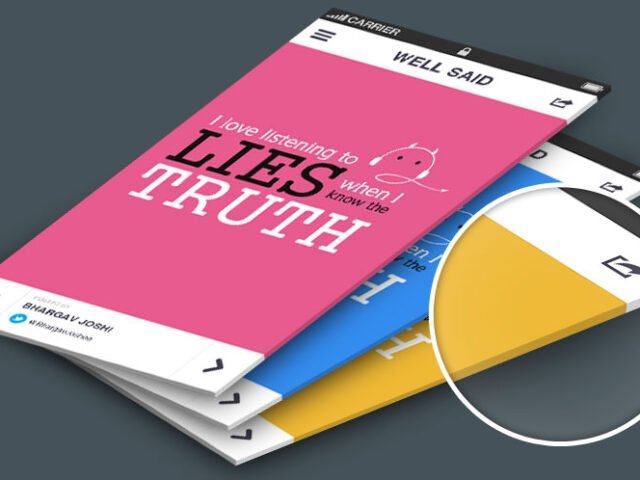
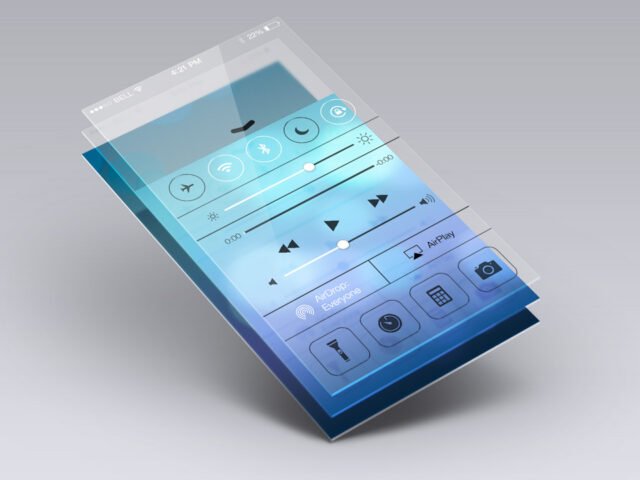
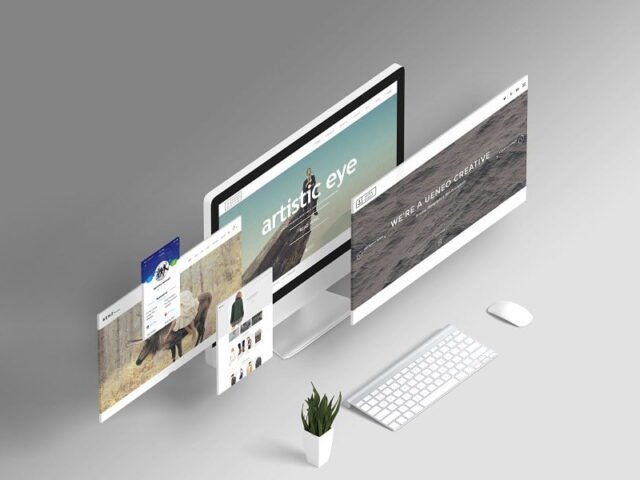
Web Screen Mockup
What's inside
- Applications Photoshop
- File Types PSD
- License Free (see author's terms)
- Author Behance
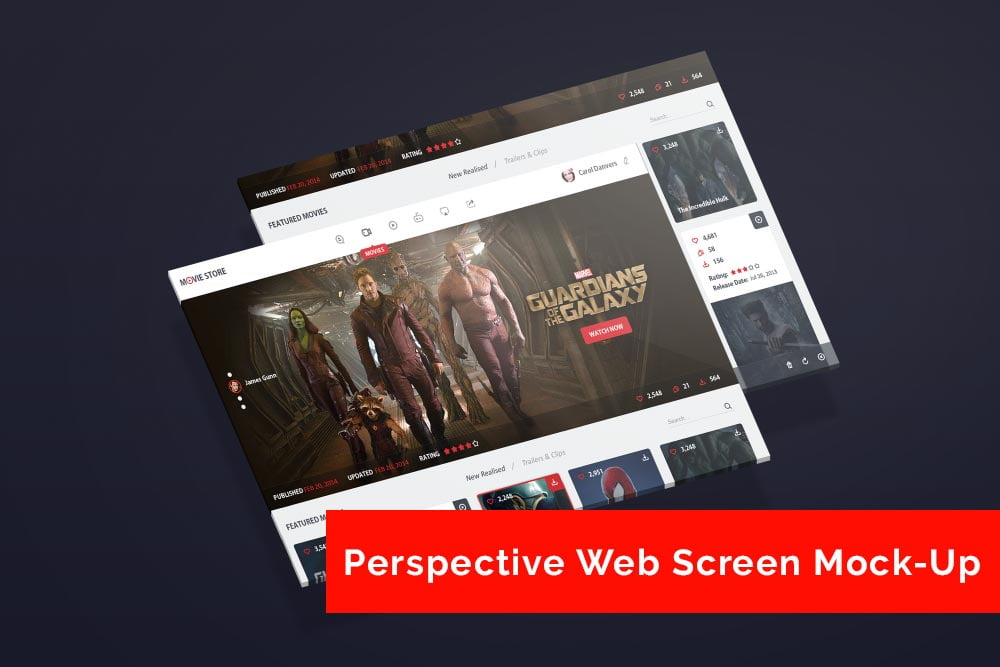
A website flow looks better on a web screen mockup than on a white artboard, and this mockup is set up for exactly that.
Good pick for UI/UX designers, product teams or anyone putting together a portfolio. Tip: put your strongest screen in the most visible position. People judge the whole set by the first screen they see.
Stakeholders who don’t read wireframes still understand a screen on a device straight away.
This is a free file from a designer on Behance. When you click download you’ll land on their page to grab it.
What’s inside the Web Screen Mockup PSD
Main things you can change in Photoshop:
- Screen design, placed through the smart object
- Background colour
- Device colour, where the file includes it
- Shadow under the device
How to use the Web Screen Mockup
- Pick one strong screen. It reads better than a crowded one.
- Open the file in Photoshop and double-click the smart object thumbnail in the Layers panel.
- Paste your design, resize it to fill the area, then save (Ctrl/Cmd + S) and close that tab.
- Lower the glare layer if it hides small text.
- Export a full-size image for your portfolio and a smaller one for social media.
Another tip: for app store or portfolio images, crop tight around the device so the screen fills most of the frame.
Ways to use this Web Screen Mockup
- Show a UI kit preview on your online shop or product page.
- Use it as the cover image for several app screens in your portfolio.
- Show a website flow to a client before it goes to print or production.
Quick notes on this mockup
- Made by a designer on Behance. The download size and format are listed on their page.
- Check the licence on the author’s page. Personal and commercial terms differ from file to file.
- Some free mockups ask for credit when you post them. A short line in your caption is enough.
Browse more free app screen mockups on Artistic Orbit, with new files added every day.
Questions about this mockup
Is it free for commercial use?
It's free to download, but the licence belongs to a designer on Behance. Check their page: it states whether commercial use is allowed and if attribution is needed.
How do I add my design?
Open the file in Photoshop, double-click the smart object thumbnail, paste or place your artwork in the new tab, save it (Ctrl/Cmd + S) and close. The main file updates on its own.
Which Photoshop version do I need?
A recent Photoshop CC version is best. Older versions can open the file but sometimes have trouble with smart objects and effects.
What size should my screenshot be?
Open the screen smart object and check its canvas size in Image › Canvas Size. Paste your screenshot at that size so it stays sharp.