Women Hoodie Mockups

What's inside
- Applications Photoshop
- File Types PSD
- License Free (see author's terms)
- Author Behance
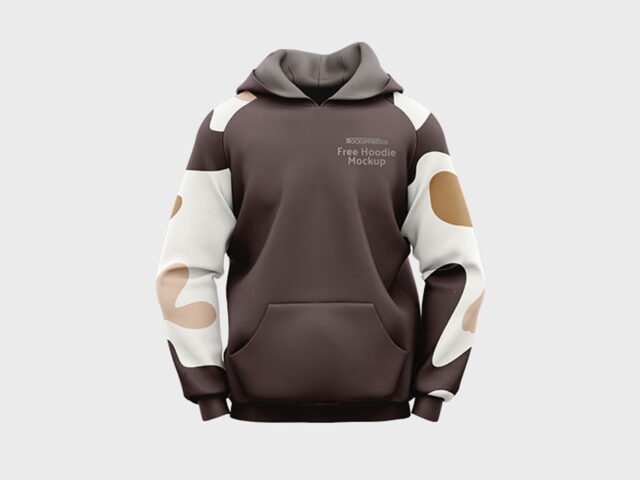
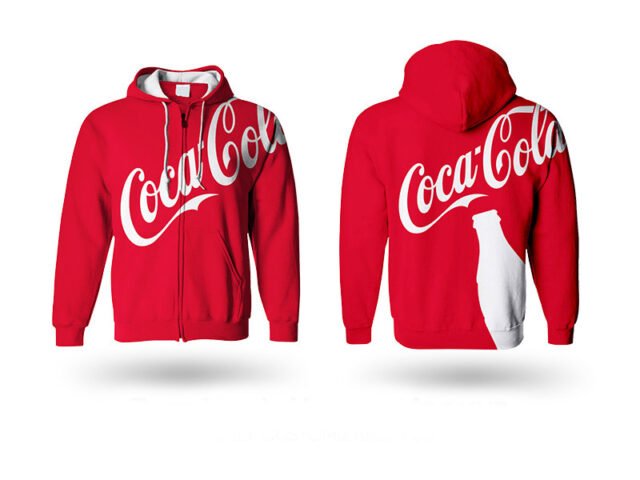
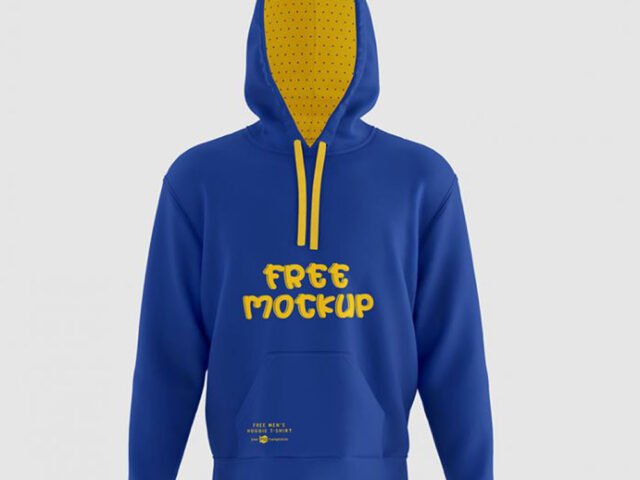
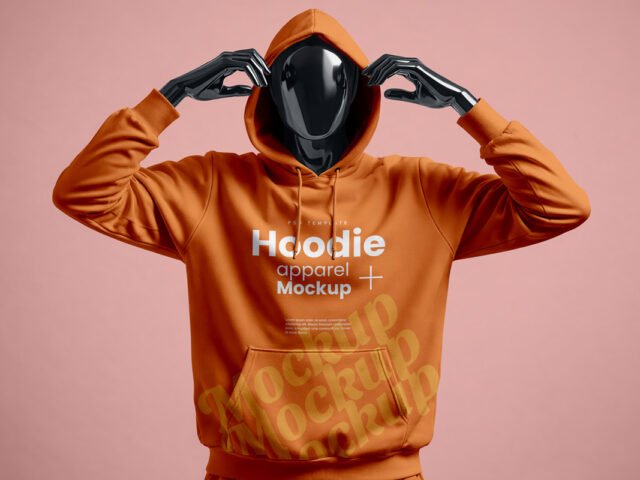
Team merch looks better on a women hoodie mockup than on a white artboard, and this mockup is set up for exactly that.
Good pick for schools and clubs, streetwear brands or anyone putting together a portfolio. One thing worth knowing: if the print looks too sharp, a very slight blur (0.3 px) makes it sit into the fabric.
Selling merch online without photos of every colour is hard; a good apparel mockup fills that gap until the samples arrive.
The file is made by a designer on Behance. The download button takes you to their page, where you get the original file and the licence details.
What’s inside the Women Hoodie Mockups PSD
Everything below is on its own layer:
- Print design, placed through the smart object
- Shadows and highlights
- Fabric colour
- Background colour
Editing the Women Hoodie Mockups, step by step
- Save your print as a PNG with a transparent background.
- In the Layers panel, find the layer with the small smart object icon and double-click it.
- Drop your artwork in, fit it to the canvas, save and close. The mockup updates by itself.
- Change the fabric colour with the colour fill layer.
- Export a full-size image for your portfolio and a smaller one for social media.
Another tip: place the design as a flat PNG with a transparent background, then let the fabric displacement do the folds.
Ways to use this Women Hoodie Mockups
- Present team merch in a client proposal or brand guide.
- Use it as the cover image for a chest logo in your portfolio.
- Make two or three colour versions of a large back print and let the client pick.
Good to know
- Made by a designer on Behance. The download size and format are listed on their page.
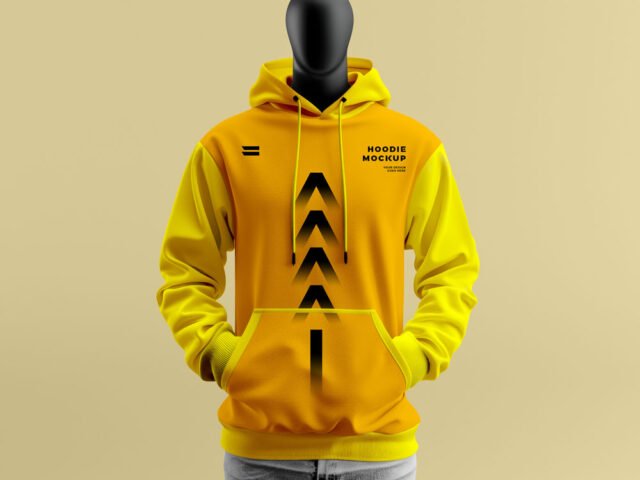
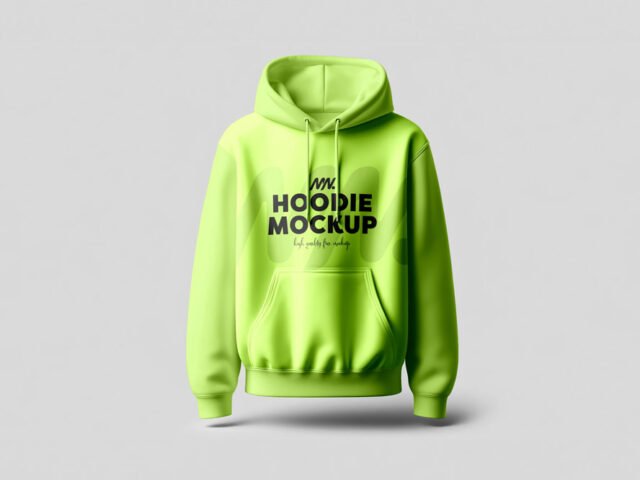
- The preview shows the angle, background and lighting you’ll get.
- Some free mockups ask for credit when you post them. A short line in your caption is enough.
- Check the licence on the author’s page. Personal and commercial terms differ from file to file.
Scroll down for similar hoodie mockups from other designers.
Questions about this mockup
Can I use this hoodie mockup for client work?
That depends on the author's terms. The download page lists what is allowed; when in doubt, ask the author directly.
How do I add my design?
Open the file in Photoshop, double-click the smart object thumbnail, paste or place your artwork in the new tab, save it (Ctrl/Cmd + S) and close. The main file updates on its own.
Which Photoshop version do I need?
A recent Photoshop CC version is best. Older versions can open the file but sometimes have trouble with smart objects and effects.
Does the print follow the fabric folds?
Better apparel mockups use a displacement map or warp so the print follows the wrinkles. Check the preview: if the folds show through the logo, it does.