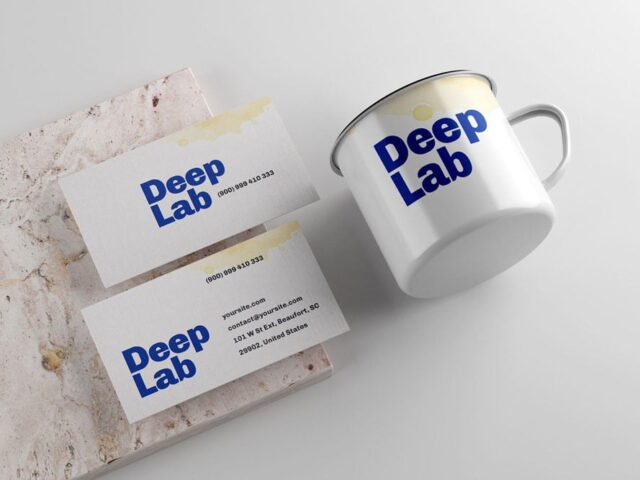
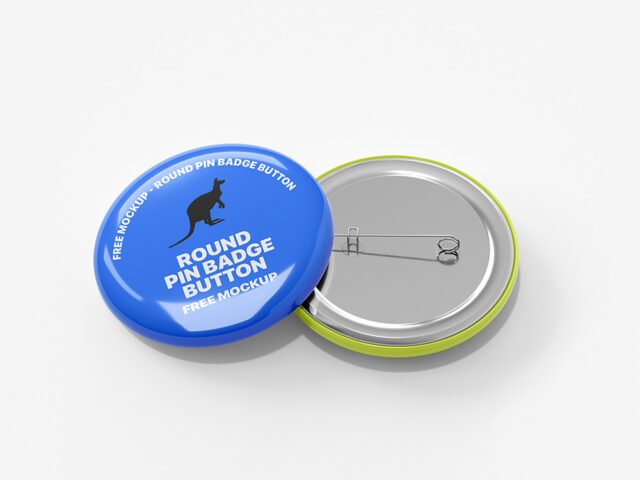
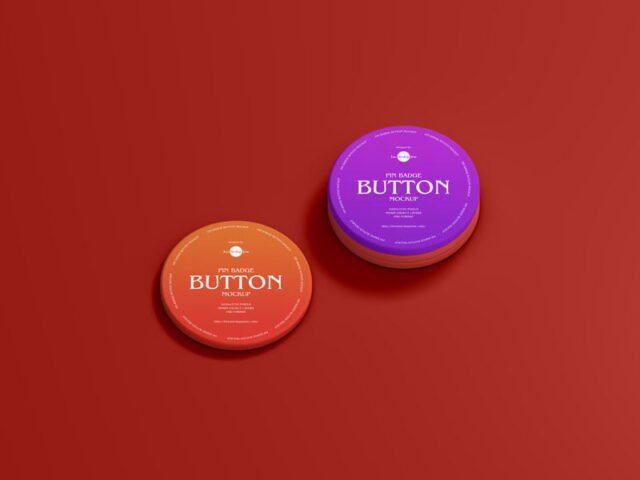
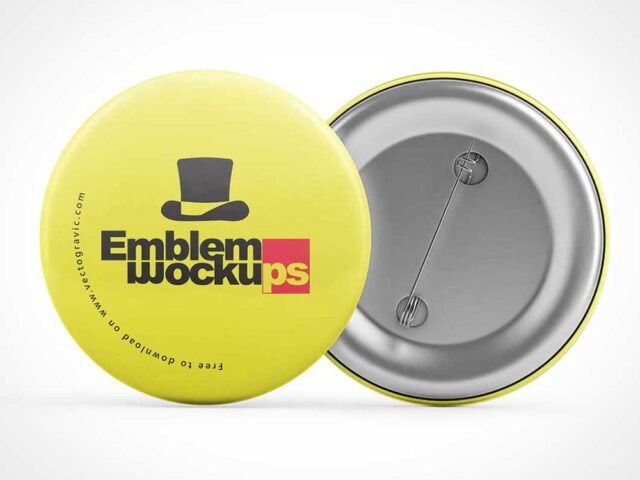
Pin Mockup
What's inside
- Applications Photoshop
- File Types PSD
- License Free (see author's terms)
- Author Dribbble
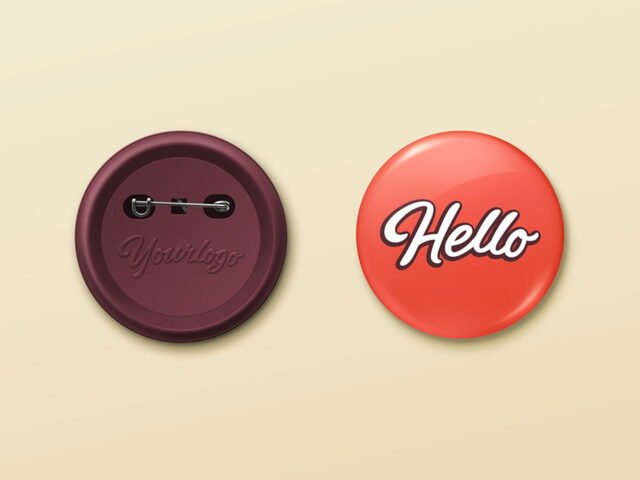
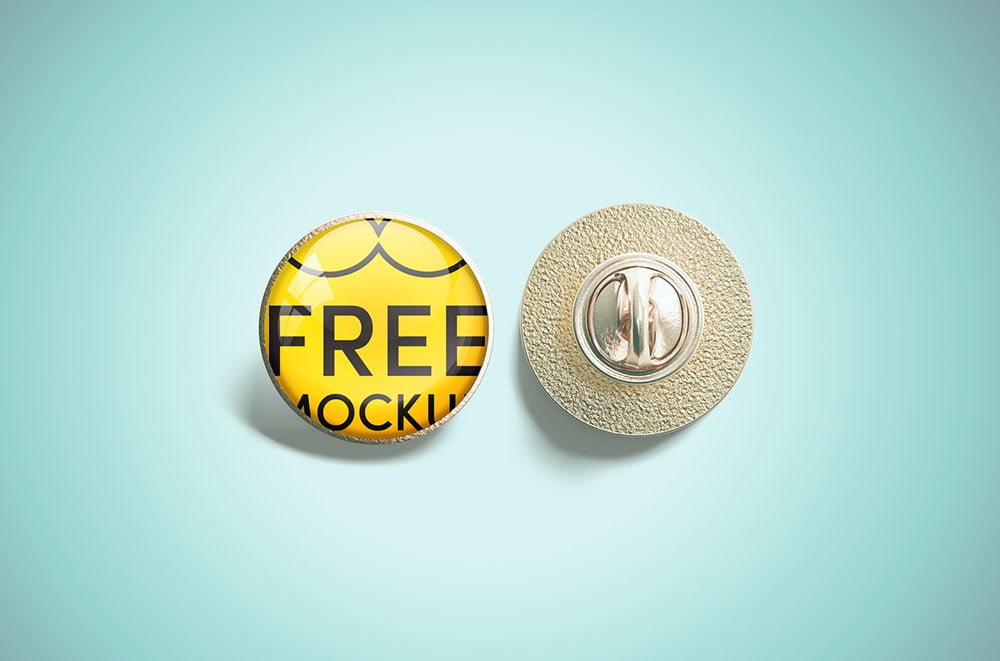
This pin mockup is a quick way to show a campaign pin without a photo shoot.
Good pick for merch sellers, campaign teams or anyone putting together a portfolio. Quick tip: use a PNG with transparency for logos so the material around them keeps its texture.
Small branded items are often the part of an identity that clients remember, so it’s worth showing them properly.
The file is made by a designer on Dribbble. The download button takes you to their page, where you get the original file and the licence details.
Pin Mockup: editable parts
The PSD is layered, so you can change:
- Logo or artwork, placed through the smart object
- Background colour
- Shadows
- Object colour, where included
How to use the Pin Mockup
- Prepare the artwork in your brand colours.
- Open the file in Photoshop and double-click the smart object thumbnail in the Layers panel.
- Paste your design, resize it to fill the area, then save (Ctrl/Cmd + S) and close that tab.
- Try the logo in one colour and full colour.
- Export with File › Export › Export As: JPG for sharing, PNG for the web.
Another tip: change the background colour to your brand palette; it does more for the final image than people expect.
Ways to use this Pin Mockup
- Share a campaign pin on Instagram, Behance or Dribbble with a real-looking preview.
- Make two or three colour versions of a button badge and let the client pick.
- Show an enamel pin design to a client before it goes to print or production.
Quick notes on this mockup
- Made by a designer on Dribbble. The download size and format are listed on their page.
- The preview shows the angle, background and lighting you’ll get.
- Built for Adobe Photoshop. A recent CC version handles the smart objects best.
Need a different angle? The pin button badge mockups category has plenty more free PSD files.
Questions about this mockup
What licence does it come with?
A designer on Dribbble sets the licence, and it can differ from file to file. Many free files allow personal and commercial use, but some are personal-only or ask for credit. Read the terms on the download page before a paid project.
How do I add my design?
Open the file in Photoshop, double-click the smart object thumbnail, paste or place your artwork in the new tab, save it (Ctrl/Cmd + S) and close. The main file updates on its own.
Which Photoshop version do I need?
A recent Photoshop CC version is best. Older versions can open the file but sometimes have trouble with smart objects and effects.
Can I change the background?
Most object mockups have a background colour or image layer at the bottom of the stack that you can swap.
Why does the download open another website?
We list free files from designers around the web and link to the original page, so a designer on Dribbble gets the visit and you get the file exactly as they published it.