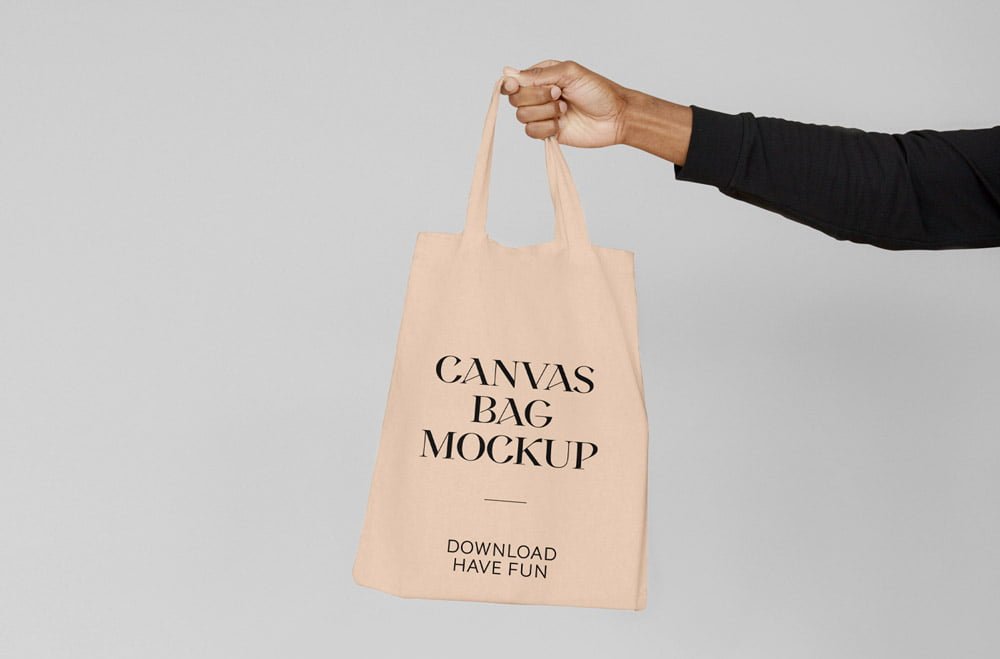
Canvas Bag Hand Mockup
What's inside
- Applications Photoshop
- File Types PSD
- License Free (see author's terms)
- Author Mr.Mockup
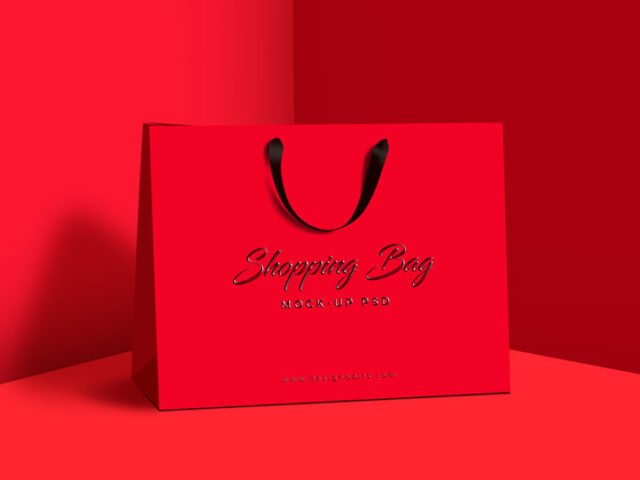
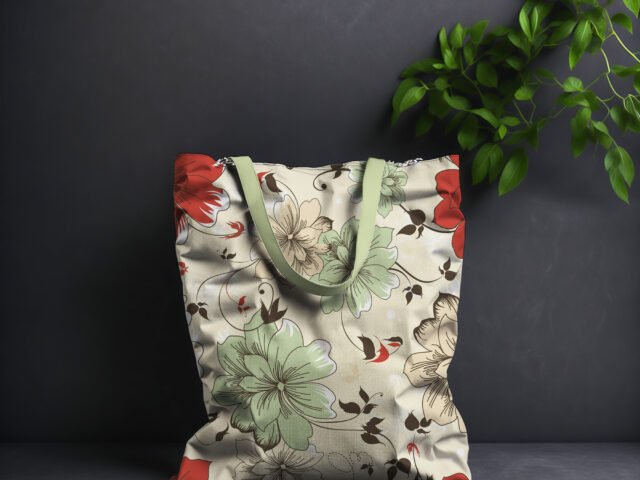
This canvas bag hand mockup is one of the simpler ways to present a paper bag logo or a shopping bag design convincingly. Because it’s canvas, the material shows through a little, which keeps the result believable.
Good pick for retail brands, boutiques or anyone putting together a portfolio. A small tip: glossy packaging picks up highlights over your art; reduce the highlight layer if your logo gets washed out.
Packaging is judged on the shelf in a couple of seconds, so seeing the design on the real shape tells you more than the flat dieline ever will. A matching label or sticker mockup rounds out the set.
Good for
- A paper bag logo
- A shopping bag design
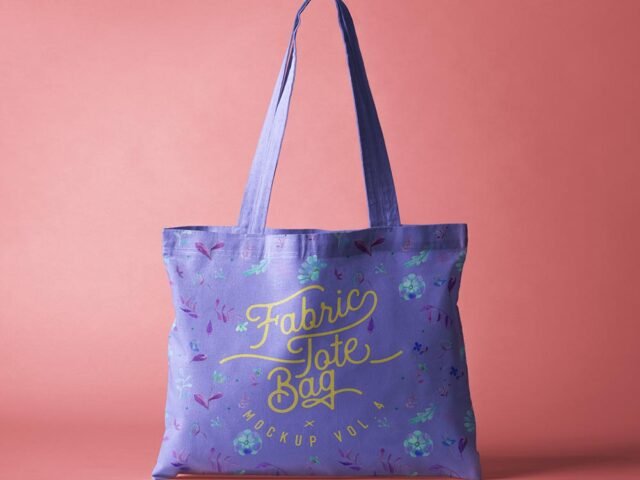
- A tote bag print
Credit goes to Mr.Mockup. We link to their download page rather than re-uploading the file, so check their terms there before commercial use.
Editable options in the Canvas Bag Hand Mockup PSD
Open it in Photoshop and you can change:
- Label or box artwork, placed through the smart object
- Base colour of the pack
- Background colour
- Gloss and highlight layers
Add your design to the Canvas Bag Hand Mockup
- Build the label or box art flat, panel by panel.
- Open the PSD in Photoshop and find the smart object layer, usually named “Your Design” or “Place Here”.
- Drop your artwork in, fit it to the canvas, save and close. The mockup updates by itself.
- Turn the highlight layer down if it washes out your logo.
- Export with File › Export › Export As: JPG for sharing, PNG for the web.
Build the label or dieline flat first, then place it; bending text inside the mockup is harder to fix later.
Best uses for this Canvas Bag Hand Mockup
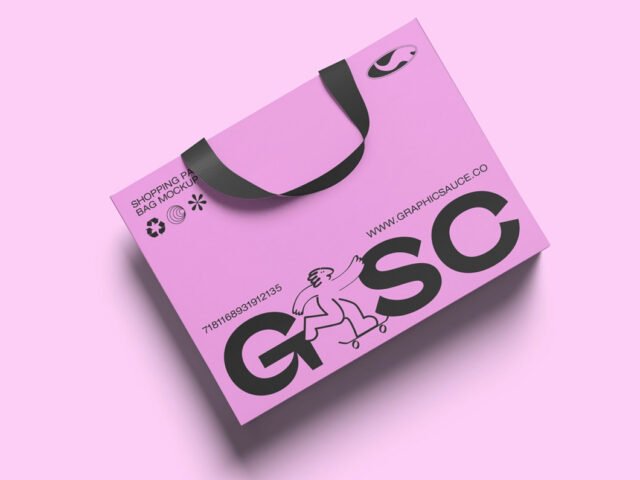
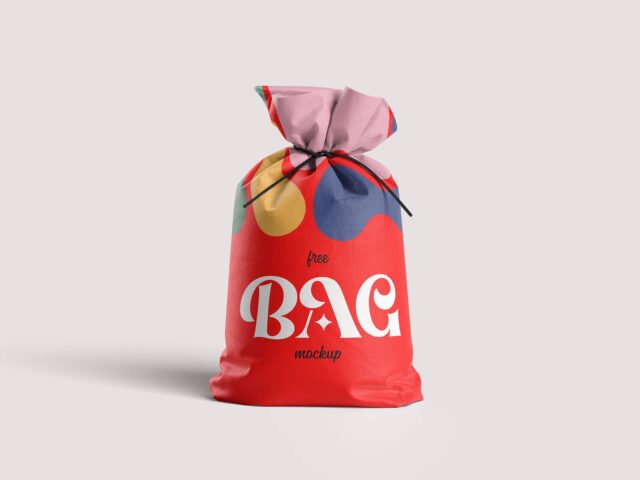
- Present a shopping bag design in a client proposal or brand guide.
- Show a paper bag logo on your online shop or product page.
- Make two or three colour versions of a tote bag print and let the client pick.
Quick notes on this mockup
- Made by Mr.Mockup. The download size and format are listed on their page.
- Built for Adobe Photoshop. A recent CC version handles the smart objects best.
- The preview shows the angle, background and lighting you’ll get.
- Some free mockups ask for credit when you post them. A short line in your caption is enough.
Scroll down for similar bag mockups from other designers.
Questions about this mockup
What licence does it come with?
It's free to download, but the licence belongs to Mr.Mockup. Check their page: it states whether commercial use is allowed and if attribution is needed.
How do I add my design?
Open the file in Photoshop, double-click the smart object thumbnail, paste or place your artwork in the new tab, save it (Ctrl/Cmd + S) and close. The main file updates on its own.
Do I need Photoshop?
Yes. This is a PSD mockup built with smart objects, so you edit it in Adobe Photoshop. Any recent CC version works.
Can I change the packaging colour?
Usually yes. There is normally a colour layer under the design smart object, so you can change the base colour without touching your artwork.
Why does the download open another website?
We list free files from designers around the web and link to the original page, so Mr.Mockup gets the visit and you get the file exactly as they published it.