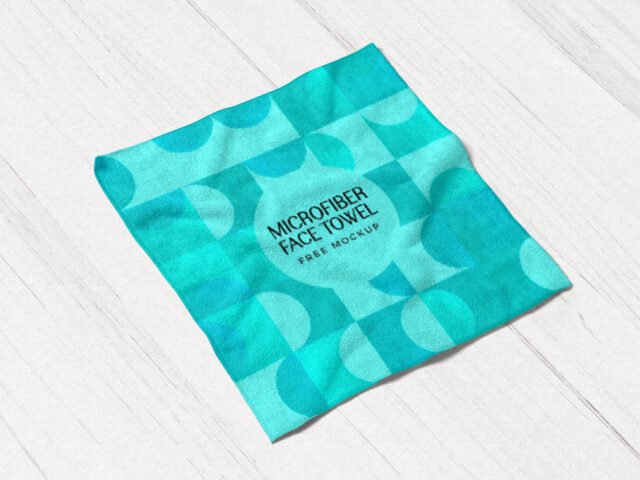
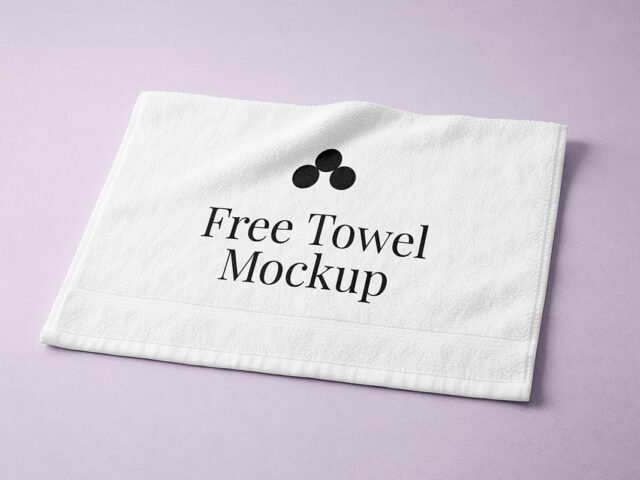
Beach Towel Mockup
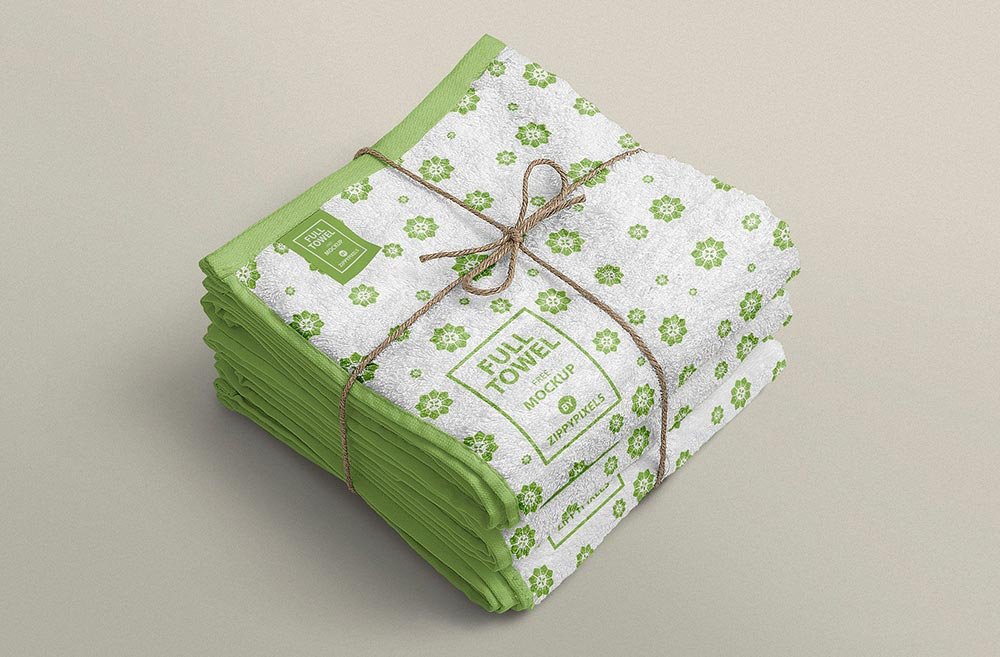
What's inside
- Applications Photoshop
- File Types PSD
- License Free (see author's terms)
- Author Zippypixels
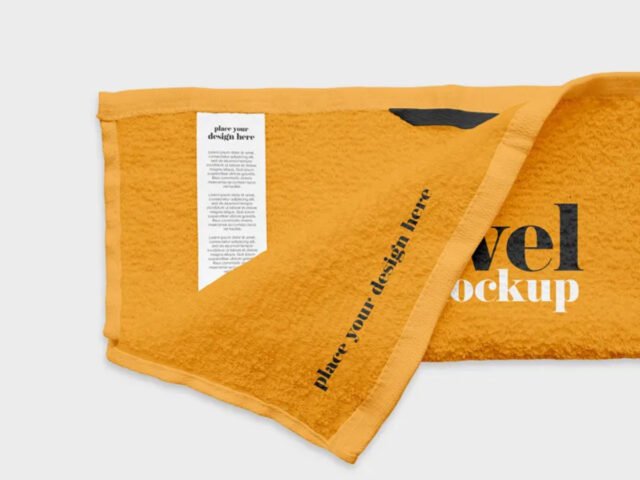
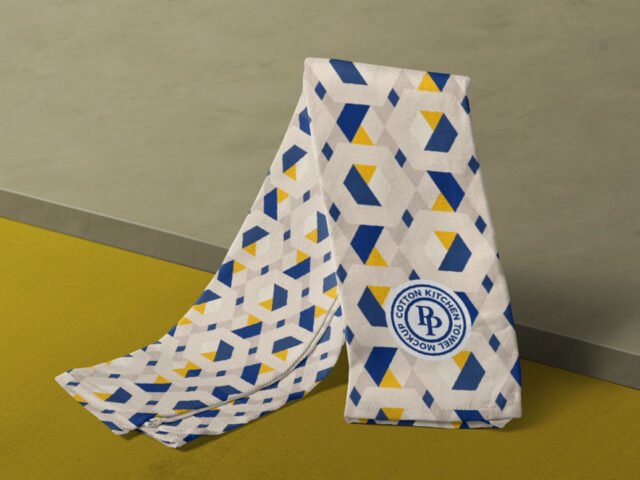
Show a gym brand the way it will actually look: on a beach towel mockup.
Good pick for gyms, hotels or anyone putting together a portfolio. If the print looks too sharp, a very slight blur (0.3 px) makes it sit into the fabric.
It’s also useful before a print run, to check how large the design should really be on the garment.
This is a free file from Zippypixels. When you click download you’ll land on their page to grab it.
What’s inside the Beach Towel Mockup PSD
The PSD is layered, so you can change:
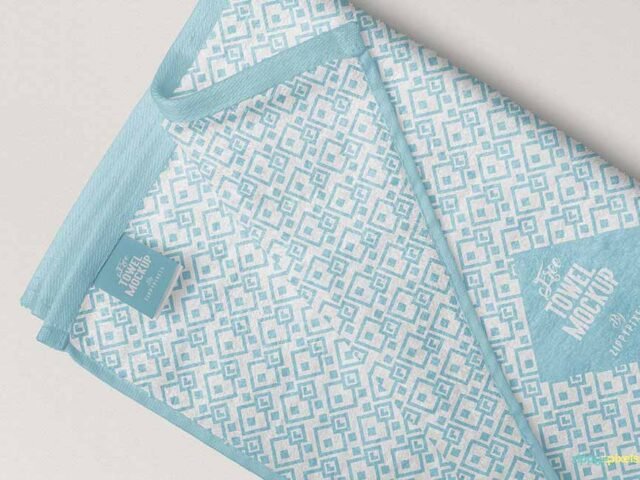
- Print design, placed through the smart object
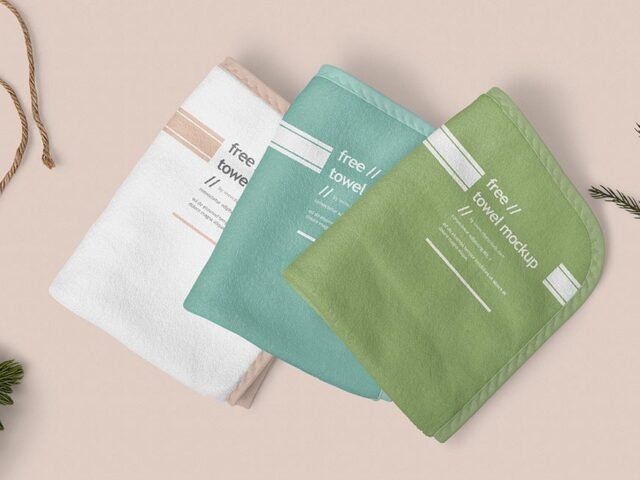
- Fabric colour
- Folds and wrinkles that wrap your print
- Background colour
How to use the Beach Towel Mockup
- Save your print as a PNG with a transparent background.
- Open the PSD in Photoshop and find the smart object layer, usually named “Your Design” or “Place Here”.
- Drop your artwork in, fit it to the canvas, save and close. The mockup updates by itself.
- Export with File › Export › Export As: JPG for sharing, PNG for the web.
One more thing: place the design as a flat PNG with a transparent background, then let the fabric displacement do the folds.
Where the Beach Towel Mockup works best
- Make two or three colour versions of a hotel logo and let the client pick.
- Share a gym brand on Instagram, Behance or Dribbble with a real-looking preview.
- Use it as the cover image for a beach print in your portfolio.
Before you download
- Made by Zippypixels. The download size and format are listed on their page.
- Built for Adobe Photoshop. A recent CC version handles the smart objects best.
- Some free mockups ask for credit when you post them. A short line in your caption is enough.
Browse more free towel mockups on Artistic Orbit, with new files added every day.
Questions about this mockup
Is it free for commercial use?
Zippypixels sets the licence, and it can differ from file to file. Many free files allow personal and commercial use, but some are personal-only or ask for credit. Read the terms on the download page before a paid project.
How do I add my design?
Open the file in Photoshop, double-click the smart object thumbnail, paste or place your artwork in the new tab, save it (Ctrl/Cmd + S) and close. The main file updates on its own.
Which Photoshop version do I need?
A recent Photoshop CC version is best. Older versions can open the file but sometimes have trouble with smart objects and effects.
Can I change the fabric colour?
Almost every apparel mockup has a colour fill or adjustment layer for the garment. Double-click its thumbnail and pick your colour.