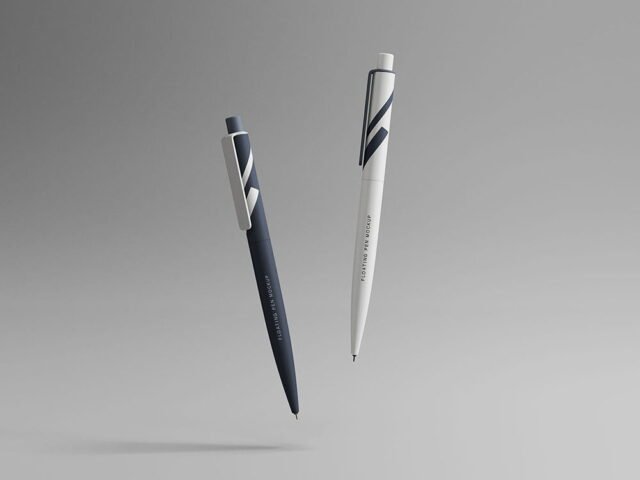
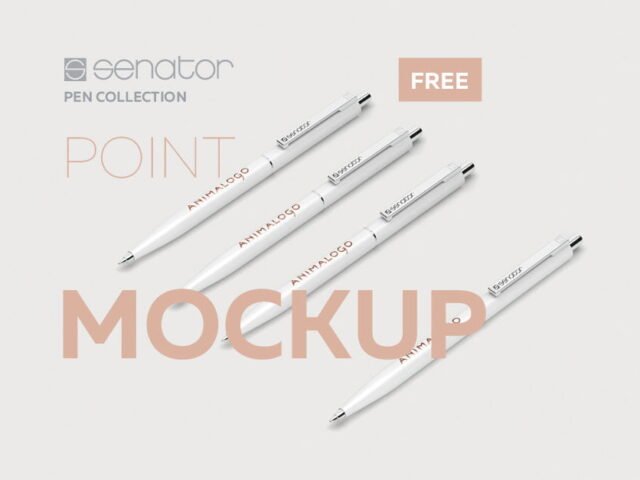
Pen Package Mockup
What's inside
- Applications Photoshop
- File Types PSD
- License Free (see author's terms)
- Author Behance
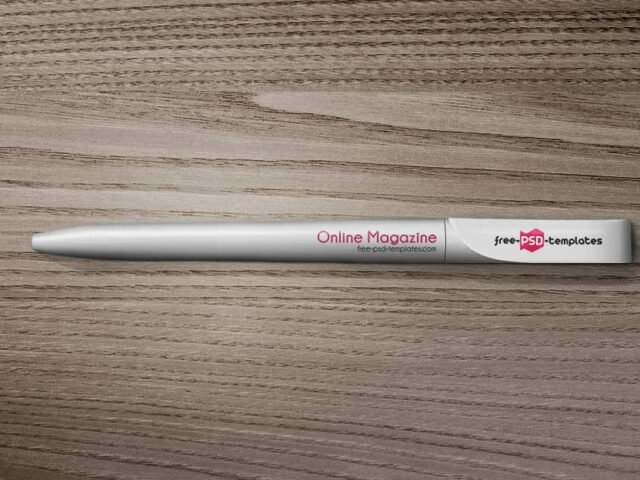
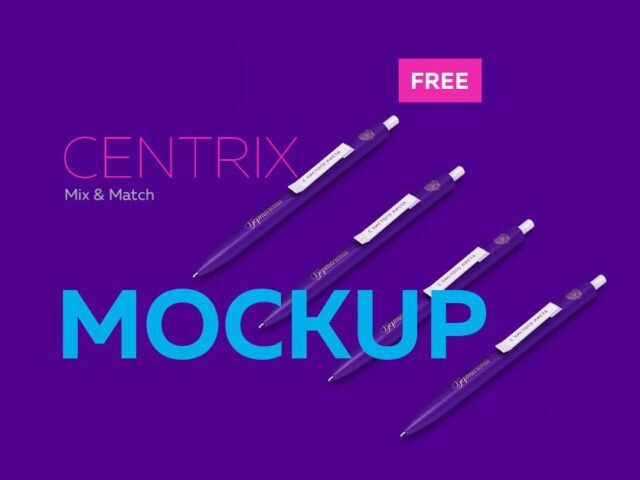
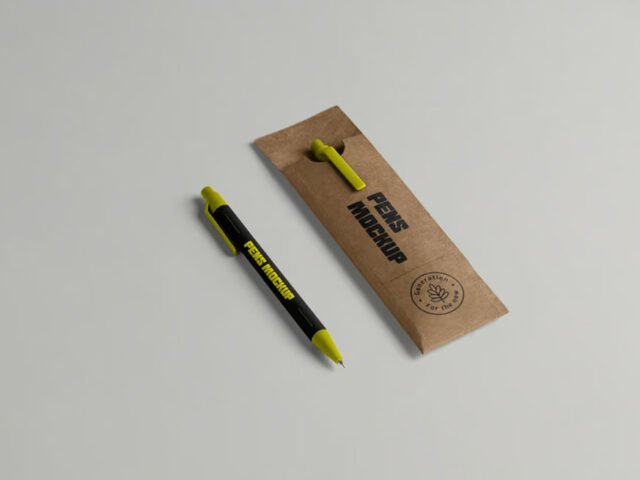
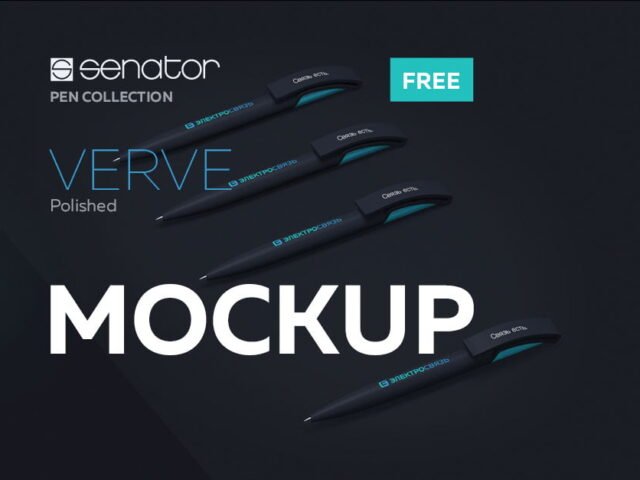
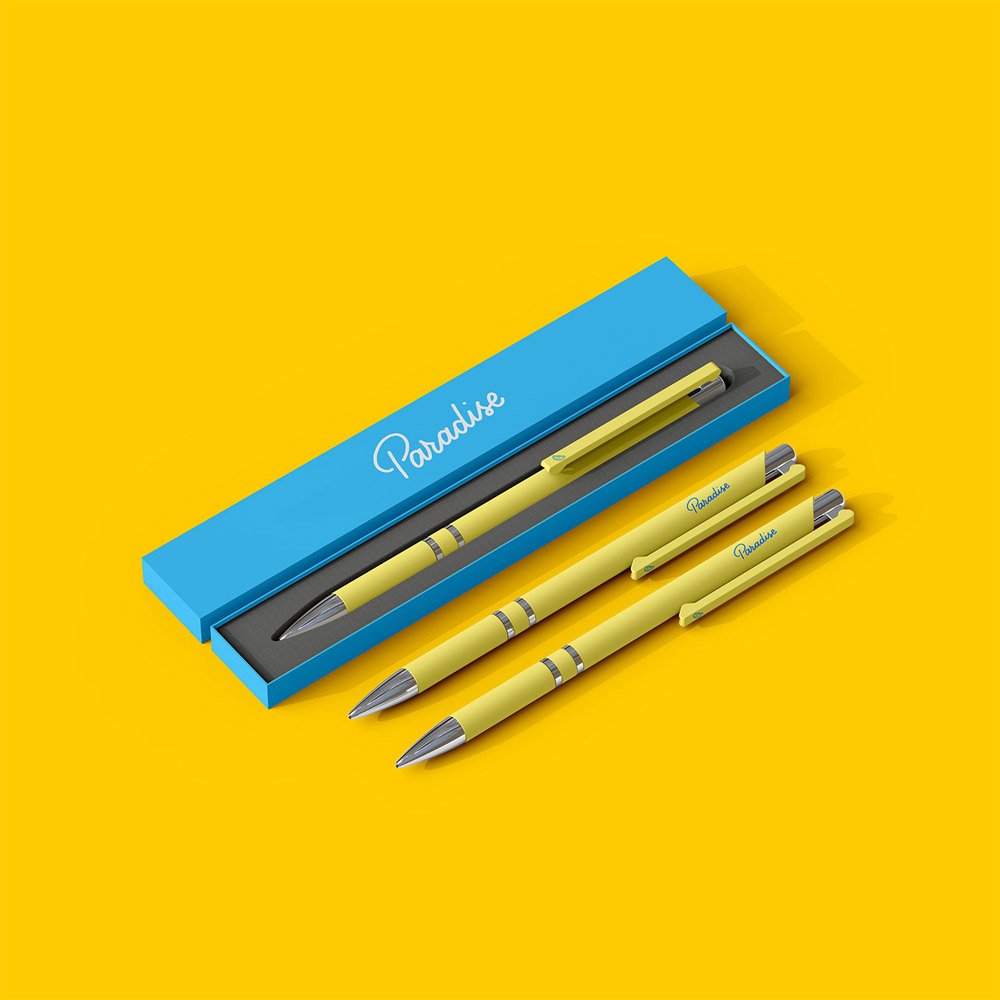
Show a hotel pen the way it will actually look: on a pen package mockup.
Good pick for branding studios, hotels or anyone putting together a portfolio. Quick tip: change the background colour to your brand palette; it does more for the final image than people expect.
It’s a nice extra slide in a branding presentation, after the logo and the main applications. Group it with other merch mockups for a branded items slide.
Good for
- A hotel pen
- A small logo
- Corporate merch branding
A designer on Behance created this one and hosts the download on their own site, so you always get the latest version straight from the source.
Editable options in the Pen Package Mockup PSD
Main things you can change in Photoshop:
- Logo or artwork, placed through the smart object
- Object colour, where included
- Shadows
Add your design to the Pen Package Mockup
- Simplify the design a little; fine details get lost on small objects.
- Open the PSD in Photoshop and find the smart object layer, usually named “Your Design” or “Place Here”.
- Place your design, hide the sample artwork, save, and go back to the main file.
- Try the logo in one colour and full colour.
- Save a JPG for clients and social media, and keep the PSD for later changes.
Another tip: keep your artwork simple. Small objects shrink details quickly, so a bold mark reads better than fine lines.
Ways to use this Pen Package Mockup
- Share a small logo on Instagram, Behance or Dribbble with a real-looking preview.
- Make two or three colour versions of corporate merch branding and let the client pick.
- Present a hotel pen in a client proposal or brand guide.
Quick notes on this mockup
- Made by a designer on Behance. The download size and format are listed on their page.
- Check the smart object size before you design, so your artwork fits without stretching.
- The preview shows the angle, background and lighting you’ll get.
Browse more free pen mockups on Artistic Orbit, with new files added every day.
Questions about this mockup
What licence does it come with?
It's free to download, but the licence belongs to a designer on Behance. Check their page: it states whether commercial use is allowed and if attribution is needed.
How do I put my artwork on the pen?
Find the smart object layer (it has a small icon on its thumbnail), double-click it, place your design, then save and close that tab.
Which Photoshop version do I need?
A recent Photoshop CC version is best. Older versions can open the file but sometimes have trouble with smart objects and effects.
Can I change the background?
Most object mockups have a background colour or image layer at the bottom of the stack that you can swap.