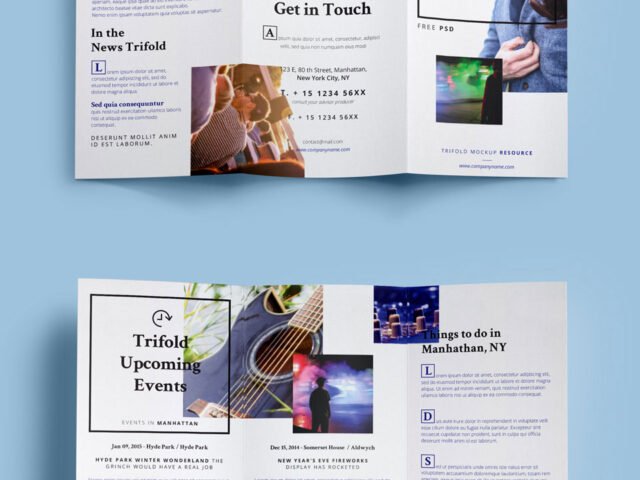
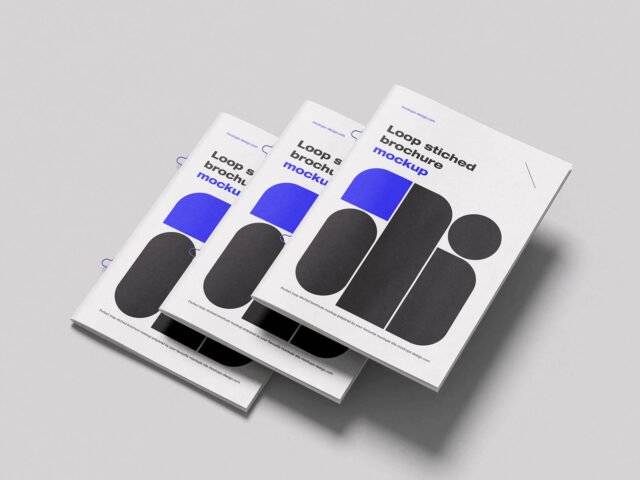
Foldable Brochure Mockups
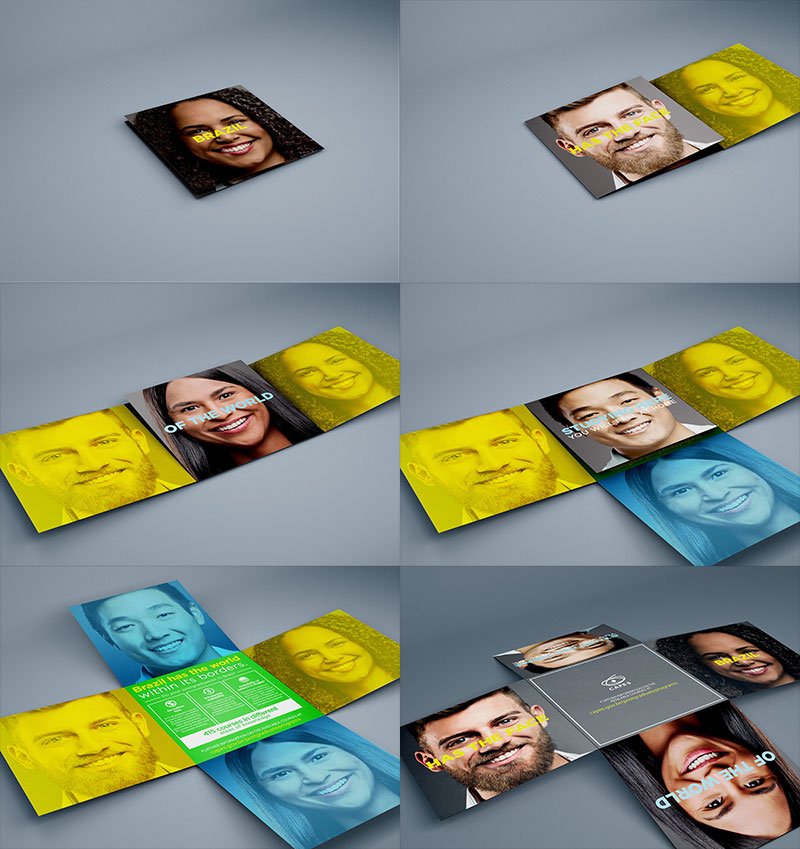
What's inside
- Applications Photoshop
- File Types PSD
- License Free (see author's terms)
- Author Behance
Here’s a foldable brochure mockup that works well for a tri-fold brochure, a product catalogue and similar projects.
Print designers and agencies tend to get the most out of files like this. A small tip: match your panel widths to the fold lines in the smart object; tri-folds have one slightly narrower panel.
It also makes a good cover image for a Behance or Dribbble post, where the first thumbnail decides whether anyone clicks.
This is a free file from a designer on Behance. When you click download you’ll land on their page to grab it.
Foldable Brochure Mockups: editable parts
Open it in Photoshop and you can change:
- Your design, placed through the smart object
- Paper or background colour
- Front and back artwork, where both sides are shown
How to use the Foldable Brochure Mockups
- Get your artwork ready at print size, with 1/8 inch of bleed if it runs to the edge.
- Open the PSD in Photoshop and find the smart object layer, usually named “Your Design” or “Place Here”.
- Drop your artwork in, fit it to the canvas, save and close. The mockup updates by itself.
- Change the background or paper colour with the colour layer.
- Save a JPG for clients and social media, and keep the PSD for later changes.
One more thing: keep text at least a few millimetres from the edge. The mockup shows the trim, and cramped margins read as a mistake.
Best uses for this Foldable Brochure Mockups
- Present a company profile in a client proposal or brand guide.
- Show a product catalogue on your online shop or product page.
- Share a tri-fold brochure on Instagram, Behance or Dribbble with a real-looking preview.
Before you download
- Made by a designer on Behance. The download size and format are listed on their page.
- Some free mockups ask for credit when you post them. A short line in your caption is enough.
- The preview shows the angle, background and lighting you’ll get.
Browse more free brochure mockups on Artistic Orbit, with new files added every day.
Questions about this mockup
Can I use this brochure mockup for client work?
A designer on Behance sets the licence, and it can differ from file to file. Many free files allow personal and commercial use, but some are personal-only or ask for credit. Read the terms on the download page before a paid project.
How do I put my artwork on the brochure?
Find the smart object layer (it has a small icon on its thumbnail), double-click it, place your design, then save and close that tab.
Which Photoshop version do I need?
A recent Photoshop CC version is best. Older versions can open the file but sometimes have trouble with smart objects and effects.
Can I show both sides?
It depends on the file. Many print mockups include a front and a back smart object; the preview usually shows whether both sides are visible.