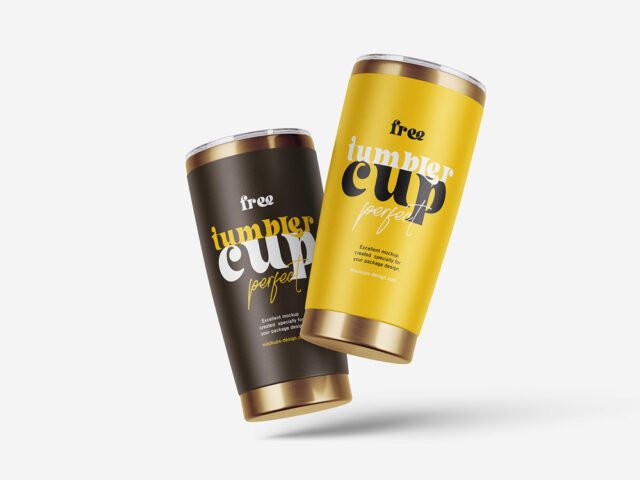
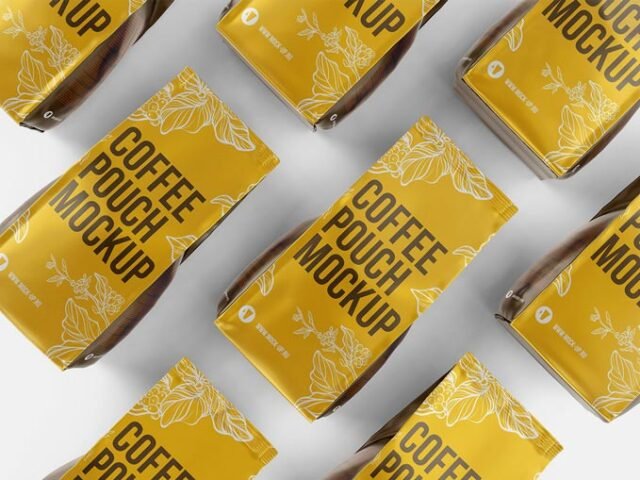
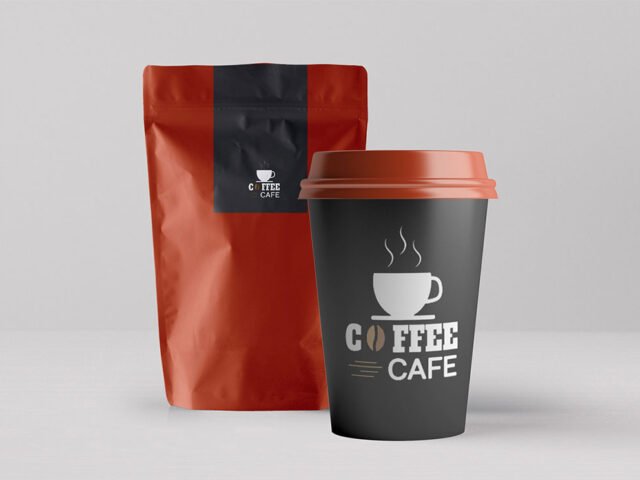
Flying Coffee Cup Mockup

What's inside
- Applications Photoshop
- File Types PSD
- License Free (see author's terms)
- Author GraphicPear
If you’re presenting a takeaway cup print, this flying coffee cup mockup makes the idea feel real before anything is produced.
Good pick for coffee brands, cafés or anyone putting together a portfolio. One thing worth knowing: try your design on both a light and dark cup colour before choosing one for the final render.
Cafés and coffee brands use renders like this for menus, social posts and supplier pitches.
This is a free file from GraphicPear. When you click download you’ll land on their page to grab it.
What you can edit in this Flying Coffee Cup Mockup
The PSD is layered, so you can change:
- Logo or pattern, placed through the smart object
- Background colour
- Cup, lid or sleeve colour
Add your design to the Flying Coffee Cup Mockup
- Centre your design on the side that faces the viewer.
- In the Layers panel, find the layer with the small smart object icon and double-click it.
- Place your design, hide the sample artwork, save, and go back to the main file.
- Change the cup, lid or sleeve colour.
- Export with File › Export › Export As: JPG for sharing, PNG for the web.
If the file lets you change the lid or sleeve colour, match it to your brand; it pulls the image together.
Best uses for this Flying Coffee Cup Mockup
- Make two or three colour versions of a takeaway cup print and let the client pick.
- Show a yogurt or dessert cup label on your online shop or product page.
- Show a coffee cup logo to a client before it goes to print or production.
Good to know
- Made by GraphicPear. The download size and format are listed on their page.
- Some free mockups ask for credit when you post them. A short line in your caption is enough.
- The preview shows the angle, background and lighting you’ll get.
- Built for Adobe Photoshop. A recent CC version handles the smart objects best.
Browse more free cup mockups on Artistic Orbit, with new files added every day.
Questions about this mockup
Is it free for commercial use?
That depends on the author's terms. The download page lists what is allowed; when in doubt, ask the author directly.
How do I put my artwork on the cup?
Find the smart object layer (it has a small icon on its thumbnail), double-click it, place your design, then save and close that tab.
Which Photoshop version do I need?
A recent Photoshop CC version is best. Older versions can open the file but sometimes have trouble with smart objects and effects.
Will my logo follow the curve?
Curved-surface mockups use a warp or displacement so the print bends with the cup. Keep key text in the middle, where the curve distorts it least.