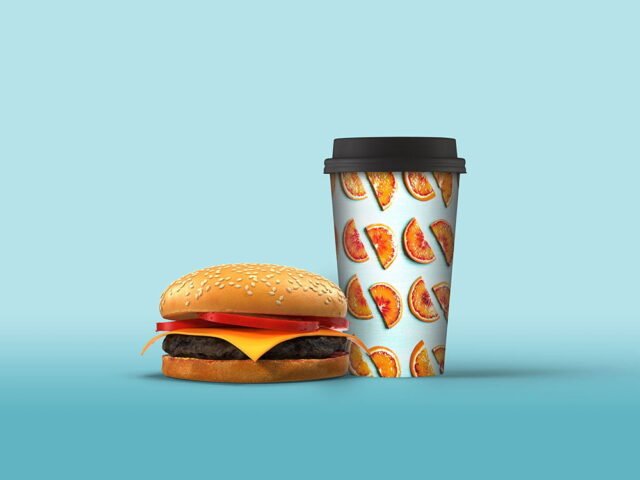
Coffee Cup Mock-ups
What's inside
- Applications Photoshop
- File Types PSD
- License Free (see author's terms)
- Author Mockup Plus
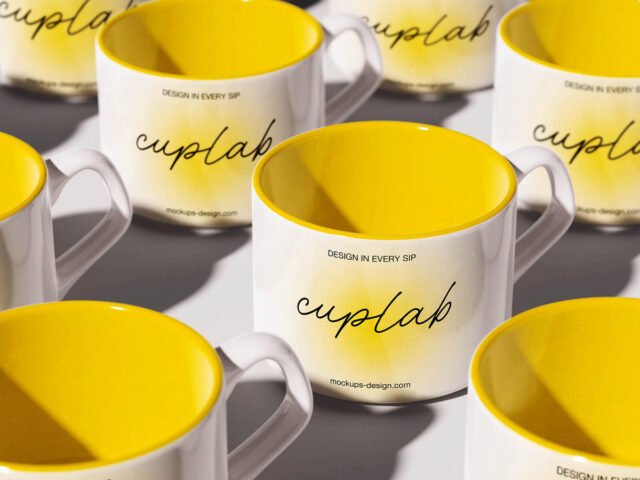
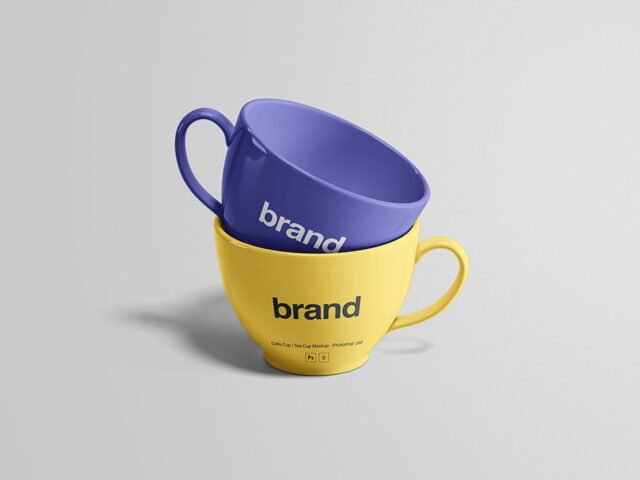
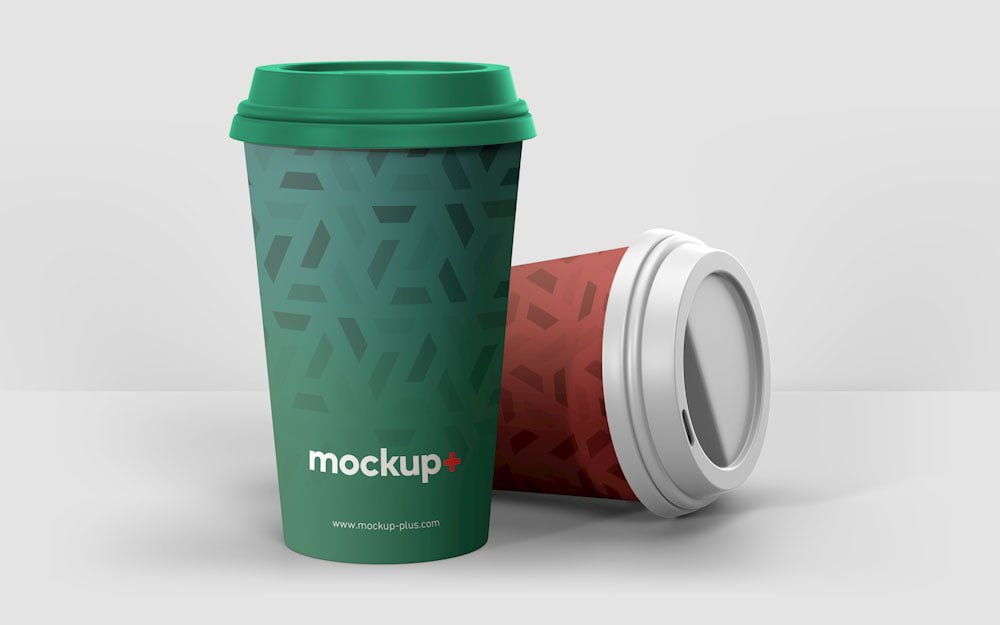
If you’re presenting a coffee cup logo, this coffee cup mockup makes the idea feel real before anything is produced.
Good pick for food packaging designers, cafés or anyone putting together a portfolio. Try your design on both a light and dark cup colour before choosing one for the final render.
Cafés and coffee brands use renders like this for menus, social posts and supplier pitches.
Good for
- A coffee cup logo
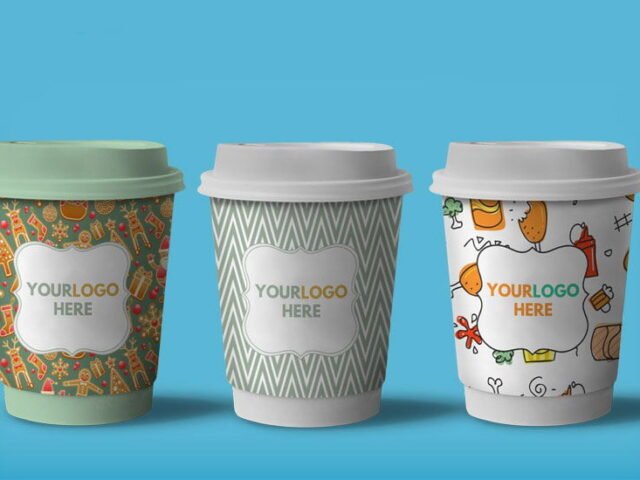
- A takeaway cup print
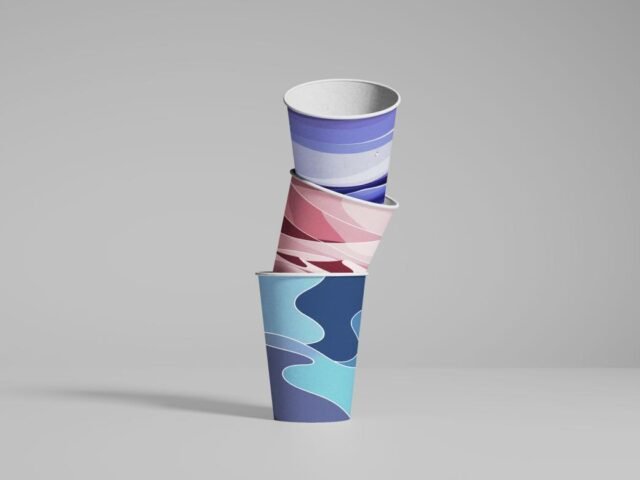
- A yogurt or dessert cup label
Credit goes to Mockup Plus. We link to their download page rather than re-uploading the file, so check their terms there before commercial use.
What you can edit in this Coffee Cup Mock-ups
Open it in Photoshop and you can change:
- Logo or pattern, placed through the smart object
- Cup, lid or sleeve colour
- Highlights on the curve
Add your design to the Coffee Cup Mock-ups
- Prepare the logo or pattern as a PNG with a transparent background.
- Open the file in Photoshop and double-click the smart object thumbnail in the Layers panel.
- Drop your artwork in, fit it to the canvas, save and close. The mockup updates by itself.
- Swap the background colour.
- Export a full-size image for your portfolio and a smaller one for social media.
Worth remembering: a logo that works on a business card usually works on a cup. Long slogans rarely do.
Where the Coffee Cup Mock-ups works best
- Share a coffee cup logo on Instagram, Behance or Dribbble with a real-looking preview.
- Present a yogurt or dessert cup label in a client proposal or brand guide.
- Show a takeaway cup print on your online shop or product page.
Good to know
- Made by Mockup Plus. The download size and format are listed on their page.
- The preview shows the angle, background and lighting you’ll get.
- Some free mockups ask for credit when you post them. A short line in your caption is enough.
- Built for Adobe Photoshop. A recent CC version handles the smart objects best.
More free cup mockups are listed below, each linking to the original author.
Questions about this mockup
What licence does it come with?
It's free to download, but the licence belongs to Mockup Plus. Check their page: it states whether commercial use is allowed and if attribution is needed.
How do I add my design?
Open the file in Photoshop, double-click the smart object thumbnail, paste or place your artwork in the new tab, save it (Ctrl/Cmd + S) and close. The main file updates on its own.
Which Photoshop version do I need?
A recent Photoshop CC version is best. Older versions can open the file but sometimes have trouble with smart objects and effects.
Can I change the cup colour?
Most cup and mug mockups keep the body colour on its own layer, so you can change it without touching your design.