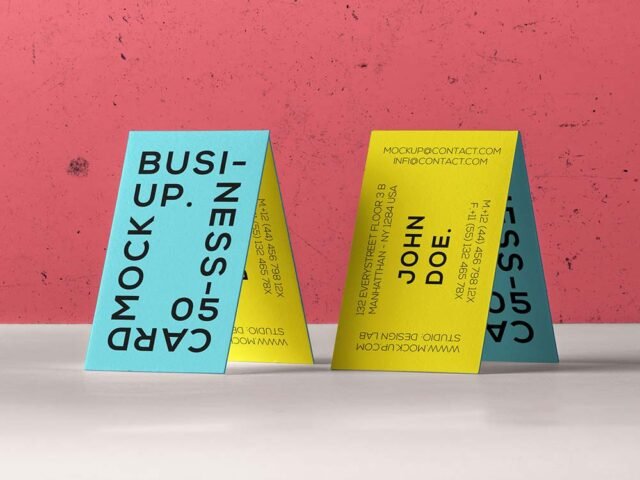
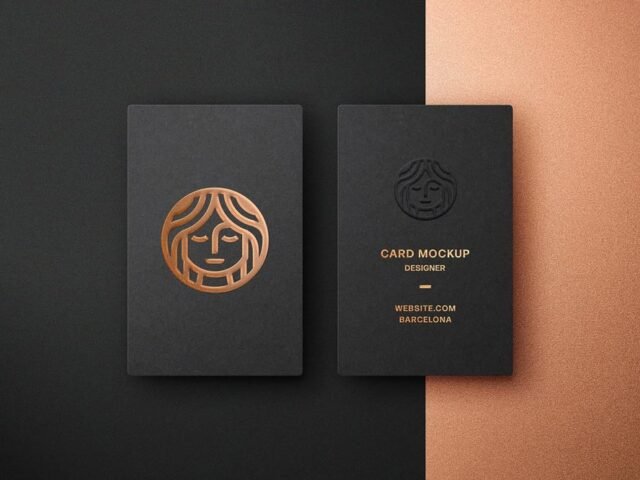
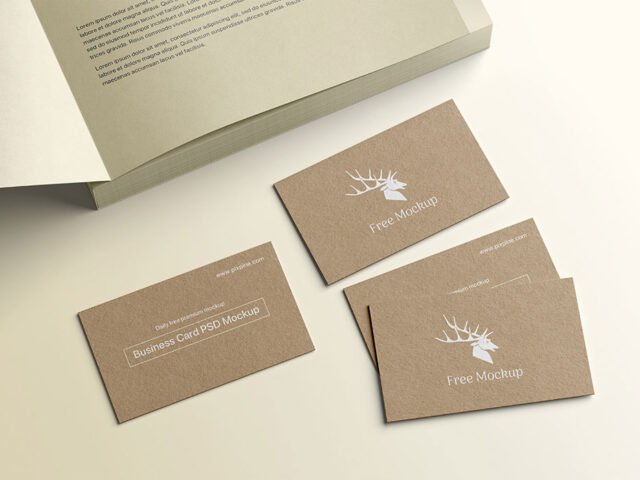
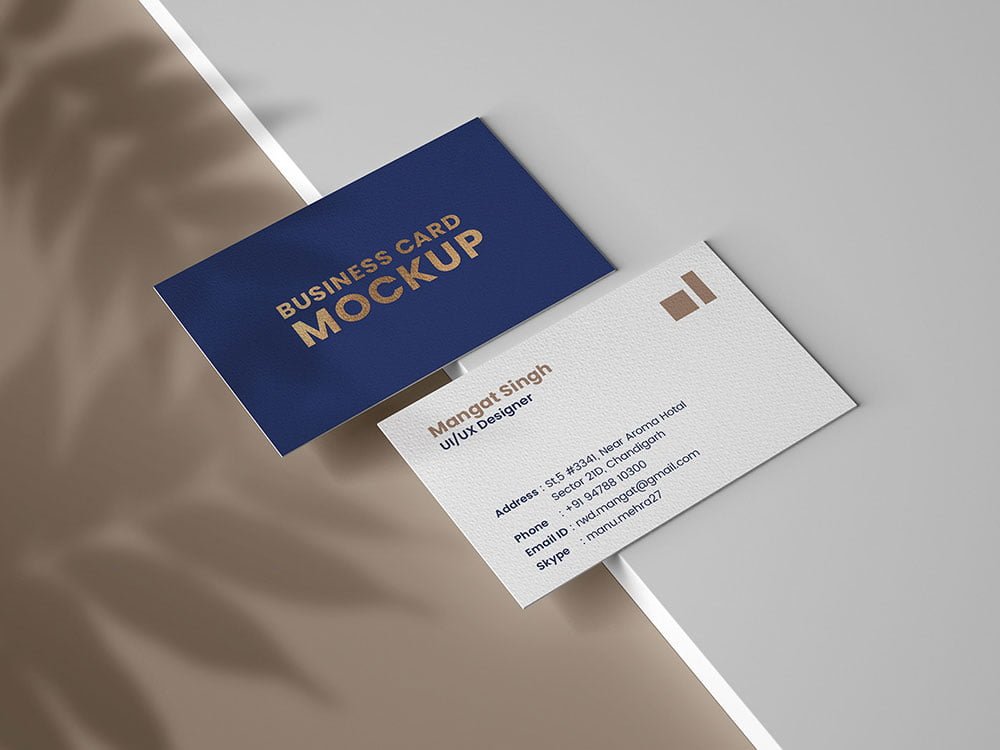
Isometric Business Cards Mockup
What's inside
- Applications Photoshop
- File Types PSD
- License Free (see author's terms)
- Author Behance
Presenting a QR code card? Put it on this isometric business cards mockup and the client sees the real thing, not a flat file.
Good pick for small businesses, branding studios or anyone putting together a portfolio. A small tip: show the back of the card with just the logo; it makes the front look calmer.
Seeing a layout on a real business card is also the easiest way to catch problems early. A phone number that looked fine on screen can turn out too small once it sits on paper.
Works well for
- A QR code card
- A front and back card design
- A minimal logo card
This is a free file from a designer on Behance. When you click download you’ll land on their page to grab it.
What’s inside the Isometric Business Cards Mockup PSD
Everything below is on its own layer:
- Your design, placed through the smart object
- Paper texture you can turn up or down
- Shadows and highlights on their own layers
- Front and back artwork, where both sides are shown
Editing the Isometric Business Cards Mockup, step by step
- Get your artwork ready at print size, with 1/8 inch of bleed if it runs to the edge.
- Open the PSD in Photoshop and find the smart object layer, usually named “Your Design” or “Place Here”.
- Place your design, hide the sample artwork, save, and go back to the main file.
- Save a JPG for clients and social media, and keep the PSD for later changes.
Use CMYK-friendly colours in the artwork itself, even though the mockup is RGB, so what the client sees is close to print.
Where the Isometric Business Cards Mockup works best
- Share a front and back card design on Instagram, Behance or Dribbble with a real-looking preview.
- Show a QR code card to a client before it goes to print or production.
- Use it as the cover image for a minimal logo card in your portfolio.
Quick notes on this mockup
- Made by a designer on Behance. The download size and format are listed on their page.
- Some free mockups ask for credit when you post them. A short line in your caption is enough.
- Check the licence on the author’s page. Personal and commercial terms differ from file to file.
- Check the smart object size before you design, so your artwork fits without stretching.
More free business card mockups are listed below, each linking to the original author.
Questions about this mockup
What licence does it come with?
That depends on the author's terms. The download page lists what is allowed; when in doubt, ask the author directly.
How do I add my design?
Open the file in Photoshop, double-click the smart object thumbnail, paste or place your artwork in the new tab, save it (Ctrl/Cmd + S) and close. The main file updates on its own.
Which Photoshop version do I need?
A recent Photoshop CC version is best. Older versions can open the file but sometimes have trouble with smart objects and effects.
Can I show both sides?
It depends on the file. Many print mockups include a front and a back smart object; the preview usually shows whether both sides are visible.