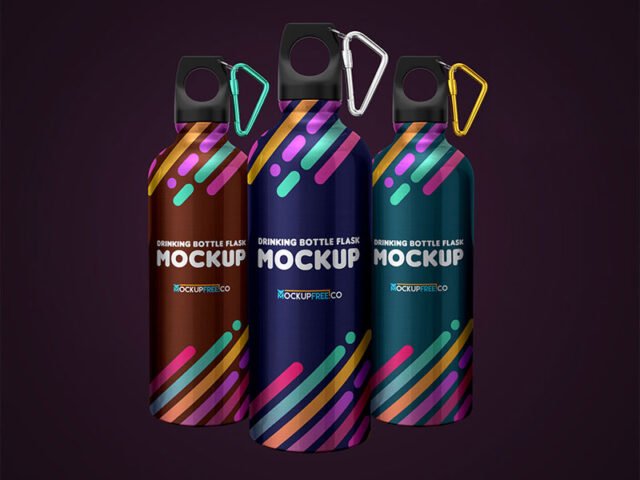
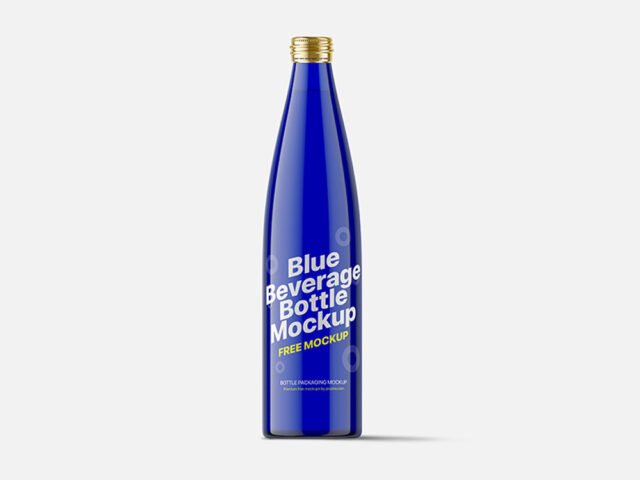
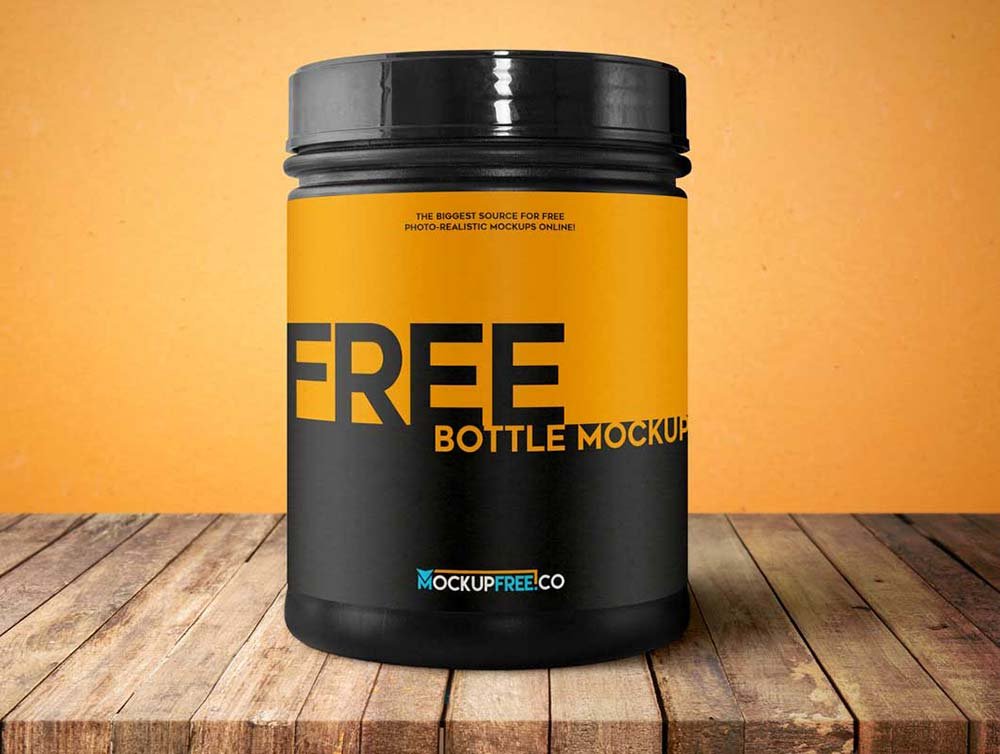
Sport Nutrition Bottle Mockup
What's inside
- Applications Photoshop
- File Types PSD
- License Free (see author's terms)
- Author MockupFree
Need to show a drink label to a client? This sport nutrition bottle mockup does the job in a few minutes.
Good pick for label designers, beverage brands or anyone putting together a portfolio. Tip: leave a little breathing room around the label edge so the highlight strip does not cut through your logo.
Beverage and beauty brands use renders like this on their shop pages long before the first production batch. Pair it with a box or bag mockup to show the full product range.
Good for
- A drink label
- A sauce or oil label
- A wine or spirit label
This is a free file from MockupFree. When you click download you’ll land on their page to grab it.
What you can edit in this Sport Nutrition Bottle Mockup
The PSD is layered, so you can change:
- Label artwork, placed through the smart object
- Shadows
- Highlights and reflections
Add your design to the Sport Nutrition Bottle Mockup
- Prepare the label with a little space around the edges for the highlights.
- In the Layers panel, find the layer with the small smart object icon and double-click it.
- Paste your design, resize it to fill the area, then save (Ctrl/Cmd + S) and close that tab.
- Export a full-size image for your portfolio and a smaller one for social media.
Worth remembering: labels on curved surfaces compress at the sides, so keep key text in the middle third.
Best uses for this Sport Nutrition Bottle Mockup
- Show a wine or spirit label to a client before it goes to print or production.
- Present a drink label in a client proposal or brand guide.
- Use it as the cover image for a sauce or oil label in your portfolio.
Before you download
- Made by MockupFree. The download size and format are listed on their page.
- Check the licence on the author’s page. Personal and commercial terms differ from file to file.
- Check the smart object size before you design, so your artwork fits without stretching.
Need a different angle? The bottle mockups category has plenty more free PSD files.
Questions about this mockup
What licence does it come with?
MockupFree sets the licence, and it can differ from file to file. Many free files allow personal and commercial use, but some are personal-only or ask for credit. Read the terms on the download page before a paid project.
How do I add my design?
Open the file in Photoshop, double-click the smart object thumbnail, paste or place your artwork in the new tab, save it (Ctrl/Cmd + S) and close. The main file updates on its own.
Do I need Photoshop?
Yes. This is a PSD mockup built with smart objects, so you edit it in Adobe Photoshop. Any recent CC version works.
Can I change the liquid or container colour?
Most bottle, can and cup mockups keep the container colour on its own layer. Liquid colour, where visible, is usually adjustable too.