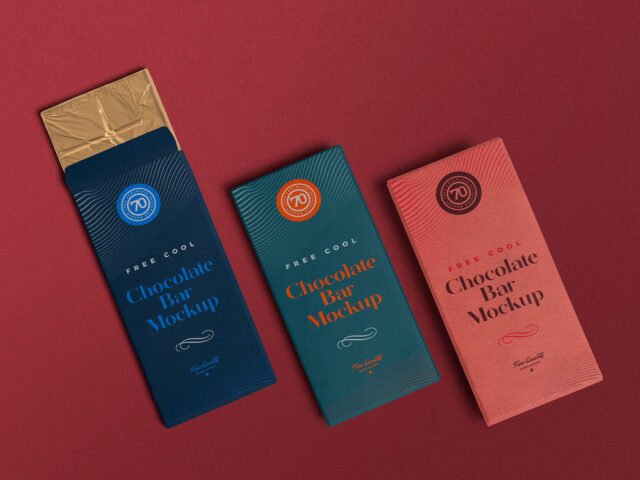
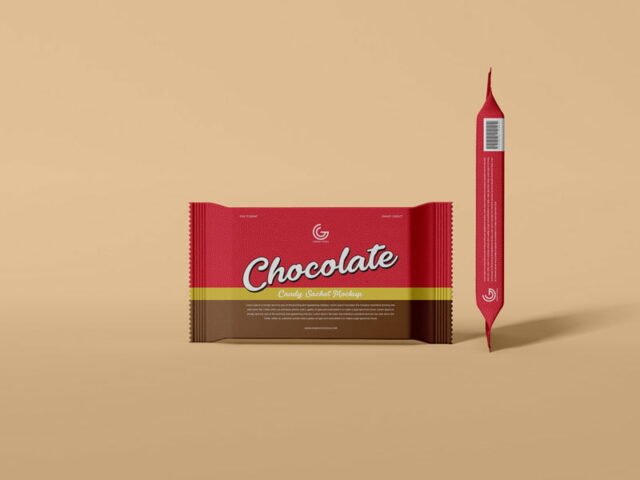
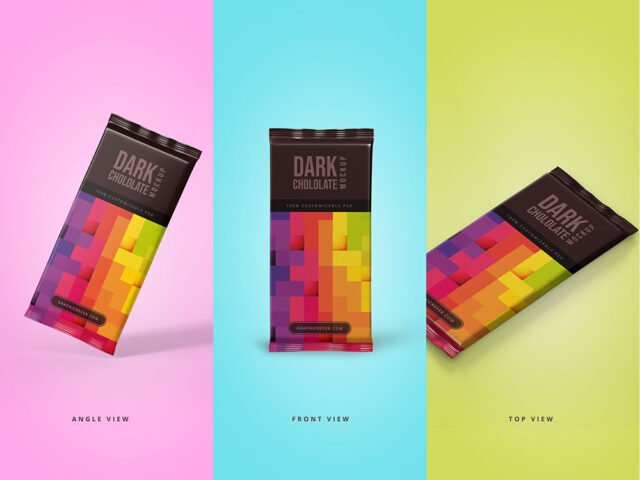
Candy & Chocolate Bar Mockup
What's inside
- Applications Photoshop
- File Types PSD
- License Free (see author's terms)
- Author Pixpine
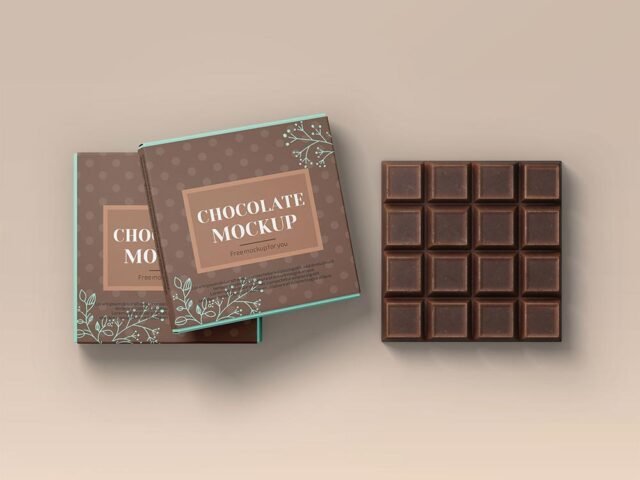
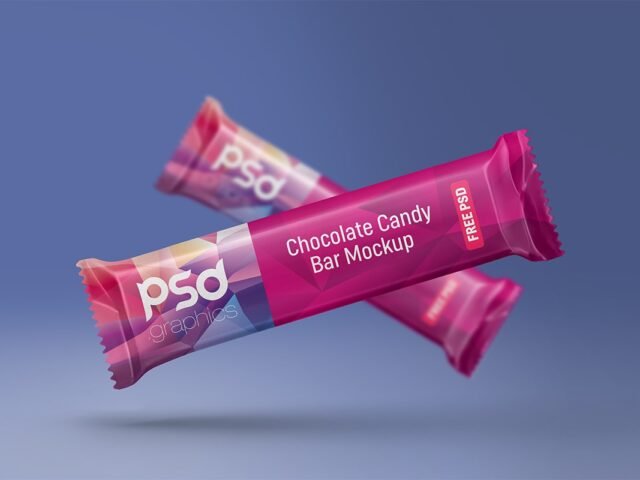
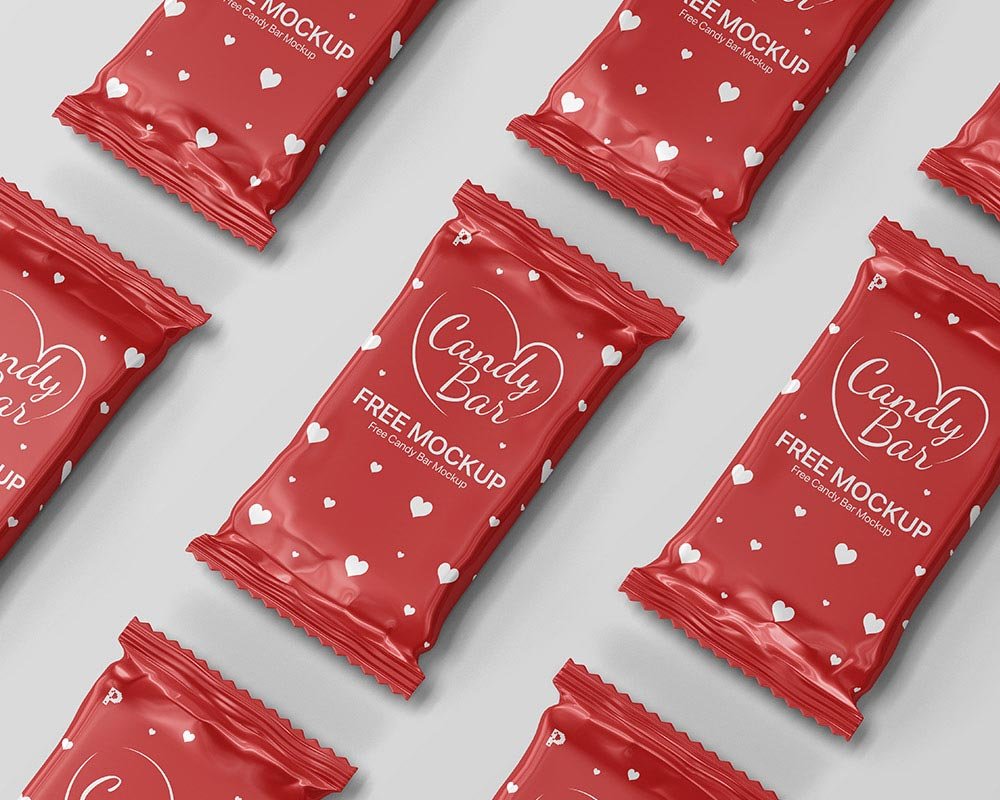
A candy chocolate bar mockup, made for presenting a candy box. Drop in your artwork and the lighting and shadows stay as they are.
It’s a handy file for gift shops and confectionery brands. Render two colour versions side by side. Clients choose faster when they compare.
A realistic render saves a round of physical samples, which for packaging can take weeks. Show it with a shipping box or bag from the same range to present the whole unboxing.
Good for
- A candy box
- A seasonal pack
- A chocolate bar wrapper
Pixpine created this one and hosts the download on their own site, so you always get the latest version straight from the source.
Editable options in the Candy & Chocolate Bar Mockup PSD
Everything below is on its own layer:
- Label or box artwork, placed through the smart object
- Gloss and highlight layers
- Base colour of the pack
How to use the Candy & Chocolate Bar Mockup
- Export each side of the pack as its own image if the file has separate smart objects.
- In the Layers panel, find the layer with the small smart object icon and double-click it.
- Drop your artwork in, fit it to the canvas, save and close. The mockup updates by itself.
- Export a full-size image for your portfolio and a smaller one for social media.
Check barcodes, weights and small legal text at 100% zoom. Packaging clients always look for those.
Best uses for this Candy & Chocolate Bar Mockup
- Make two or three colour versions of a chocolate bar wrapper and let the client pick.
- Use it as the cover image for a seasonal pack in your portfolio.
- Show a candy box to a client before it goes to print or production.
Before you download
- Made by Pixpine. The download size and format are listed on their page.
- Some free mockups ask for credit when you post them. A short line in your caption is enough.
- Check the licence on the author’s page. Personal and commercial terms differ from file to file.
Scroll down for similar chocolate mockups from other designers.
Questions about this mockup
Can I use this chocolate packaging mockup for client work?
It's free to download, but the licence belongs to Pixpine. Check their page: it states whether commercial use is allowed and if attribution is needed.
How do I add my design?
Open the file in Photoshop, double-click the smart object thumbnail, paste or place your artwork in the new tab, save it (Ctrl/Cmd + S) and close. The main file updates on its own.
Do I need Photoshop?
Yes. This is a PSD mockup built with smart objects, so you edit it in Adobe Photoshop. Any recent CC version works.
Can I change the packaging colour?
Usually yes. There is normally a colour layer under the design smart object, so you can change the base colour without touching your artwork.
Why does the download open another website?
We list free files from designers around the web and link to the original page, so Pixpine gets the visit and you get the file exactly as they published it.