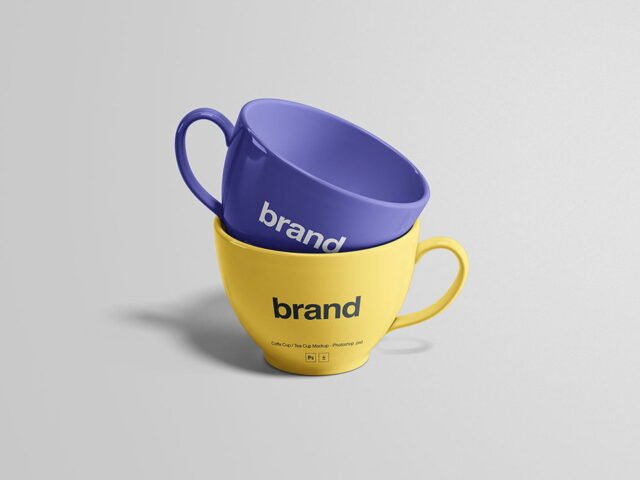
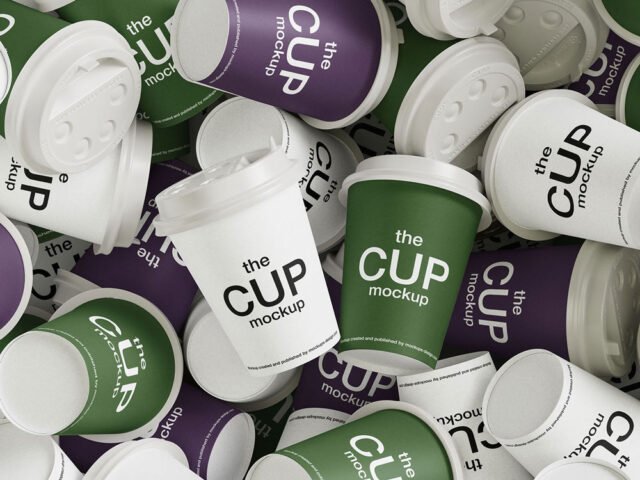
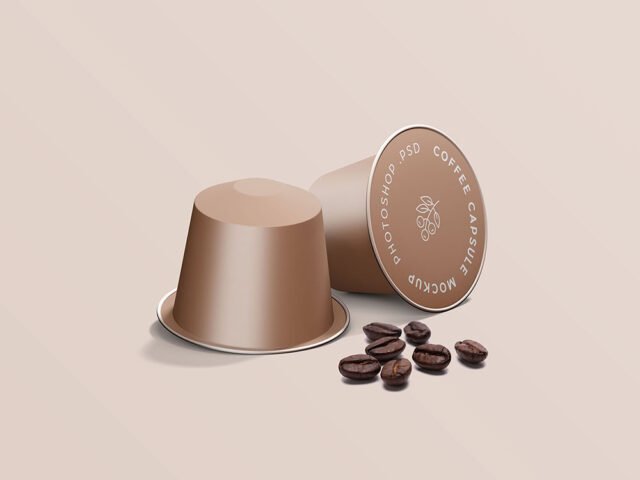
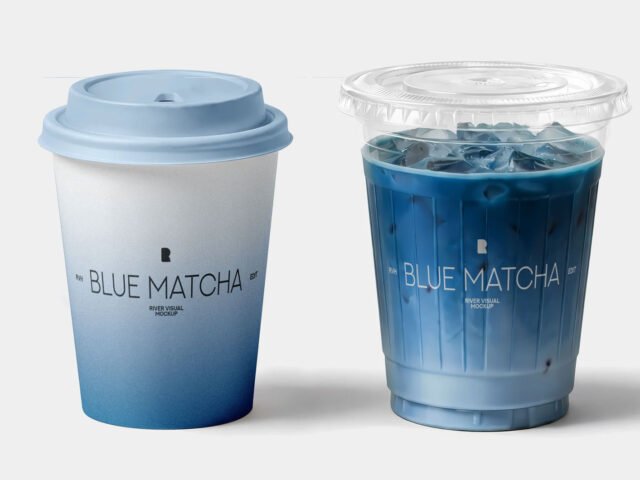
Carry Holder Cup Mockup
What's inside
- Applications Photoshop
- File Types PSD
- License Free (see author's terms)
- Author Mockups Design
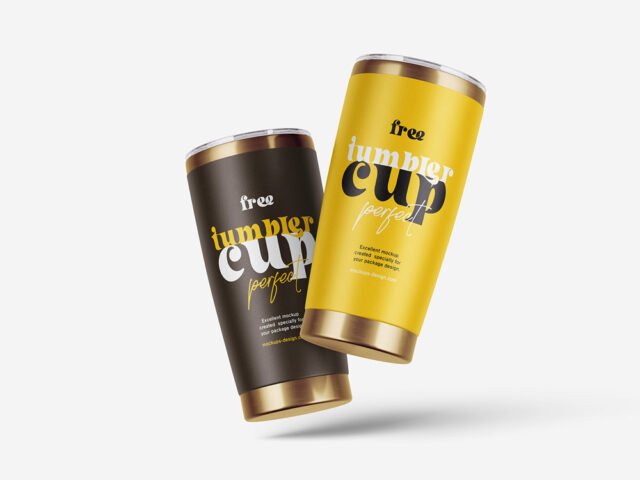
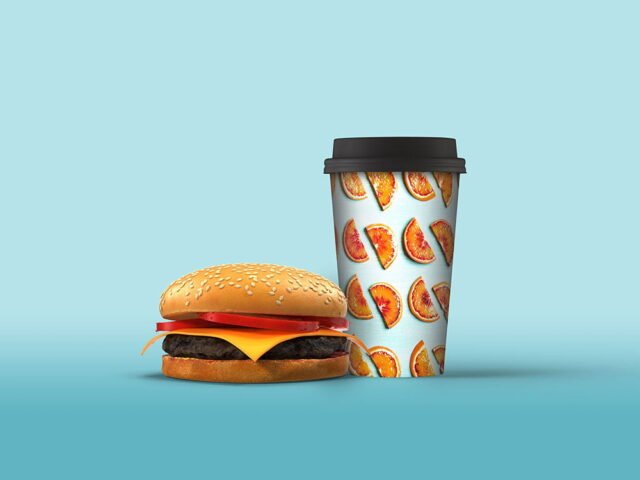
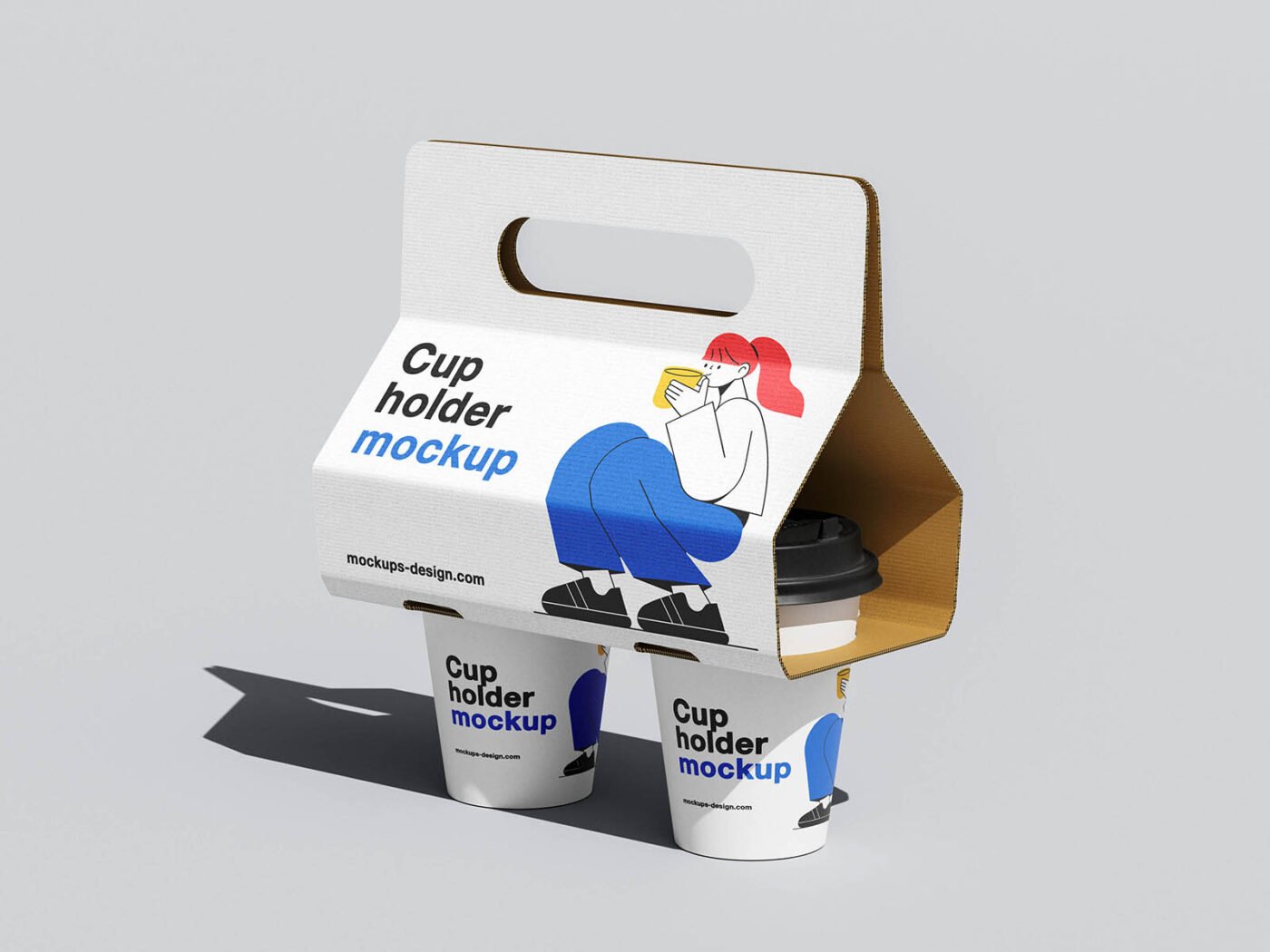
A takeaway cup print looks better on a carry holder cup mockup than on a white artboard, and this mockup is set up for exactly that.
Coffee brands and cafés tend to get the most out of files like this. Quick tip: try your design on both a light and dark cup colour before choosing one for the final render.
It’s the quickest way to check whether a logo still works when it’s small and curved. Pair it with a coffee bag or menu mockup for a complete café presentation.
The file is made by Mockups Design. The download button takes you to their page, where you get the original file and the licence details.
What you can edit in this Carry Holder Cup Mockup
Everything below is on its own layer:
- Logo or pattern, placed through the smart object
- Background colour
- Cup, lid or sleeve colour
How to edit this Carry Holder Cup Mockup in Photoshop
- Keep the design compact. A mark that fits a business card usually fits a cup.
- In the Layers panel, find the layer with the small smart object icon and double-click it.
- Drop your artwork in, fit it to the canvas, save and close. The mockup updates by itself.
- Nudge the logo to the centre of the curve.
- Export with File › Export › Export As: JPG for sharing, PNG for the web.
Worth remembering: cups are curved, so keep the logo compact and centred on the visible side.
Ways to use this Carry Holder Cup Mockup
- Make two or three colour versions of a yogurt or dessert cup label and let the client pick.
- Use it as the cover image for a coffee cup logo in your portfolio.
- Show a takeaway cup print on your online shop or product page.
Before you download
- Made by Mockups Design. The download size and format are listed on their page.
- Check the licence on the author’s page. Personal and commercial terms differ from file to file.
- The preview shows the angle, background and lighting you’ll get.
- Some free mockups ask for credit when you post them. A short line in your caption is enough.
Browse more free cup mockups on Artistic Orbit, with new files added every day.
Questions about this mockup
Can I use this cup mockup for client work?
It's free to download, but the licence belongs to Mockups Design. Check their page: it states whether commercial use is allowed and if attribution is needed.
How do I put my artwork on the cup?
Find the smart object layer (it has a small icon on its thumbnail), double-click it, place your design, then save and close that tab.
Do I need Photoshop?
Yes. This is a PSD mockup built with smart objects, so you edit it in Adobe Photoshop. Any recent CC version works.
Will my logo follow the curve?
Curved-surface mockups use a warp or displacement so the print bends with the cup. Keep key text in the middle, where the curve distorts it least.