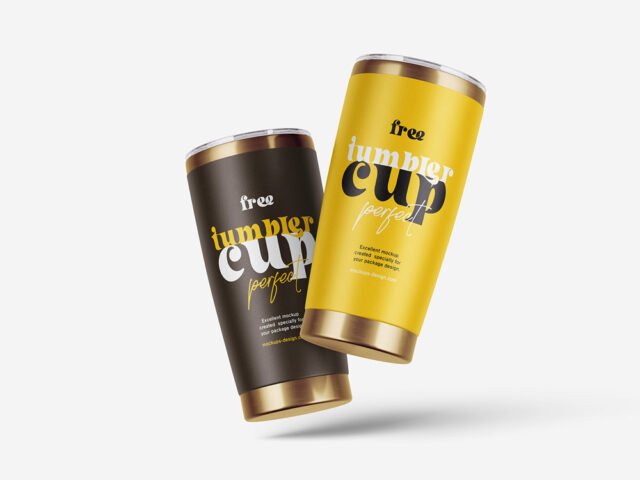
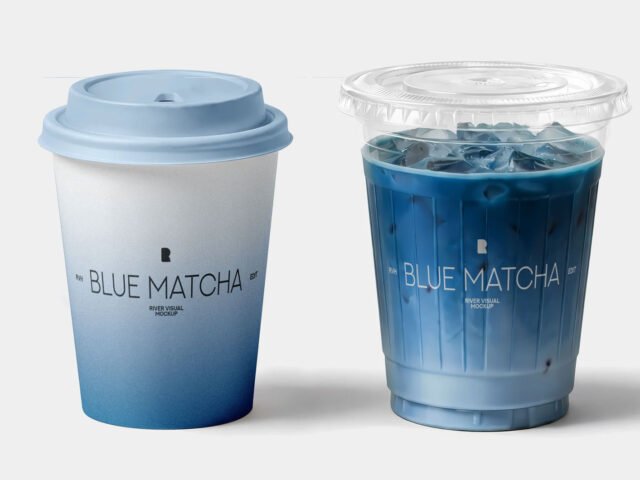
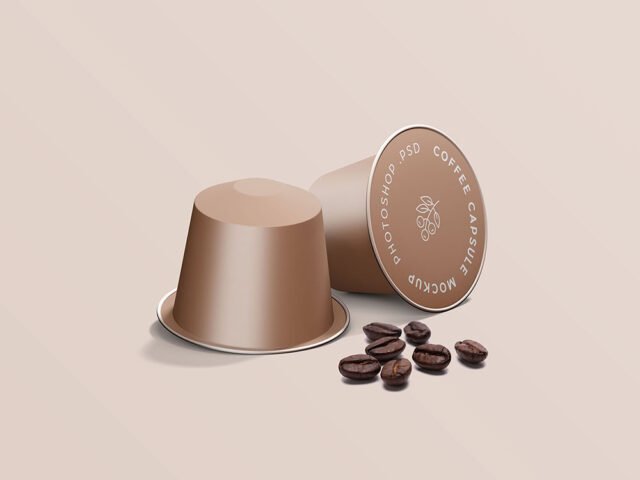
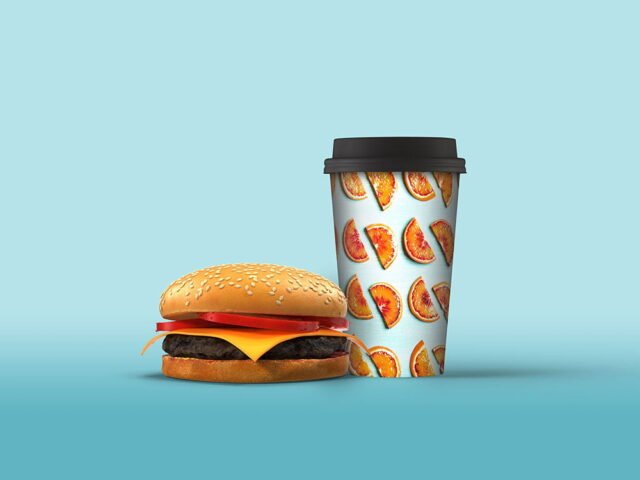
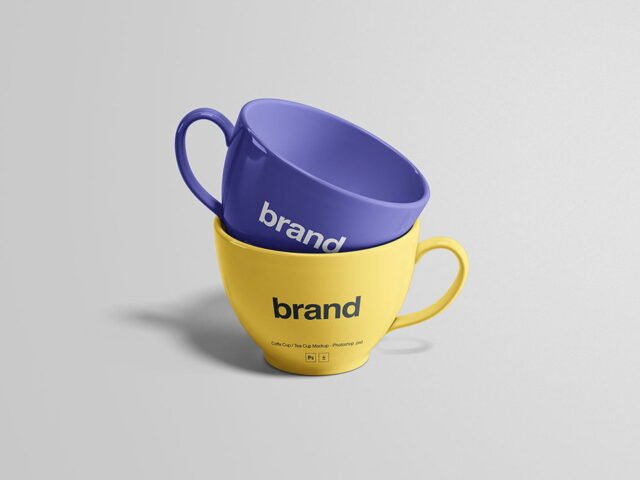
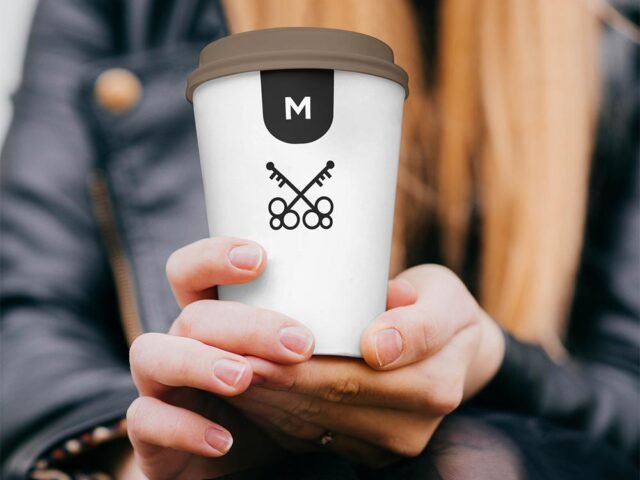
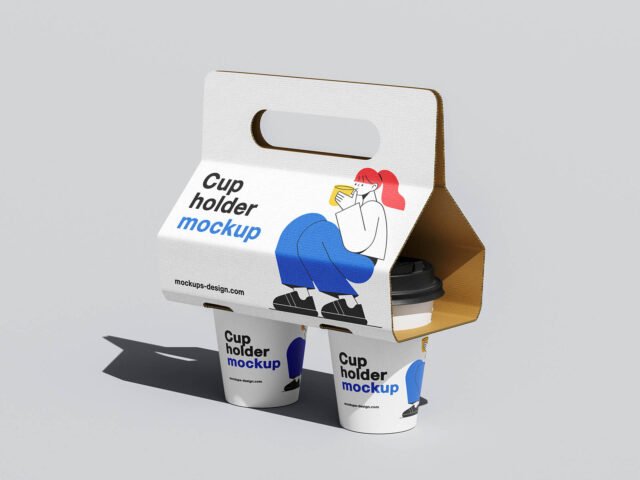
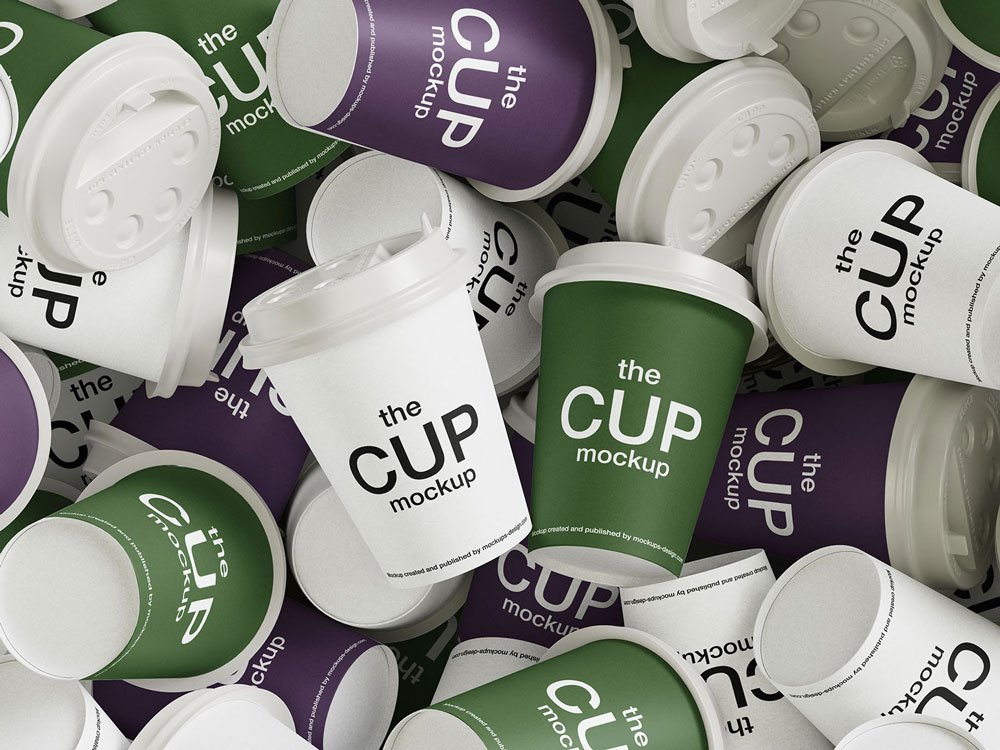
Mixed Coffee Cups Mockup
What's inside
- Applications Photoshop
- File Types PSD
- License Free (see author's terms)
- Author Mockups Design
Need to show a coffee cup logo to a client? This mixed coffee cups mockup does the job in a few minutes.
Useful for cafés as much as for food packaging designers. Quick tip: try your design on both a light and dark cup colour before choosing one for the final render.
Cafés and coffee brands use renders like this for menus, social posts and supplier pitches.
Works well for
- A coffee cup logo
- A takeaway cup print
- A yogurt or dessert cup label
The file is made by Mockups Design. The download button takes you to their page, where you get the original file and the licence details.
What you can edit in this Mixed Coffee Cups Mockup
Open it in Photoshop and you can change:
- Logo or pattern, placed through the smart object
- Cup, lid or sleeve colour
- Background colour
Add your design to the Mixed Coffee Cups Mockup
- Prepare the logo or pattern as a PNG with a transparent background.
- Open the file in Photoshop and double-click the smart object thumbnail in the Layers panel.
- Paste your design, resize it to fill the area, then save (Ctrl/Cmd + S) and close that tab.
- Export with File › Export › Export As: JPG for sharing, PNG for the web.
One more thing: cups are curved, so keep the logo compact and centred on the visible side.
Best uses for this Mixed Coffee Cups Mockup
- Make two or three colour versions of a takeaway cup print and let the client pick.
- Show a yogurt or dessert cup label on your online shop or product page.
- Share a coffee cup logo on Instagram, Behance or Dribbble with a real-looking preview.
Quick notes on this mockup
- Made by Mockups Design. The download size and format are listed on their page.
- Check the smart object size before you design, so your artwork fits without stretching.
- The preview shows the angle, background and lighting you’ll get.
Need a different angle? The cup mockups category has plenty more free PSD files.
Questions about this mockup
Can I use this cup mockup for client work?
It's free to download, but the licence belongs to Mockups Design. Check their page: it states whether commercial use is allowed and if attribution is needed.
How do I put my artwork on the cup?
Find the smart object layer (it has a small icon on its thumbnail), double-click it, place your design, then save and close that tab.
Do I need Photoshop?
Yes. This is a PSD mockup built with smart objects, so you edit it in Adobe Photoshop. Any recent CC version works.
Can I change the cup colour?
Most cup and mug mockups keep the body colour on its own layer, so you can change it without touching your design.