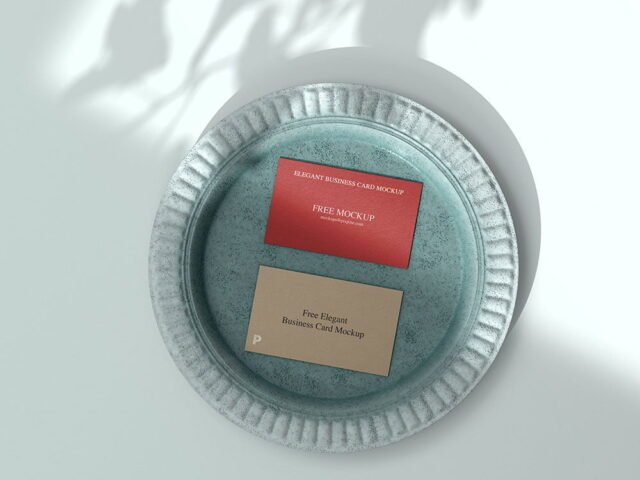
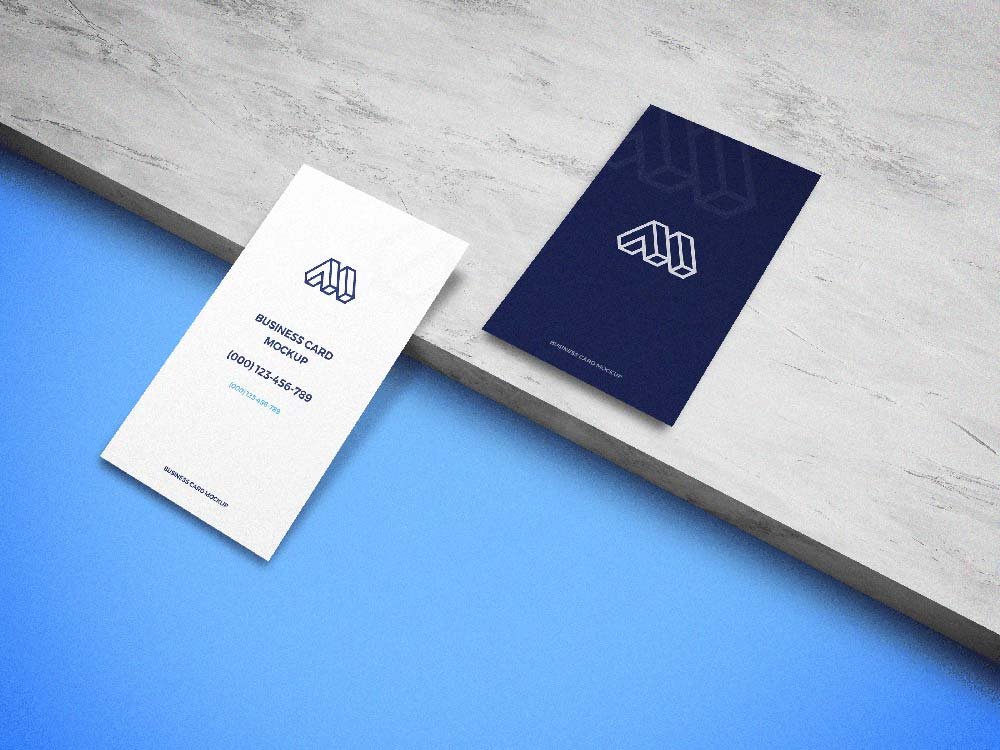
Ceramic Business Card Mockup
What's inside
- Applications Photoshop
- File Types PSD
- License Free (see author's terms)
- Author Graphberry
Presenting a QR code card? Put it on this ceramic business card mockup and the client sees the real thing, not a flat file. Because it’s ceramic, the material shows through a little, which keeps the result believable.
Useful for branding studios as much as for freelance designers. One thing worth knowing: use CMYK-friendly colours in the artwork itself, even though the mockup is RGB, so what the client sees is close to print.
Clients sign off faster when they can picture the finished piece, and a flat PDF rarely does that as well as a photo of the business card.
Use it for
- A QR code card
- A minimal logo card
- A front and back card design
This is a free file from Graphberry. When you click download you’ll land on their page to grab it.
What you can edit in this Ceramic Business Card Mockup
Main things you can change in Photoshop:
- Your design, placed through the smart object
- Paper texture you can turn up or down
- Front and back artwork, where both sides are shown
How to edit this Ceramic Business Card Mockup in Photoshop
- Export your artwork as a high-resolution PNG or JPG, around 300 ppi at print size.
- Open the PSD in Photoshop and find the smart object layer, usually named “Your Design” or “Place Here”.
- Place your design, hide the sample artwork, save, and go back to the main file.
- Tweak the shadow and highlight layers to suit your colours.
- Save a JPG for clients and social media, and keep the PSD for later changes.
One more thing: show the back of the card with just the logo; it makes the front look calmer.
Where the Ceramic Business Card Mockup works best
- Show a QR code card on your online shop or product page.
- Show a minimal logo card to a client before it goes to print or production.
- Use it as the cover image for a front and back card design in your portfolio.
Quick notes on this mockup
- Made by Graphberry. The download size and format are listed on their page.
- Check the licence on the author’s page. Personal and commercial terms differ from file to file.
- Check the smart object size before you design, so your artwork fits without stretching.
- Some free mockups ask for credit when you post them. A short line in your caption is enough.
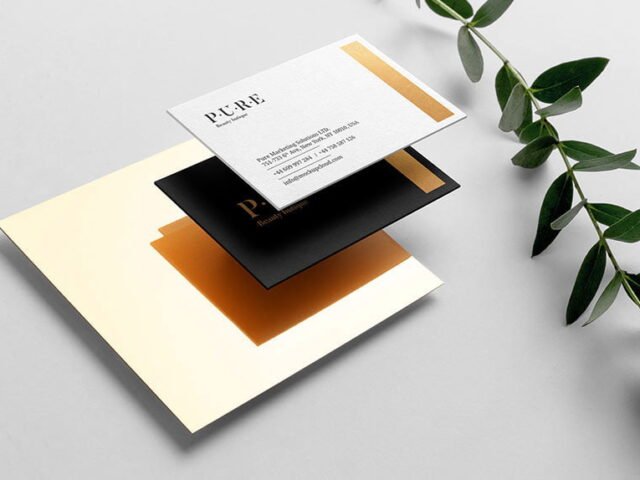
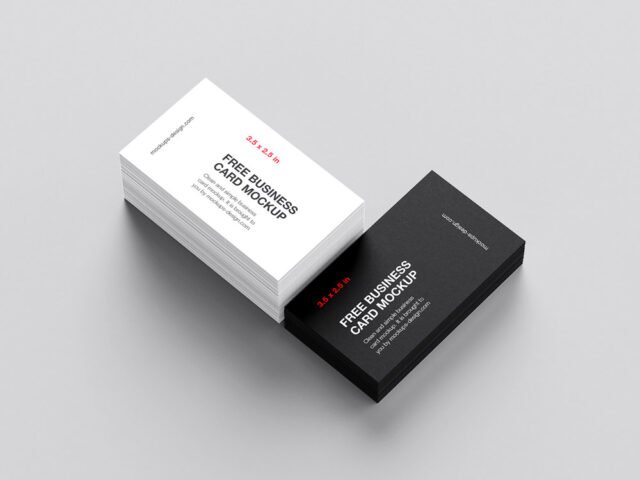
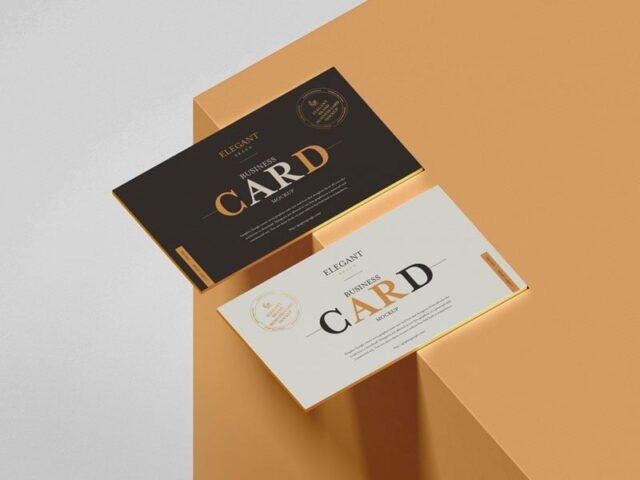
Scroll down for similar business card mockups from other designers.
Questions about this mockup
What licence does it come with?
That depends on the author's terms. The download page lists what is allowed; when in doubt, ask the author directly.
How do I put my artwork on the business card?
Find the smart object layer (it has a small icon on its thumbnail), double-click it, place your design, then save and close that tab.
Do I need Photoshop?
Yes. This is a PSD mockup built with smart objects, so you edit it in Adobe Photoshop. Any recent CC version works.
What size card is this made for?
Most business card mockups use the common 85 × 55 mm or 3.5 × 2 in size. Check the smart object's canvas to be sure before you design.
Why does the download open another website?
We list free files from designers around the web and link to the original page, so Graphberry gets the visit and you get the file exactly as they published it.